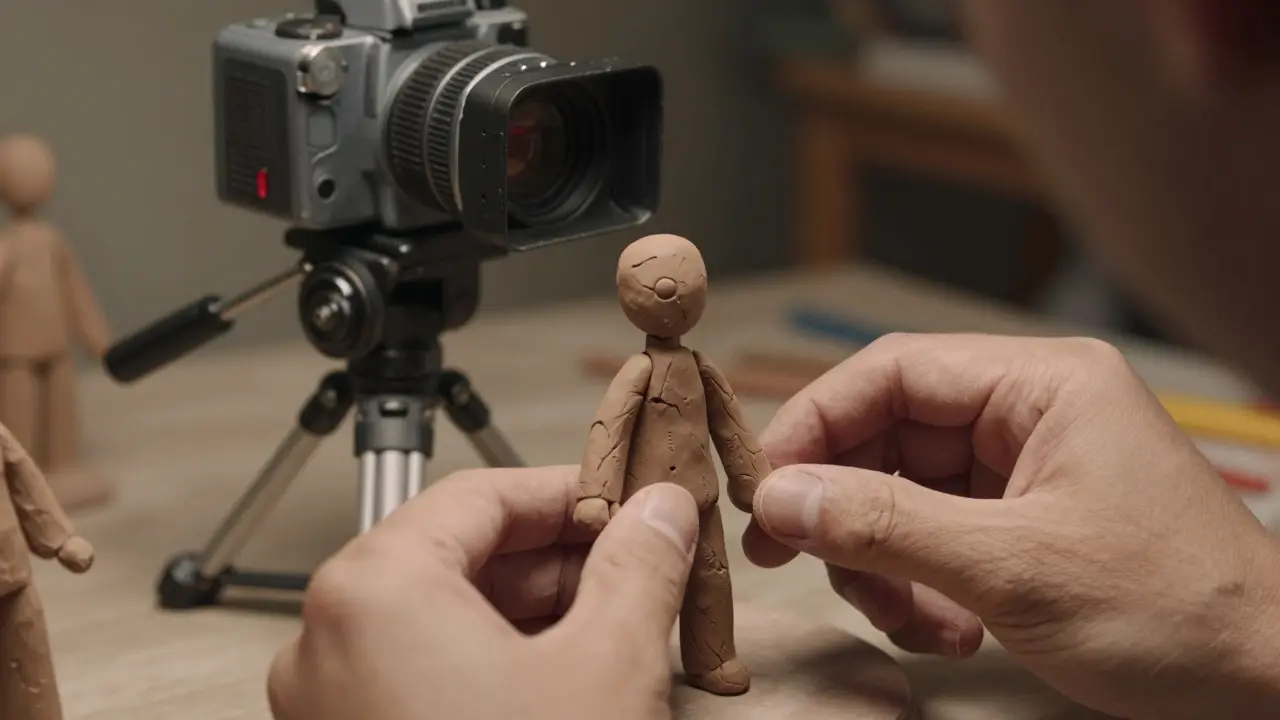
There is a distinct weight to a stop-motion set that digital rendering simply cannot replicate. When you move a clay figure one millimeter at a time, the resulting motion carries a physicality that resonates with audiences on a subconscious level. Stop-motion animation is a technique where objects are physically manipulated in small increments between individually photographed frames to create the illusion of movement. Unlike computer-generated imagery, which calculates light and physics mathematically, this method relies on tangible materials like claymation, puppets, or cut-out paper. For filmmakers in 2026, mastering this craft means balancing analog precision with modern digital tools to achieve seamless integration into live-action scenes.
The Core Mechanics of Frame-by-Frame Capture
To understand how these films come to life, you have to look at the camera setup. The heart of any stop-motion project is the high-speed camera equipped with a remote trigger system. This allows the animator to capture exactly one frame at a time without shaking the lens. Most professional productions use a shutter speed of 1/50th or 1/100th of a second to ensure sharpness while maintaining enough depth of field to hide minor imperfections in the models.
The process follows a strict loop:
- Set up the scene and lock down the camera position.
- Adjust the character’s pose slightly.
- Capture a single frame using the remote trigger.
- Repeat until the desired duration is reached.
Materials and Model Construction
The choice of material dictates the texture and movement quality of the final piece. Polymer clay remains the industry standard for organic characters because it holds its shape well under studio lights yet remains pliable enough for subtle facial expressions. Artists sculpt heads from scratch, often creating multiple versions of a face to swap out during complex emotional scenes. This technique, known as head-swapping, prevents the need to animate every individual muscle movement, saving hundreds of hours of labor.
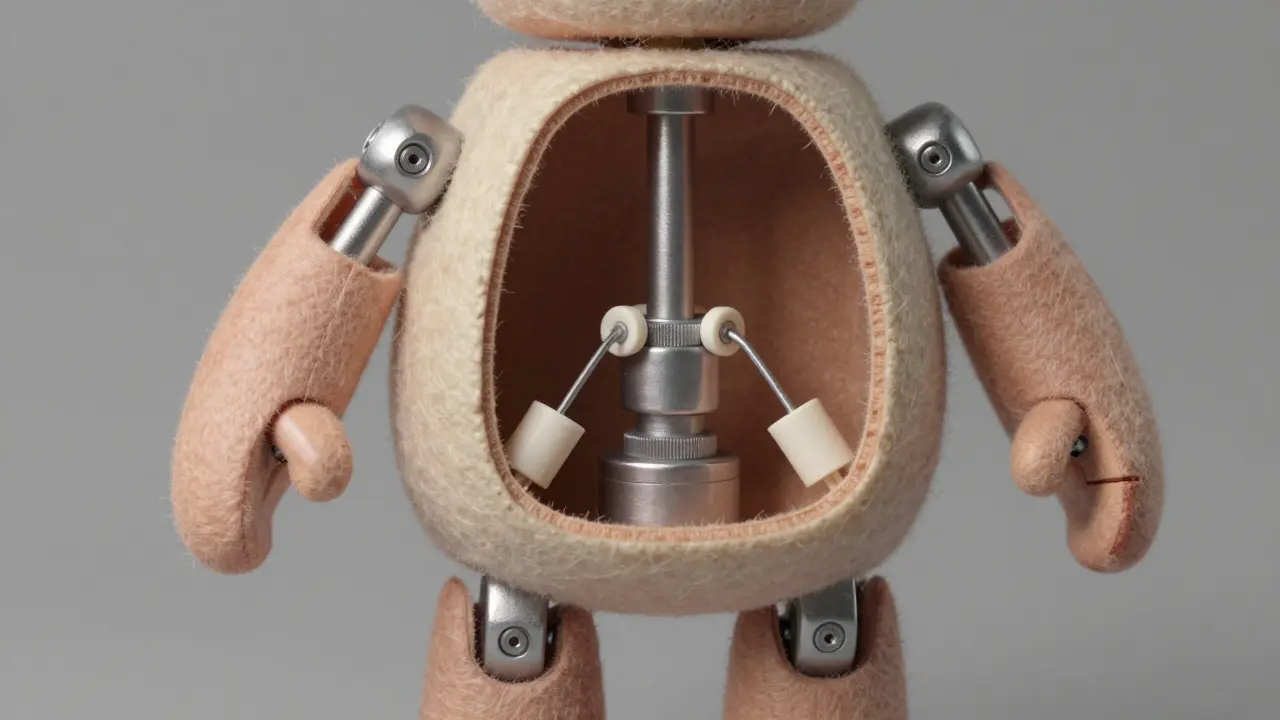
Beneath the surface, the skeleton matters just as much as the skin. Animators construct internal armatures using wire, plastic bones, or even 3D-printed joints. These structures allow for articulation in fingers, elbows, and knees. In recent years, 3D printing has revolutionized this aspect of the craft. Instead of hand-bending wires, teams print precise joint mechanisms that snap together, ensuring consistent range of motion across dozens of identical parts. This consistency is crucial when shooting long sequences where a character might perform the same gesture repeatedly.
| Material | Best For | Key Advantage | Main Challenge |
|---|---|---|---|
| Polymer Clay | Organic Characters | Holds detail well; easy to repair | Can dry out if exposed to air too long |
| Felt/Fabric | Soft-bodied Creatures | Natural drape and texture | Difficult to maintain consistent shape |
| Wood/Metal | Mechanical Props | Durability and rigidity | Heavy; requires strong support structures |
| Paper/Cut-outs | 2D Backgrounds | Lightweight and flat | Limited dimensionality |
Lighting and Set Design Principles
Lighting in stop-motion differs significantly from live-action cinematography. Since the camera does not move between shots (usually), the lighting must be static to avoid flickering artifacts. However, animators often use gels and filters to simulate changing time of day without moving the actual light sources. A common trick involves layering colored gels over key lights to shift the mood from warm afternoon to cool night within a single continuous take.
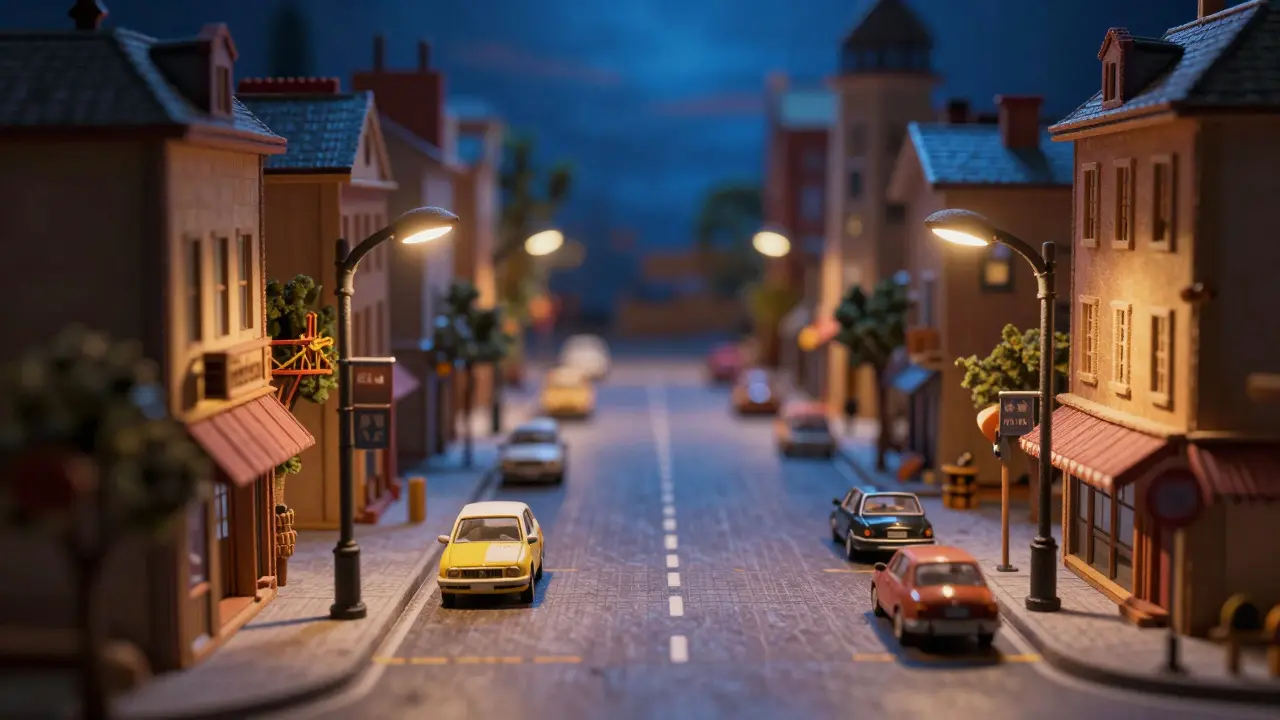
Set design focuses on scale and perspective. By making props smaller than real-life size, animators can control the depth of field more easily. A miniature city block allows for dramatic wide-angle shots that would be impossible to stage with full-scale sets. Attention to detail is paramount here; viewers expect consistency in textures, shadows, and reflections. Even a slight mismatch in the angle of a shadow cast by a prop can break the illusion of reality, causing what editors call a "jump." To mitigate this, teams use tracking markers on the floor and ceiling to verify alignment before capturing each frame.
Digital Integration and Post-Production
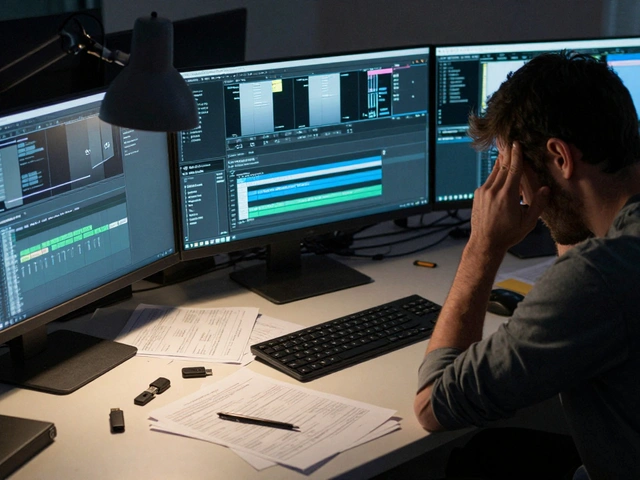
While the core process is analog, the post-production phase is heavily digital. Raw footage from the high-speed camera is imported into editing software like Adobe Premiere Pro or DaVinci Resolve. Here, colorists grade the footage to match the intended aesthetic, often enhancing the saturation of the painted surfaces to make them pop against the background. Sound design plays a critical role in grounding the visuals. Because stop-motion figures do not produce natural sound, foley artists record specific sounds for footsteps, cloth rustling, and object impacts. Layering these audio cues adds weight and realism to the movements.
In complex films, visual effects (VFX) departments step in to clean up minor imperfections. Dust particles on the lens, accidental bumps in the set, or unwanted reflections are removed using rotoscoping and compositing techniques. This hybrid approach allows studios to retain the tactile charm of physical animation while achieving the polish expected in modern cinema. The goal is invisibility; the audience should never notice the digital corrections, only feeling the enhanced clarity of the image.
Common Pitfalls and How to Avoid Them
Newcomers to the craft often fall into the trap of over-animating. Moving a limb too far between frames results in jerky, unnatural motion. The golden rule is subtlety. Small, incremental changes create fluidity. Another frequent issue is "creep," where the model shifts slightly due to gravity or handling errors. Using adhesive putty to anchor feet and hands to the ground plane helps prevent this drift. Additionally, managing continuity is a logistical nightmare. Keeping track of thousands of frames and their corresponding poses requires rigorous documentation. Digital logging systems now help studios map out shot lists and pose references, ensuring that no frame is lost or duplicated during the assembly process.
Frequently Asked Questions
How long does it take to animate one second of stop-motion?
On average, it takes an experienced animator about 10 to 20 minutes to complete one second of screen time (24 frames). Complex actions involving multiple characters or intricate facial expressions can take several hours per second.
What is the difference between stop-motion and traditional 2D animation?
Traditional 2D animation involves drawing images on paper or digitally, which are then scanned or rendered. Stop-motion uses physical objects that are photographed after being moved. The former creates movement through sequential drawings, while the latter captures real-world displacement.
Do I need a special camera to start stop-motion?
Not necessarily. Any camera with a manual mode and the ability to shoot stills can be used. However, dedicated stop-motion cameras or apps that offer intervalometer functions and remote triggering make the workflow significantly faster and more reliable.
Why do stop-motion characters sometimes look stiff?
Stiffness usually results from insufficient overlap in movement or large jumps between poses. Fluid motion requires easing in and out of actions, similar to live-action acting principles. Ensuring that secondary elements like hair or clothing follow the primary body movement also adds naturalism.
Is stop-motion still relevant in the age of CGI?
Yes, because it offers a unique aesthetic that audiences find charming and authentic. While CGI dominates blockbuster films, stop-motion persists in independent cinema, commercials, and short films for its tactile quality and distinctive visual style that digital rendering struggles to mimic perfectly.





Comments(9)