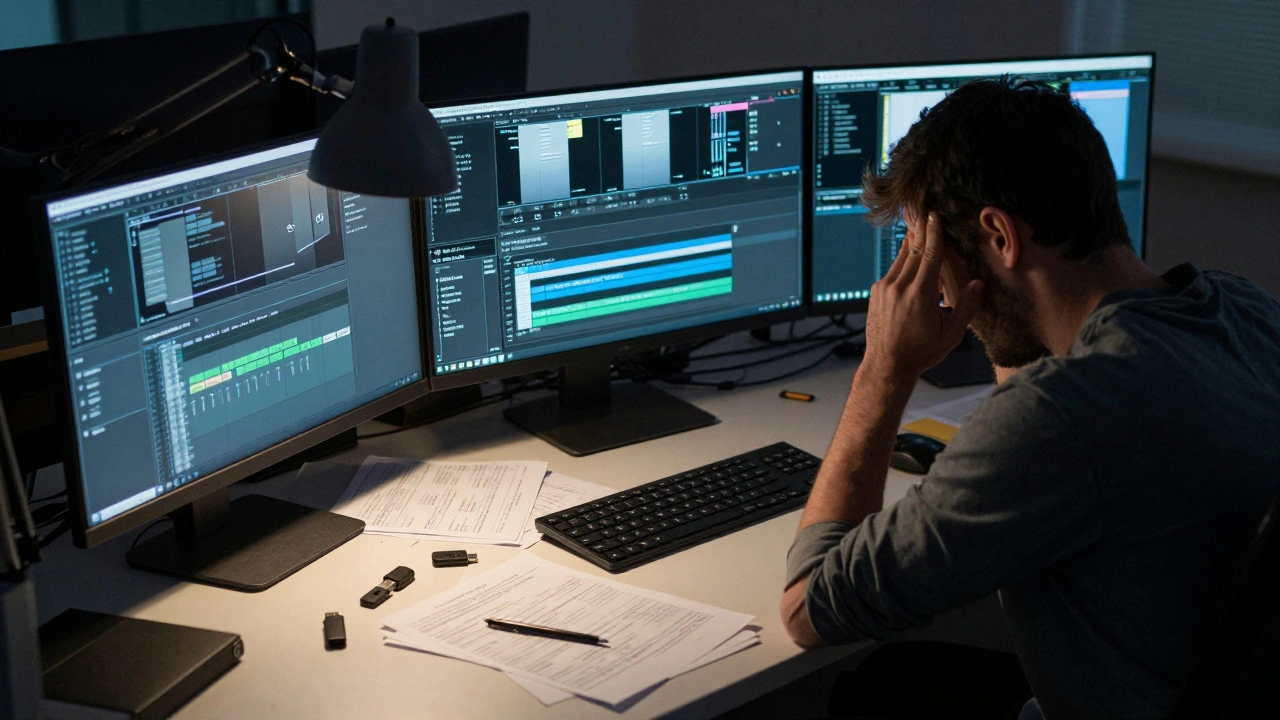
When a film or TV show wraps filming, the real work often just begins. The raw footage, audio files, and notes from set don’t magically turn into a polished episode. Someone has to sort through hours of material, pick the best takes, sync sound, fix lighting issues, and build a story that actually makes sense. That’s where the post-production handoff comes in - and if it’s done poorly, even the best-shot footage can end up in chaos.
What Happens When Production Ends
Production doesn’t end with a clapboard. It ends when the last camera rolls and the last microphone is packed away. But what happens next matters just as much. The assistant director hands over the daily logs. The sound team passes along time-coded audio files. The script supervisor sends notes on continuity errors - like a character wearing a blue shirt in scene 12 but a red one in scene 14. All of this lands on the editor’s desk, often with no clear instructions.Here’s the problem: many productions treat the handoff like a relay race where the runner drops the baton. Editors get folders full of files with names like "FINAL_TAKE_3_REV2.mov" or "AUDIO_B_LOOP.wav" - no context, no labeling, no system. They’re left guessing what was meant to be used, what was just a backup, and what was accidentally left on the drive.
Why the Handoff Breaks Down
The breakdown usually isn’t about laziness. It’s about misaligned priorities. The production team is focused on getting through the shoot - hitting schedules, managing crew, dealing with weather or actor availability. Their job is to capture everything. The editorial team’s job is to make sense of it. These two goals don’t always line up.Take this real example: a documentary crew shot 47 hours of interviews over three weeks. They saved everything to a single external drive labeled "FINAL_RAW." No subfolders. No metadata. No transcript. When the editor opened it, they found 1,200 files. Half were duplicates. Eighty percent had no timecode. The editor spent three days just organizing files before cutting a single frame.
This isn’t rare. A 2024 survey of 217 indie film editors found that 68% spent more than 20% of their total edit time just sorting through unorganized assets. That’s two weeks of work lost before the real editing even starts.
What a Good Handoff Looks Like
A clean handoff isn’t fancy. It’s simple, consistent, and documented. Here’s what actually works:- File naming: Use a standard like "SCENE_07_TAKE_03_AUDIO_MAIN.wav" - never "IMG_4589.MOV".
- Folder structure: Separate footage, audio, graphics, and notes into clearly labeled folders. Include a "_DO_NOT_USE" folder for rejected takes.
- Metadata: Embed scene, take, and timecode info directly into the files. Most professional cameras and recorders can do this.
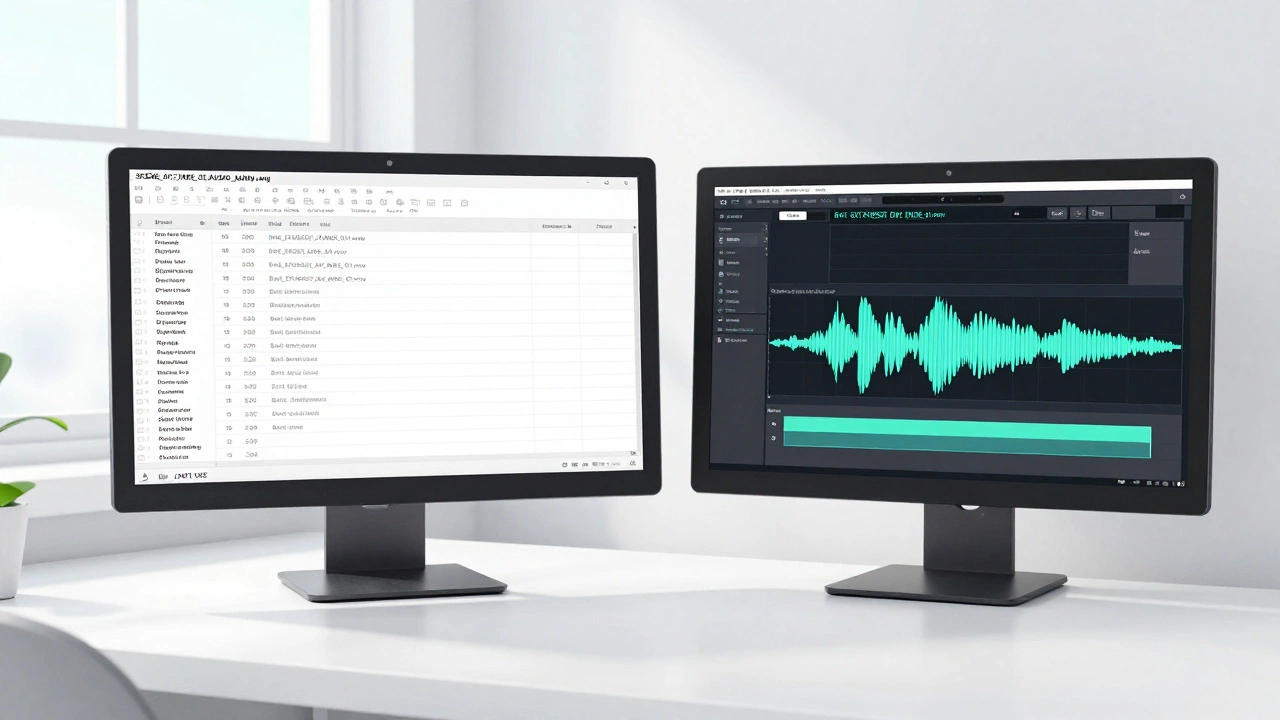
- Log sheets: Provide a simple spreadsheet with each clip’s duration, key moments, and notes from the director or DP. One row per clip.
- Transcripts: For interviews or dialogue-heavy scenes, include a cleaned-up text version. Even if it’s rough, it saves hours of listening.
- Delivery method: Use a shared drive with access permissions set. Avoid USB drives passed hand-to-hand. They get lost.
One indie series in Asheville started using a standardized handoff template after a major delay cost them $12,000 in overtime. Within two episodes, their edit time dropped by 35%. The director didn’t have to chase down lost clips. The editor didn’t have to guess what was important. Everyone just worked.
Tools That Actually Help
You don’t need expensive software to fix this. Free or low-cost tools can make a huge difference:- Davinci Resolve: Lets you import footage and auto-generate bins based on metadata. You can tag clips by scene, character, or emotion right after import.
- Frame.io: Allows producers to leave time-stamped comments directly on footage. Editors can see feedback without switching apps.
- Adobe Bridge: Free and powerful for batch-renaming files and adding metadata. Works with any camera format.
- Notion or Airtable: For log sheets. You can build a simple form that the AD fills out on set - auto-sends to the editor when submitted.
One production company in North Carolina switched from emailing spreadsheets to using an Airtable template. Now, every time a scene wraps, the script supervisor taps a button. The editor gets a notification with all the clips, notes, and audio files ready to go. No chasing. No confusion.
Who Should Own the Handoff
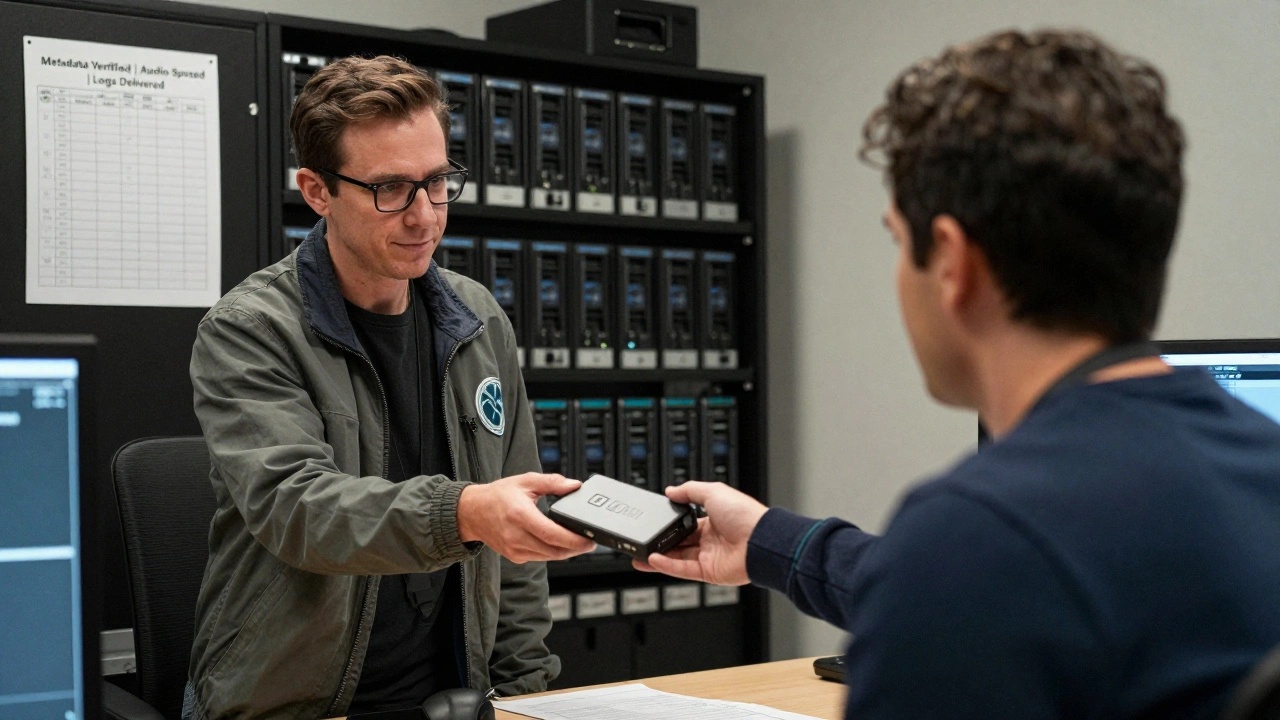
Too many teams assume the assistant director or line producer handles it. That’s a mistake. The person who owns the handoff should be someone who understands both sides: what production captured and what editorial needs.Best practice? Assign a Post-Production Coordinator - even if it’s a part-time role. This person doesn’t edit. They don’t shoot. They make sure the files move cleanly from one team to the next. They check naming, verify metadata, confirm all audio is synced, and sign off before handing it over.
On bigger shows, this is a job title. On indie projects, it’s often the producer or editor themselves. Either way, someone needs to be accountable. If no one is, the handoff fails - and the editor pays the price.
Common Mistakes (And How to Avoid Them)
Here are the five most common handoff errors - and how to fix them before they cost you time:- Missing audio sync: Always deliver audio files with matching timecode to video. If you used a clapperboard, include the frame number. If you didn’t, use a tool like PluralEyes to auto-sync.
- Unlabeled B-roll: Don’t just dump 200 clips of "nature shots." Label them: "EXT_FOREST_DAY_WIDE_01.mov."
- Version chaos: Never send "FINAL_v3_FINAL_FINAL.mov." Use version numbers like "SCENE_05_V03" and archive old versions separately.
- No backup: Always have two copies of everything. One on the main drive, one on a separate backup. Never rely on one drive.
- No communication: Don’t just drop files and disappear. Send a quick email or video note: "Here’s what’s included. The main story is in Scenes 7-14. The director wants the ending to feel open-ended. Let me know if anything’s missing."
What Happens When You Get It Right
When the handoff works, the editor doesn’t just work faster - they work better. They have time to experiment. To try different cuts. To find the emotional rhythm of the story instead of just fixing broken files.A producer in Atlanta told me about a short film that won a regional award. The director credited the win to the editor. The editor credited the handoff. The production team had spent two extra days organizing everything before turning it over. That time saved three weeks of editing. The film was finished two weeks ahead of schedule. And the editor didn’t quit in frustration.
Post-production isn’t magic. It’s logistics. And the handoff is the most fragile link in the chain. Get it right, and you give your editor the gift of time. Get it wrong, and you turn their job into a scavenger hunt.
What’s the biggest mistake in post-production handoffs?
The biggest mistake is assuming the editor will figure it out. Files with vague names, missing metadata, no log sheets, and no communication waste days - sometimes weeks - of editing time. The editor shouldn’t have to be a detective.
Do I need special software for a good handoff?
No. You need consistency, not software. Free tools like Adobe Bridge and Notion can handle most needs. What matters is using the same naming system, folder structure, and documentation every time. Software just makes it easier - it doesn’t fix bad habits.
Who should be responsible for the handoff?
Someone who understands both production and editing. Ideally, a dedicated Post-Production Coordinator. If that’s not possible, assign it to the producer or assistant director - but only if they’re trained on what the editor needs. Never leave it to chance.
How do I handle audio sync issues during handoff?
Always deliver audio files with matching timecode. Use a clapperboard on every take, or record a sync pulse on set. If that’s not possible, use PluralEyes or DaVinci Resolve’s auto-sync feature. Never assume the audio and video are aligned - always check.
What if the director changes their mind after the handoff?
That’s normal. But the handoff should still be clean. Keep all original files, even rejected ones. Label them clearly as "_REJECTED" or "_ALTERNATE." That way, if the director wants to go back to a cut they liked, you can find it fast. Don’t delete anything until the final lock.


Comments(6)