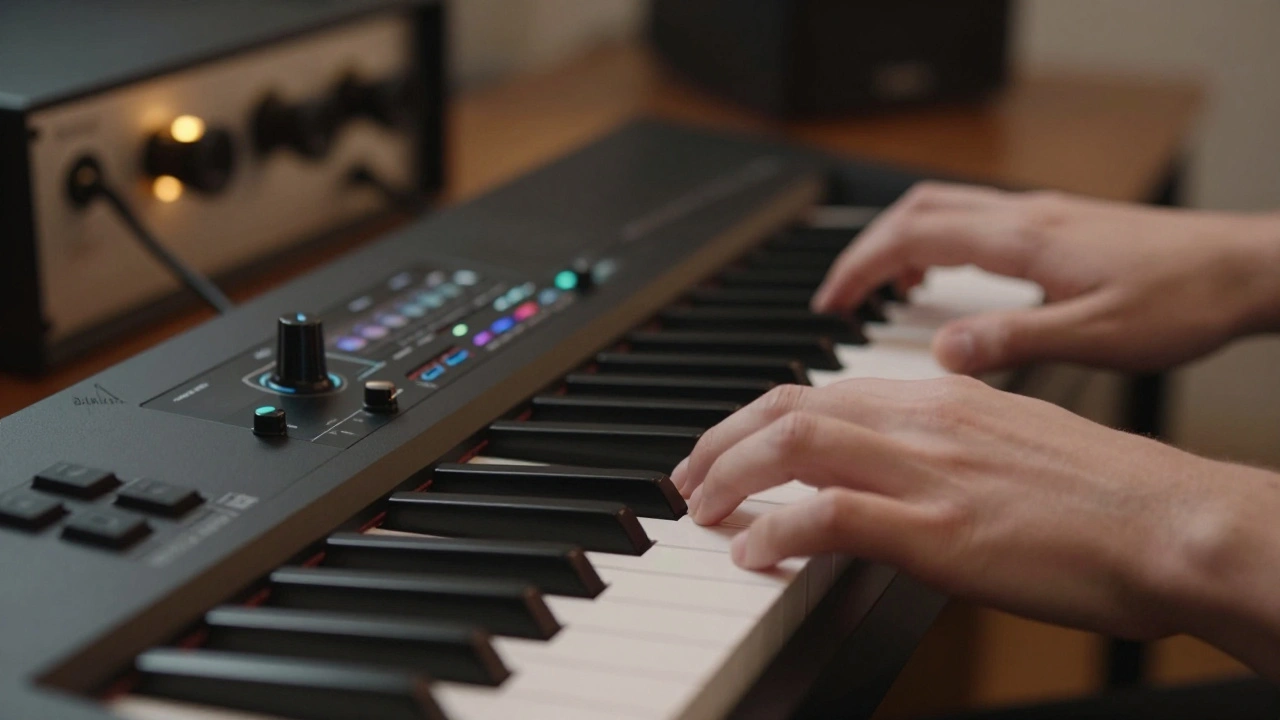
There is a specific kind of magic that happens when a MIDI sketch transforms into a live orchestra. You hear the breath of the cellist, the bow pressure of the violinist, and the room tone that no plugin can perfectly replicate. Score Orchestration is the bridge between your digital composition and the acoustic reality of a film score. It is not just about writing notes; it is about preparing a blueprint that musicians can trust. Many composers get stuck in the demo phase, never crossing the threshold into a real studio. This guide breaks down exactly how to move your music from your laptop to the recording booth.
Understanding the Demo Phase
Before you ever hire a session musician, you need a solid plan. In 2026, virtual instruments are incredibly realistic. You might be tempted to think your mockup is the final product. It is not. A demo serves as a communication tool for the director and the conductor. It sets the tempo, the mood, and the general arrangement.
When working in your DAW Digital Audio Workstation, focus on clarity over density. If you layer five different string patches to get a rich sound, you will confuse the live players later. They need to know what they are actually playing. Use standard instrument libraries that mimic real ranges. Do not write a flute part that goes below its lowest note just because the software allows it.
Think about the spotting session. This is where you and the director watch the film and decide where music starts and stops. Your demo needs to be flexible enough to accommodate timing changes. If a scene gets cut by three seconds, your click track needs to adjust. Keeping your demo organized with clear markers makes this process smoother for everyone involved.
Preparing the Score for Musicians
Once the demo is approved, the real work begins. You must translate your MIDI data into sheet music that a human can read. This is where notation software becomes critical. Programs like Sibelius a professional music notation software or Finale another industry-standard notation application allow you to export parts for specific instruments.
Do not just print the full score. Each musician needs their own part. The violinist does not need to see what the trombone is playing. They need to see their notes, their bowings, and their dynamics. If you send them a messy part, they will struggle to play it during the take. Clean layout is a sign of respect for the musicians.
- Ensure page turns are logical. No one wants to fumble for a page turn during a fast crescendo.
- Include rehearsal marks every few bars so the conductor can call out specific sections.
- Double-check instrument ranges. A piccolo cannot play the same notes as a bassoon.
Consider the file format. While PDF is standard for printing, digital parts are becoming more common. Many session musicians now use tablets in the booth. Providing a MusicXML a file format for exchanging musical notation file allows them to load the score into their preferred tablet app. This flexibility can save time during setup.
The Recording Session Environment
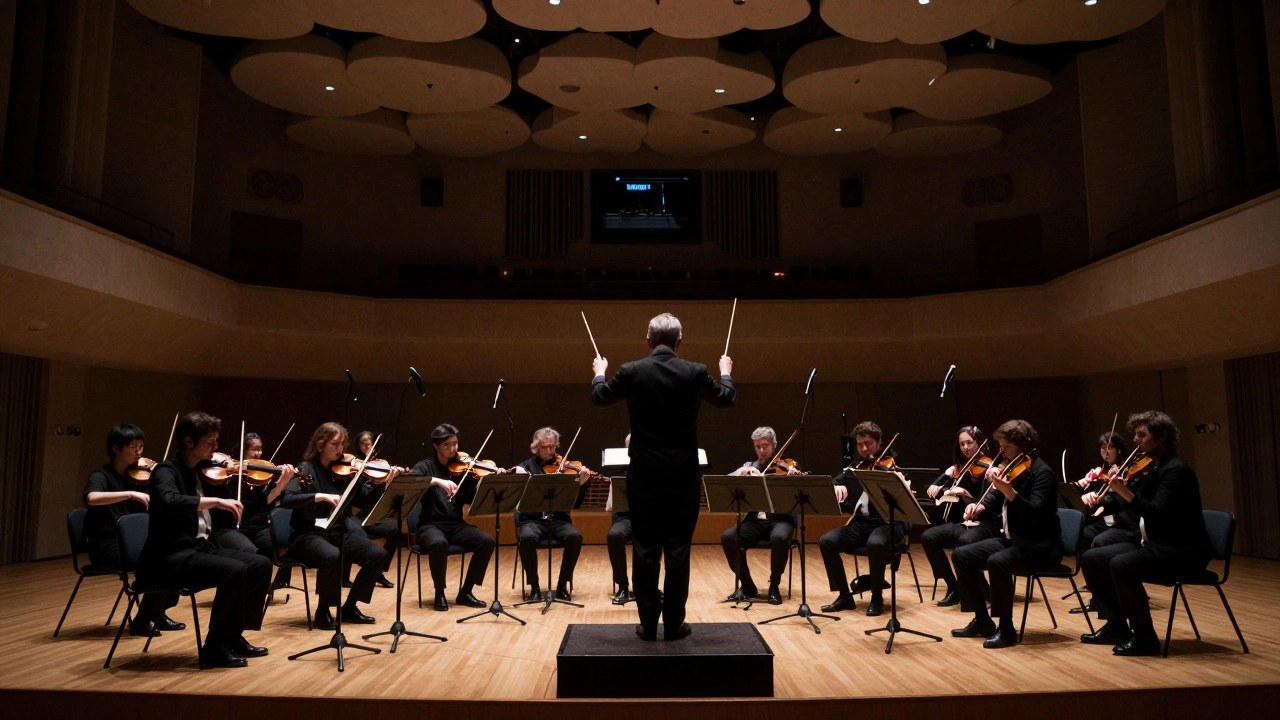
Walking into a recording studio is a different experience than working in a home office. The acoustics are designed to capture every nuance. You will be surrounded by Studio Musicians professional players hired for recording sessions who have played on hundreds of films. They are experts at sight-reading, but they still need clear instructions.
The conductor is your ally in the booth. They translate your musical intent into gestures the orchestra understands. If you want a section to sound aggressive, you tell the conductor, and they tell the musicians. Do not try to conduct the orchestra yourself unless you are trained in it. Trust the professionals.
Timing is everything. You will likely use a Click Track an auditory metronome used to keep tempo. This ensures the music lines up perfectly with the picture. However, sometimes the film needs to breathe. If a scene requires a slight rubato, you might drop the click for that section. Plan these moments in advance with your engineer.
The Mixing Console the central hub for audio signal routing and processing is where the engineer balances the sound. They will place microphones to capture the natural reverb of the room. This is why the choice of studio matters. A small room sounds dry; a large hall sounds cinematic. Match the room to the emotion of the scene.
| Feature | Composer Demo | Live Film Session |
|---|---|---|
| Instrumentation | Virtual Samples | Real Acoustic Instruments |
| Tempo Control | Quantized Grid | Human Feel / Click Track |
| File Format | WAV / MIDI | Stems / Multitrack |
| Primary Goal | Approval & Planning | Final Performance Capture |
Technical Handoff and File Management
After the session, you need to get the audio back into your DAW for mixing. This is where organization prevents disaster. Label every track clearly. Do not name a track "String 1." Name it "Violin I - Lead." The mixing engineer will thank you for the clarity.
Export your audio in high resolution. In 2026, 24-bit/48kHz is the standard for film. Do not downsample to 16-bit unless the project specifically requires it. You lose dynamic range, and film scores need that headroom for loud action sequences.
Sync is critical. Ensure your timecode matches the picture. If the music starts at 01:00:00:00 in the session, it must start at that exact frame in your mix. Any drift will cause the music to fall out of sync with the dialogue or action.
Common Pitfalls to Avoid
Even experienced composers make mistakes during the transition from demo to session. One common error is over-orchestrating. Just because you can write a complex counter-melody for the oboe does not mean it will cut through the mix. Keep the texture manageable.
Another issue is ignoring the practical limits of the instruments. Writing a rapid arpeggio for a bassoon is difficult and might sound muddy. Know the capabilities of the orchestra. If you are unsure, consult with your orchestrator or the principal players during the rehearsal.
Finally, do not rush the rehearsal. Musicians need time to warm up and get used to the room. If you demand perfection on the first take, you will get a tense performance. Give them space to find the groove of the piece.
Final Thoughts on the Process
Moving from a computer screen to a live stage is a career milestone. It validates your work in the physical world. By respecting the workflow, preparing clean parts, and communicating clearly, you ensure the best possible result. The technology changes, but the human element remains the core of great film music.
What software is best for preparing orchestral parts?
Sibelius and Finale are the industry standards for notation. They allow you to export individual parts for each musician and handle complex orchestral formatting efficiently.
Do I need a click track for every scene?
Not necessarily. Scenes that require precise sync with action need a click. Emotional scenes that need to breathe might work better without one, but this should be decided during the spotting session.
How do I handle page turns in the score?
Plan page turns during rests or long notes. Never force a musician to turn a page while playing a fast passage. If using tablets, ensure the software allows for easy page navigation.
What is the role of the conductor in a film session?
The conductor keeps the orchestra in time with the film and communicates the composer's emotional intent to the musicians through gestures and verbal cues.
Can I use virtual instruments for the final mix?
You can blend them, but for a full orchestral sound, live recording is preferred. Virtual instruments often lack the human nuance and room acoustics of a real session.


Comments(9)