
Back in 2019, a director in Toronto and a cinematographer in New Mexico could barely share a cut of footage without mailing hard drives. Today, a filmmaker in Atlanta can review dailies with the editor in London, the VFX supervisor in Mumbai, and the producer in Sydney-all before breakfast. Remote collaboration in film production isn’t the future anymore. It’s the default.
What Are Dailies, Really?
Dailies, also called rushes, are the raw footage shot each day on set. They’re not polished. They’re not color-graded. They’re not even trimmed. But they’re the only thing that lets the whole team see what actually happened on set-before the next day’s shoot begins.
Traditionally, dailies were burned to DVDs, shipped overnight, and screened in a small theater with the director, editor, and DP. Now, they’re uploaded to cloud platforms like Frame.io, WeTransfer, or Adobe Media Encoder with built-in review tools. A 4K RAW file from an ARRI Alexa 35 can be 200GB. That used to take days. Now, it takes minutes with a decent upload speed.
Here’s what’s changed: the dailies aren’t just for the director anymore. The stunt coordinator needs to check timing. The sound designer listens for background noise. The producer wants to spot continuity errors. Everyone gets a link. Everyone leaves comments. Time stamps. Drawings. Voice notes. It’s a live conversation happening across time zones.
How Remote Reviews Actually Work
Remote reviews aren’t just watching a video. They’re a structured feedback loop.
Step one: the assistant editor prepares the dailies. They sync audio, label takes, add metadata like scene number and shot type. They don’t just dump files-they organize them so the director doesn’t have to hunt for Take 3B from Scene 47.
Step two: the review session starts. Not a Zoom call with everyone talking over each other. A synchronized playback with threaded comments. Someone might say: "The actor’s eye line is off in this shot-check the lens marker." Another adds: "The lighting shift between this and the previous shot breaks continuity." These comments are pinned to exact frames. No more "that part where he turns around."
Step three: the editor makes changes. The director approves. The VFX team gets flagged clips with notes like "Add smoke here, 00:02:14-00:02:19." All of this happens in real time, even if people are sleeping in different countries.
Platforms like Frame.io and Pixolator let you compare versions side by side. You can toggle between the original take and the graded version. You can mark approval statuses: "Needs Fix," "Approved," "Hold for Notes." It’s not chaos-it’s a workflow built for distributed teams.
Why This Isn’t Just Convenient-It’s Necessary
COVID didn’t invent remote collaboration. It just forced the industry to adopt it fast. But now, it’s sticking because it solves real problems.
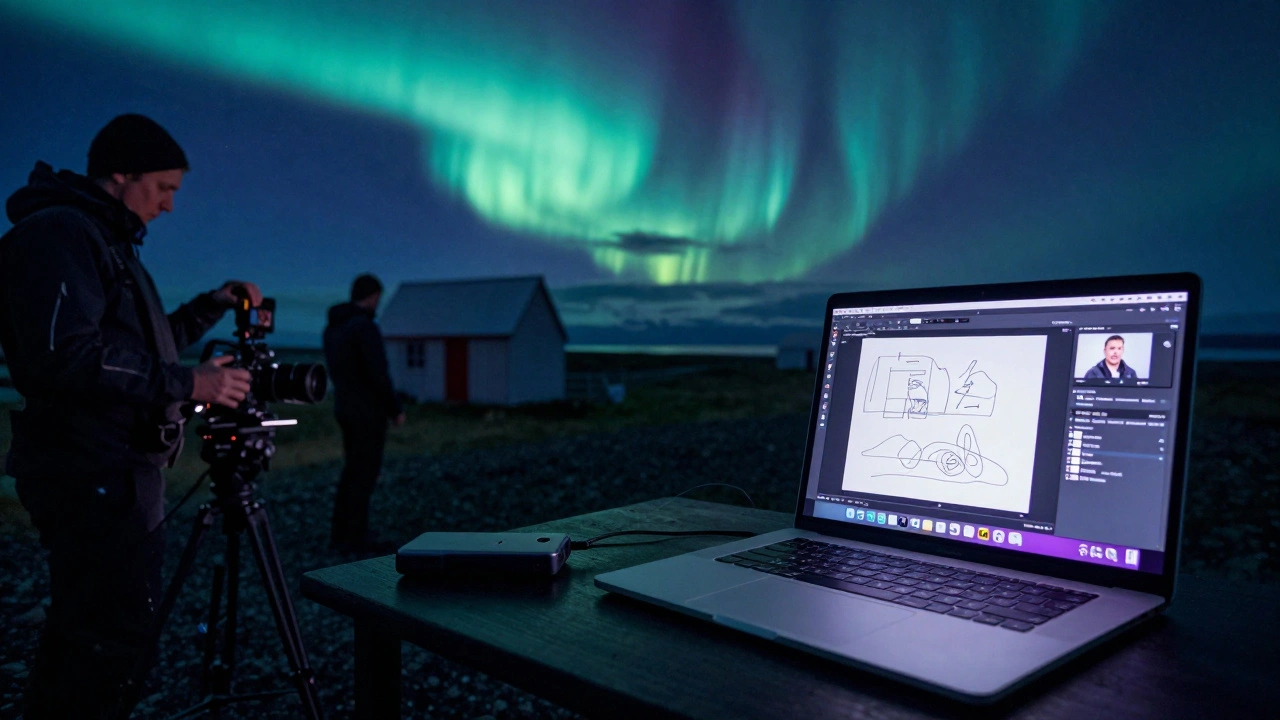
Think about a low-budget indie film. The director can’t afford to fly the entire crew to Iceland for a week. But they need the snow. So they shoot in Iceland with a local crew, upload dailies every night, and the director watches from a laptop in their apartment in Portland. The editor is in Austin. The composer in Berlin. All of them giving feedback without a single plane ticket.
Or consider a studio film with multiple units. One team shoots interiors in Toronto. Another shoots exteriors in Mexico City. The VFX team in Los Angeles needs to see the lighting conditions to match CGI. Without remote dailies, they’d be guessing. With them, they’re matching light angles down to the pixel.
This isn’t about saving money. It’s about preserving creative control. The director doesn’t have to wait three days to see if the stunt worked. The cinematographer doesn’t have to guess if the lens choice was right. Feedback is immediate. Decisions are faster. Mistakes get caught before they cost thousands.
Tools That Make It Possible
Not every tool works for every team. Here’s what’s actually being used in 2025:
- Frame.io - The industry standard. Integrates with Adobe Premiere, DaVinci Resolve, and Avid. Lets you annotate, compare versions, and assign tasks. Used by Netflix, Disney, and most indie studios.
- WeTransfer - For quick, large-file transfers. Not for reviews, but great for sending raw footage to a colorist who doesn’t need to comment.
- Pixolator - Built for high-end VFX teams. Handles 8K files, supports HDR, and has precise frame-by-frame analysis tools.
- Adobe Media Encoder + Creative Cloud - Used by teams already in the Adobe ecosystem. Lets you export dailies with LUTs applied and share via cloud links.
- SyncSketch - Popular with animation studios. Lets you draw directly on the video and record voiceovers.
Most teams use two or three of these together. Frame.io for reviews. WeTransfer for raw transfers. Adobe for editing. No single tool does everything-but the ones that do the core job well have become essential.
Common Pitfalls and How to Avoid Them
Remote collaboration sounds simple. Until it isn’t.
Pitfall 1: File formats get messy. One camera shoots ProRes 4444. Another shoots RED RAW. The colorist needs one format. The editor needs another. Solution: Set a standardized dailies format before shooting starts. Most teams now use ProRes 422 HQ as the default for dailies-even if the original is RAW. It’s smaller, faster, and still high quality.
Pitfall 2: Comments get lost. Someone leaves a note: "Fix the lip sync." But it’s buried under 87 other comments. Solution: Use tags. "Lip Sync," "Continuity," "Sound." Filter by tag. Assign owners. Make sure every comment has a person responsible for acting on it.
Pitfall 3: Internet speeds kill momentum. A 500GB dailies file takes 12 hours to upload on a slow connection. Solution: Use proxy workflows. Shoot in 8K, but generate 1080p proxies for review. The editor works with proxies. The colorist works with the original. The team reviews the low-res version. No one waits.
Pitfall 4: Too many cooks. The producer, the actor, the studio exec, and the DP all leave conflicting notes. Solution: Define a review hierarchy. Only the director and editor get final approval. Others give notes-but the director decides what to act on. Clear roles prevent paralysis.

What’s Next? AI and Real-Time Feedback
The next wave isn’t just faster uploads-it’s smarter tools.
Some platforms now use AI to auto-tag dailies. "This shot has a person looking left," or "This audio clip has background traffic." It doesn’t replace human judgment, but it cuts hours off the prep time.
Real-time annotation is coming. Imagine watching a scene with your editor while they draw on the screen live. You see their markups as they happen. No delay. No back-and-forth. It’s already in beta with Frame.io and Pixolator.
And soon, AI will suggest edits. "This take has better performance than the last one." "The lighting in Scene 12 matches Scene 8 better than Scene 10." It’s not replacing the director-it’s giving them more data to make faster, better calls.
Final Thought: It’s Not About Tech. It’s About Trust.
Remote collaboration doesn’t work because of software. It works because teams learned to trust each other again.
When the director is on the other side of the world, they can’t slap someone on the back and say, "Good job." So they leave a voice note: "That last take-your silence spoke louder than the lines. Perfect."
When the editor in Tokyo finds a hidden moment in the footage the director missed, they don’t wait for a meeting. They send a clip with a comment: "This is the real emotional beat. Let’s lead with it."
That’s the magic. The tech just makes it possible. The human connection makes it powerful.
What is the best platform for remote dailies review in 2025?
Frame.io is the most widely adopted platform for remote dailies review in 2025. It integrates directly with major editing software like Premiere Pro, DaVinci Resolve, and Avid Media Composer. Its strength lies in threaded comments, version comparison, and task assignment. Smaller teams often use SyncSketch for animation, while VFX-heavy productions prefer Pixolator for its precision tools and HDR support.
Can you review dailies on a phone or tablet?
Yes, most dailies platforms have mobile apps. Frame.io, SyncSketch, and Pixolator all let you view, comment, and even draw on footage from an iPad or iPhone. But for detailed feedback-like color grading notes or timing adjustments-a desktop is still preferred. Mobile works best for quick approvals or on-set checks when you can’t access a laptop.
Do you still need to send physical hard drives for dailies?
Rarely. Most teams use cloud uploads now. Hard drives are only used as backups or when internet access is unreliable-like on remote locations without fiber. Even then, crews often upload a proxy version to the cloud and ship the RAW files separately. The goal is to get feedback fast, so the cloud is the primary channel.
How do you handle large file sizes like 8K RAW footage?
Teams use proxy workflows. They generate lower-resolution versions (like 1080p ProRes) for review and feedback. The original 8K files stay on secure storage. When it’s time to cut or color grade, the software automatically relinks to the high-res files. This keeps reviews fast and doesn’t sacrifice quality in the final edit.
How do you prevent feedback overload from too many people?
Set clear roles. Only the director and lead editor should approve changes. Others-producers, actors, VFX leads-can submit notes, but the director decides what to act on. Use tagging to filter comments (e.g., "Continuity," "Sound") and assign owners. Avoid open forums. Structure keeps feedback useful, not overwhelming.




Comments(8)