Imagine spending weeks shooting a complex action sequence on location, only to realize in the edit bay that the camera angles don't match the actor's movements. It’s a nightmare scenario for any director or cinematographer. The cost of fixing it? Millions. This is exactly why pre-visualization, commonly known as previz, has become non-negotiable in modern filmmaking.
Previz isn't just about drawing stick figures anymore. It’s a dynamic process where directors, cinematographers, and VFX supervisors build a rough, animated version of their film before a single frame is shot. By using specialized storyboarding software and 3D previz tools, teams can test lighting, camera movement, and pacing in a virtual environment. It saves money, reduces stress, and ensures everyone from the producer to the grip knows exactly what the final shot looks like.
Why Previz Matters More Than Ever
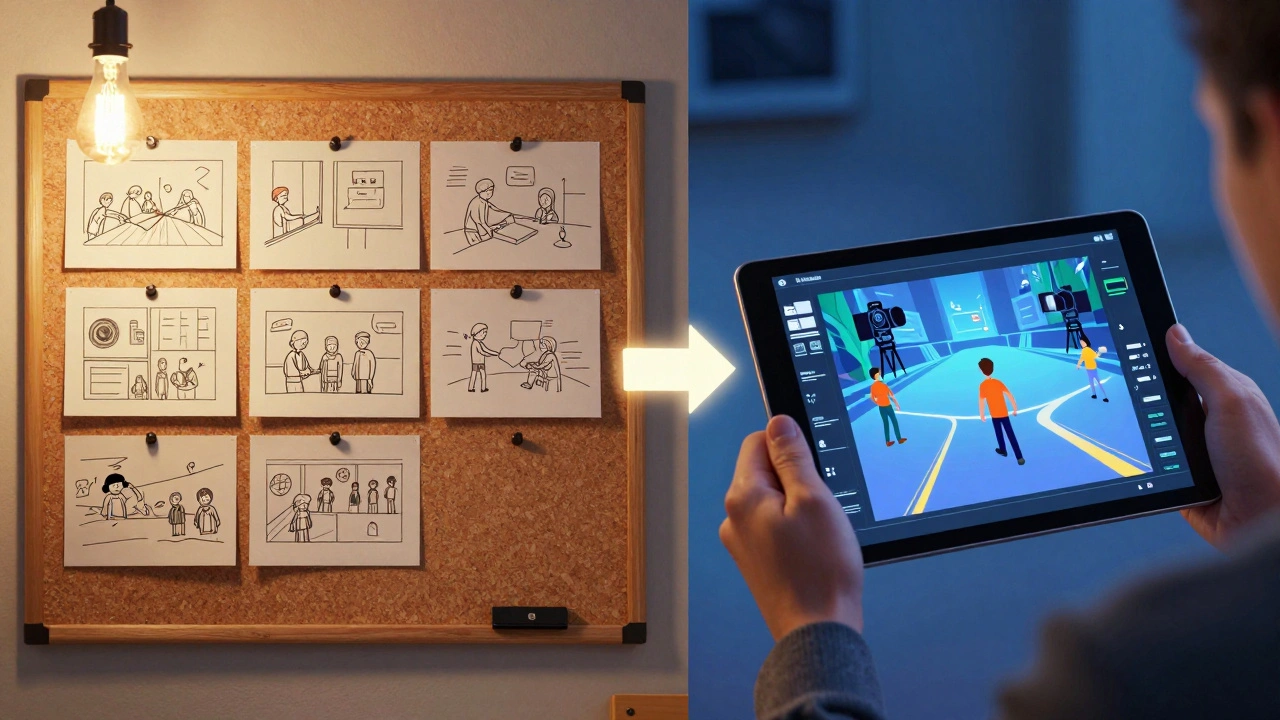
In the past, storyboards were static images pinned to a wall. They gave you an idea of composition but nothing about timing or motion. Today, with the rise of virtual production and real-time rendering engines like Unreal Engine, the gap between planning and execution has vanished.
When you use previz software, you’re not just planning; you’re simulating. You can place a virtual camera inside a 3D model of your set and move it around just like a real Steadicam operator would. This allows you to spot potential issues early. Does the crane hit the window? Is the lighting too flat during the sunset scene? These questions are answered in pre-production, not on set when the clock is ticking and crew members are waiting.
The shift towards digital workflows means that even low-budget indie films benefit from basic previz. It democratizes high-end planning tools that were once reserved for blockbuster franchises. Whether you're shooting a sci-fi epic or a dialogue-heavy drama, visualizing your shots beforehand sharpens your creative intent.
Top Tools for Pre-Visualization
Choosing the right software depends heavily on your budget, team size, and technical expertise. Here are the industry standards that dominate the landscape in 2026:
| Software | Best For | Learning Curve | Key Feature |
|---|---|---|---|
| Unreal Engine | High-end VFX & Virtual Production | Steep | Real-time ray tracing and photorealism |
| ShotPro | On-set blocking & Camera Tech | Low | Camera-specific lens simulation |
| Storyboard Pro | Traditional Animation & Comics | Medium | Vector-based drawing and audio sync |
| Blender | Indie Filmmakers & Budget Projects | Steep | Free, open-source 3D suite |
| Final Draft | Script-to-Board Workflow | Low | Direct script integration |
Unreal Engine: The Powerhouse of Modern Previz
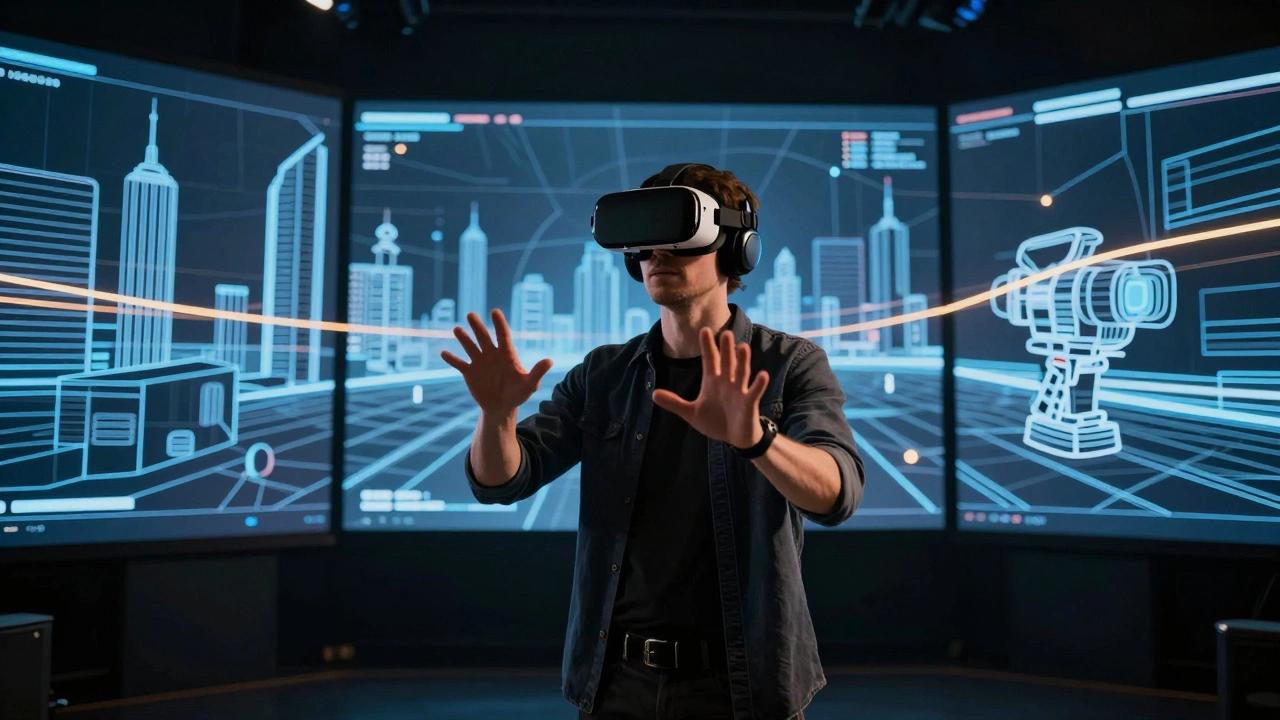
If you want photorealistic results, Unreal Engine is currently the king. Originally built for gaming, its ability to render complex lighting and physics in real-time makes it perfect for previz. Directors can walk through a virtual set wearing a VR headset, placing cameras and adjusting lighting instantly.
The biggest advantage here is continuity. The assets you build for previz can often be reused for animatics, VFX previs, and even final compositing. This seamless pipeline reduces asset duplication and keeps the creative vision consistent from day one. However, it requires a skilled technical artist or a dedicated VFX supervisor to manage the complexity. It’s not a tool you pick up in an afternoon unless you already have a background in 3D modeling.
ShotPro: Precision for Cinematographers
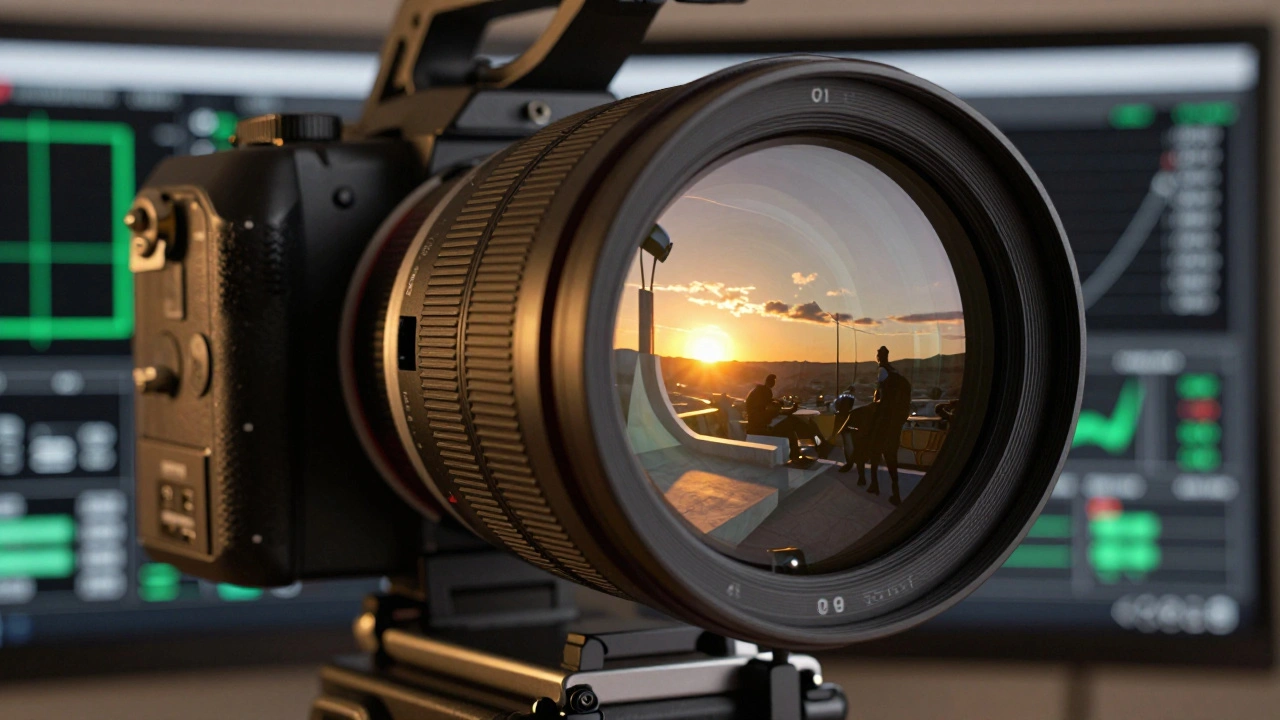
While Unreal Engine focuses on visuals, ShotPro focuses on optics. Created by Panavision, this tool is designed specifically for directors of photography (DPs). It allows you to select specific lenses-like a Zeiss CP.3 or an Angenieux zoom-and see exactly how they will look in the scene.
You can simulate depth of field, vignetting, and distortion based on the actual glass you plan to use. This is crucial for ensuring that the emotional impact of a close-up matches your intent. ShotPro also integrates with on-set tracking systems, meaning the previz data can guide the physical camera movement during filming. It bridges the gap between artistic vision and technical execution perfectly.
Storyboard Pro: Bridging Art and Animation
For teams that prefer a more traditional approach, Toon Boom Storyboard Pro remains a favorite. It combines vector-based drawing tools with timeline animation. Artists can draw frames, add simple motion tweens, and record voice-over directly within the software.
This is ideal for animated features or live-action projects where character performance is key. Unlike 3D previz, which can sometimes feel sterile, hand-drawn storyboards retain a human touch. Storyboard Pro exports directly to editing software like Avid Media Composer, allowing editors to cut the animatic together with sound design early in the process. This helps refine pacing and rhythm long before principal photography begins.
Blender: The Free Alternative
You don’t need a massive budget to do effective previz. Blender offers a complete 3D creation suite for free. While it lacks some of the streamlined workflows found in proprietary tools like ShotPro, its community-driven ecosystem provides countless add-ons for camera simulation and rendering.
Many indie filmmakers use Blender to create detailed environments and camera animations. With the introduction of Eevee, a real-time renderer, Blender can produce surprisingly realistic previews quickly. It’s perfect for small teams who need full control over every aspect of the visualization without licensing fees. Just be prepared to invest time in learning the interface-it’s powerful but dense.
Building Your Previz Workflow
Having the software is only half the battle. You need a workflow that integrates smoothly with your production schedule. Here’s a practical step-by-step approach:
- Script Breakdown: Start with your script. Identify scenes that require complex camera moves, VFX, or special stunts. These are your priority for previz.
- Block Out Assets: Import basic 3D models of your sets and props into your chosen software. Don’t worry about textures yet; focus on geometry and scale.
- Camera Placement: Place virtual cameras according to your shot list. Use lens settings that match your planned equipment.
- Animate Movement: Add keyframes for camera movement and actor blocking. Keep it rough-the goal is clarity, not perfection.
- Review and Iterate: Share the previz with your director and DP. Make adjustments based on feedback. This iterative process is where the magic happens.
- Export for On-Set Use: Generate reports or video files that can be viewed on tablets on set. Ensure these align with your call sheets and shot lists.
Common Pitfalls to Avoid
Even with great tools, previz can go wrong if you’re not careful. One common mistake is getting too bogged down in details. Remember, previz is a planning tool, not the final product. Spending days texturing a wall that won’t be visible in the shot is a waste of resources. Keep your assets simple and focused on function.
Another pitfall is ignoring the human element. Previz should involve your entire core team, including producers, actors, and department heads. If the stunt coordinator sees the previz and realizes a jump is impossible, you’ve saved yourself a major headache. Collaboration is key.
Finally, don’t let previz replace creativity. It’s a guide, not a straitjacket. Sometimes, the best shots happen spontaneously on set. Use previz to establish a baseline, but remain flexible enough to adapt when inspiration strikes.
What is the difference between previz and animatics?
Previz (pre-visualization) is typically 3D and focuses on camera movement, blocking, and spatial relationships. It’s used primarily for planning complex shots involving VFX or stunts. Animatics are usually 2D storyboard sequences edited together with temporary audio and timing. They focus more on pacing, narrative flow, and character performance rather than precise camera mechanics.
Is Unreal Engine free for filmmaking?
Yes, Unreal Engine is free to use for most projects. Epic Games charges royalties only if your project generates over $1 million in revenue or sales. For most independent films and smaller productions, there is no cost to use the engine for previz or virtual production.
Can I use phone apps for storyboarding?
Absolutely. Apps like Storyboarder, Boords, and even simple whiteboard apps on iPads are excellent for quick, on-the-go storyboarding. While they lack the precision of desktop 3D tools, they are perfect for capturing initial ideas and communicating basic shot compositions to your team rapidly.
How much does professional previz software cost?
Costs vary widely. Blender is free. ShotPro licenses can range from $500 to several thousand dollars depending on the package. Unreal Engine is free with royalty thresholds. Toon Boom Storyboard Pro operates on a subscription model, typically costing around $20-$30 per month per user. Always check current pricing as it changes frequently.
Do I need a powerful computer for previz?
For 3D previz tools like Unreal Engine or Blender, yes. You’ll need a strong GPU (NVIDIA RTX series recommended), at least 16GB of RAM (32GB preferred), and a fast multi-core CPU. For 2D storyboarding tools like Storyboard Pro, a standard laptop or tablet will suffice. Cloud rendering options are also becoming available for those with limited local hardware.