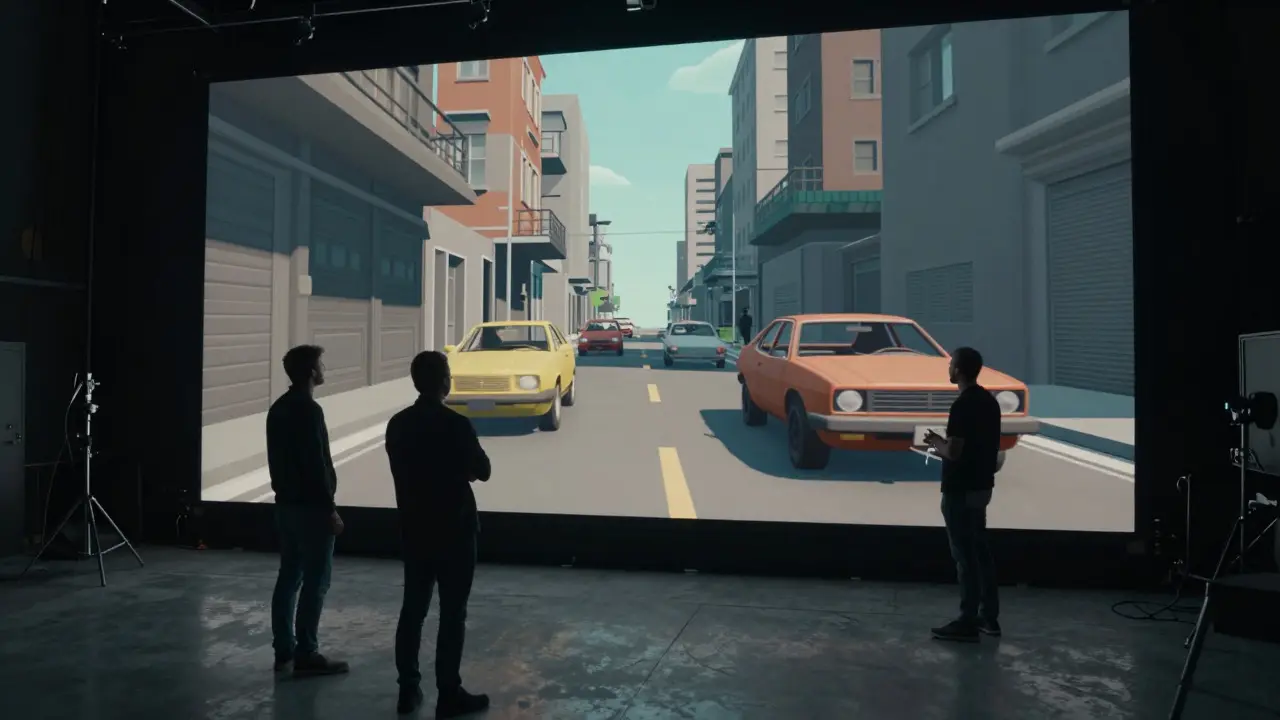
Ever watched a blockbuster where the camera moves through a city that doesn't exist, or a character flies through space without breaking the fourth wall? You might think it's just magic. It isn't. It’s math, geometry, and a lot of digital sketching before a single frame is shot on set. This process is called previsualization, and its counterpart, postvisualization, forms the backbone of modern visual effects pipelines.
If you’re a filmmaker, director, or even an aspiring student trying to understand how complex shots are actually made, these two concepts are non-negotiable. They aren’t just "storyboards with extra steps." They are functional tools that save millions of dollars and weeks of production time. Let’s break down exactly how they work, why they matter, and how they differ in practice.
What Is Previsualization?
Previsualization (often shortened to previz) is the process of creating a rough, animated version of a scene before principal photography begins. Think of it as a low-fidelity video storyboard. Instead of static drawings, you get moving images with basic camera angles, character movement, and spatial relationships.
The goal here is simple: figure out if the shot works. Does the hero have enough space to dodge? Can the audience see the villain’s face during the explosion? Will the camera crash into a wall? Previz answers these questions using simplified 3D models, often created in software like Maya, Houdini, or Unreal Engine. These models aren’t pretty-they look blocky and unfinished-but they are accurate in terms of scale and timing.
For example, when planning a car chase through a narrow alley, the previz team builds a rough 3D environment. They animate the cars and the camera path. The director watches this loop repeatedly. If the camera gets too close to a building, they adjust the path. If the action feels rushed, they extend the duration. By the time the real cameras roll, everyone knows exactly where to stand and what to do.
Understanding Postvisualization
Postvisualization (or postviz) is a refined digital preview created after principal photography but before final visual effects compositing. While previz happens *before* shooting, postviz happens *after*. It takes the actual footage captured on set and replaces practical elements with high-quality digital assets.
Imagine you shot a scene where an actor stands in front of a green screen. In postviz, you replace that green screen with a detailed, photorealistic background. You also add temporary lighting adjustments and basic particle effects. The result looks almost like the final movie, but it’s still not the finished product. It’s a test drive for the VFX team.
Why bother? Because catching mistakes early saves money. If the background color clashes with the actor’s shirt, you can fix it in postviz rather than waiting six months until the final composite stage. It allows directors to make creative decisions about pacing and tone while the memory of the shoot is still fresh.
Key Differences Between Previz and Postviz
While both serve the same ultimate goal-ensuring the shot works-they operate at different stages of production with different levels of detail. Here’s a quick comparison to clarify their roles:
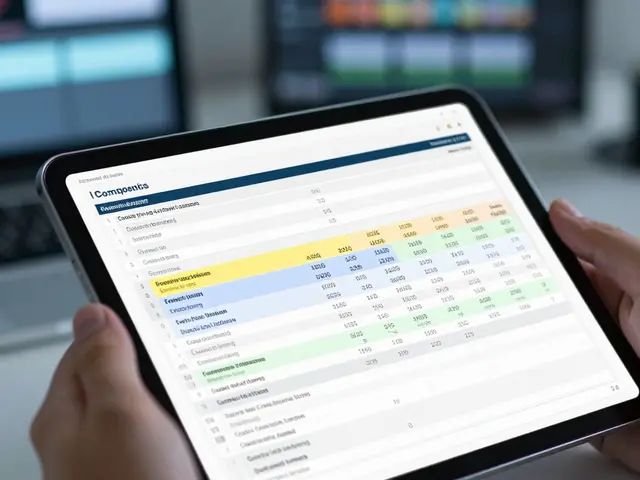
| Feature | Previsualization | Postvisualization |
|---|---|---|
| Timing | Before Principal Photography | After Principal Photography |
| Purpose | Plan camera moves, blocking, and feasibility | Test VFX integration, lighting, and pacing |
| Asset Quality | Low-poly, placeholder textures | High-resolution, near-final quality |
| Primary Users | Director, Cinematographer, Production Designer | VFX Supervisor, Editor, Director |
| Software Examples | Unreal Engine, Maya, Houdini | Nuke, After Effects, DaVinci Resolve |
Notice how the user base shifts. During previz, the cinematographer is heavily involved because they need to know lens choices and lighting setups. During postviz, the VFX supervisor takes the lead because they need to ensure the digital elements match the live-action footage perfectly.
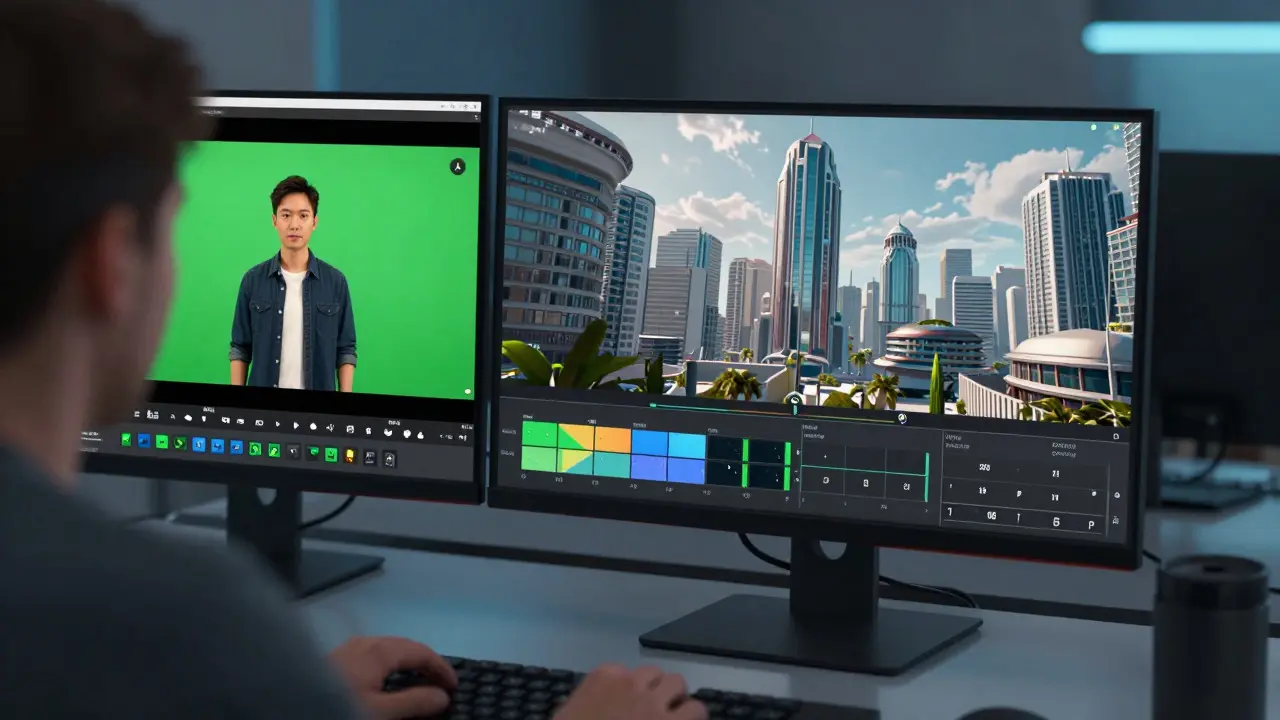
The Workflow: From Concept to Final Cut
These two processes don’t happen in isolation. They are part of a larger pipeline that includes concept art, storyboarding, and final compositing. Understanding where previz and postviz fit helps you see the big picture.
- Concept Art & Storyboards: Artists create static images to define the look and feel. This is the "what" phase.
- Previsualization: Animators turn those stories into motion. This is the "how" phase. We determine camera paths and character timing.
- Principal Photography: The actual filming happens. The crew uses the previz data to position lights, cameras, and actors.
- Postvisualization: VFX artists integrate digital elements into the raw footage. This is the "check" phase. We verify that the VFX plan matches reality.
- Final Compositing: The last step. High-end rendering, color grading, and cleanup. This is the "polish" phase.
Skipping any of these steps is risky. For instance, if you skip previz, you might find out on set that your crane arm will hit a light rig. If you skip postviz, you might discover in the edit bay that the digital rain doesn’t match the wet ground texture from the shoot.
Tools of the Trade
You don’t need a Hollywood budget to start experimenting with these techniques. Several software options cater to different skill levels and budgets.
- Unreal Engine: A game engine that has become a powerhouse for real-time previz. Its ability to render photorealistic environments instantly makes it popular for both previz and virtual production.
- Maya: The industry standard for 3D animation. It offers precise control over rigging and animation, making it ideal for complex character movements in previz.
- Houdini: Known for procedural generation and simulation. If your shot involves explosions, water, or destruction, Houdini is often the tool of choice for previz simulations.
- Nuke: A node-based compositing tool used heavily in postviz. It allows artists to manipulate layers of footage and VFX elements with extreme precision.
- DaVinci Resolve: While primarily an editing and color grading suite, its Fusion page offers robust compositing capabilities suitable for lightweight postviz tasks.
Choosing the right tool depends on your project’s complexity. A small indie film might use Unreal Engine for quick previz and DaVinci Resolve for basic postviz. A major studio feature will likely use a combination of Maya, Houdini, and Nuke for maximum control.
Common Pitfalls to Avoid
Even experienced teams can stumble if they misuse these tools. Here are three common mistakes I’ve seen in productions:
Over-polishing Previz: Sometimes, artists spend too much time making the previz look beautiful. Remember, previz is a planning tool, not a final deliverable. If it looks good enough to show the director, stop working on it. Move on to the next shot.
Ignoring Scale in Postviz: When replacing backgrounds in postviz, always check the perspective. If the digital building looks slightly tilted compared to the live-action floor, the audience will notice, even if they can’t articulate why. Use reference lines from the original plate to ensure alignment.
Lack of Communication: Previz and postviz require tight feedback loops between departments. If the VFX team changes a design in postviz without telling the editor, it can disrupt the pacing. Keep everyone in the same room (or the same Slack channel) to avoid surprises.
Frequently Asked Questions
Is previsualization necessary for every shot?
No. Simple dialogue scenes or static shots rarely need full previz. However, any shot involving complex camera movement, stunts, or heavy VFX should be prevized. The rule of thumb is: if there’s a risk of error or cost overrun, visualize it first.
What is the difference between previz and animatics?
Animatics are typically 2D sequences created from storyboards, often with sound and music. Previz is 3D and interactive. Animatics help with pacing and narrative flow; previz helps with spatial planning and technical feasibility.
Can I use Unreal Engine for postvisualization?
Yes, increasingly so. With advancements in real-time rendering and tracking, Unreal Engine is being used for postviz, especially in virtual production workflows where LED volumes replace green screens. It allows for immediate iteration and high-quality output.
How much does previsualization cost?
Costs vary widely based on complexity. A simple 10-second previz might cost a few thousand dollars. A complex 60-second sequence with characters and environments could cost tens of thousands. However, this investment is usually recouped by avoiding costly reshoots or VFX rework later.
Who creates the previz for a film?
A dedicated previz team, usually led by a Previz Supervisor, works closely with the director and cinematographer. This team includes 3D animators, modelers, and sometimes game developers. They translate the director’s vision into a digital prototype.