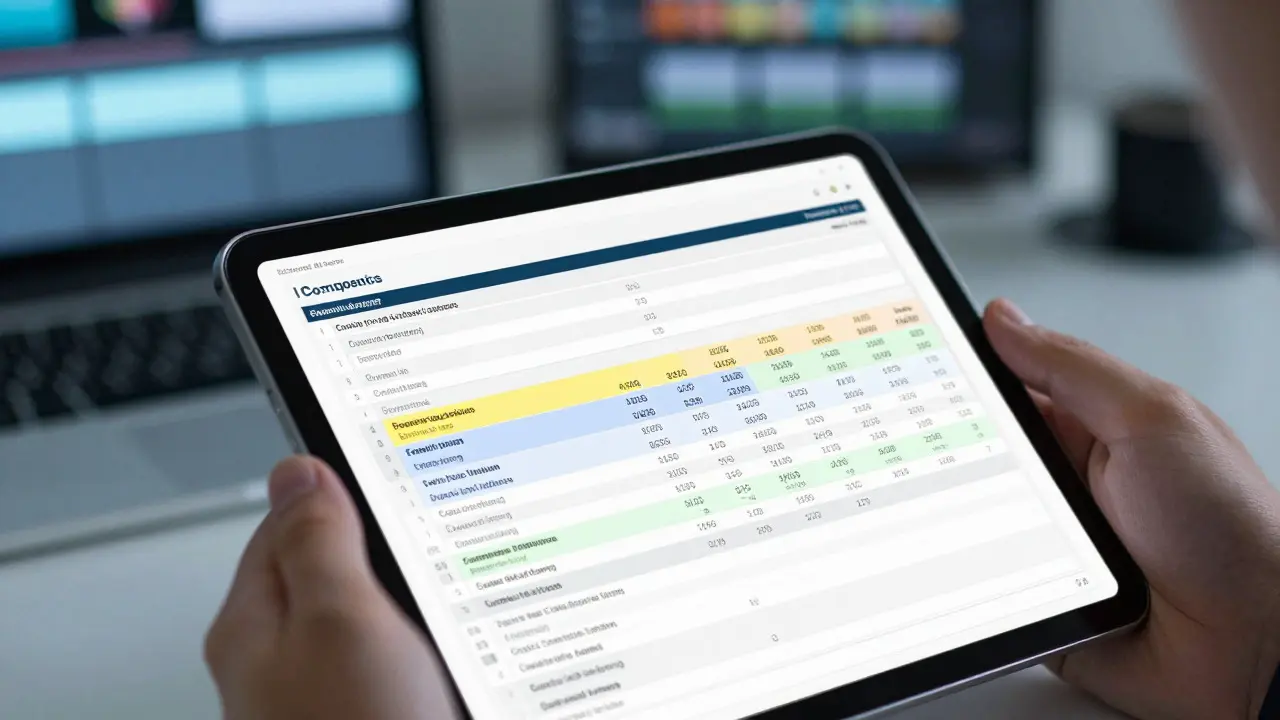
Visual effects budgets are notorious for blowing up. You start with a solid estimate, but by the time the final render is delivered, the invoice is 40% higher than planned. It happens to every production, from indie features to blockbuster franchises. The difference between a controlled budget and a financial disaster usually comes down to three specific levers: how you bid, how you handle changes, and who you hire.
VFX cost control isn't about cutting corners or paying artists less. It's about creating a transparent system where money moves predictably. When you understand the anatomy of a VFX quote, you stop reacting to surprises and start managing them. This guide breaks down the practical mechanics of keeping your visual effects spend in check without sacrificing quality.
The Anatomy of a VFX Bid: What’s Actually In There
Most producers look at a VFX quote and see one big number. That’s a mistake. A professional bid should be itemized into distinct cost centers. If your vendor gives you a lump sum, ask for a breakdown. You need to see the separation between creative development, asset creation, animation, compositing, and rendering.
Here is what those line items actually represent:
- Pre-vis and Storyboards: Often billed as fixed fees. These lock in the creative direction before heavy work begins.
- Asset Creation: The 3D models, textures, and rigs. This is labor-intensive and scales with complexity.
- Animation and Simulation: Character movement, fluid dynamics, destruction. This is where hours pile up fastest.
- Compositing: Merging CG elements with live-action plates. This requires high-end artists and is sensitive to lighting mismatches.
- Render Farm Costs: Hardware usage for generating frames. This is a variable cost that spikes with resolution and frame count.
A common pitfall is underestimating the "compositing multiplier." Many bids assume standard integration, but if your camera movement is unstable or your on-set lighting is inconsistent, compositing hours can double. Always flag difficult shots during the bidding phase so the vendor can price them accurately.
Change Orders: The Silent Budget Killer
Every film changes. Scripts evolve, directors tweak angles, and clients request tweaks. In VFX, these small tweaks are called change orders (COs). Without a strict process, COs become the primary driver of budget overruns.
The problem isn't the change itself; it's the lack of valuation. If a director asks to move a character two feet to the left in shot 104, it might take five minutes. But if they ask to change the character's outfit, it could take two weeks of re-texturing and re-lighting. Both feel like "small requests" to non-technical stakeholders, but their costs are worlds apart.
To manage this, implement a tiered change order system:
- Tier 1 (Minor): Adjustments within existing assets (e.g., color correction, minor timing tweaks). Usually absorbed into the base fee or billed at a low hourly rate.
- Tier 2 (Moderate): Changes requiring new animation passes or asset modifications. Requires a written approval with an estimated hour count before work starts.
- Tier 3 (Major): New shots, complex simulations, or fundamental design changes. Requires a formal contract amendment.
The golden rule: No work happens on a Tier 2 or 3 change without a signed estimate. If you skip this step, you are effectively donating profit to the project. Use a simple digital form that captures the shot ID, description of change, estimated hours, and rate. Send it for approval via email or a project management tool. Once approved, it becomes part of the official scope.

Vendor Management: More Than Just Price
Choosing a VFX vendor based solely on the lowest bid is a risky strategy. You often get what you pay for, especially in post-production where deadlines are immovable. However, high-priced vendors aren't automatically better. You need to evaluate their operational efficiency.
When vetting vendors, look beyond the portfolio. Ask about their pipeline. Do they use automated tools for repetitive tasks? How do they handle version control? A vendor with a robust internal workflow can deliver faster and with fewer errors, which saves you money in the long run even if their day rate is slightly higher.
Consider the location and timezone. Working with a vendor in a different timezone can speed up turnaround times (follow-the-sun model), but it adds communication overhead. For tight deadlines, local or same-timezone vendors often reduce the friction of approvals and feedback loops.
| Criterion | Budget-Friendly Vendor | Premium Studio | Hybrid/Outsourced Team |
|---|---|---|---|
| Day Rate Range | $300 - $600 | $800 - $1,500+ | $400 - $900 |
| Turnaround Speed | Slower (higher queue) | Faster (dedicated teams) | Moderate (flexible scaling) |
| Risk Profile | Higher (less redundancy) | Lower (established pipelines) | Mixed (depends on core team) |
| Best For | Simple FX, background elements | Hero characters, complex sims | Mid-complexity, volume work |
Another critical aspect of vendor management is communication frequency. Don't wait until the final delivery to review work. Set up weekly dailies or bi-weekly checkpoints. Catching a lighting error in week 2 is cheap. Fixing it in week 10 is expensive because it affects downstream processes like compositing and grading.
Practical Tactics for Keeping Costs Down
You don't need a massive budget to have good VFX. You need smart tactics. Here are some proven methods to keep costs contained:
- Limit Resolution Upgrades: Decide early if you need 4K or 8K. Rendering at 8K costs exponentially more than 4K. If the shot is a wide angle, 4K is often sufficient.
- Use Proxy Assets: During the animation phase, use low-poly proxy models. Only switch to high-resolution assets for the final render. This saves significant computing power and artist time.
- Batch Similar Shots: Group shots with similar complexity together. This allows vendors to reuse setups and streamline workflows, reducing per-shot costs.
- Define "Good Enough": Agree on acceptance criteria early. What does "done" look like? Ambiguity leads to endless revisions. Clear standards prevent scope creep.
- Leverage Existing Libraries: If you have previous projects, check if you can reuse assets. Licensing back your own old assets is cheaper than building new ones.
Also, watch out for hidden costs in software licensing. Some vendors include software costs in their day rate, while others bill them separately. Clarify this upfront. Tools like Houdini, Maya, or Nuke have substantial license fees, and if the vendor passes these on directly, your budget needs to account for them.
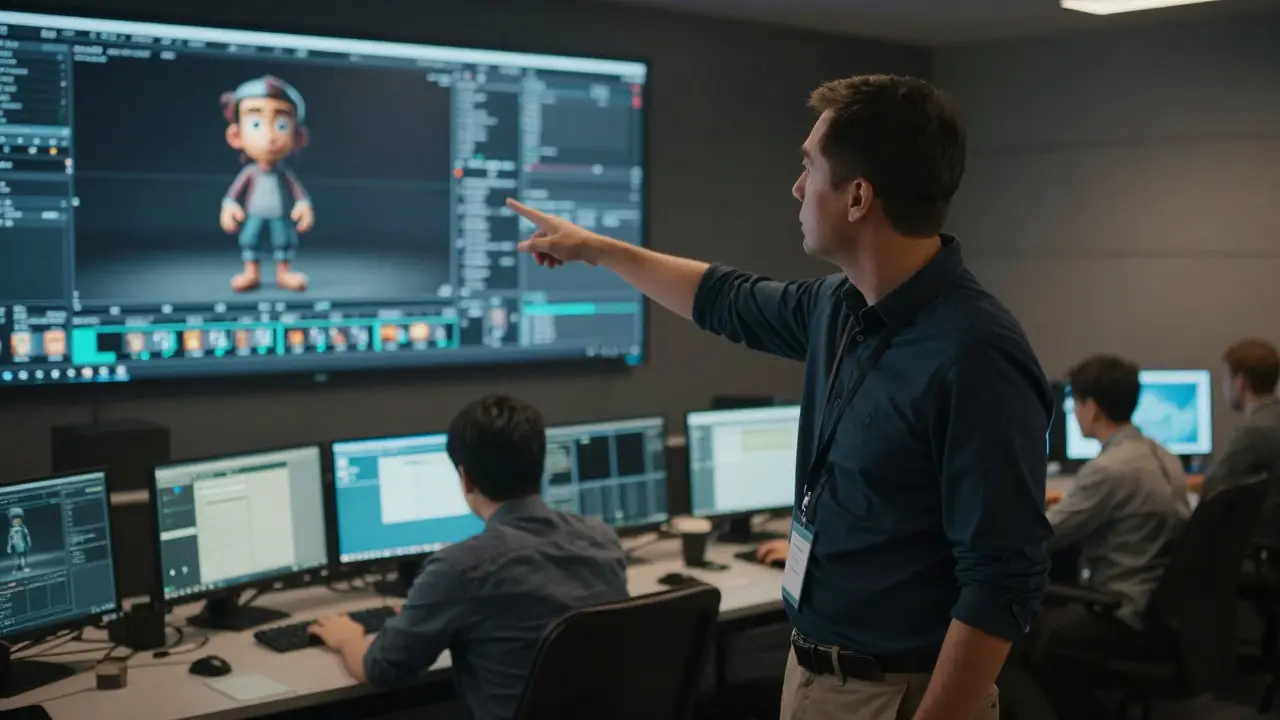
Common Pitfalls to Avoid
Even experienced producers fall into these traps. Recognizing them early can save you thousands.
The "One-Off" Shot Trap: Directors love unique, one-of-a-kind shots. While visually impressive, they are the most expensive to produce because no assets can be reused. Balance hero shots with standard shots that utilize reusable libraries.
Ignoring Pre-Vis: Skipping pre-visualization seems like a savings. In reality, it leads to misaligned expectations. If the director doesn't know what the shot will look like until the final composite, they are more likely to request major changes, triggering costly Tier 3 change orders.
Scope Creep in Dialogue: Casual conversations in meetings often turn into implicit commitments. If a producer says, "Can we just make the smoke a bit darker?" and the supervisor nods, that's now a task. Always document verbal agreements in writing immediately after the meeting.
Next Steps for Your Next Project
Start by auditing your current VFX contracts. Do they have clear change order clauses? Is the scope of work defined by shot list or by outcome? If not, negotiate tighter terms for future deals.
Build a relationship with a trusted VFX supervisor. They act as your gatekeeper between creative vision and technical reality. A good supervisor will tell you when a request is too expensive, saving you from making bad decisions under pressure.
Finally, track your actual spend against the bid monthly. Create a simple spreadsheet that compares estimated hours vs. actual hours per shot. This data is invaluable for future bidding. It tells you exactly where your estimates were off, allowing you to refine your next budget with precision.