You set up parental controls on your kid's tablet to keep them safe. You think you've locked the door against inappropriate content. But did you know those same filters are quietly reshaping what movies and shows get recommended to your child? It’s not just about blocking bad words or scary scenes anymore. The way streaming platforms handle family-friendly ratings and content restrictions directly influences which films become hits and which ones vanish into the digital void.
Think about it. When a platform like Netflix or Disney+ sees that a household has strict limits, its algorithm changes. It stops suggesting certain genres. It pushes others harder. This isn't just a safety feature; it's a business decision that affects box office numbers for animated features and viewership stats for educational series. If you're a parent trying to navigate this, or a creator wondering why your niche documentary isn't getting traction in family homes, understanding this link is crucial.
The Algorithm Behind the Lock
Most people view parental controls as a simple on/off switch. Turn it on, see only G-rated stuff. Turn it off, see everything. Reality is messier. These systems use complex metadata tags. They look at age ratings (like TV-Y7 or PG-13), but they also scan for keywords in descriptions, themes in plot summaries, and even user behavior from similar households.
When you restrict content to "Kids," the platform doesn't just hide adult films. It actively promotes titles tagged with high engagement metrics among other restricted users. If millions of parents block action movies because of mild violence, the algorithm learns that action is risky for this demographic. Consequently, it buries new action releases for kids, even if they are technically rated PG. This creates a feedback loop. Less visibility leads to fewer views. Fewer views lead to less investment by studios in that genre for younger audiences.
| Control Level | Typical Restrictions | Algorithmic Bias | Content Performance Trend |
|---|---|---|---|
| Strict (TV-Y) | No violence, no scary themes, simple plots | Heavily favors animation and preschool edutainment | High volume, low variety; saturation of specific tropes |
| Moderate (TV-G/PG) | Mild peril, no strong language, happy endings | Balances live-action adventure with family comedies | Stable growth; cross-generational appeal boosts longevity |
| Loose (PG-13 allowed) | Action sequences, complex themes, mild romance | Promotes franchise films and teen dramas | Spiky performance; dependent on marketing hype cycles |
How Ratings Shape Revenue
Let’s talk money. Studios spend millions marketing a movie. If the primary audience-families with young kids-is locked out of seeing a trailer because their default setting hides anything above TV-G, that marketing budget gets wasted. We’ve seen this happen. Animated films that lean slightly darker, like some recent DreamWorks or Pixar experiments, sometimes struggle initially because parents don’t realize they’re available under looser filters until word-of-mouth spreads.
Conversely, franchises like Marvel have adapted. They know that while adults watch for the deep lore, kids watch for the visuals. By ensuring their content meets specific technical standards for "kid-safe" viewing (no sudden loud noises, clear moral resolutions), they secure placement in these filtered feeds. This strategic alignment with MPAA guidelines and platform-specific filters drives billions in revenue. It’s not just art; it’s engineering for accessibility within closed ecosystems.
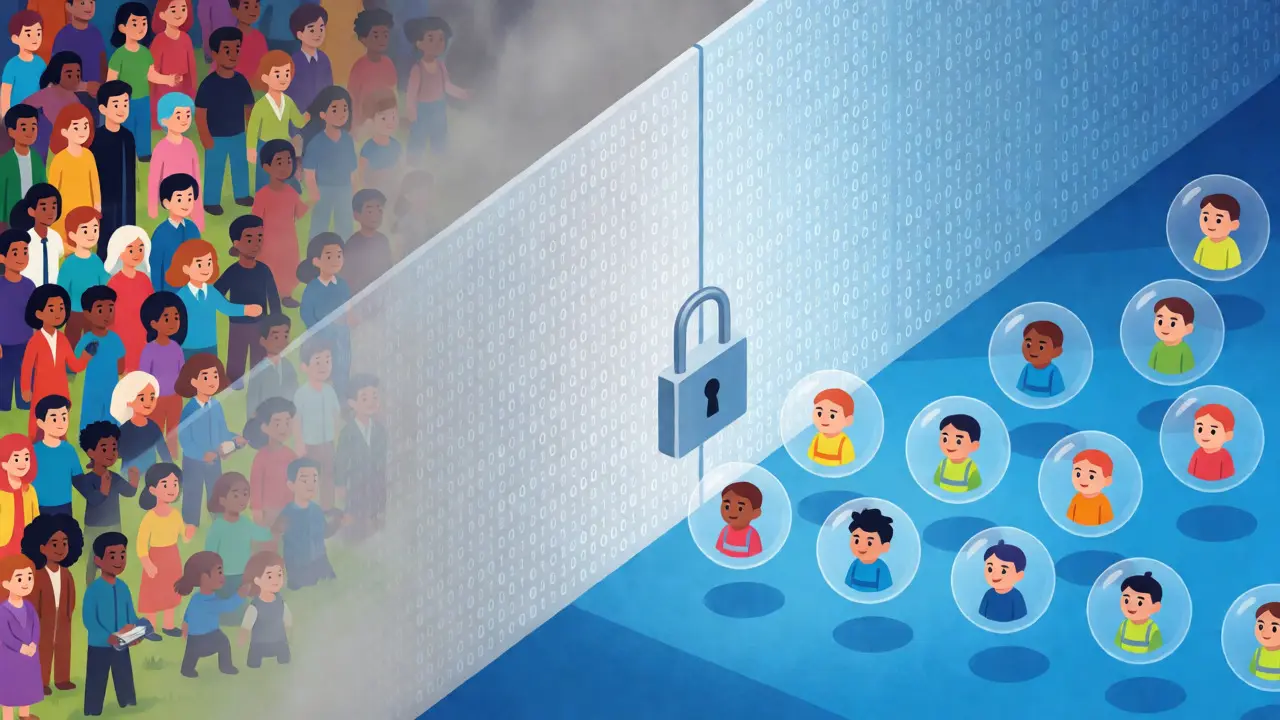
The "Filter Bubble" Effect for Children
Ever notice how your kid seems obsessed with one type of show? Maybe it’s all dinosaur cartoons or all princess stories. That’s likely not just preference-it’s the filter bubble. Parental controls narrow the field of vision so drastically that children are rarely exposed to diverse storytelling styles. They see what the algorithm deems "safe" and "popular" for their age bracket, repeated ad infinitum.
This homogenization hurts content performance for niche creators. Independent animators or educators producing unique formats often fail to break through because they don’t fit the standard template of mass-produced kids' content. Their work might be rated correctly, but without the massive data points of major studio releases, the algorithm ignores them. For parents, this means missing out on potentially enriching, creative content that could spark genuine curiosity rather than passive consumption.
Platform Differences Matter
Not all platforms handle this equally. YouTube Kids, for instance, uses aggressive AI moderation that can sometimes over-block educational content flagged for unrelated reasons. A science experiment video might get hidden if the AI misinterprets a chemical reaction as "dangerous." Meanwhile, Disney+ relies heavily on its own curated library, making its filters more predictable but less flexible. Apple TV+ takes a different approach, offering granular controls that let parents customize profiles per child, allowing for a more nuanced recommendation engine.
If you’re comparing services, look beyond the price tag. Check how customizable the profiles are. Can you mix and match ratings? Can you whitelist specific channels? The more control you have, the better the content performance for your specific family needs. Rigid systems force you into a corner where you either expose your kids to too much or starve them of variety.
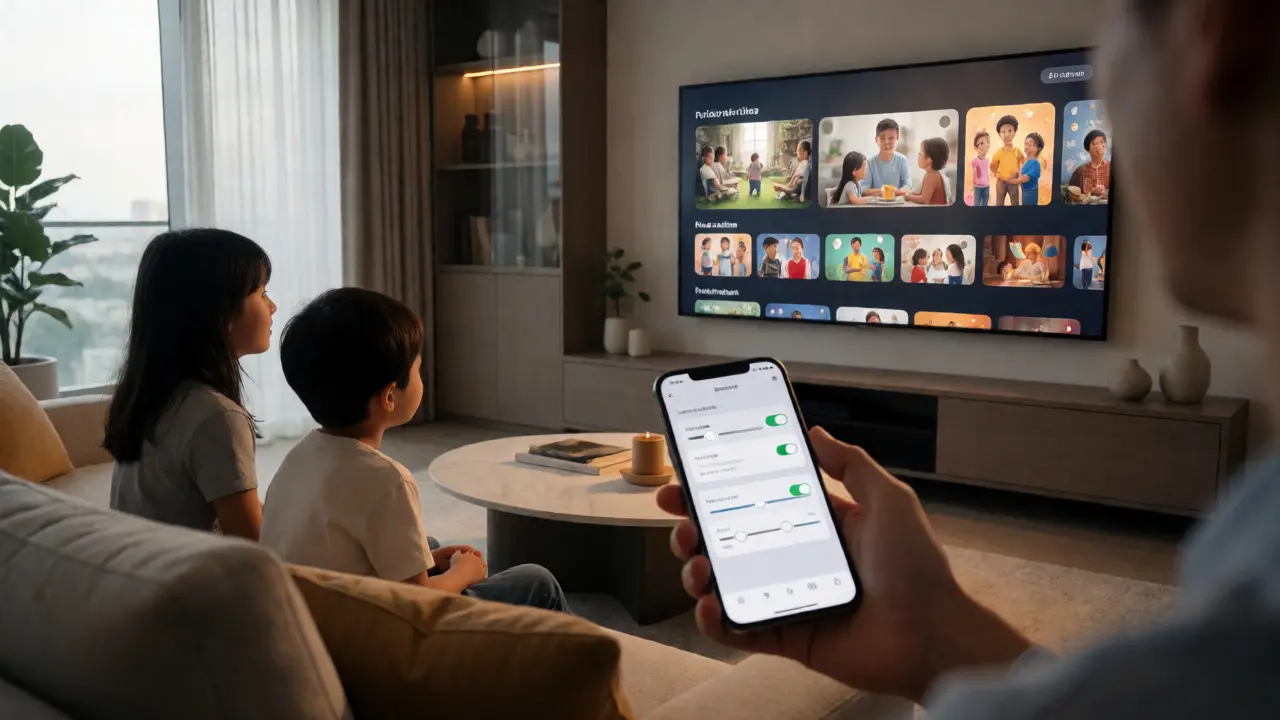
Tips for Parents to Break the Cycle
You don’t have to accept the algorithm’s choices as final. Here’s how to take back control:
- Audit your settings quarterly. Kids grow fast. What was appropriate last year might be boring now. Adjusting age ranges periodically refreshes the recommendation pool.
- Use "Watch Together" modes. Some platforms allow co-viewing sessions that temporarily relax filters, letting you introduce new genres safely.
- Search manually. Don’t rely solely on the homepage feed. Type in specific interests. Search engines within apps often bypass the heavy algorithmic weighting used in browse tabs.
- Create separate profiles. Never share a profile between a toddler and a teenager. The data collision confuses both algorithms, leading to poor suggestions for everyone.
The Future of Family Viewing
We’re moving toward smarter, context-aware controls. Imagine a system that knows your child had a rough day and suggests calming content instead of high-energy cartoons. Or one that flags content based on real-time emotional tone analysis, not just static ratings. Companies are investing in this. As AI gets better at understanding nuance, the blunt instrument of "age rating" will fade, replaced by dynamic suitability scores.
For now, though, awareness is key. Recognize that every time you tweak a setting, you’re voting for what kind of media landscape your child inhabits. Your choices shape the market. Demand better diversity, support niche creators, and question why certain films dominate the screens while others disappear.
Do parental controls affect search results?
Yes, significantly. Most streaming platforms filter search queries based on the active profile's restriction level. If a movie is rated above the limit, it won't appear in search results unless the user explicitly overrides the filter or logs out of the restricted profile.
Why does my child see the same shows repeatedly?
This is due to the algorithm prioritizing high-engagement content within the restricted subset. Since the pool of available titles is smaller, popular items get pushed to the top repeatedly to maximize watch time, creating a repetitive cycle known as a filter bubble.
Can I override parental controls for a specific movie?
On most major platforms like Netflix and Hulu, yes. You usually need a PIN to unlock the title. However, this override typically applies only to that specific session or title, not permanently changing the profile's general restrictions.
How do parental controls impact indie filmmakers?
Indie filmmakers often suffer reduced visibility because algorithms favor content with massive historical data from similar profiles. Without the initial boost from broad exposure, niche family films struggle to gain traction in restricted feeds, limiting their potential audience reach.
Is there a difference between app-based and device-based controls?
Device-based controls (like iOS Screen Time) apply globally across all apps, while app-based controls are specific to that service. App-based controls are usually more sophisticated regarding content categorization, whereas device controls are better for managing screen time and app access broadly.






Comments(4)