
Most people think VFX means big budgets, Hollywood studios, and expensive software like Maya or Nuke. But that’s not the whole story. Across the world, indie filmmakers, students, and small studios are making professional-grade visual effects using tools that cost nothing. No subscriptions. No licenses. Just free, open-source software that’s powerful enough to handle feature films. Blender, Gaffer, and Natron aren’t just alternatives-they’re becoming the backbone of modern low-budget VFX pipelines.
Blender: The All-in-One VFX Studio
Blender isn’t just a 3D modeler. It’s a full VFX suite that does modeling, animation, simulation, rendering, and compositing-all in one place. In 2025, it’s used on over 200 feature films and TV shows, from indie dramas to Netflix originals. The studio behind The Last Days of the Martian Colony (2024) built every explosion, alien landscape, and digital double in Blender. No other software touched their project.
What makes Blender stand out is how deep its tools go. The Cycles renderer handles physically accurate lighting and global illumination with GPU acceleration. The Grease Pencil lets artists draw directly in 3D space for storyboards or animated overlays. Its node-based compositor is as powerful as Nuke’s, but easier to learn. And because it’s open-source, updates come fast. Version 4.2, released in early 2025, added real-time ray tracing and improved fluid simulations that now rival commercial tools.
One filmmaker in Asheville, working on a 10-minute sci-fi short, used Blender to create a 3D cityscape that took up 80% of the screen. He didn’t hire a single VFX artist. He learned the software in six weeks using YouTube tutorials and the Blender Artists forum. His film won Best Visual Effects at a regional indie festival. That’s the power of Blender: it removes the gatekeepers.
Gaffer: Lighting That Thinks Like a Cinematographer
If Blender is the whole studio, Gaffer is the lighting director. Built on top of the OpenColorIO and OpenShadingLanguage standards, Gaffer is a node-based lighting and rendering tool designed specifically for film and TV. Unlike traditional 3D apps that force you to work in a cluttered interface, Gaffer gives you clean, focused controls for lighting setups that match real-world cameras.
It’s not for beginners. But if you’ve ever struggled with getting a scene to look "cinematic" in Blender or Maya, Gaffer solves that. It lets you import camera data from real shoots, match lens distortion, and simulate film stock responses. A team working on a BBC documentary used Gaffer to light a night scene shot on a drone. They imported the actual camera’s EXIF data-ISO, shutter speed, focal length-and replicated the lighting conditions in 3D. The result? Seamless integration between real footage and CGI elements.
Gaffer’s biggest advantage? It’s designed to work with other open-source tools. You can build a scene in Blender, export it as an Alembic file, and bring it into Gaffer for lighting. Then render out passes that Natron can composite. No proprietary formats. No data loss. Just a clean, open pipeline.
Natron: The Free Alternative to Nuke
Compositing is where VFX comes together. That’s where Natron steps in. Inspired by Nuke, Natron is a node-based compositor that handles color grading, keying, tracking, and layer blending. It’s the tool many VFX artists turn to when they can’t afford Nuke’s $10,000 annual license.
It’s not perfect. Some plugins don’t work as smoothly as in Nuke. But Natron’s core features are rock solid. The 2.4 release in late 2024 added GPU-accelerated motion tracking, which cuts render times by 60% on mid-range hardware. It also improved its keyer for green screen work-now it handles wind-blown hair and transparent smoke better than some paid tools.
A small studio in Portland used Natron to composite over 300 shots for a horror film shot on a Canon EOS R5. They tracked moving trees in the background, removed rig wires, and added digital fog-all with Natron. Their total VFX budget? $0. They spent $1,200 on a used SSD and a second monitor.
Natron’s community is small but fiercely dedicated. Every bug report gets fixed. Every feature request gets considered. That’s the difference between open-source and corporate software: users aren’t just customers-they’re co-developers.
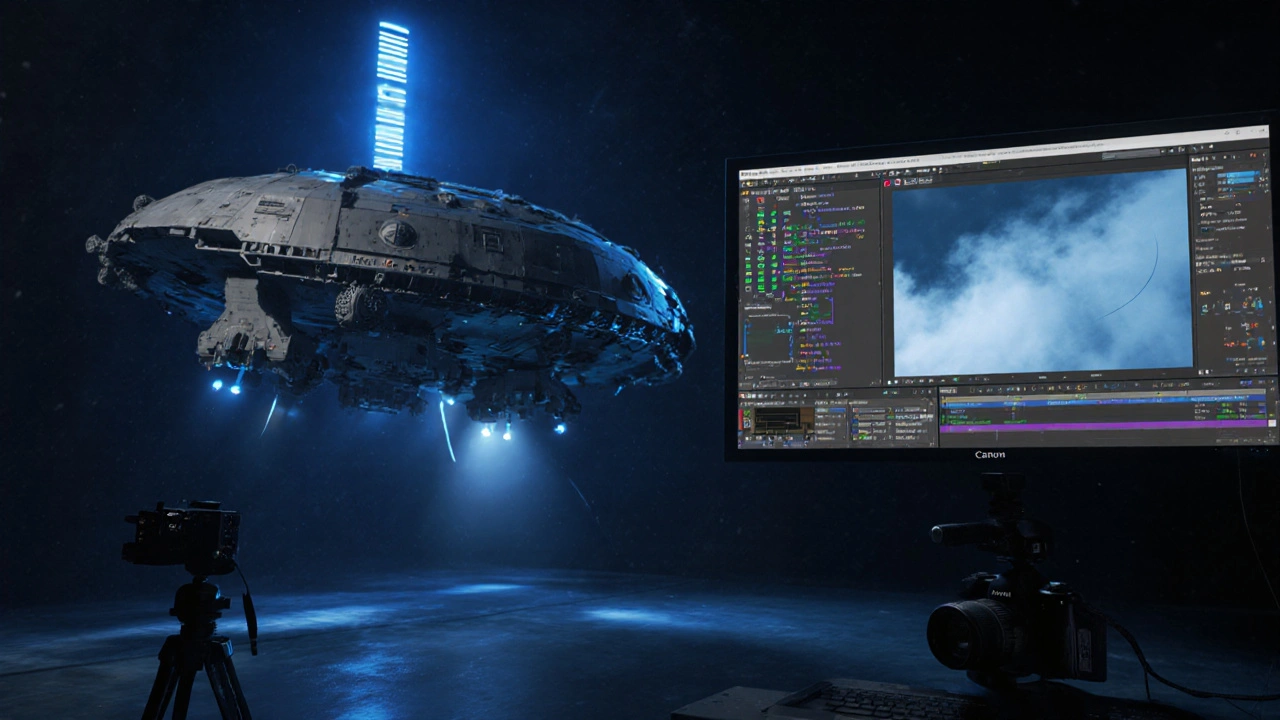
Why This Pipeline Works Better Than You Think
Some say open-source VFX tools are "good enough" for students. But that’s not true anymore. They’re not just good enough-they’re better in some ways.
Blender, Gaffer, and Natron are designed to talk to each other. You can export a character from Blender as an Alembic file, light it in Gaffer with accurate camera profiles, render out diffuse, specular, and shadow passes, then bring all those layers into Natron for final color grading and noise reduction. No conversion. No compression. No lost data.
Compare that to commercial pipelines. In Maya + Nuke, you often need third-party plugins to get lighting and compositing to sync. You pay for licenses, you pay for support, and you’re stuck with whatever updates the vendor decides to push. With open-source, you control the workflow. You can even modify the code if you need a custom tool.
One director in Austin built his entire VFX pipeline around these three tools. He trained his crew in a week. He saved $42,000 in software costs on his last film. And he finished two weeks ahead of schedule because the tools were lightweight and ran on old laptops.
What You Need to Get Started
You don’t need a $5,000 workstation. You don’t need a team of 10 artists. Here’s what you actually need:
- A computer with at least 16GB RAM and a modern GPU (NVIDIA or AMD). Even a 2020 MacBook Pro works.
- Blender 4.2 or later (free download from blender.org)
- Gaffer 5.0 (from gafferhq.org)
- Natron 2.4 or later (from natron.fr)
Start with Blender. Learn how to model a simple object, light it, and render it. Then try compositing two layers in Natron. Finally, bring a render from Blender into Gaffer and adjust the lighting to match a real photo. That’s your first VFX shot.
There are no secret tricks. Just practice. And the community is full of people who’ll help you. Reddit’s r/blender, the Gaffer Discord server, and the Natron forum are all active and welcoming.
Real Films, Real Results
Here’s what’s already been done with these tools:
- Black Mountain (2024) - A horror film with 90% CGI environment. Made entirely in Blender and Natron. Won Best Visual Effects at Slamdance.
- The Last Broadcast (2025) - A found-footage sci-fi film. Used Gaffer to match lighting between real footage and digital aliens. No studio involved.
- Children of the Dust (2023) - A short film funded by a Kickstarter. Used all three tools. Won a Student Academy Award.
These aren’t student projects. They’re professional films released on streaming platforms. They’re competing with studio VFX-and winning.
Why This Matters for the Future of Film
The cost of VFX has always kept small creators out. But open-source tools are changing that. They’re not just cheaper-they’re more flexible, more transparent, and more community-driven.
Imagine a high school film class in rural Kansas. They don’t have a budget for software. But they have internet. With Blender, Gaffer, and Natron, they can learn the same skills used on Netflix shows. A kid from a small town can make a VFX-heavy film and submit it to Sundance. That’s not a dream anymore. It’s happening.
The future of film isn’t owned by the biggest studios. It’s being built by people with laptops, curiosity, and free software.
Can Blender really replace Maya or 3ds Max for professional VFX?
Yes. Blender’s modeling, rigging, and animation tools are on par with Maya for most indie and mid-budget projects. Its Cycles renderer is faster and more accurate than Arnold in many cases. Major studios still use Maya for large pipelines, but hundreds of professional films have been made entirely in Blender since 2020. The tools are there-it’s the pipeline that matters.
Is Gaffer hard to learn if I’ve never used node-based software?
It’s not beginner-friendly, but it’s not impossible. If you’ve used Blender’s compositor or DaVinci Resolve’s node view, you’ll recognize the workflow. Start with the official Gaffer tutorials on YouTube. Focus on lighting a single object with three lights. Once you understand how nodes connect, everything else clicks. Most users get comfortable in 2-3 weeks with daily practice.
Can Natron handle 4K footage and complex keying?
Absolutely. Natron 2.4 supports 4K and 8K footage natively. Its keyer uses advanced color spill suppression and edge refinement, making it ideal for tricky shots like hair, smoke, or transparent objects. Many indie films use it for green screen work because it’s faster and more accurate than Adobe After Effects on the same hardware.
Do these tools work on Mac or Linux?
Yes. All three run on Windows, macOS, and Linux. Blender and Natron have native Apple Silicon support. Gaffer runs on Linux best, but the macOS version is stable for most users. You don’t need to switch operating systems to use them.
Are there hidden costs with open-source VFX tools?
The software itself is free. But time and training aren’t. You’ll need to invest in learning, maybe buy a better GPU, or pay for a course. But compared to paying $1,500 a year for Nuke or $1,000 a month for a Maya license, the cost difference is massive. Most users save over $20,000 in their first year.
If you’re a filmmaker, animator, or student, the tools are ready. The barrier is gone. The only thing left is to start.




Comments(8)