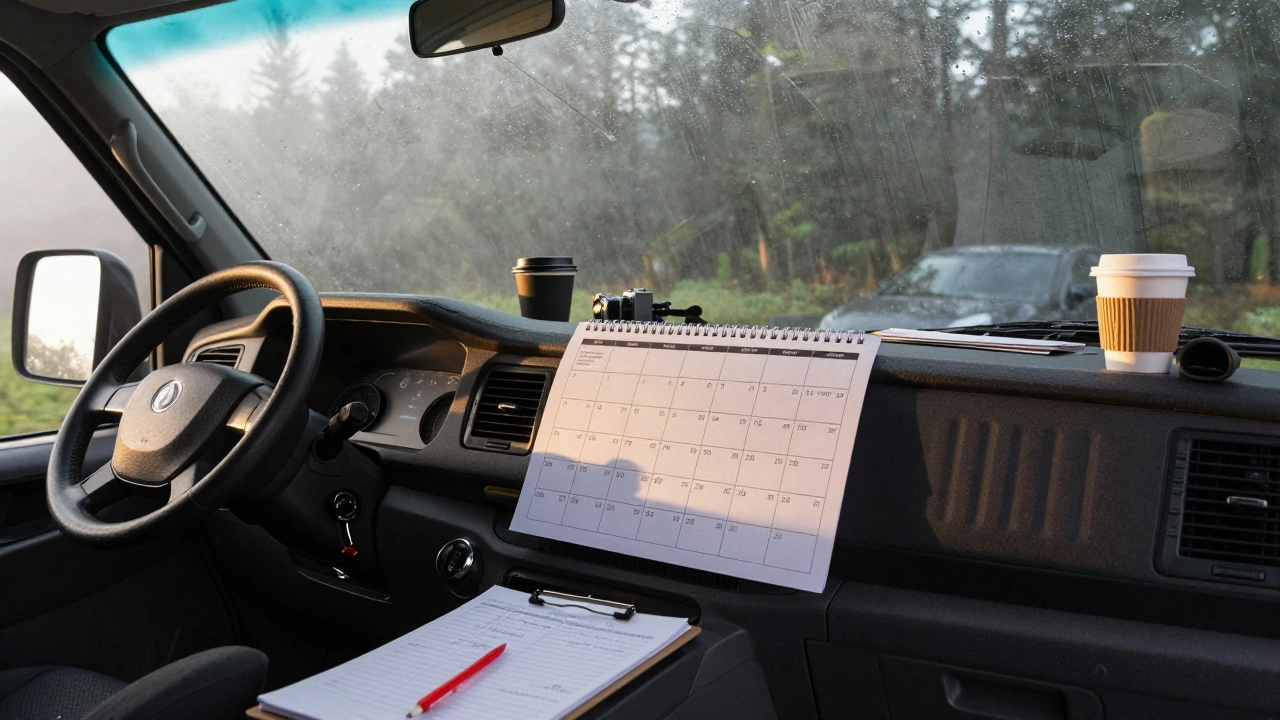
Most indie filmmakers start with a great idea and end up lost in a sea of deadlines. No studio backing means no assistant director holding your hand. You’re the producer, the scheduler, the problem-solver-all while juggling a day job, a budget that shrinks every week, and a cast that shows up when they can. The difference between a film that gets finished and one that dies on the hard drive? A real production calendar. Not a fancy template from Pinterest. Not a Google Doc with vague notes. A working calendar that accounts for weather, actor availability, gear rentals, and the fact that your lead actor’s cousin’s dog just got sick and they need Tuesday off.
Pre-Production: The Foundation You Can’t Skip
Pre-production isn’t just paperwork. It’s where you build the skeleton of your film. If this stage collapses, everything after it collapses with it. Start with your script breakdown. Go scene by scene. List every location, prop, costume, special effect, and extra. Don’t assume you’ll remember. Write it down. Use free tools like StudioBinder or even a simple spreadsheet. You need to know how many days you’ll need for each location, how many actors are in each scene, and when you need specific gear.
Next, lock your cast and crew. Indie actors don’t have agents booking them months ahead. They have jobs, families, and lives. Get their availability in writing. Even if it’s just a text message screenshot. Then, scout locations. A park you thought was open all day? Turns out it closes at 6 PM in winter. A house you rented for $200 a day? The owner just found out you’re filming a scene with a gun and changed their mind. That’s why you need buffer days. Always. At least two per location.
Now, build your calendar. Start with the hardest days first-the ones with the most moving parts. If you have a night shoot with rain effects and a drone, don’t put it on day three. Put it on day 10, after you’ve tested your gear and figured out how your crew works under pressure. Block out weekends. People need rest. Even if you’re working for free, burnout kills momentum faster than a broken camera.
Production: The Calendar That Actually Works
On day one of shooting, your calendar should be printed, laminated, and taped to the wall of your van. Not on your phone. Not in a cloud folder. Printed. Because when the power goes out at 2 AM and your phone dies, you still need to know where you are.
Each day should have: time, location, scene numbers, cast names, equipment needed, and a notes column. Not just “lighting setup.” Write “set up two 1Ks with diffusion, test key light on Maria, check for wind noise on lavalier mics.” Specifics save hours. A vague note means someone guesses. A guess means wasted time. Wasted time means going over budget.
Weather is your silent enemy. If you’re shooting outdoors in the Southeast in March, expect rain. Plan for two backup days for every outdoor shoot. Use free tools like Windy.com or Weather Underground to track 10-day forecasts. Don’t wait until the morning of to check. Check every night.
One real example: A film I worked on in Asheville had a key scene at the Biltmore Estate gates. We booked it for a Wednesday. On Monday, we got an email: the estate was hosting a wedding. Our slot was gone. We had one day to reshoot it in a different location. We did-because we had a list of three backup spots, all within 15 minutes, with permits already approved. That’s what a good calendar does. It doesn’t just schedule. It anticipates.
Post-Production: The Quiet Race Against Time
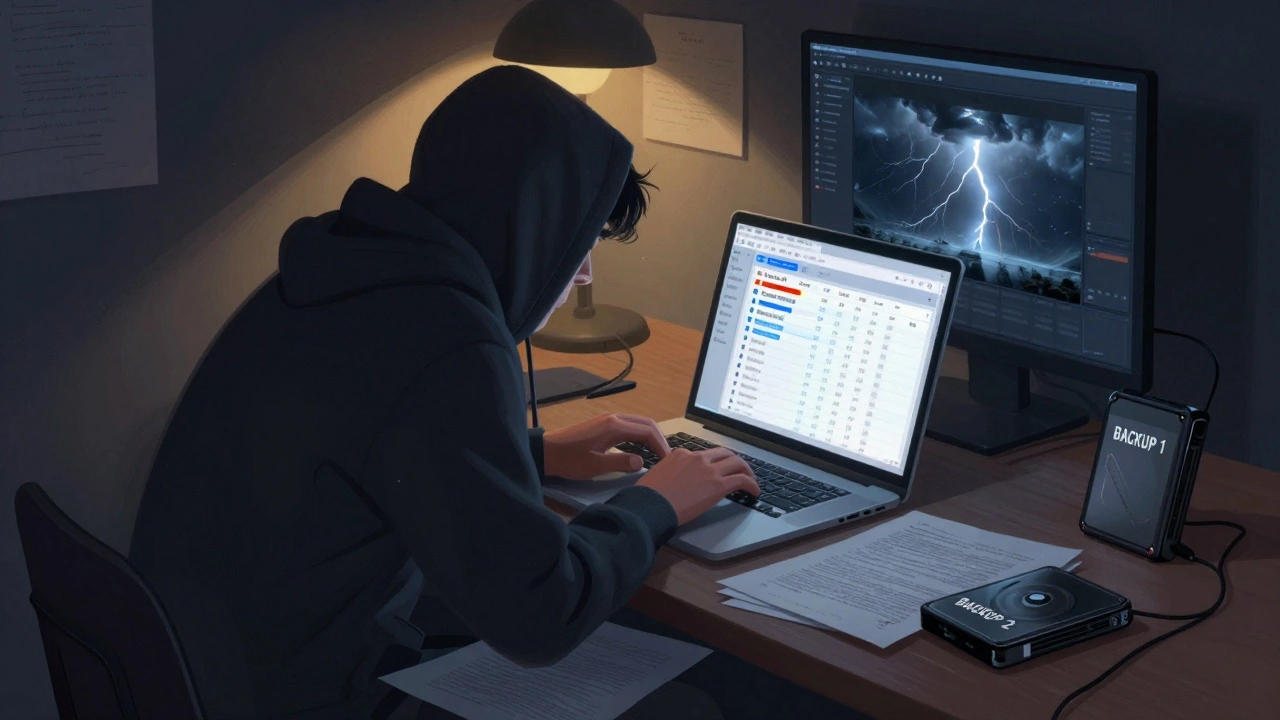
Post-production is where most indie films die. Not from lack of money. From lack of structure. You think you have time because you’re not shooting. You don’t. Your editor is working part-time. Your sound designer has a kid in daycare. Your colorist charges $150/hour and only takes two clients a month.
Start with a rough cut timeline. Set a goal: “Finish rough cut by March 15.” Then work backward. If your editor needs three weeks, and your sound mix takes two, and your color grade takes one, and you need a week for revisions, your deadline is March 15. That means you need to hand over the final footage by February 1. That means you need to deliver all dailies by January 20. That means you need to back up and organize your footage by January 5.
Use a simple tool like Trello or Notion. Make columns: “Footage In,” “Rough Cut,” “Sound Design,” “Color Grade,” “Final Delivery.” Move clips as you go. No one remembers what’s done. But a board with colored cards? Everyone knows.
Music licensing is a hidden time sink. Don’t wait until the last week to find a composer. Reach out early. Indie composers often work on spec-meaning they’ll write music for free if you give them credit and a cut of future revenue. But they need time. A 10-minute score takes 3-5 weeks. Not three days.
And don’t forget delivery specs. Streaming platforms like Vimeo On Demand, Amazon, or Apple TV+ each have different file formats, bitrates, and audio levels. If you send the wrong file, you get rejected. And you’ll have to re-render everything. That’s two weeks gone. Download their technical guidelines and keep them in your post-production folder. Print them. Tape them to your monitor.
Tools That Actually Help (No Fluff)
You don’t need expensive software. You need reliability.
- StudioBinder (free tier): Best for script breakdowns and scheduling. Lets you drag scenes into a calendar and auto-generates call sheets.
- ShotList (iOS/Android): Scan your script and turn scenes into shot lists. Great for small crews who don’t have a 1st AD.
- Google Sheets: Free, works offline, everyone can access it. Use templates from Film Independent or No Film School. Customize them. Add columns for “Weather Risk” and “Backup Plan.”
- Trello: Perfect for post-production. Simple, visual, works on any device.
- Dropbox or Google Drive: Organize your footage with clear folders: “Raw Footage,” “Edited Scenes,” “Sound Design,” “Final Export.” Label everything with date and scene number.
Don’t use 12 different apps. Pick one for scheduling, one for editing, one for storage. Stick with them. Switching tools mid-project is like changing tires while driving.
Common Mistakes That Kill Indie Films
Here’s what actually breaks indie films-not lack of talent, but bad planning.
- Assuming you’ll have perfect weather. You won’t. Always plan for rain, wind, or extreme cold.
- Not locking crew availability. Your best camera op quits because their kid got sick. You didn’t have a backup. Now you’re shooting with a guy who’s never used your camera.
- Waiting to book post-production. Editors get booked months ahead. If you start looking after you wrap, you’re waiting six weeks.
- Not backing up footage daily. One dropped drive. One corrupted card. One fire. And your entire film is gone. Copy to two drives every night. One in your bag. One in a different location.
- Ignoring the calendar after day one. A calendar is useless if you don’t update it. Every night, write down what changed. What ran late? What got cut? What’s tomorrow’s risk? That’s how you adapt.
One filmmaker I know spent 18 months on a 12-minute short. Why? Because they didn’t have a calendar. They shot scenes out of order. Lost two weeks because they didn’t know who had the license for a song. Missed a festival deadline by three days. It’s not a tragedy. It’s avoidable.
Sample 30-Day Indie Film Calendar (Realistic Version)
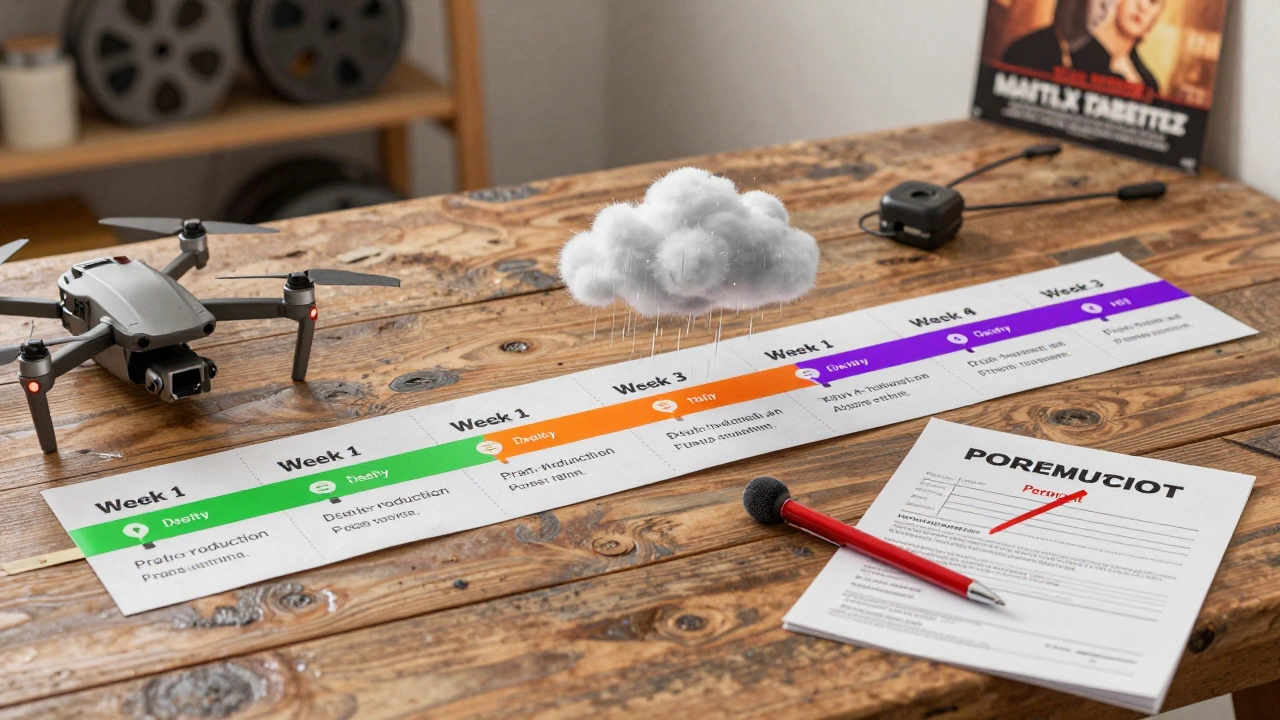
Here’s what a working calendar looks like for a 12-day shoot with 18 days of post:
| Week | Key Tasks | Notes |
|---|---|---|
| Week 1 | Final script, cast/crew contracts, location permits, gear rentals | Get signed releases for all locations and talent |
| Week 2 | Pre-visualization, shot list, call sheets, rehearsals | Test lighting and sound on set |
| Week 3 | Days 1-5 of shooting | Shoot hardest scenes first. Backup days built in |
| Week 4 | Days 6-12 of shooting | Wrap with B-roll and pick-ups |
| Week 5 | Organize footage, begin rough cut | Backup all files to two drives |
| Week 6 | Sound design, music composition | Send temp music to composer early |
| Week 7 | Color grade, final cut | Test on TV and phone |
| Week 8 | Delivery formats, festival submissions | Check platform specs before exporting |
This isn’t perfect. It’s real. And it works.
How long should an indie film production calendar be?
There’s no fixed length. A 10-minute short might take 30 days total. A 90-minute feature could take 6-8 months. The key is matching your calendar to your shoot length and post-production needs. As a rule: for every day of shooting, plan for 3-5 days of post. That means a 10-day shoot needs 30-50 days of editing, sound, color, and delivery. Don’t rush it.
Can I use a phone app for my production calendar?
Yes-but not as your only tool. Apps like StudioBinder or ShotList are great for building schedules. But when you’re on set, in the rain, with no signal, you need a printed version. Always print your daily call sheet. Keep it in your pocket. Phones die. Paper doesn’t.
What’s the biggest mistake indie filmmakers make with calendars?
Thinking it’s just a schedule. It’s not. It’s a risk management tool. A calendar that doesn’t account for weather, actor cancellations, gear failures, or permit delays is just a wish list. The best calendars include backup plans, buffer days, and clear notes on what could go wrong-and how you’ll fix it.
Do I need a producer to make a good calendar?
No. But you do need discipline. Many indie filmmakers are directors or writers who also act as producers. That’s fine. Just don’t skip the calendar because you’re overwhelmed. Break it into small steps. One day, do your script breakdown. Next day, lock locations. The next, build the schedule. You don’t need a title. You need to do the work.
How do I handle last-minute changes without breaking the calendar?
You don’t. You adapt. If an actor can’t make it, reschedule the scene to a day with a buffer. If the location falls through, use your backup. The calendar isn’t sacred. It’s a living document. Update it every night. Mark what changed. Cross out old times. Write new ones in red pen. If you’re not updating it, you’re not managing it.
If you’re making an indie film, your calendar is your most important tool. Not your camera. Not your lens. Not your lighting kit. It’s the thing that turns chaos into a finished movie. Start early. Be specific. Update daily. And don’t let anyone tell you it’s too much work. The only thing harder than making a film with a calendar? Making one without one.




Comments(8)