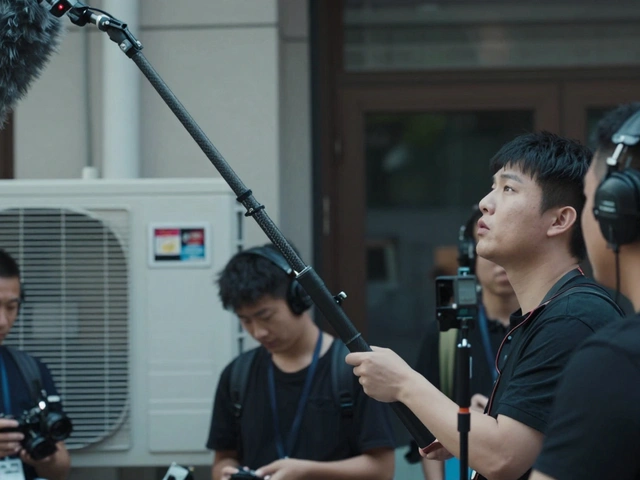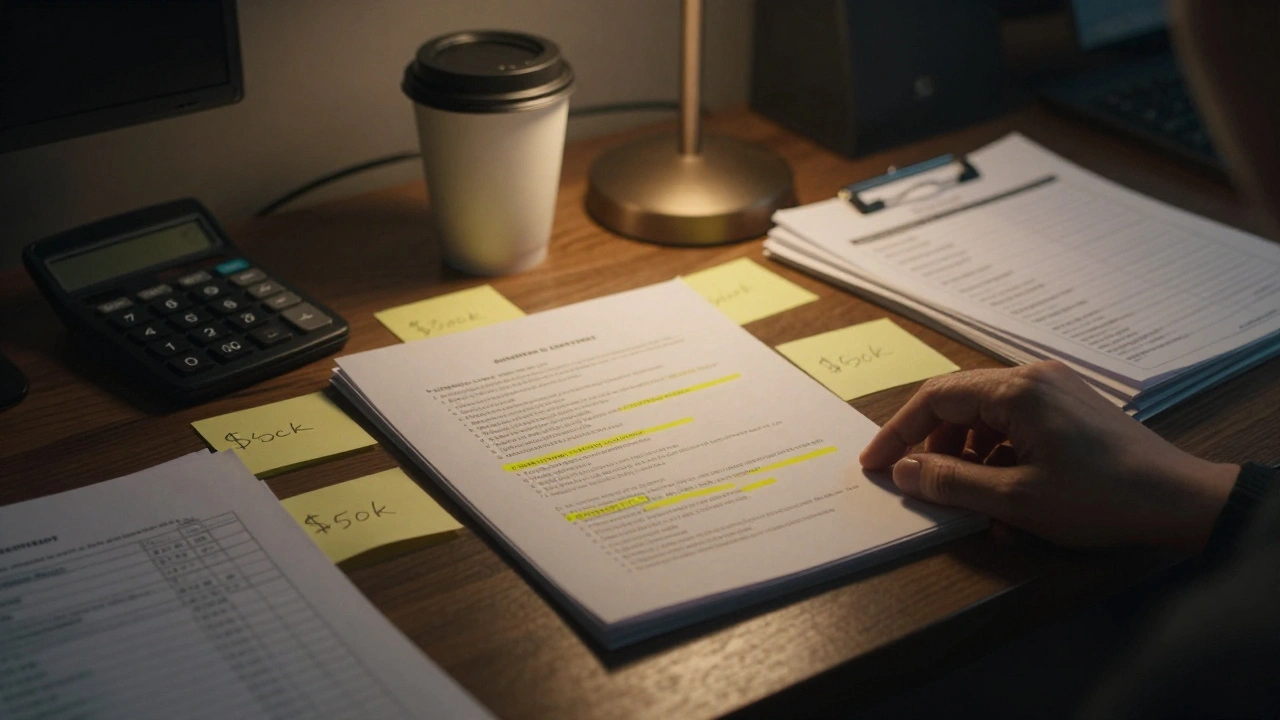
Running out of money is the fastest way to kill an independent film. But running out of time? That’s what kills the soul of the project. When you are working with a micro-budget-say, under $50,000-you don’t have the luxury of waiting for the perfect light or holding a location for three days because the actor was stuck in traffic. Every hour on set costs cash you simply do not have. This is why independent film scheduling isn't just administrative work; it is the single most critical financial decision you will make before you even call "action."
I’ve seen productions where the script looked amazing on paper but fell apart because the schedule ignored reality. You can’t shoot a scene requiring 20 extras, a specific golden-hour lighting setup, and a complex crane shot in forty-five minutes. If your timeline assumes you can, you’re lying to yourself. The goal here isn’t to make the schedule look pretty. It’s to build a roadmap that keeps your crew fed, your cast happy, and your bank account intact.
The Foundation: Breaking Down the Script
Before you open any software, you need to break down your script. This sounds basic, but many first-time directors skip this or do it superficially. A breakdown is the process of identifying every element required for each scene. We aren’t just looking at dialogue; we are looking at resources.
For every scene, list:
- Cast: Who is in the scene? Are they principal actors (paid daily rates) or supporting players?
- Locations: Where does it happen? Is it an interior or exterior? Does it require permits?
- Props and Set Dressing: What physical items are needed?
- Special Effects: Rain machines, squibs, stunts, or VFX markers?
- Vehicles: Cars, trucks, or motorcycles?
This data becomes the fuel for your schedule. If you miss marking a scene as requiring a "second unit" vehicle, you might schedule it during a day when your driver is unavailable, causing a costly delay. Accuracy here prevents chaos later.
Grouping Scenes: The Art of Efficiency
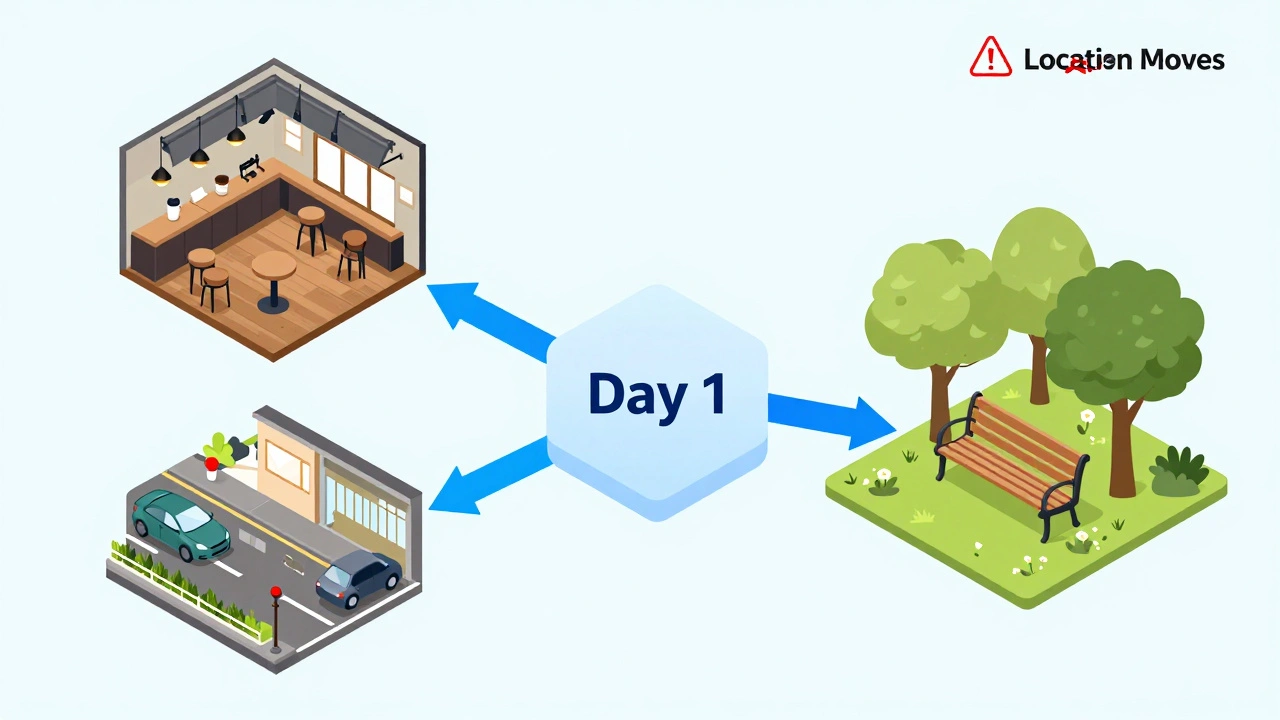
In narrative order, Scene 1 happens, then Scene 2, then Scene 3. In production order, this makes no sense. You group scenes by constraints. The primary constraint is usually location, followed by cast availability.
If you have five scenes that take place in the same coffee shop, you shoot them all in one block, regardless of where they fall in the story. This saves you from tearing down lights, striking sets, and rebuilding them multiple times. For indie filmmakers, moving locations is expensive. Every move involves truck rentals, labor hours, and travel time.
Consider the concept of Turnaround Time. Most union contracts and standard industry practices dictate that crew members need at least 10 to 12 hours between their call time one day and their call time the next. If you schedule a night shoot ending at 6 AM, you cannot start the next day before 4 PM. Ignoring this leads to burnout, safety hazards, and potential legal issues if you are working with unionized staff.
Realistic Timing: Avoiding the "Optimism Trap"
New producers often ask, "How long will this scene take?" and I hear them think about the runtime of the final edit. A two-minute scene in the finished film might take four hours to shoot. Why? Because you need multiple angles, coverage, rehearsals, and setup time.
Use these rough estimates for planning:
- Simple Dialogue: 1 page of script ≈ 1 hour of shooting time (including setup).
- Action/Complex Movement: 1 page ≈ 2-3 hours.
- Night Exteriors: Add 25% buffer due to lighting complexity.
- Kids or Animals: Double your estimated time. Always.
These are not hard rules, but they are sanity checks. If your assistant director tells you a complex car chase sequence will take two hours, question that. Experience teaches you that setup alone for vehicles takes longer than that. Buffer your schedule. A realistic timeline includes downtime for meals, equipment failures, and weather delays.
Leveraging Technology: Tools for Indie Schedules
You don’t need Hollywood-grade software to manage an indie schedule, but you do need tools that handle dependencies well. Spreadsheets are tempting because they are free, but they lack dynamic updating. If you move a scene from Day 3 to Day 5, you have to manually update every related field. That’s where errors hide.
Popular tools include:
- Movie Magic Scheduling: The industry standard. Expensive, but powerful for large crews.
- Celtx: Great for beginners, offers cloud collaboration.
- StudioBinder: User-friendly interface, good for mid-sized indie productions.
- Excel/Google Sheets: Only if you are extremely disciplined and have a simple shoot.
Whatever tool you choose, ensure it generates a Call Sheet automatically. The call sheet is the daily bible for your crew. It lists who needs to be there, when, and where. If your scheduling software doesn’t export clean call sheets, you’re adding unnecessary manual labor.
Managing Risks: Weather and Permits
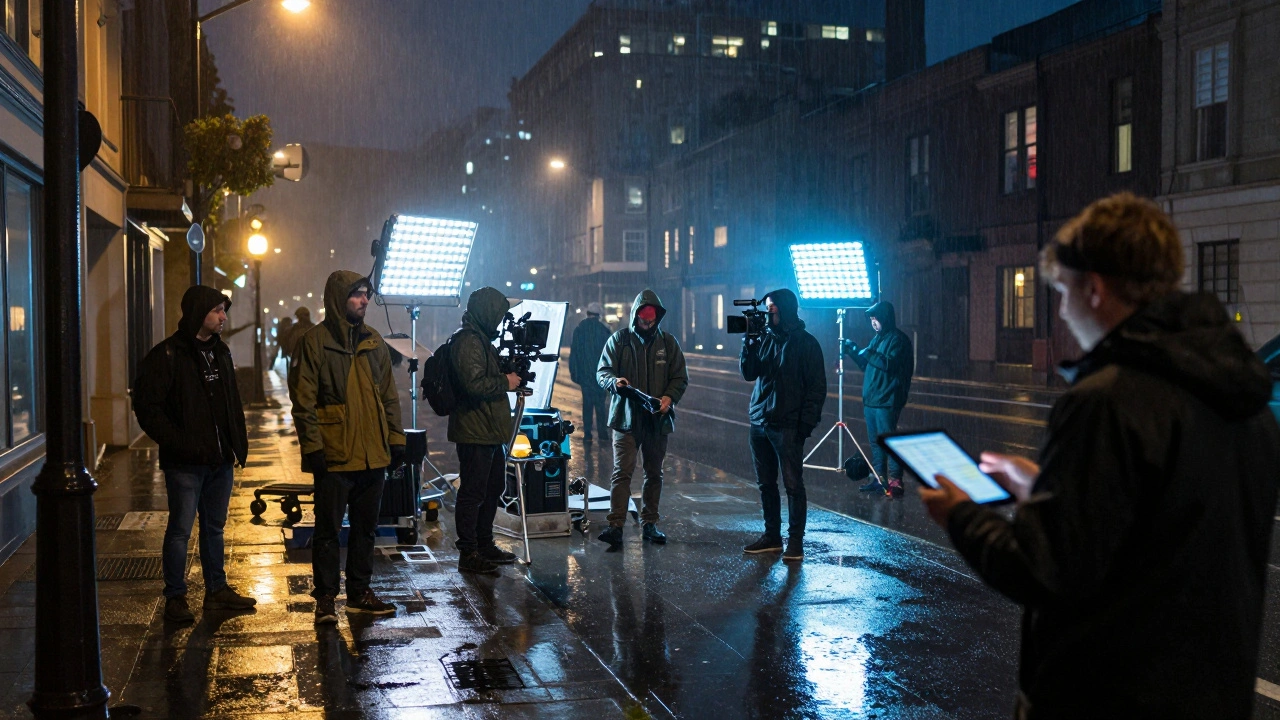
Indie films are vulnerable to external factors. You can control your crew’s morale, but you can’t control the rain. If you are shooting outdoors, always have a "rain plan." This means having interior backup scenes ready to go if the sky opens up. Don’t wait until the last minute to scout indoor alternatives. Include them in your initial breakdown.
Permits are another silent killer. City halls often take weeks to approve filming permits. If you schedule a street shutdown for Week 4 but haven’t secured the permit by Week 2, you’re stuck. Build your schedule backward from your fixed dates. If you have a location available only on Saturdays, anchor your schedule to those Saturdays and fill in the gaps around them.
| Pitfall | Consequence | Solution |
|---|---|---|
| Over-scheduling days | Crew fatigue, overtime costs | Add 10-15% buffer time per day |
| Ignoring turnaround time | Burnout, safety risks | Enforce 12-hour minimum rest periods |
| No rain backup | Lost shooting days | Pre-plan interior alternatives |
| Underestimating setup | Falling behind schedule | Consult gaffer and AD for tech estimates |
The Human Element: Communication is Key
A schedule is useless if no one understands it. Your Assistant Director (AD) is your partner in this process. They know how fast the crew moves. Involve them early. If you schedule a complex lighting setup in 30 minutes, your AD will tell you it’s impossible. Listen to them.
Distribute the schedule widely but securely. Use password-protected links or dedicated apps rather than emailing PDFs that get lost in inboxes. Ensure your department heads-camera, sound, art, wardrobe-have access to their specific requirements. Miscommunication between departments causes more delays than bad weather.
Final Checks Before Locking the Schedule
Before you finalize, run these checks:
- Cast Availability: Confirm every actor’s dates. Principal actors often have other commitments.
- Location Holds: Ensure you have written confirmation for every date.
- Budget Alignment: Does the schedule match your budget? More days mean more crew wages and catering costs.
- Equipment Rental: Can you rent the necessary gear for the entire block?
Once locked, treat the schedule as sacred. Changes should only happen for emergencies. Flexibility is good; chaos is not. By building a realistic timeline grounded in actual constraints rather than hopeful guesses, you give your film the best chance to survive-and thrive-on a small budget.
How many pages of script can I shoot in one day on a low budget?
On a typical indie shoot, you can aim for 2-4 pages per day for simple dialogue scenes. However, action-heavy scenes or those with complex lighting may only yield 1 page or less. Always prioritize quality over quantity to avoid reshoots.
What is the most important factor in scheduling an indie film?
Location efficiency is usually the top priority. Grouping scenes by location minimizes move times and rental costs, which are major budget drains for independent productions.
Should I use free scheduling software for my first indie film?
Free tools like Celtx or StudioBinder’s free tier are excellent for starting out. They offer enough functionality for small crews without the steep learning curve of professional software like Movie Magic.
How do I handle unexpected delays during shooting?
Always keep a "float" day or half-day buffer in your schedule. If delays occur, use this buffer to catch up. Prioritize essential coverage and cut non-critical shots if time runs short.
Is it better to shoot chronologically or out of order?
Shooting out of order is almost always more efficient for budgets. It allows you to group locations and cast, reducing logistical costs. Chronological shooting is rare in professional filmmaking unless the budget is very high.