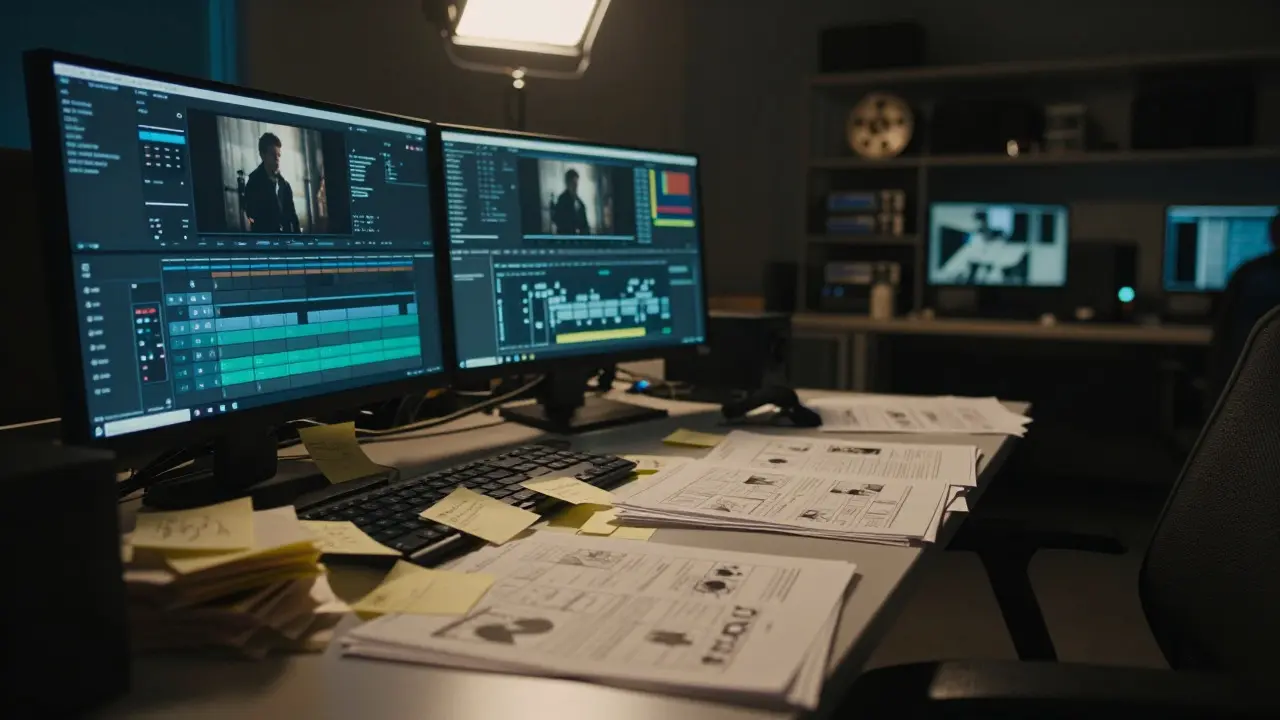
Picture this: your principal photography wrapped three months ago. The footage is on the server. The cast and crew have gone home. But six weeks later, you are still arguing about which take of Scene 42 works better, while the colorist is waiting for a locked picture and the sound mixer is stuck in limbo. This is post-production drift, the silent killer of independent films.
Drift isn't just being late. It's the slow, creeping expansion of scope that turns a manageable two-month post schedule into a six-month nightmare. For indie filmmakers working with limited budgets, every week of drift costs money you don't have. The good news? Drift is predictable, and it can be stopped if you know where it usually starts.
Why Indie Projects Stall in the Edit Bay
The root cause of most timeline slippage isn't technical; it's decisional. In commercial blockbusters, the director has a clear vision and a massive team to execute it. In indie films, the editor often becomes the de facto creative lead, trying to balance artistic integrity with the director's evolving taste. When these two roles clash without a clear framework, decisions get deferred. Deferred decisions mean the picture doesn't lock. If the picture doesn't lock, nothing else moves.
Consider the typical workflow. You finish the rough cut. You show it to the director. They love it but want to change the pacing of the third act. You spend two weeks re-editing. Now the audio sync is off, the visual effects shots need re-rendering, and the color grade needs adjustment. That single change cascades through every other department. This is the "ripple effect" of indecision. To avoid it, you need to define what "done" looks like before you start editing.
The Anatomy of a Realistic Post-Production Timeline
Most indie films fail because they use a template designed for television or high-budget features. Those schedules assume dedicated teams working in parallel. Indie projects often rely on one person wearing multiple hats. Your timeline must reflect reality, not aspiration.
| Phase | Typical Duration | Key Deliverable | Common Pitfall |
|---|---|---|---|
| Assembly & Rough Cut | 3-4 Weeks | Complete story structure | Over-polishing individual scenes |
| Fine Cut & Director Review | 2-3 Weeks | Locked Picture (Version 1) | Endless revision loops |
| VFX & Compositing | 4-6 Weeks | Final VFX shots | Late asset delivery from editor |
| Sound Design & Mix | 3-4 Weeks | Mixed Audio Stems | Waiting for locked picture |
| Color Grading | 1-2 Weeks | Final Color Grade | Re-grading after VFX changes |
| Mastering & Delivery | 1 Week | Distribution Masters | Last-minute title changes |
Note that VFX and Sound often run in parallel once the picture is 80% locked. Trying to do them sequentially will double your timeline. However, this parallel work requires strict version control. If the editor changes a shot in Week 5, the VFX artist needs to know immediately, or they will render the wrong thing.
Building a Buffer That Actually Works
A buffer isn't extra time you hope to use. It's a scheduled contingency for known unknowns. In my experience, indie projects typically hit at least three major surprises during post. Maybe a key actor is unavailable for pickup shots. Maybe a hard drive fails. Maybe the distributor wants a different aspect ratio. If you haven't built in time for these, your entire schedule collapses.
Here is a simple rule of thumb: add 15-20% to your estimated total post-production duration. If you think post will take 10 weeks, plan for 12. Do not hide this buffer at the end of the schedule. Distribute it across critical path tasks. For example, give the editor an extra three days before the first director review. Give the VFX team an extra week before the final mix. This way, if one phase runs long, it eats into its own buffer rather than pushing everything downstream.
The Role of Version Control in Preventing Chaos
Post-production drift often manifests as file confusion. "Which one is the final?" "Is this the version with the new titles?" These questions waste hours. In professional pipelines, tools like Frame.io or Adobe Premiere Pro’s cloud collaboration features help manage versions. But even without expensive software, a strict naming convention saves lives.
Use a consistent format: ProjectName_SceneNumber_TakeNumber_VersionDate. For example, MyFilm_Sc12_Tk03_v04_20260817. Never overwrite files. Always create a new version. This allows you to revert if a change goes wrong. More importantly, it creates an audit trail. If the director asks why a scene feels different, you can pull up the previous version and compare. This transparency reduces friction and speeds up decision-making.
Managing Stakeholder Feedback Loops
One of the biggest sources of drift is unstructured feedback. If you send a cut to five friends, you’ll get five conflicting opinions. One says the music is too loud. Another says the ending is confusing. A third loves it but wants more dialogue. How do you prioritize? You don’t. Instead, you limit feedback rounds.
Establish a clear hierarchy of decision-makers. Usually, this is the director and the producer. Everyone else provides input, but only these two people have veto power. Limit formal review sessions to specific milestones. For instance, no feedback is accepted until the Rough Cut is complete. Then, hold one structured review session. Take notes. Assign action items. Close the loop. Do not accept casual comments via text message between sessions. Every piece of feedback should go through a filter to determine if it serves the story or just satisfies a personal preference.
Technical Dependencies and the Critical Path
Not all post-production tasks are equal. Some are on the "critical path," meaning any delay in these tasks delays the entire project. Others are flexible. Understanding this distinction helps you allocate resources effectively.
- Critical Path Tasks: Picture Lock, Final Audio Mix, Color Grade, Mastering. These must happen in sequence and cannot be delayed without impacting the release date.
- Flexible Tasks: Marketing trailers, social media clips, bonus features. These can be pulled from earlier cuts and finished later.
Protect the critical path at all costs. If you are behind schedule, cut flexible tasks first. Release a trailer using the Fine Cut instead of the Locked Picture. Use placeholder graphics for the opening titles. These compromises are far less painful than missing your distribution deadline.
Common Red Flags of Impending Drift
Drift rarely announces itself. It creeps in slowly. Watch for these warning signs:
- Scope Creep: New ideas are added after the rough cut is approved. Each new idea requires new edits, new renders, and new mixes.
- Communication Gaps: The editor doesn’t know when the VFX shots are due, or the sound mixer doesn’t know when the picture will lock.
- Perfectionism: Spending three days tweaking a transition that viewers won’t notice. This is a sign that the team is losing sight of the bigger picture.
- Staff Burnout: When the core team is exhausted, mistakes increase. Mistakes require rework. Rework causes delays. It’s a vicious cycle.

Tools and Workflows for Small Teams
You don’t need Hollywood-level infrastructure to stay on track. You need clarity. Here are some practical setups that work for small indie teams:
- Centralized File Storage: Use a cloud service like Dropbox, Google Drive, or a local NAS server. Ensure everyone has access to the same latest version.
- Task Management Software: Tools like Trello, Asana, or Monday.com help track deliverables. Create cards for each task: "Scene 12 VFX Render," "Mix Session 1," etc. Assign owners and deadlines.
- Weekly Check-ins: Hold a 30-minute meeting every Friday. Review what was completed, what is blocked, and what is coming next. Keep it short. Focus on obstacles, not status updates.
- Clear Contracts: Define deliverables and timelines in contracts with freelancers. If a VFX artist is paid per shot, specify how many revisions are included. Unlimited revisions invite drift.
Case Study: The Ripple Effect of a Late Lock
Let’s look at a real-world scenario. A 60-minute documentary was scheduled for a four-week post-production window. The editor spent three weeks on the rough cut, leaving only one week for fine cutting, sound, and color. The director wanted changes to the interview order in the second week. The editor made the changes, but now the narration needed rewriting. The narrator was booked for the following Tuesday. The delay pushed the sound mix back by a week. The colorist, who was already booked for another project, had to reschedule. The final master was delivered two weeks late, missing a key festival deadline. The lesson? The initial timeline underestimated the complexity of the narrative restructuring. The buffer was insufficient. And communication between the editor and narrator was reactive, not proactive. Had the team identified the interview order issues during the assembly phase, the problem would have been solved weeks earlier, within the original buffer.
Final Thoughts on Maintaining Momentum
Post-production is where the film is truly made. It’s also where it can die. Drift is not inevitable, but it is common. By understanding the anatomy of a realistic timeline, building effective buffers, managing feedback loops, and protecting the critical path, you can keep your project on track. Remember, the goal is not to make the perfect film in theory. It’s to make the best possible film that actually gets released. Start with a clear plan, stick to it, and be willing to make tough calls when things go sideways. Your future audience will thank you for showing up on time.
What is the average post-production time for an independent feature film?
For a standard 90-minute indie feature, post-production typically takes 10 to 14 weeks. This includes editing, VFX, sound design, color grading, and mastering. Documentaries may take longer due to research and interviews, while short films can be completed in 4 to 6 weeks.
How much buffer time should I include in my post-production schedule?
Aim for a 15-20% buffer on your total estimated post-production duration. For example, if you estimate 10 weeks, plan for 12. Distribute this buffer across critical phases like editing and VFX rather than keeping it all at the end.
Can VFX and sound design happen at the same time?
Yes, and they should, once the picture is approximately 80% locked. Running these processes in parallel significantly reduces the overall timeline. However, strict version control is essential to ensure both teams are working from the same source material.
What is the biggest cause of post-production delays in indie films?
Indecision and lack of structured feedback are the primary culprits. When directors and editors don't agree on the final cut, or when too many stakeholders provide conflicting notes, the picture fails to lock. This prevents downstream departments from starting their work.
Do I need expensive software to manage post-production workflows?
No. While specialized tools like Frame.io help, free or low-cost solutions like Trello, Google Drive, and consistent file naming conventions are sufficient for most indie projects. The key is consistency and clear communication, not the price tag of the software.