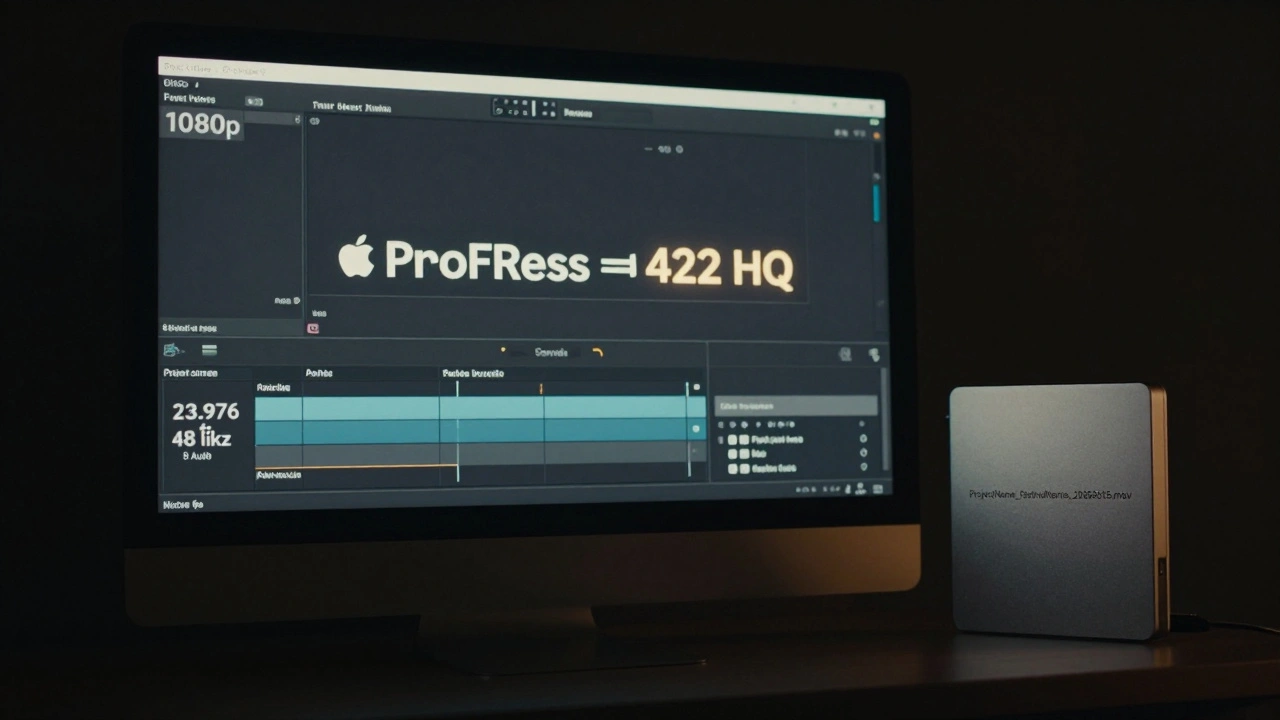
Submitting a film to a festival isn’t just about having a great story. If your screener doesn’t meet the technical requirements, it won’t even be watched. Festivals get hundreds, sometimes thousands, of submissions. A poorly formatted video won’t get a second look-it gets rejected before the first frame plays.
Why Tech Specs Matter More Than You Think
Film festivals aren’t picky for no reason. Their screening systems are locked down for a reason: consistency. A 4K ProRes file won’t play on a festival’s 2018 Dell workstation running macOS 10.14. A 5.1 audio track might mute entirely if the system only accepts stereo. A file with the wrong frame rate can cause stuttering, sync issues, or outright crashes during the screening.
There’s no magic formula. Every festival has its own list. But the core specs haven’t changed much since 2020. If you get your screener right once, you can reuse it for most major festivals-Sundance, TIFF, Berlinale, SXSW, and others. The key is knowing what they actually need, not what you think they need.
What a Festival Screener Actually Is
A screener isn’t your final cut. It’s a delivery file optimized for screening, not streaming or broadcast. It’s meant to be played cleanly on a dedicated media server in a dark theater. That means:
- No watermarks, logos, or timecodes (unless required)
- No YouTube-style compression artifacts
- No random file naming like “FINAL_V3_REALLY_FINAL.mov”
- No password protection or encrypted files
Some festivals allow online submissions via platforms like FilmFreeway or Withoutabox. Others require physical hard drives shipped to their offices. Either way, the file specs are non-negotiable.
Core Tech Specs You Must Hit
Here’s what 90% of top-tier festivals require in 2026:
| Parameter | Required Value | Notes |
|---|---|---|
| Video Codec | ProRes 422 (HQ) or H.264 | ProRes is preferred. H.264 is accepted if no artifacts. |
| Resolution | 1920x1080 (Full HD) | 4K is accepted but upscaled. No need to render higher than needed. |
| Frame Rate | 23.976 fps or 24 fps | Stick to one. Don’t mix. Avoid 25 fps unless submitting to European festivals. |
| Audio Codec | PCM or AAC | 16-bit or 24-bit. Stereo only unless specified otherwise. |
| Audio Sample Rate | 48 kHz | Never 44.1 kHz. That’s for music, not film. |
| File Format | .mov or .mp4 | .mov is preferred. .mp4 is fine if encoded properly. |
| Bitrate | Minimum 100 Mbps for ProRes | For H.264, keep under 25 Mbps to avoid compression issues. |
| File Naming | ProjectName_FestivalName_YYYYMMDD.mov | Example: “WhisperingPines_Sundance_20260315.mov” |
These specs come from real submissions accepted by Sundance, TIFF, and Berlinale in 2025. One filmmaker lost a slot at Tribeca because their file was 25 fps instead of 23.976. The festival’s system didn’t auto-convert-it just skipped the file.
How to Export Your Screener Correctly
Here’s how to export from the most common editing software:
Final Cut Pro
- Go to File > Share > Master File
- Choose “Apple ProRes 422 (HQ)”
- Set resolution to “1920x1080”
- Set frame rate to “23.976”
- Under Audio, select “48 kHz” and “Stereo”
- Click Next, name your file properly, and export
Adobe Premiere Pro
- Go to File > Export > Media
- Format: QuickTime
- Codec: Apple ProRes 422 (HQ)
- Resolution: 1920x1080
- Frame Rate: 23.976
- Audio: PCM, 48 kHz, Stereo
- Check “Use Maximum Render Quality”
- Click Export
Davinci Resolve
- Go to Deliver page
- Format: QuickTime
- Codec: ProRes 422 HQ
- Resolution: 1920x1080
- Frame Rate: 23.976
- Audio: 48 kHz, Stereo, 24-bit
- Under Advanced, uncheck “Include Timecode”
- Click Add to Render Queue and Render
Don’t use “Export for Web” or “YouTube” presets. Those are optimized for compression, not quality. They’ll ruin your file.
Audio Is Often the Silent Killer
Most filmmakers focus on video and forget audio. But audio problems are the #1 reason screenings fail.
- Never use 5.1 or 7.1 surround unless the festival explicitly asks for it. Most screening rooms only have stereo speakers.
- Don’t use dynamic range compression to make your film “louder.” Festivals have calibrated systems. Your film will sound distorted.
- Check your audio levels: -18 dBFS average, peaks no higher than -6 dBFS.
- Make sure dialogue is clear. No music drowning out voices.
Use a free tool like Audacity to check your audio waveform. If you see spikes hitting the red, you’re overloading. Lower the master volume and re-export.
File Naming and Delivery
Don’t name your file “FinalMovie.mov.” That’s the fastest way to get lost in a folder with 300 other files.
Use this format: ProjectName_FestivalName_YYYYMMDD.mov
Example: “TheLastTrain_Dresden_20260410.mov”
If you’re sending a hard drive:
- Use a reliable brand: SanDisk Extreme Pro, Samsung T7, or WD My Passport
- Format it as exFAT (works on Mac and Windows)
- Don’t put anything else on the drive-just the screener file
- Label the drive clearly with your film’s title and contact info
- Ship with tracking and insurance
If you’re uploading via FilmFreeway:
- Use a wired connection, not Wi-Fi
- Wait for the upload to finish completely-don’t close the tab
- Download your own file after upload and play it back to verify
Test Before You Submit
Never assume your file works. Test it on the exact system you’re submitting to.
Here’s how:
- Copy the file to a USB drive or external SSD
- Plug it into a Mac or Windows PC
- Play it in QuickTime Player (Mac) or VLC (Windows)
- Watch the entire film-check for audio dropouts, stuttering, or sync issues
- Check the file info: right-click > Properties > Details (Windows) or Get Info (Mac)
If it stutters in VLC, it’ll crash on a festival server. Fix it before submitting.
What Not to Do
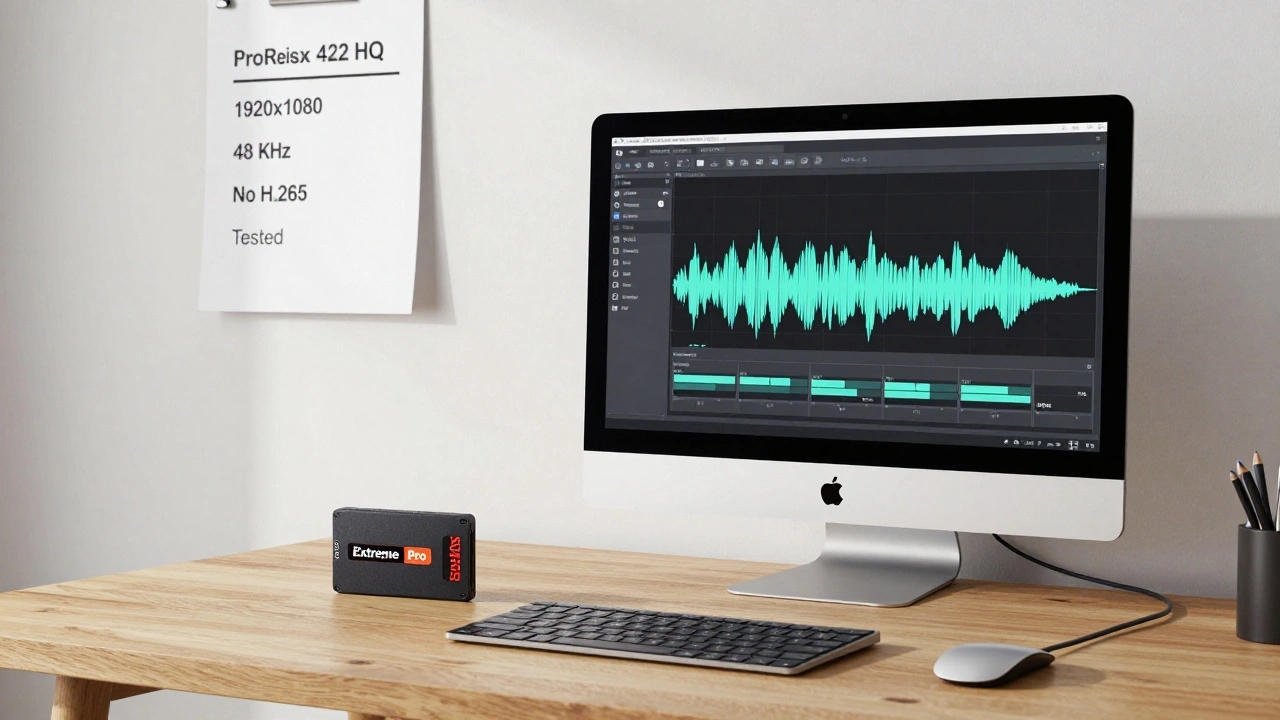
- Don’t submit a 4K file unless asked. It’s unnecessary and risks playback issues.
- Don’t use H.265 (HEVC). Most festival systems can’t play it.
- Don’t embed subtitles in the video file. Send them as separate .srt files if required.
- Don’t use MP3 audio. It’s compressed too much.
- Don’t rename the file after uploading. That breaks links.
- Don’t submit a rough cut. Even if it’s “just for review,” it reflects your professionalism.
What Happens If You Fail?
If your screener doesn’t meet specs, you won’t get feedback. You won’t get a second chance. The festival’s system auto-rejects it. No email. No call. Just silence.
One director submitted a 25 fps file to Cannes in 2024. He thought it was close enough. It wasn’t. His film was disqualified. He lost his only shot at a premiere.
It’s not about being perfect. It’s about being predictable. Festivals need files that work the moment they’re opened. If you make that easy for them, they’ll pay attention to your story.
Final Checklist Before Submitting
- Video: 1920x1080, 23.976 fps
- Codec: ProRes 422 HQ or H.264 (no H.265)
- Audio: 48 kHz, Stereo, PCM or AAC
- File format: .mov or .mp4
- File name: ProjectName_FestivalName_YYYYMMDD.mov
- No watermarks, logos, or timecodes
- Audio levels: -18 dBFS average, peaks at -6 dBFS
- Tested on a different device
- Uploaded or shipped with tracking
Get this right, and your film has a real shot. Get it wrong, and it never gets seen.
Can I use H.265 (HEVC) for my festival screener?
No. Almost no festival screening systems support H.265 in 2026. It’s not widely compatible, and many systems will reject it outright. Stick to ProRes 422 HQ or H.264. They’re reliable, widely supported, and meet all major festival requirements.
Do I need to submit a 4K version?
Only if the festival specifically requests it. Most festivals screen from 1080p. Submitting a 4K file doesn’t improve your chances-it increases the risk of upload failures, playback issues, and file corruption. Render at 1920x1080. It’s the sweet spot for quality and compatibility.
Should I include subtitles in the video file?
No. Never burn subtitles into the video. If a festival needs subtitles, they’ll ask for a separate .srt or .vtt file. Burning them in makes it impossible to translate or adjust for different audiences. Always submit subtitles as standalone files.
What if my film is 25 fps because I shot in Europe?
Convert it to 23.976 fps before exporting. Most European festivals accept 25 fps, but international festivals like Sundance and TIFF do not. To avoid rejection, retime your footage to 23.976 fps in your editing software. It’s a simple speed adjustment-no need to re-render the whole project.
Can I use MP3 audio for my screener?
No. MP3 is a music codec, not a film codec. It uses heavy compression that introduces artifacts and reduces dynamic range. Festivals require PCM or AAC at 48 kHz. MP3 files will be rejected. Always export audio as WAV or AAC, never MP3.
How do I check my file’s specs on a Mac?
Right-click the file and select “Get Info.” Look under “More Info” for codec, resolution, frame rate, and audio sample rate. You can also open it in QuickTime Player and press Command+I to open the Movie Inspector. That shows all technical details clearly.
What if I’m submitting via FilmFreeway and the upload fails?
First, check your internet connection-use Ethernet if possible. Then verify your file size. FilmFreeway limits uploads to 10 GB for most festivals. If your file is bigger, compress it slightly using H.264 at 20 Mbps. If it still fails, try uploading at night when network traffic is lower. Always keep a backup copy on your hard drive.





Comments(9)