Imagine you are three months away from your feature film’s release date. The story is locked. The characters are rigged. But when you hit the "Render" button on a single complex shot, your workstation freezes for four hours just to produce one frame. You have two hundred thousand frames left to go. At that rate, you will finish rendering in twenty years.
This is the nightmare scenario for every animation studio. It is also why rendering farms are not just a luxury-they are the backbone of modern animated feature production. Without them, high-end visual effects and photorealistic animation would be impossible to deliver on time or within budget.
The Bottleneck: Why Your Laptop Can't Handle Feature Films
To understand why we need massive server clusters, we first need to look at what happens during rendering. In 3D computer graphics, rendering is the process of generating a final image or sequence of images from a model by means of computer programs. Think of it like baking a cake. Modeling and texturing are mixing the ingredients. Animation is putting the cake in the oven. Rendering is the actual cooking.
A single frame in a modern animated feature can contain millions of polygons, complex lighting simulations, fur physics, fluid dynamics, and global illumination calculations. When you multiply that by 24 frames per second, and then by 90 minutes of runtime, the computational load becomes astronomical.
- Complexity: A simple character walk cycle might take 10 minutes to render locally. A crowd scene with interacting light sources can take 48 hours per frame.
- Reliability: If your local machine crashes, you lose progress. Farm nodes are redundant.
The core problem isn't just speed; it's capacity. You cannot render a feature film on consumer hardware without sacrificing quality or waiting decades.
What Is a Rendering Farm?
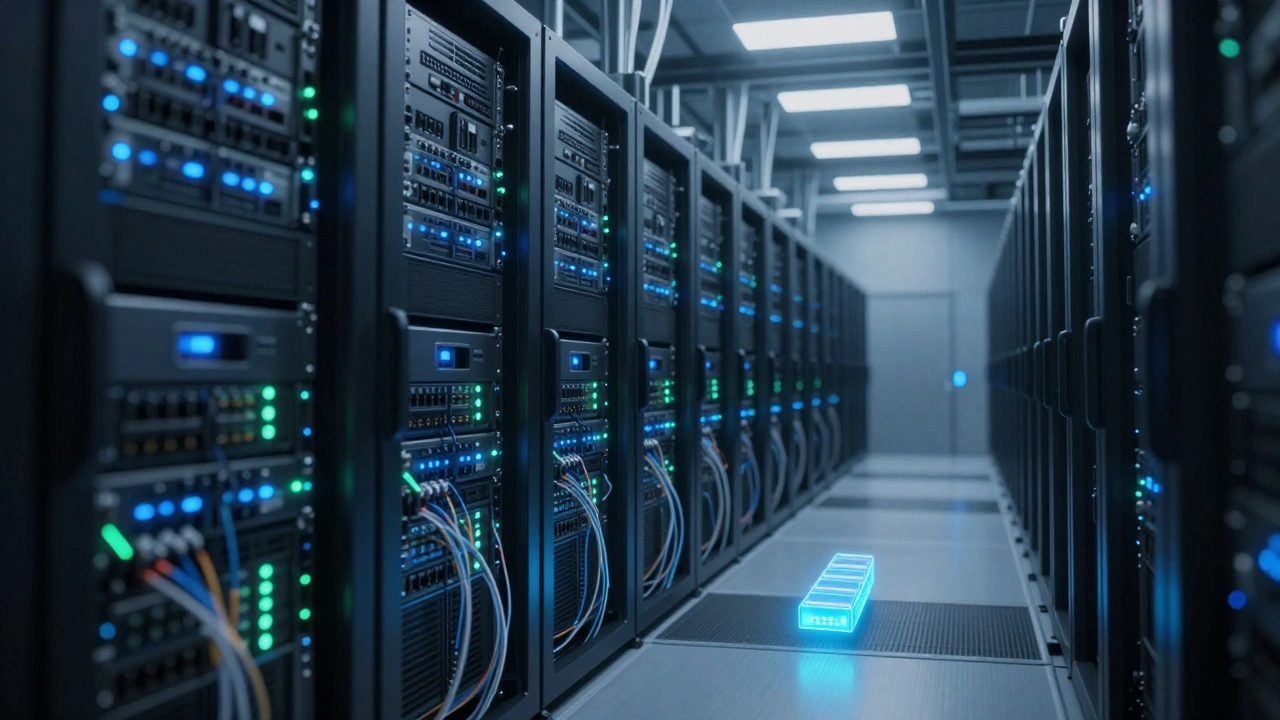
A render farm is a cluster of computers working together to produce computer-generated imagery (CGI). Instead of one powerful machine doing all the work, the job is split into thousands of smaller tasks distributed across hundreds or thousands of machines.
These farms operate on a principle called distributed computing. The central server acts as the manager, assigning chunks of work to available nodes. When a node finishes its task, it reports back and grabs the next chunk. This ensures that no machine sits idle while others are overloaded.
You can build a render farm in-house using dedicated servers, or you can rent power from cloud providers. Both options have distinct advantages depending on your studio's size and project timeline.
| Feature | In-House Farm | Cloud Render Farm |
|---|---|---|
| Upfront Cost | High (hardware purchase) | Low (pay-as-you-go) |
| Scalability | Limited by physical space/power | Near-infinite scaling |
| Maintenance | Requires IT staff | Handled by provider |
| Data Security | Full control over assets | Dependent on provider encryption |
| Best For | Long-term studios with steady workload | Burst rendering and short deadlines |
Time Management: The Invisible Pipeline
Having a fast render farm doesn't automatically solve your schedule problems. If your pipeline is messy, you will still miss deadlines. Time management in animation is the strategic allocation of resources and schedules to ensure timely delivery of visual assets. It requires rigorous tracking of every asset from concept to final pixel.
The biggest mistake studios make is treating rendering as an afterthought. They wait until the last minute to start final renders. This creates a bottleneck where artists are blocked because their shots aren't ready yet, or they are stuck waiting for feedback on low-quality previews.
Effective time management involves three key strategies:
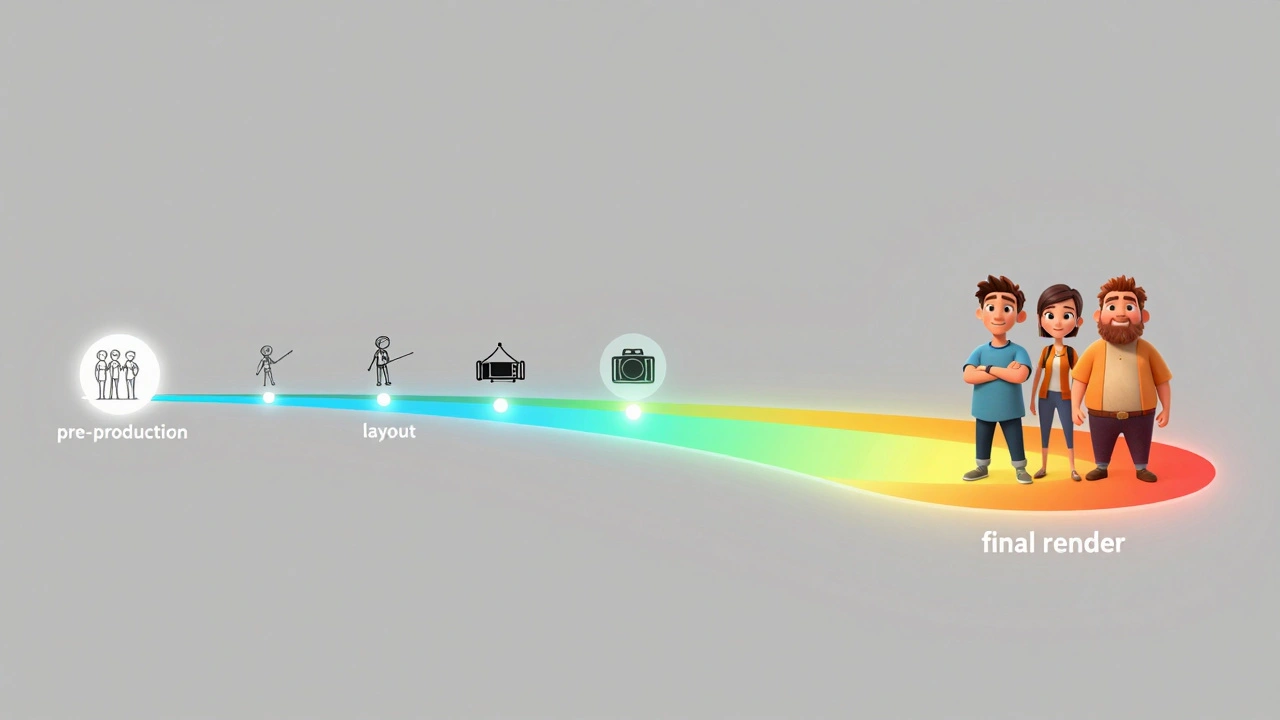
- Early Integration: Start testing render times during pre-production. Know how long a typical shot takes before you commit to the schedule.
- Iterative Rendering: Use low-resolution proxies for layout and animation checks. Only send high-fidelity jobs to the farm when the shot is approved.
- Batch Prioritization: Not all shots are equal. Prioritize hero shots and critical sequences. Background elements can often be rendered with lower settings or reused.
By managing the flow of data into the farm, you prevent congestion. A clogged pipeline is worse than a slow one because it stops creative momentum entirely.
Optimizing Your Render Queue
Even with perfect time management, inefficiencies creep in. Optimizing your render queue is about getting the most value out of every CPU cycle. Here are practical ways to reduce render times without sacrificing quality.
Lighting Simplification: Complex lighting setups with many bounces increase noise and require more samples to converge. Use area lights strategically and limit bounce depths where possible. Many modern renderers like Arnold or V-Ray offer denoising tools that allow you to use fewer samples while maintaining clean images.
Asset Instancing: If you have a forest with ten thousand trees, do not load ten thousand unique tree models. Use instancing. This tells the renderer to calculate the geometry once and reuse it. This reduces memory usage and speeds up processing significantly.
Resolution Scaling: Render at the lowest resolution necessary for the final output. If a shot is only visible for two seconds in the corner of the screen, you don't need 4K resolution. Adjust camera frustums to exclude unnecessary geometry from the render calculation.
Choosing the Right Software Stack
Your choice of rendering software impacts both cost and time. Different engines excel in different areas. Understanding these differences helps you allocate resources correctly.
- Cycles (Blender): Open-source, great for indie studios. Fast for small scenes but can struggle with massive crowds compared to enterprise solutions.
- Mantra (Houdini): Industry standard for procedural effects. Excellent for simulating fire, water, and destruction.
- Redshift: GPU-based renderer. Extremely fast for organic shapes and beauty passes, but requires expensive GPU hardware.
- V-Ray: Versatile and widely used in architecture and film. Strong CPU performance and robust documentation.
Many studios use a hybrid approach. They might use Redshift for quick previews and Arnold for final output. This flexibility allows you to balance speed and quality based on the specific needs of each shot.

Budgeting for Render Costs
Render costs can eat up to 30% of a post-production budget if not managed carefully. To keep costs under control, track your "core-hours." This metric measures how many CPU cores were used for how many hours.
If you know a shot takes 100 core-hours to render, you can estimate the cost accurately. With cloud providers, prices fluctuate based on demand. Scheduling non-urgent renders during off-peak hours can save significant money. Additionally, optimizing your scenes to reduce core-hours directly lowers your bill.
Always negotiate contracts with cloud providers for committed use discounts if you plan to run large-scale projects. Long-term commitments often result in lower per-hour rates compared to spot instances.
Troubleshooting Common Issues
Even with the best setup, things go wrong. Here are common issues and how to fix them.
Missing Textures: Ensure all texture paths are absolute or relative to a shared network drive. Broken links cause render failures.
License Errors: Floating licenses can run out if too many nodes try to access them simultaneously. Monitor license usage and stagger job submissions.
Version Mismatches: Make sure all nodes on the farm are running the same version of your rendering software. Incompatible versions lead to corrupted outputs.
Noise Artifacts: If final renders show grain, increase sample counts or enable adaptive denoising. Check your light settings to ensure they are contributing evenly to the scene.
How much does it cost to rent a render farm?
Costs vary widely based on the provider and region. Typically, you pay between $0.05 and $0.15 per core-hour. For a full feature film, this can range from tens of thousands to hundreds of thousands of dollars. Cloud providers often offer discounts for bulk usage.
Can I use my own computers as a render farm?
Yes, you can set up a local render farm using software like Deadline or Tractor. However, this requires significant upfront investment in hardware, cooling, and electricity. It is usually only cost-effective for large studios with consistent workloads.
What is the difference between CPU and GPU rendering?
CPU rendering uses the processor's multiple cores for sequential calculations, offering stability and compatibility with most software. GPU rendering uses graphics cards for parallel processing, which is generally faster for complex shading and lighting but requires specific hardware support.
How do I prevent data loss during rendering?
Use redundant storage systems (RAID) and regular backups. Most render farm software includes checkpointing, which saves progress periodically. If a node fails, it can resume from the last checkpoint rather than starting over.
Is cloud rendering secure for confidential projects?
Major cloud providers offer enterprise-grade security, including encryption in transit and at rest. However, some studios prefer in-house farms for maximum control over sensitive intellectual property. Always review the provider's security certifications before uploading assets.