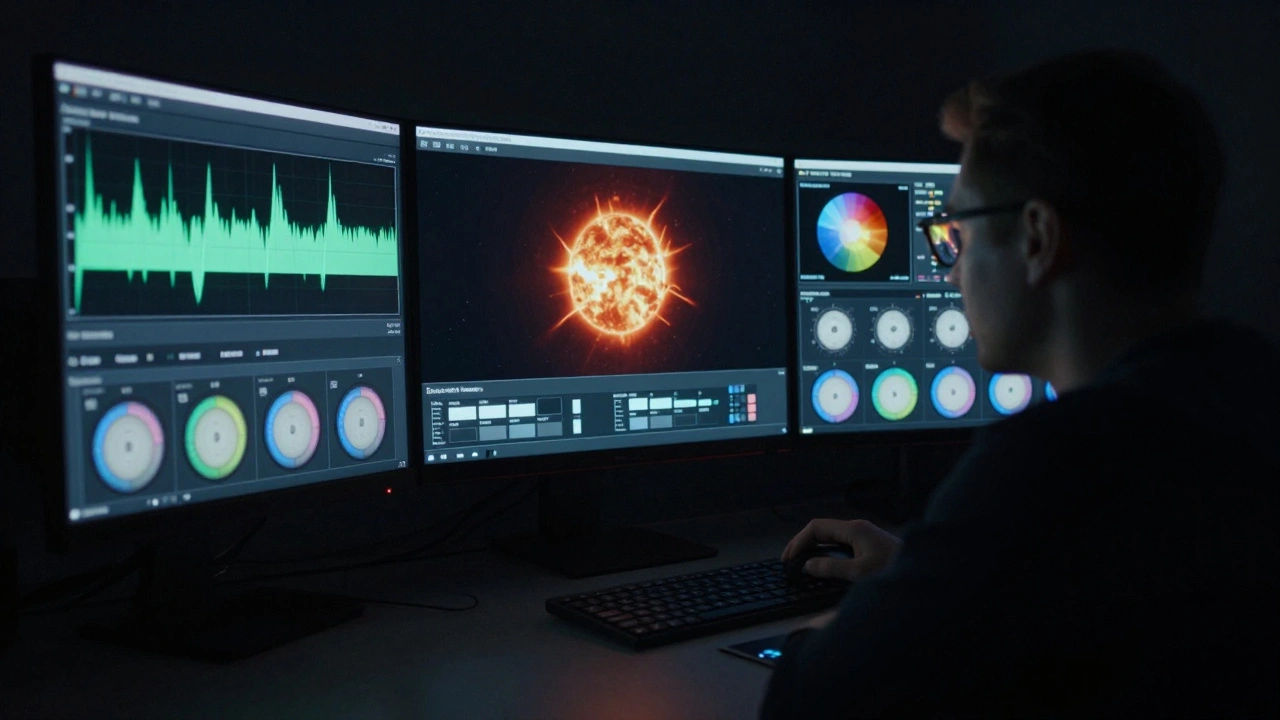
When you sit down in a premium cinema and see a scene explode with deep blacks, glowing highlights, and colors that feel real, you're not just watching a movie-you're seeing the result of a complex, tightly controlled journey from the editing suite to the screen. That journey is called HDR grading to screen, and it’s not as simple as exporting a file and hitting play. Every step matters. One wrong setting, one misaligned monitor, one uncalibrated projector, and the director’s vision gets lost before the first frame even rolls.
What HDR Grading Really Means
HDR grading isn’t just turning up the brightness. It’s about mapping the full range of light and color a camera captured into a format that a cinema display can actually show. Modern cameras like the ARRI Alexa 35 or RED V-RAPTOR record data with over 16 stops of dynamic range. That’s far beyond what your TV or phone can display. HDR grading is the process of deciding which parts of that range make it to the screen-and how.
Think of it like translating poetry. You don’t translate word-for-word. You capture the feeling, the rhythm, the weight of each line. HDR grading does the same. A shadow in a forest scene might hold details you’d never see in standard video. The grading team decides: do you preserve those details, or let them fall into deep black for mood? Do you let the sun flare in a sunset scene burn out, or keep just enough glow to make it feel alive?
This is where tools like DaVinci Resolve, Baselight, or Nucoda come in. They don’t just adjust brightness. They let colorists work in scene-referred space-meaning they’re not tied to a specific display. They grade based on what the camera saw, not what the monitor shows. That’s critical. Because if you grade on a monitor that’s too dim or too bright, you’ll make the wrong calls. And the audience won’t know why the movie feels flat.
The Screen Is the Final Judge
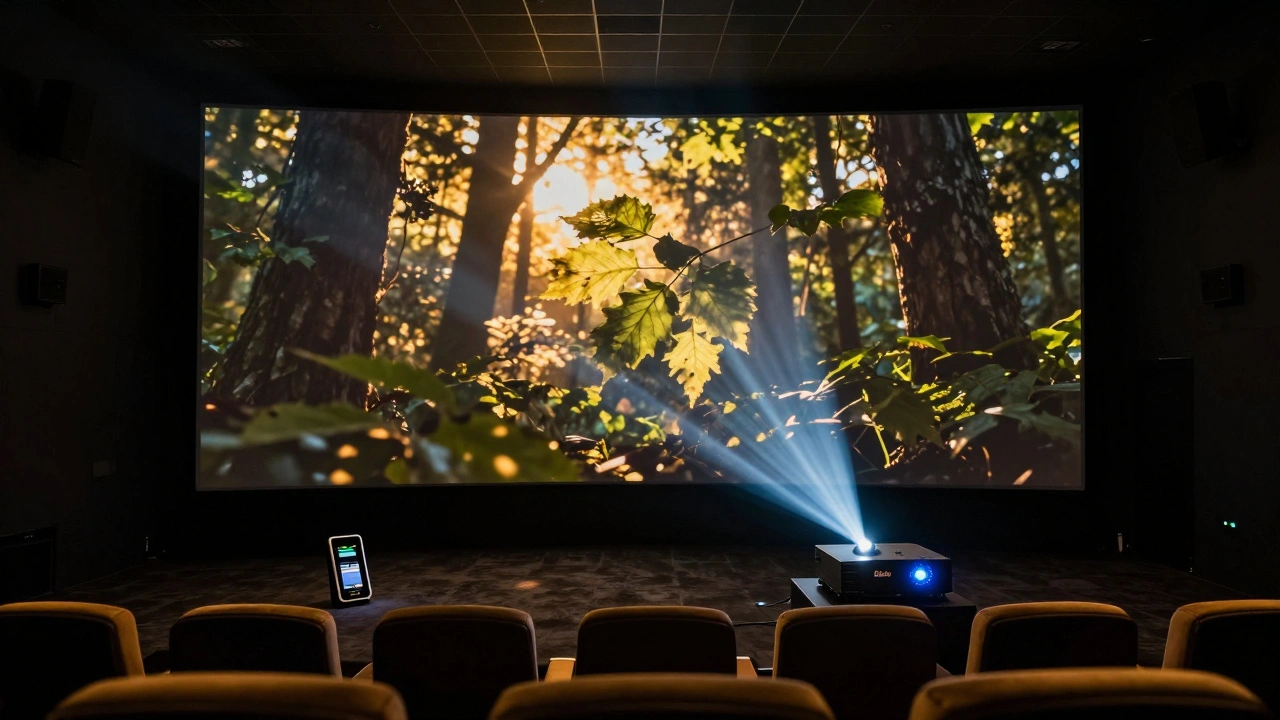
Here’s the hard truth: no matter how perfect your grade, if the cinema projector can’t deliver it, the whole effort fails. That’s why premium cinema formats like Dolby Vision Cinema and IMAX with Laser aren’t just marketing buzzwords. They’re technical standards with hard limits.
Dolby Vision Cinema, for example, requires projectors that can hit 1,000 nits of peak brightness and produce a contrast ratio of 1,000,000:1. That’s not a suggestion. It’s a certification. If a theater’s projector doesn’t meet that, it can’t play Dolby Vision content. And if it tries anyway, the image will look wrong-washed out, too dark, or crushed in highlights.
Compare that to HDR10+, which is more flexible but less consistent. It’s common in streaming and home theaters, but in cinemas? Rare. Why? Because HDR10+ doesn’t enforce a fixed peak brightness or color gamut. Two theaters playing the same HDR10+ file might look completely different. Dolby Vision Cinema does. It’s like comparing a precision-engineered sports car to a generic SUV. Both get you there. One does it with control.
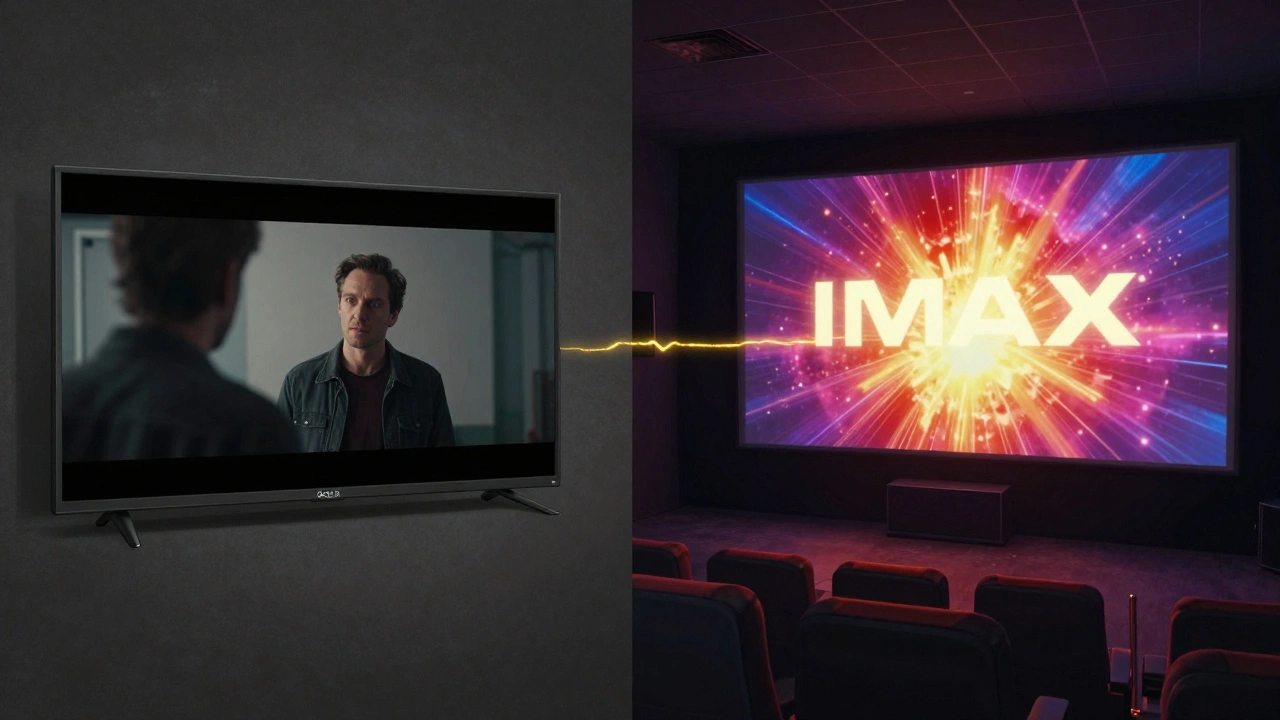
And then there’s IMAX with Laser. It doesn’t just show HDR. It uses dual 4K laser projectors, a 1.43:1 aspect ratio, and a 12-channel sound system. The image fills your peripheral vision. The contrast is deeper than most home TVs can dream of. But here’s the catch: the mastering must be done in IMAX’s proprietary format. You can’t just take a Dolby Vision master and slap it on an IMAX screen. The metadata, the color mapping, the brightness curves-they all have to be rebuilt from scratch.
How the Workflow Actually Works
Let’s say you’re grading a film shot on an ARRI Alexa 35 in 4K HDR. Here’s what happens next:
- Scene-referred grading: The colorist works in a calibrated room with a Dolby Vision-certified monitor. They use the camera’s log footage and apply a look that matches the director’s vision-no target display in mind yet.
- Mastering for target format: The grade is then converted into one or more delivery formats. For cinema, that usually means a DCI-P3 color space with a 1,000-nit peak. For streaming, it might be Rec.2020 with 1,000 nits. Each requires a different mapping.
- Metadata embedding: The grading software generates dynamic metadata. This isn’t just a static file. It tells the projector how to adjust brightness and color frame by frame. A dark room scene might need a 100-nit peak, while a solar flare needs 1,000 nits. This metadata is baked into the DCP (Digital Cinema Package).
- Cinema calibration: The DCP is sent to theaters. But before it plays, the theater’s projection system must be calibrated using tools like the DTS X-Cite or Barco Calibrator. If the projector’s color temperature is off by even 200K, or the brightness is 10% low, the image changes.
- Real-time monitoring: Some high-end theaters now use real-time monitoring systems that check the projected image against the master. If the contrast drops below 800,000:1, the system alerts staff. This didn’t exist five years ago.
Each step adds a chance for error. And each error compounds. A misaligned monitor during grading? The colorist might over-saturate reds. A projector lamp aging? The highlights turn muddy. A theater tech skips calibration? The whole film looks dull.
Why This Matters More Than You Think
Most people think HDR is just about making things brighter. But it’s about emotional impact. In Oppenheimer, the Trinity test sequence isn’t just a flash-it’s a moment of awe. The way the light bleeds into the shadows, the way the sky doesn’t go black but glows with heat-that’s not accidental. That’s the result of a 14-hour grading session, followed by 3 days of testing on multiple cinema systems.
Compare that to a film that was graded on a consumer TV and then sent to theaters. You’ll notice the difference. The blacks look gray. The skin tones feel off. The sunsets look like orange smudges. You might not know why. But you’ll feel it. And you’ll walk out thinking the movie was poorly made.
That’s why studios now invest millions in cinema-specific mastering. Netflix doesn’t just upload a file to theaters. They send engineers. They rent out entire auditoriums to test the DCP. They use laser reference monitors that cost over $50,000 just to verify the grade matches the original vision.
The Hidden Cost of Cutting Corners
Not every film gets this treatment. Indie films, low-budget documentaries, even some studio releases, often get a single master-usually made for streaming. That master is optimized for 400-nit OLED TVs, not 1,000-nit cinema projectors. When it plays in theaters, it looks flat. Lifeless.
A 2024 survey by the Cinema Foundation found that 68% of indie films shown in premium theaters had noticeable HDR mismatch. Viewers reported feeling “disconnected” from the visuals. That’s not a technical glitch. It’s a storytelling failure.
And it’s getting worse. As streaming platforms push for faster delivery, some post-production houses are skipping cinema-specific grading entirely. They assume “HDR is HDR.” But that’s like saying a symphony sounds the same whether played on a piano or a full orchestra.
What’s Next for HDR in Cinemas
The future isn’t just brighter screens. It’s smarter ones. New projector systems from Sony and Barco now include AI-driven calibration. They scan the room, detect ambient light, and auto-adjust the DCP in real time. Some are even syncing with theater HVAC systems-because heat changes color perception.
And then there’s HDR10+. It’s coming to cinemas. Not as a replacement for Dolby Vision, but as a complement. Some theaters are testing hybrid systems that can switch between formats based on the content. Imagine walking into a theater and seeing a Dolby Vision film one night, and an HDR10+ documentary the next-all with perfect quality.
But none of this matters if the workflow breaks. The magic of cinema isn’t in the tech. It’s in the trust that what you see is exactly what the filmmaker intended. And that only happens when every step-from the camera to the projector-is treated with precision.
What You Can Do
If you’re a filmmaker: don’t skip cinema grading. Even if your budget is small, spend at least one day on a calibrated monitor. Test your master on a real cinema projector if you can. Many post houses offer low-cost test screenings.
If you’re a theater owner: insist on calibration logs. Ask for the DCP validation report. Don’t assume “it looks fine.” If the blacks look gray, it’s not your eyes. It’s the system.
If you’re a viewer: look for the Dolby Vision or IMAX logo. Those aren’t just brand names. They’re promises. And they’re worth paying extra for.
What’s the difference between HDR grading for TV and cinema?
HDR grading for TV is done for a specific display type-usually an OLED or QLED with 1,000 nits peak brightness. Cinema grading is done for a much wider range of possible displays, from 400-nit to 1,000-nit projectors. The key difference? Cinema grading uses dynamic metadata that adjusts frame-by-frame to match the projector’s capabilities. TV grading is static. It’s made for one screen. Cinema grading must survive hundreds of different projectors.
Can I watch a cinema HDR master at home?
You can, but it won’t look the same. Cinema HDR masters are mastered for projectors with 1,000+ nits and ultra-high contrast. Most home TVs top out at 1,000 nits, but their contrast is far lower-around 10,000:1, not 1,000,000:1. The result? Highlights look blown out, and shadows lose detail. Some streaming services offer a “cinema grade” version, but it’s usually a downconverted version, not the real master.
Why do some HDR films look worse in theaters than on my TV?
It’s usually one of three things: the theater skipped calibration, the projector is old or poorly maintained, or the DCP was made from a TV master instead of a cinema master. Many indie films are graded only for streaming. When those files are played in theaters, the brightness and color don’t translate. Your TV is calibrated to your room. A theater projector might be 30% dimmer than it should be.
Do all cinemas support Dolby Vision?
No. Only theaters with certified Dolby Vision projectors can play Dolby Vision content. That means they need a Dolby-certified laser projector, a specific server, and a license. Most small theaters still use older digital projectors that can’t handle HDR beyond basic HDR10. Even in major cities, only about 35% of screens are Dolby Vision certified as of 2026.
How do I know if my local theater is properly calibrated?
You can’t always tell, but there are signs. If the blacks look gray, highlights look washed out, or skin tones look too red or green, the system isn’t calibrated. Some theaters post calibration certificates near the entrance. Ask staff if they use DTS X-Cite or Barco Calibrator. If they don’t know what you’re talking about, chances are they’re not doing it.