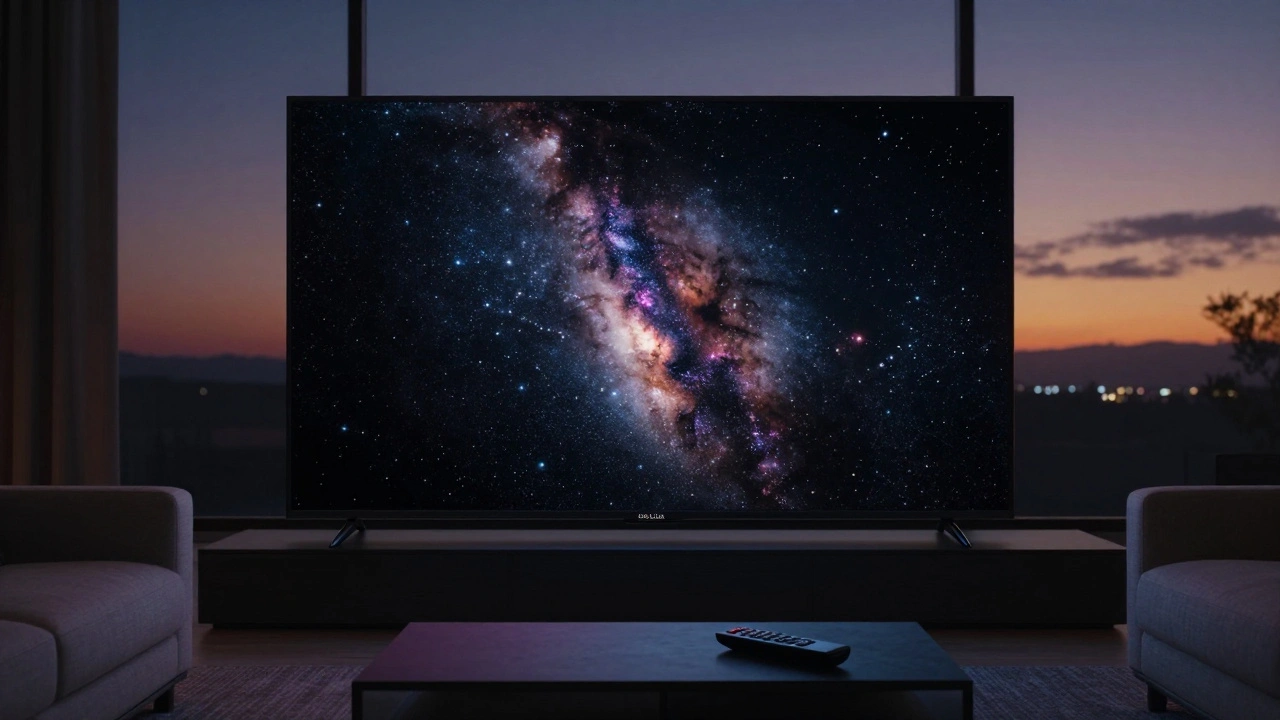
Ever sat down to watch a movie on Netflix, Apple TV+, or Disney+ and thought, Why doesn’t this look as good as the trailer? You’re not imagining it. The difference between a great streaming experience and a flat, washed-out one isn’t just about how fast your internet is. It’s about HDR, Dolby Vision, and 4K-and most people don’t know how they actually work together.
What 4K Really Means (And Why It’s Not Everything)
4K means your screen has about 8.3 million pixels-four times more than 1080p. That sounds impressive, and it is. But if your TV or monitor doesn’t support HDR, all those extra pixels are just showing you more detail in dull colors. You’ll see sharper text, clearer textures on fabric, and finer lines in trees or buildings. But the image will still look lifeless, like a photo taken under fluorescent lighting.
Real-world example: Watch The Midnight Sky on 4K without HDR. The dark space scenes lose all depth. Stars look like tiny white dots on black. With HDR, those same scenes glow with contrast-deep blacks, glowing stars, and subtle gradients in the nebulae. That’s the magic 4K alone can’t deliver.
HDR: The Secret Sauce for Realistic Color and Contrast
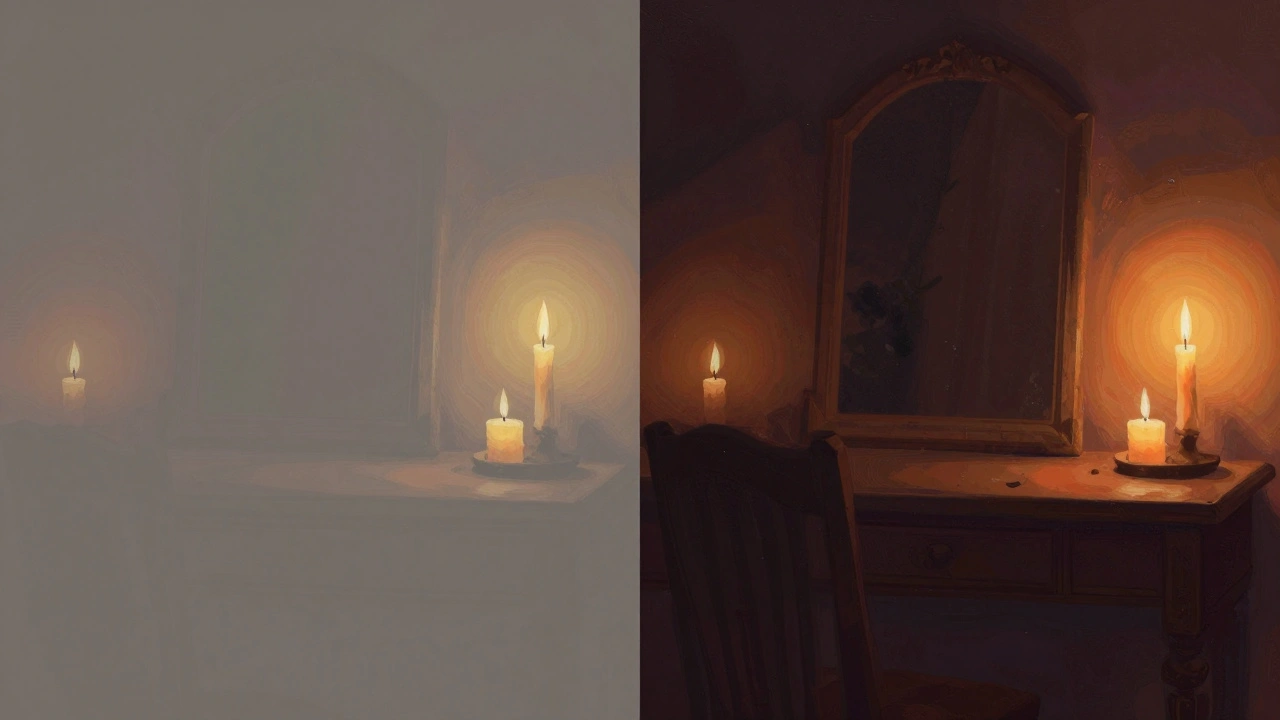
High Dynamic Range (HDR) isn’t a resolution. It’s about brightness, color, and contrast. Standard TVs show maybe 300-400 nits of brightness. HDR TVs go from 1,000 to 4,000 nits. That’s the difference between seeing a candle flame as a bright spot and seeing it as something that actually hurts your eyes to look at.
HDR also expands the color range. Standard TVs use Rec. 709 color space. HDR uses Rec. 2020 or DCI-P3. That means you get reds that look like ripe strawberries, blues that feel like deep ocean water, and greens that pop like fresh leaves after rain.
But here’s the catch: Not all HDR is the same. There are three main types: HDR10, HDR10+, and Dolby Vision. Most streaming services default to HDR10 because it’s free and open. But if you’ve got a high-end TV, you’re missing out if you’re not watching Dolby Vision.
Dolby Vision: The Premium Upgrade Most People Don’t Know About
Dolby Vision isn’t just “better HDR.” It’s smarter HDR. While HDR10 sends one set of brightness and color settings for the whole movie, Dolby Vision adjusts the image scene by scene-even frame by frame. That means a sunset in one scene gets optimized differently than a candlelit room in the next. No guesswork. No compromise.
Netflix and Apple TV+ lead in Dolby Vision support. If you’re watching Stranger Things or Ted Lasso in Dolby Vision, the shadows in the Upside Down aren’t just black-they have texture. Skin tones in close-ups look natural, not oversaturated. The highlights in sunlight don’t blow out; they glow softly.
But Dolby Vision needs three things: a compatible TV (most 2017 and newer OLEDs and high-end QLEDs), a streaming service that offers it, and a fast enough internet connection (15 Mbps minimum). If you’re on a budget TV or using a Roku stick without Dolby Vision support, you’ll never see it-even if the movie says “Dolby Vision” on the screen.
How to Actually Check What You’re Watching
Most people assume if their TV says “4K HDR,” they’re getting the best version. That’s not true. Here’s how to check what’s really playing:
- Pause the movie or show.
- On Apple TV, press the Menu button. You’ll see the format listed: “4K HDR,” “4K Dolby Vision,” or “4K HDR10.”
- On Netflix, go to Settings > Video Quality > Auto (or High). Then press Ctrl+Alt+Shift+D on Windows or Cmd+Option+Shift+D on Mac while playing. A small box will pop up showing the codec and bitrate.
- On Samsung or LG TVs, check the input info panel (usually by pressing the Info button on the remote).
If it says “HDR10” but the title supports Dolby Vision, you’re not getting the full experience. That’s often because your device doesn’t support it, or your HDMI cable is too old. HDMI 2.0 cables can handle 4K HDR, but Dolby Vision requires HDMI 2.0a or higher. If you bought a cable five years ago, it might be the bottleneck.
What You Need to Get the Best Streaming Experience
You don’t need to spend $3,000 on a TV to enjoy HDR and 4K. But you do need to match your gear to your content.
For 4K HDR: A TV from 2018 or newer with HDR10 support, a streaming box or smart TV that supports 4K, and a stable internet connection of at least 25 Mbps.
For Dolby Vision: A TV with Dolby Vision certification (LG OLEDs, Samsung QN90B+, Sony X90K), a compatible streaming device (Apple TV 4K, NVIDIA Shield, Roku Ultra), and a subscription to Netflix, Apple TV+, or Disney+ with Dolby Vision titles.
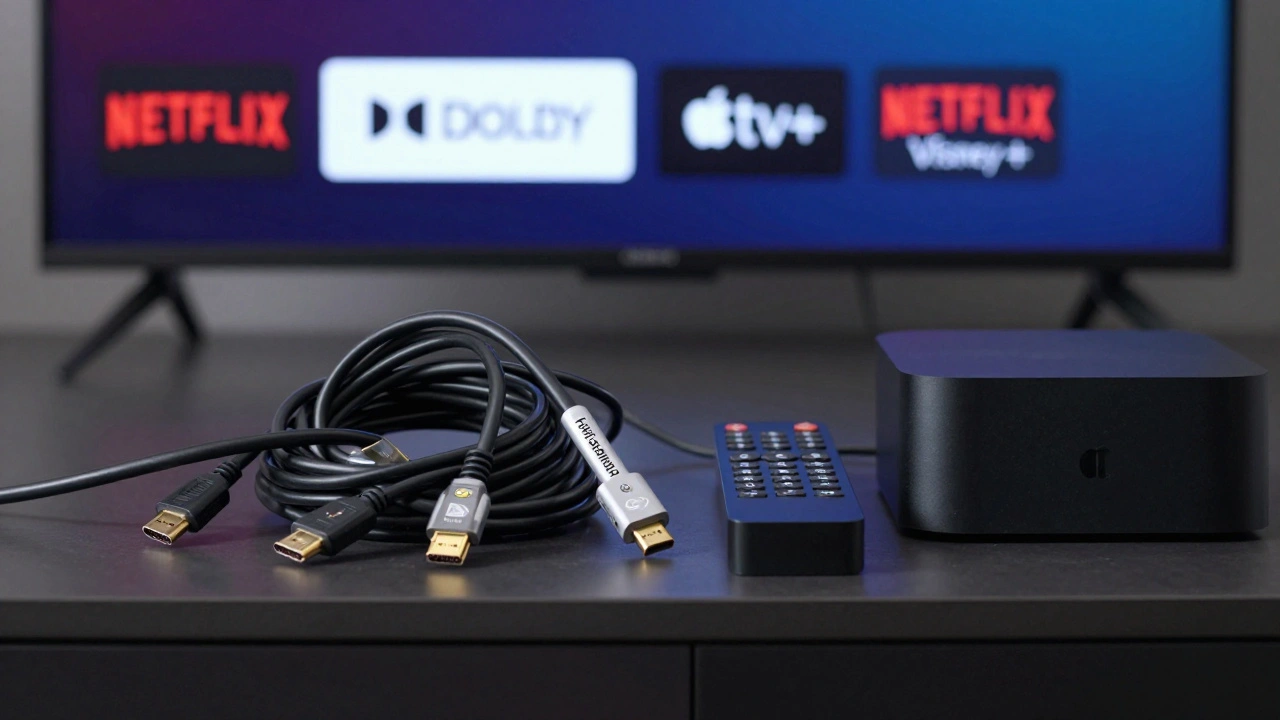
Don’t forget the HDMI cable. A cheap $5 cable might work fine for 1080p, but for 4K HDR with Dolby Vision, you need one labeled “High Speed HDMI with Ethernet” or “Premium High Speed.” Look for the official certification logo.
Why Some Movies Look Better Than Others
Not all 4K HDR content is created equal. Some studios master their films in Dolby Vision from the start. Others just upconvert from HD. You can often tell the difference by the lighting.
Compare Arrival (2016) on Netflix with Oppenheimer (2023) on Max. The older film has good 4K detail, but the shadows are flat. The newer one has deep blacks in the nuclear test scenes, with glowing embers and flickering light that feels alive. That’s because Oppenheimer was shot and mastered in Dolby Vision. The director, Christopher Nolan, insisted on it.
Streaming services don’t always tell you which version you’re getting. But if a movie was released in theaters with Dolby Vision, chances are the streaming version matches-if your setup supports it.
What Happens If You Don’t Have the Right Gear?
If your TV doesn’t support HDR, the streamer will automatically downgrade the video to SDR (Standard Dynamic Range). You’ll still get 4K resolution, but the colors will look muted, and highlights will be crushed. It’s like watching a color photo printed in black and white.
If your internet is slow, you might get 1080p even if your TV supports 4K. Most services use adaptive bitrate streaming: they lower the quality if your connection dips. That’s why streaming feels choppy during peak hours.
And if your device doesn’t support Dolby Vision, you’ll get HDR10-or sometimes just 1080p SDR. You won’t see a warning. The service just picks the lowest common denominator.
Final Checklist: Are You Getting the Best Streaming Quality?
- Is your TV HDR-capable? (Check the manual or model number online)
- Does your streaming device support Dolby Vision? (Apple TV 4K, Roku Ultra, NVIDIA Shield)
- Is your HDMI cable rated for 4K HDR? (Look for “Premium High Speed”)
- Are you subscribed to a service that offers Dolby Vision? (Netflix, Apple TV+, Disney+)
- Have you checked the actual format being played? (Use the hidden menus)
- Is your internet speed over 25 Mbps for 4K HDR? (Test at speedtest.net)
If you answered yes to all six, you’re set. If not, you’re leaving quality on the table.
Why This Matters Beyond Just Watching Movies
Streaming isn’t just entertainment anymore. It’s how we experience art. Directors spend millions crafting lighting, color grading, and contrast to tell a story-not just to make things look pretty. When you watch a film in SDR or 1080p, you’re seeing it through a filter. You’re missing the director’s intent.
Think of it like listening to a vinyl record through a cheap speaker. You hear the music, but you don’t feel the warmth, the texture, the silence between notes. HDR and Dolby Vision bring that same depth to video. It’s not about specs. It’s about emotion.
Next time you press play, take a second to check what’s really playing. You might be surprised how much better your favorite movies can look.
Is 4K the same as HDR?
No. 4K refers to screen resolution-how many pixels are on the screen. HDR refers to brightness, contrast, and color range. You can have 4K without HDR, and HDR without 4K. But the best experience combines both.
Do I need Dolby Vision if I already have HDR10?
If your TV supports Dolby Vision, yes. HDR10 is basic. Dolby Vision adjusts brightness and color frame by frame, making shadows deeper, highlights brighter, and colors more natural. It’s like upgrading from a standard flashlight to a professional film light.
Can I get Dolby Vision on a Roku or Fire Stick?
Only specific models. Roku Ultra (model 4670) and Fire TV Stick 4K Max support Dolby Vision. Most budget sticks don’t. Check the product specs before buying. If it doesn’t say “Dolby Vision” on the box, it won’t play it.
Why does my 4K movie look dull on my new TV?
Your TV might not be set to the right picture mode. Switch to “Cinema,” “Filmmaker Mode,” or “Dolby Vision” in the settings. Also, check that your HDMI port supports HDR-some TVs only enable it on HDMI 2.0 ports, not all of them.
Does internet speed affect HDR quality?
Yes. HDR and Dolby Vision files are larger. Netflix recommends 25 Mbps for 4K HDR, and 15 Mbps for Dolby Vision. If your speed drops below that, the stream will downgrade to SDR or lower resolution to keep playback smooth.




Comments(10)