Imagine you’ve just finished editing your feature film. The picture is locked, the sound mix is polished, and the premiere date is set for next month. But here’s the catch: getting that file from your hard drive to a projector in a theater across the country isn’t as simple as sending an email attachment. You are now navigating the supply chain of physical and digital media, a complex web of standards, encryption, and logistics that most audiences never see but every distributor must master.
The core product in this pipeline is the Digital Cinema Package, or DCP. A DCP is not just a video file; it is a standardized container format designed specifically for cinema projectors. Unlike an MP4 or QuickTime file you might stream on a laptop, a DCP is split into multiple components-video, audio, subtitles, and metadata-that must be perfectly synchronized. If one piece is missing or corrupted, the movie won’t play. This structure exists because cinema projectors have limited processing power compared to modern computers, so they need data delivered in a very specific, predictable way.
Anatomy of a Digital Cinema Package
To understand the delivery process, you first need to know what is actually being shipped. A DCP consists of three main parts: the Content Pack, the Certificate, and the Key Delivery Message (KDM). The Content Pack holds the actual movie data. It includes the video essence, usually encoded in JPEG 2000 format, which is highly compressed but visually lossless at high bitrates. Audio is typically delivered in uncompressed PCM or Dolby Digital formats. Subtitles and captions are separate text files that overlay onto the video stream.
The second part is the Certificate. Every cinema projector has a unique public key, like a digital fingerprint. When you create a DCP, you encrypt it using that projector’s public key. This ensures that only the intended theater can unlock the file. If you send a DCP encrypted for Theater A to Theater B, the projector will reject it immediately. This security layer prevents piracy by making each copy unique to a specific location.
The third part is the KDM. Think of the KDM as the combination to the safe. It contains the private keys needed to decrypt the Content Pack. The KDM is small, often just a few kilobytes, and is sent separately from the heavy video files. Distributors manage these KDMs through specialized software platforms, allowing them to grant or revoke access to specific theaters with a single click.
From Master to DCP: The Encoding Process
You don’t start with a DCP. You start with a high-resolution master file, often in ProRes 4444 or DNxHR formats, created during post-production. The transition from this master to a DCP involves a rigorous encoding process. This step is critical because JPEG 2000 compression behaves differently than consumer codecs. If you encode incorrectly, you might introduce banding in gradients or artifacts in dark scenes that look fine on a monitor but glaringly obvious on a 30-foot screen.
Most distributors work with specialized vendors or use professional-grade encoders like those from Doremi or GDC. These tools handle the conversion from your source format to the SMPTE ST 429-9 standard, which governs how DCPs are structured. During this phase, you also define the aspect ratio, frame rate, and color space. For example, a 2D film might be delivered at 24 frames per second with a 1.85:1 aspect ratio, while a 3D version requires two separate streams interleaved within the same package.
Quality control happens here too. Technicians check for sync issues between audio and video, verify that subtitle timing matches dialogue, and ensure the loudness levels comply with DCI (Digital Cinema Initiatives) specifications. A common mistake is ignoring the “black level” setting, which can make shadows look crushed or washed out depending on the projector’s calibration. Catching these errors before delivery saves weeks of rework later.
Logistics: How DCPs Reach the Screen
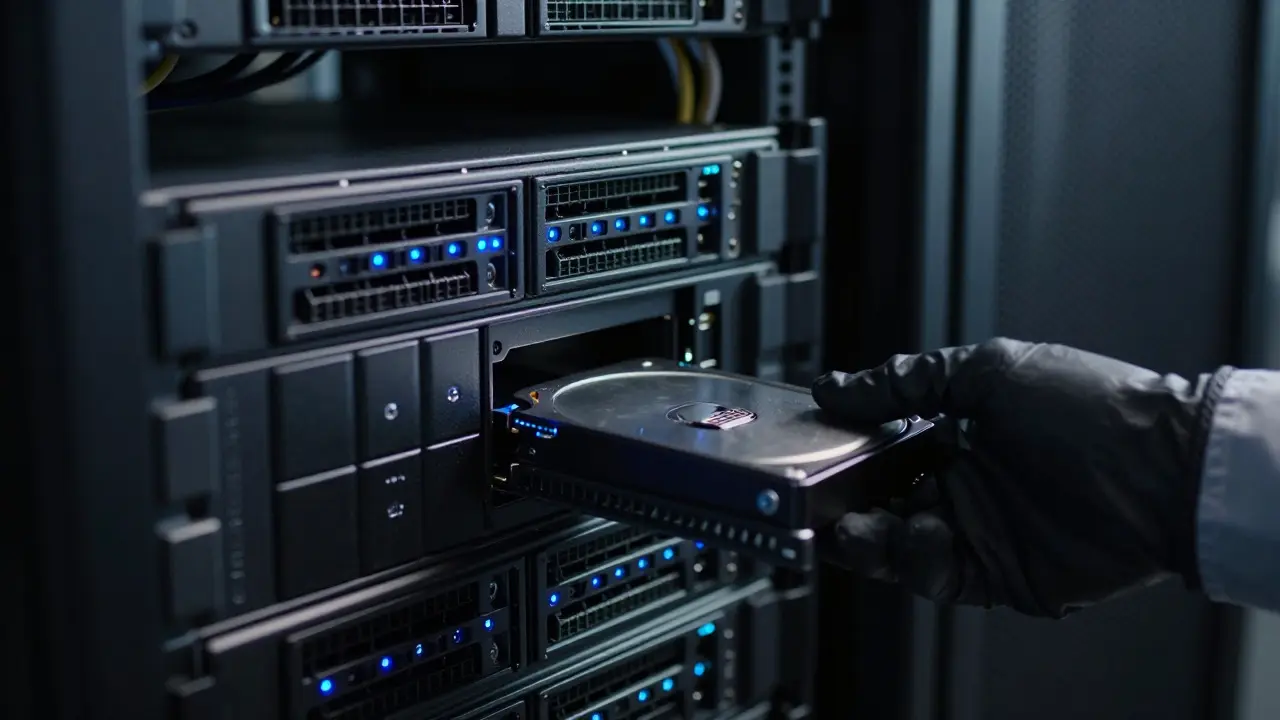
Once the DCP is encoded and verified, it needs to get to the theater. Historically, this meant shipping physical hard drives in rugged cases. Today, most major chains use fiber-optic networks or dedicated satellite links to download DCPs directly to their servers. However, smaller independent theaters or international locations may still rely on physical media due to bandwidth limitations or infrastructure gaps.
If you’re shipping physically, the process involves packaging the hard drive with a manifest sheet that lists the DCP ID, the target theater, and the expiration date of the KDM. These drives are tracked like valuable cargo because losing one means losing a screening slot. Many distributors use logistics partners who specialize in media transport, ensuring drives arrive within temperature and humidity limits that protect the hardware.
For digital delivery, the bottleneck is often bandwidth. A single 2D DCP can range from 50GB to 200GB, depending on the resolution and bitrate. Uploading that amount of data over a standard internet connection takes days. That’s why many distributors partner with content delivery networks (CDNs) that cache files closer to the theater. This reduces latency and ensures the file arrives before the first showtime.
| Method | Speed | Cost | Best For |
|---|---|---|---|
| Fiber/Satellite | Fast (hours) | Medium (bandwidth fees) | Major chains, urban areas |
| Physical Hard Drive | Slow (days) | Low (shipping cost) | Rural theaters, low bandwidth regions |
| CDN Download | Variable | High (per GB) | Wide releases, global distribution |
The Role of KDM Management
Managing KDMs is where the administrative complexity of film distribution lives. Each KDM has an expiration date, usually aligned with the theatrical run window. Once the movie leaves theaters, the KDM expires, and the projector locks the file again. This prevents old films from being played indefinitely without licensing fees.
Distributors use KDM management systems to automate this process. When a new theater joins the release, the system generates a fresh KDM and sends it via email or portal. If a theater reports a playback issue, the support team can regenerate the KDM to rule out encryption problems. This remote troubleshooting capability has drastically reduced the need for on-site technicians, saving time and money for both distributors and exhibitors.
However, KDM management requires precision. A mismatch between the DCP ID and the KDM ID results in a blank screen. A certificate error means the projector doesn’t recognize the sender. These errors are easy to fix if caught early but costly if discovered minutes before curtain up. That’s why most teams maintain a checklist for verifying KDM compatibility before finalizing any delivery schedule.
Common Pitfalls and How to Avoid Them
Even experienced distributors hit snags. One frequent issue is audio channel mapping. If your 5.1 surround mix is labeled incorrectly, the left speaker might play the right channel’s audio. This is subtle enough to miss in a quick test but obvious to an audience. Always perform a full room audition if possible, or at least verify the channel order against the DCI specification.
Another pitfall is ignoring subtitle language codes. If you deliver French subtitles but tag them as English, the projector will display them under the wrong menu option. While not a technical failure, it confuses viewers and reflects poorly on production quality. Use standardized ISO 639-2 codes for all language tracks to ensure compatibility across different projector models.
Finally, don’t underestimate the importance of documentation. Keep a record of every DCP version, every KDM issued, and every delivery confirmation. If a dispute arises about whether a theater received the correct file, having a paper trail makes resolution straightforward. In an industry where margins are tight, avoiding legal headaches is just as important as technical perfection.
Future Trends in Cinematic Delivery
The landscape is shifting. With the rise of high dynamic range (HDR) and higher frame rates, DCP sizes are growing. Some new releases are pushing the 1TB mark, straining even fiber connections. To address this, the industry is exploring adaptive bitrate streaming for cinema, similar to what we use for online video. This would allow projectors to pull only the necessary data chunks in real-time, reducing storage demands and speeding up delivery.
Additionally, blockchain technology is being tested for KDM management. By recording each license transaction on an immutable ledger, distributors could eliminate disputes over usage rights and automate royalty payments. While still in pilot phases, these innovations promise to streamline the supply chain further, making it easier for independent filmmakers to reach wide audiences without massive logistical overhead.
For now, mastering the current DCP workflow remains essential. Understanding the interplay between encoding, encryption, and logistics gives you the leverage to negotiate better terms with vendors and avoid costly delays. The supply chain for film distribution is invisible to the audience, but its efficiency determines whether your story reaches them on time, in perfect quality, and ready to captivate.
What is the difference between a DCP and a regular video file?
A DCP is a specialized container format for cinema projectors that includes encrypted video, audio, and metadata, whereas a regular video file like MP4 is designed for general-purpose playback on computers or phones. DCPs use JPEG 2000 compression and require specific decryption keys to play.
How long does it take to deliver a DCP to a theater?
Digital delivery via fiber or CDN typically takes a few hours, depending on bandwidth and file size. Physical delivery by hard drive can take 2-5 business days, depending on shipping distance and logistics.
What happens if a KDM expires?
If a KDM expires, the projector locks the DCP and stops playing the film. To resume screenings, the distributor must generate and send a new KDM with an updated expiration date to the theater's server.
Can I reuse a DCP for different theaters?
Yes, but you need a unique KDM for each theater. The Content Pack remains the same, but the encryption key changes based on the specific projector's certificate. Sending the same KDM to multiple theaters will cause playback failures.
What is the standard frame rate for DCPs?
The standard frame rate for most narrative films is 24 frames per second. However, DCPs can support 25fps, 30fps, or 48fps for special effects or sports content, provided the projector supports the variable frame rate.





Comments(8)