You just wrapped production. The edit is locked, the color grade looks gorgeous, and you are ready to hand your baby over to a distributor or festival programmer. Then they send back a spreadsheet of requirements that looks like it was written in ancient Greek. DCP, IMF, ProRes 422 HQ, M&E tracks, closed captions versus open subtitles. It’s enough to make you want to go back to shooting on iPhone.
Here is the hard truth: technical deliverables are not optional paperwork. They are the product itself. If your file doesn’t meet the spec, you don’t get paid, you don’t get screened, and you definitely don’t get distributed. Many indie filmmakers lose six figures in potential revenue because their final master had a loudness error or missing audio stems. This guide breaks down exactly what distributors expect from independent films in 2026, stripping away the jargon so you can prep your files without losing your mind.
The Master File: What Is Actually Being Delivered?
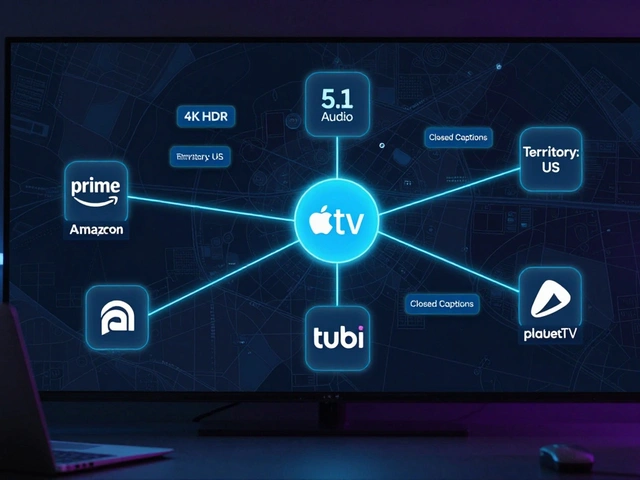
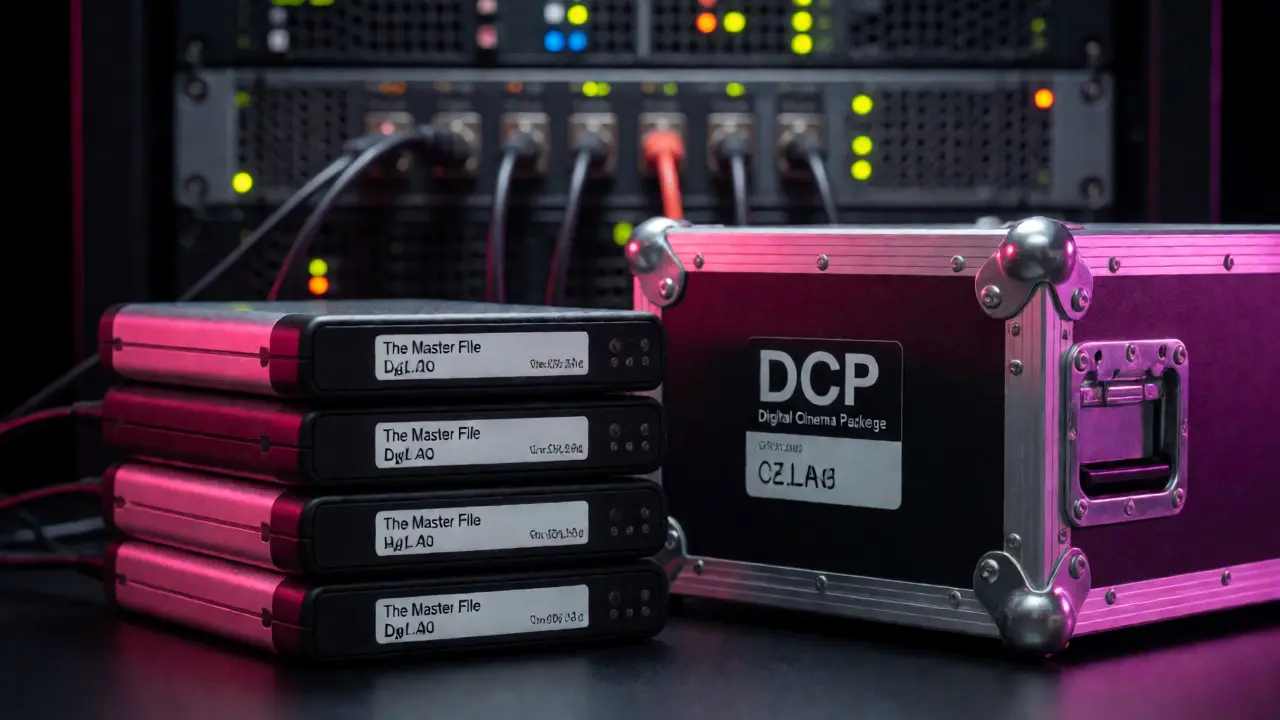
Before we talk about packaging, let’s talk about the core asset. You need a Master File that serves as the source for all other versions. For most theatrical and high-end digital distribution, this means a Digital Cinema Package (DCP). But for streaming platforms like Netflix, Amazon Prime, or Hulu, the requirement has shifted toward the Interoperable Master Format (IMF).
Why the shift? DCPs were built for cinema projectors. IMFs are built for global flexibility. An IMF allows a distributor to swap out language tracks or aspect ratios without re-encoding the entire video. If you are aiming for major streaming deals, an IMF is no longer a "nice-to-have"; it is the standard. However, many boutique distributors still accept a high-quality QuickTime file if you lack the budget for a full IMF creation suite.
For the actual video codec, do not deliver H.264 MP4s unless explicitly asked. These are delivery codecs, not mastering codecs. You want Apple ProRes 422 HQ or DNxHR HQX. These are mezzanine formats-they retain maximum image quality while keeping file sizes manageable. If you shot in RAW, conforming to ProRes/DNxHR is essential for compatibility with editing suites and QC systems used by distributors.
| Format | Best For | File Size Impact | Compatibility |
|---|---|---|---|
| ProRes 422 HQ | General Distribution, Festivals | Moderate | Universal (Mac/PC) |
| DNxHR HQX | Avid Workflows, Broadcast | Moderate | High (Broadcast Standard) |
| H.264/H.265 | Web Preview, Low-Bandwidth | Small | Variable (QC Risk) |
| DCP (JPEG2000) | Theatrical Release | Large | Cinema Servers Only |
Audio: The Silent Dealbreaker
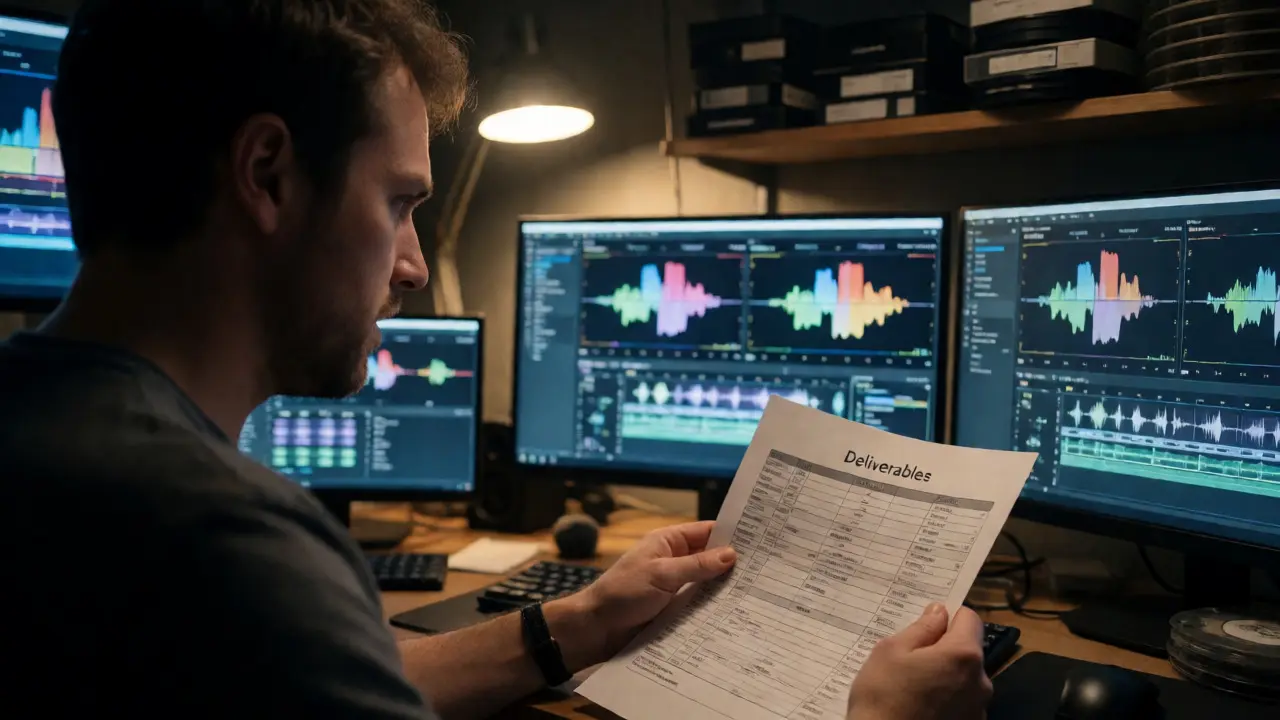
If there is one area where indie films fail QC checks, it is audio. Distributors cannot fix bad audio mix after the fact. You must deliver multiple audio versions, known as Stems. Do not just give them a stereo mixdown. That is useless for localization.
At minimum, you need three distinct audio tracks:
- Full Mix: Dialogue, music, and effects combined.
- Dialogue Stem: Just the voices. No music, no sound effects.
- Music & Effects (M&E) Stem: Everything except dialogue. This is critical for foreign sales. If you sell rights to Germany, they dub over the Dialogue Stem using your M&E track.
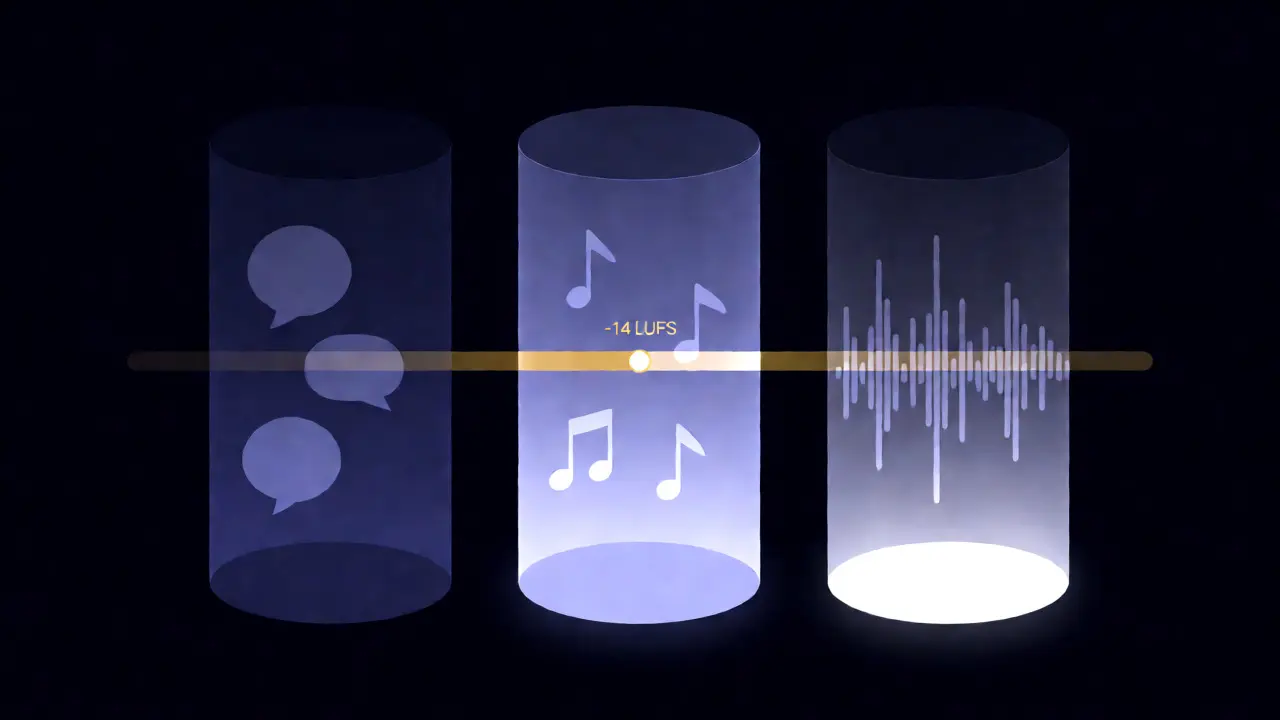
Loudness standards are non-negotiable. In the US, broadcast TV requires ATSC A/85 compliance, targeting -24 LKFS. Streaming platforms often target -14 LUFS integrated loudness. Check your specific contract. If your film is too quiet, viewers will turn up their volume, only to have the next ad blast their eardrums. If it is too loud, compression algorithms will squash the dynamic range, making your dramatic whispers sound flat.
Also, ensure your audio channels are mapped correctly. Stereo should be Left/Right. Surround (5.1) should follow SMPTE order: Left, Right, Center, LFE, Left Surround, Right Surround. Mis-mapped channels result in dialogue coming out of the subwoofer-a quick way to get rejected.
Subtitles and Captions: Accessibility Matters
There is a massive difference between subtitles and captions, and distributors care deeply about both. Closed Captions (CC) include speaker identification and sound effects (e.g., [door slams], [phone rings]). They are designed for the hearing impaired. Subtitles translate dialogue for foreign languages and usually exclude sound effects.
You typically need two types of subtitle files:
- Sidecar Files: Separate text-based files (.SRT, .VTT, or .SCC) that sit alongside the video. These allow players to toggle captions on/off.
- Burned-in Subtitles: Text hardcoded into the video image. Rarely requested for masters, but common for festival screener copies.
Timing is everything. Subtitles must sync perfectly with the audio. Even a 100ms drift can look sloppy. Use professional captioning software rather than auto-generating from AI tools without human review. AI misses context, slang, and overlapping dialogue. A distributor paying $50k for your film expects polished, accurate text.
The Metadata and Artwork Package
Your film isn't just video and audio. It's data. Distributors need metadata to list your movie on IMDb, Rotten Tomatoes, and their own platforms. Missing metadata leads to poor search visibility and incorrect categorization.
Key metadata fields include:
- Title: Official title and any alternative titles.
- Synopsis: Short (1-2 sentences) and long (paragraph) descriptions.
- Credits: Full cast and crew list, including roles.
- Ratings: Content warnings, age ratings (if available), and genre tags.
Artwork is equally vital. You need a Poster Key Art in various aspect ratios. Vertical (2:3) for mobile apps, horizontal (16:9) for TV banners, and square (1:1) for social media. Ensure these images are high-resolution (minimum 300 DPI for print, 72 DPI+ for web) and free of typos. A blurry poster signals amateurism before anyone hits play.
Packaging and Transfer Methods
How you send the files matters. Never email large masters. Use secure cloud transfer services like WeTransfer Pro, Frame.io, or dedicated FTP servers provided by the distributor. Always include a checksum file (MD5 or SHA-1) to verify data integrity. If a bit flips during upload, the checksum won't match, and the receiver knows the file is corrupt.
Organize your folder structure clearly. A messy drive confuses QC technicians. Follow this hierarchy:
- /Project_Name_Deliverables
- /Video_Masters
- /Audio_Stems
- /Captions_Subtitles
- /Metadata_Artwork
- /Documentation (PDFs, contracts, cue sheets)
Include a README.txt file at the root. List every file name, its purpose, codec, resolution, frame rate, and duration. This saves the distributor hours of guessing and reduces the chance of rejection due to simple misunderstandings.
Common Pitfalls and How to Avoid Them
Even experienced producers trip up here. Watch out for these frequent errors:
Frame Rate Confusion: If you shot at 23.976 fps, do not export at 24 fps. They are different. Mixing them causes audio drift over time. Stick to your original timeline settings unless converting specifically for broadcast.
Missing Legal Clearances: Deliverables aren't just technical. You must provide signed release forms for actors, location permissions, and music licenses. Without these, distributors face liability risks and may withhold payment until resolved.
Incorrect Aspect Ratio: If your film is 2.39:1, ensure black bars are handled correctly. Some platforms require "letterboxed" masters (black bars baked in), others prefer "open matte" (full sensor height). Ask early. Cropping incorrectly ruins composition.
Ignoring QC Reports: Before sending, run your file through a QC tool like Baton or QCTools. These catch glitches, dropped frames, and audio pops that human eyes miss. Fixing issues locally costs pennies; fixing them after delivery costs days of delay.
What is the difference between a DCP and an IMF?
A Digital Cinema Package (DCP) is a collection of digital files used to store and transmit motion pictures for projection in a digital cinema theater. It uses JPEG 2000 compression and is standardized for theatrical playback. An Interoperable Master Format (IMF) is a newer standard designed for flexible content distribution across multiple platforms (TV, streaming, VOD). IMF separates video, audio, and metadata into modular components, allowing easier versioning (like adding different language tracks) without re-encoding the entire video stream.
Do I really need separate audio stems?
Yes. Stems are essential for international sales and localization. Distributors use the Music & Effects (M&E) stem to create dubbed versions in other languages. Without clean stems, they cannot produce foreign language versions, limiting your market reach significantly. Additionally, stems allow for better quality control and repair of specific audio elements if issues arise later.
What audio loudness standard should I target?
This depends on the platform. For US broadcast television, the standard is ATSC A/85, which targets -24 LKFS. Most major streaming platforms (Netflix, Amazon, Apple TV+) currently recommend targeting -14 LUFS integrated loudness with a true peak limit of -1 dBTP. Always check the specific technical specifications document provided by your distributor, as standards can vary by region and platform.
Can I deliver an H.264 MP4 instead of ProRes?
Generally, no. H.264 is a delivery codec, meaning it is heavily compressed for efficient transmission. Master files should be uncompressed or lightly compressed (mezzanine formats) to preserve image quality for further encoding. Delivering H.264 as a master introduces generation loss and artifacts that become visible when the distributor transcodes it again for their platform. Unless you are dealing with very low-budget micro-distributors who explicitly ask for it, stick to ProRes 422 HQ or DNxHR HQX.
What happens if my deliverables fail QC?
If your files fail Quality Control (QC), the distributor will reject them and send back a report detailing the errors (e.g., black flashes, audio pops, subtitle timing issues). You will then need to fix the errors and resubmit. This process delays your release date and may incur additional fees if the distributor charges for repeated QC passes. Running pre-QC checks on your own end helps avoid these costly delays.