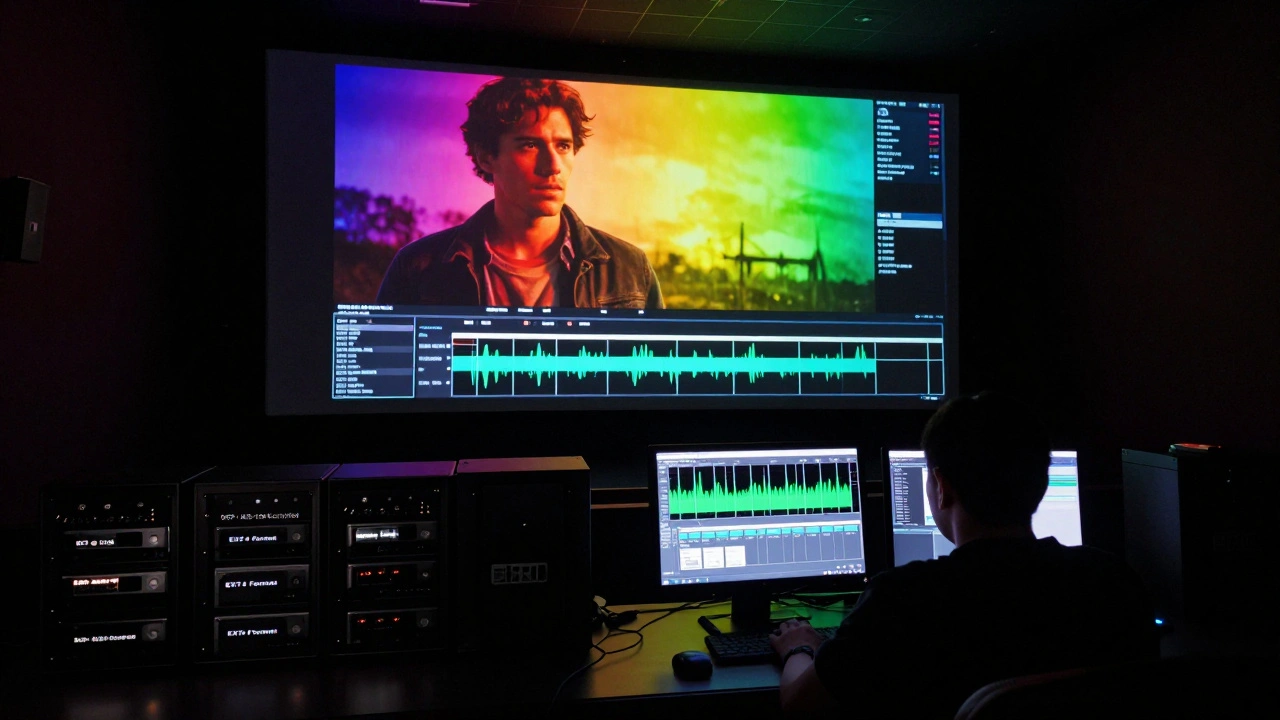
Creating a Digital Cinema Package (DCP) for your indie film isn’t just a technical step-it’s the final gate before your movie hits theaters. If you skip this right, your film won’t play on any professional screen, no matter how great the story is. And unlike streaming platforms, where you can upload a 1080p MP4, theaters demand something precise: a DCP that meets strict international standards. This isn’t guesswork. It’s engineering.
What Exactly Is a DCP?
A DCP is a collection of digital files that contain your film’s video, audio, subtitles, and metadata-all packaged in a way that cinema servers can read and play back flawlessly. Think of it as the modern equivalent of a 35mm film reel, but digital. The most common format uses JPEG 2000 compression for video and WAV audio at 24-bit, 48 kHz. No MP4s. No H.264. No QuickTime files. Those won’t work.
Every DCP has two main parts: the composition playlist (CPL), which tells the server the order of scenes, and the asset map (AM), which lists every file in the package. If one file is missing or corrupted, the whole thing fails. That’s why you don’t just slap together a folder and call it a DCP.
DCP Specs You Can’t Ignore
The Society of Motion Picture and Television Engineers (SMPTE) sets the global standard for DCPs. Here’s what you need to get right:
- Video resolution: 2K (2048x1080) or 4K (4096x2160). Most indie films use 2K-it’s cheaper, faster, and still looks stunning on a big screen.
- Frame rate: 24 fps is the only standard for theatrical release. If your film was shot at 30 fps, you must convert it. Don’t try to trick the system.
- Color space: XYZ (CIE 1931) with a gamma of 2.6. Your color grading must be done in a calibrated environment. If your monitor isn’t calibrated, your blacks will look gray, and your skin tones will be off.
- Audio: 5.1 or 7.1 surround sound is preferred, but stereo is acceptable for smaller venues. Audio must be 24-bit, 48 kHz WAV files. No MP3s. No AAC. No compressed formats.
- File structure: Each DCP must be on a single encrypted hard drive (usually AES-128). The drive must be formatted as EXT4 or FAT32, depending on the theater’s server. No NTFS.
Missing any of these? Your DCP will be rejected. I’ve seen indie filmmakers spend months on a project, only to have their DCP bounce back from a festival because the audio channels were labeled wrong. It’s not a small detail-it’s the difference between screening and silence.
Why You Can’t Make a DCP Yourself (Unless You’re an Expert)
You might think, “I’ve edited in DaVinci Resolve. I can export a DCP.” You can’t. Not reliably.
DaVinci Resolve, Adobe Media Encoder, and even some third-party tools claim to export DCPs. But here’s the catch: they often skip validation steps. They don’t check the checksums. They don’t verify the XML metadata. They don’t test playback on a cinema server simulator. And when your film plays in a theater with a flickering image or missing dialogue, no one will blame the theater-they’ll blame you.
There’s a reason why even experienced filmmakers outsource this. DCP creation is a specialized workflow. It’s not just about exporting files. It’s about ensuring every byte is correct. One misplaced bit in the CPL can cause a 90-minute film to freeze at minute 47. That’s not a glitch. That’s a disaster.
Top Vendors for Indie Film DCPs (2026)
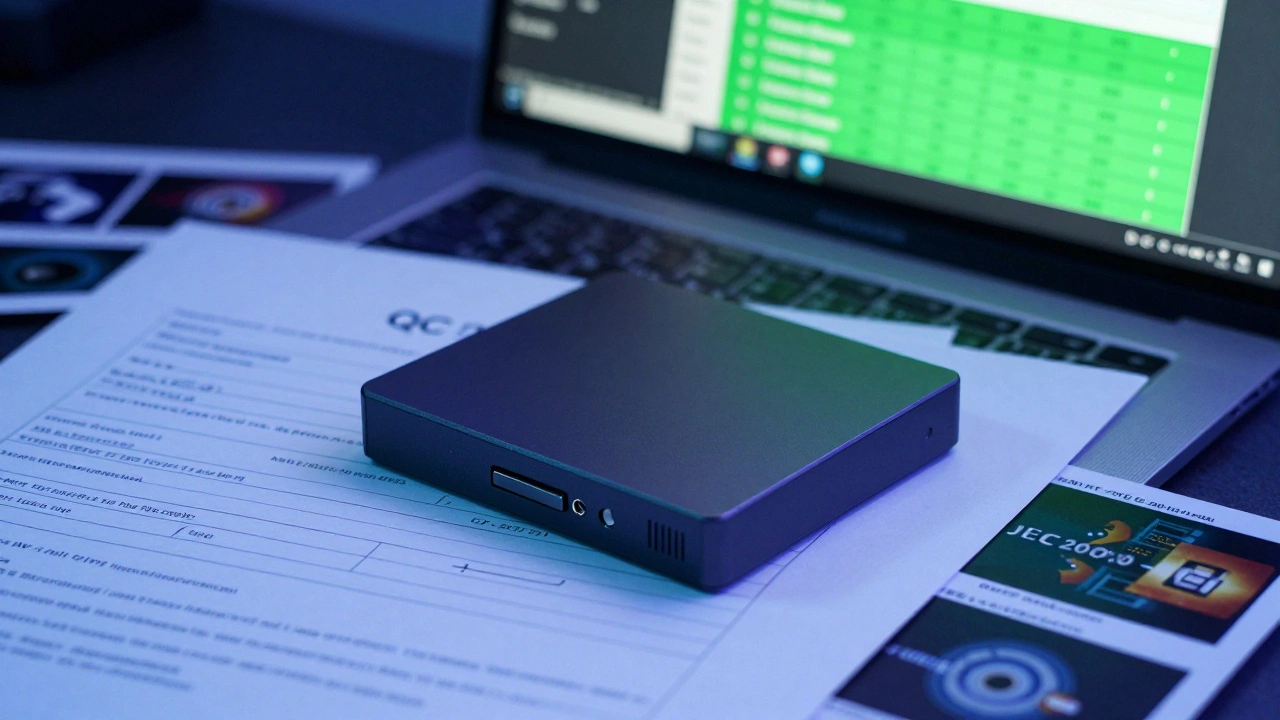
Not all DCP vendors are created equal. Some charge $2,000 for a basic package. Others charge $200 and deliver a broken file. Here are the five vendors indie filmmakers trust in 2026:
| Vendor | Price (2K DCP) | Turnaround | Includes QC | Supports 4K | Best For |
|---|---|---|---|---|---|
| CineExport | $199 | 24-48 hours | Yes | Yes | DIY filmmakers with technical skills |
| DCP-o-matic | Free (open source) | 2-5 days | No | Yes | Budget-conscious creators who can troubleshoot |
| PostLab | $450 | 3-5 days | Yes | Yes | Festivals and distributors who need reliability |
| The DCP Company | $650 | 2-4 days | Yes | Yes | High-end indie films with premium sound design |
| CineCanvas | $325 | 48 hours | Yes | No | First-time filmmakers needing a simple, affordable solution |
CineExport is the most popular among indie filmmakers because it’s affordable and integrates directly with DaVinci Resolve. But if you’re not comfortable with file structures or XML, it’s risky. PostLab and The DCP Company are the safest bets if you’re submitting to major festivals like Sundance or Tribeca. They offer QC reports you can send to theaters as proof your DCP is valid.
What Happens If Your DCP Fails?
Festival submission deadlines don’t wait. Theater bookings don’t reschedule. And once your DCP is rejected, you’re on the clock.
Common reasons for rejection:
- Audio channels not labeled correctly (e.g., LFE on channel 6 instead of 7)
- Video bitrate too high (over 250 Mbps for 2K)
- Missing or mismatched MD5 checksums
- Wrong color space (sRGB instead of XYZ)
- Files stored on NTFS or exFAT drives
Most vendors offer a free rework if the issue is on their end. But if you made the DCP yourself and messed up the audio mapping? You’re paying again. And you’re losing days.
Pro Tips for Indie Filmmakers
- Always request a DCP QC Report from your vendor. It’s a detailed log that confirms every file passed validation. Save it.
- Use a hard drive with a write-protect switch. Once your DCP is finalized, lock it. Don’t touch it again.
- Test your DCP on a laptop with DCP-o-matic’s playback tool before sending it. You’ll catch 80% of errors before submission.
- If you’re submitting to multiple festivals, ask your vendor to create a multi-reel DCP with a single CPL. It’s cheaper than five separate packages.
- Don’t wait until the last week to order your DCP. Even the fastest vendors need 48 hours. Add a buffer.
What About Subtitles and Closed Captions?
Subtitles in a DCP aren’t like YouTube captions. They’re baked into the video stream as bitmap images (PNG files) or as XML-based text tracks (SMPTE-TT). Most U.S. festivals require English subtitles for non-English films. Some international festivals require multiple languages.
Always confirm subtitle specs with the venue. Some require embedded subtitles. Others require separate subtitle files. Mixing them up is a common cause of rejection.
Final Checklist Before Sending Your DCP
- Video: 2K or 4K, 24 fps, XYZ color space
- Audio: 24-bit, 48 kHz WAV, 5.1 or stereo, correct channel labeling
- Files: JPEG 2000 video, WAV audio, XML metadata
- Drive: EXT4 or FAT32, AES-128 encrypted
- QC Report: Received and reviewed
- Test: Played back on DCP-o-matic or similar tool
- Deadline: Sent at least 7 days before your screening
If you check all these boxes, your film will play. No surprises. No delays. Just your story on the big screen.
Can I use a USB flash drive for my DCP?
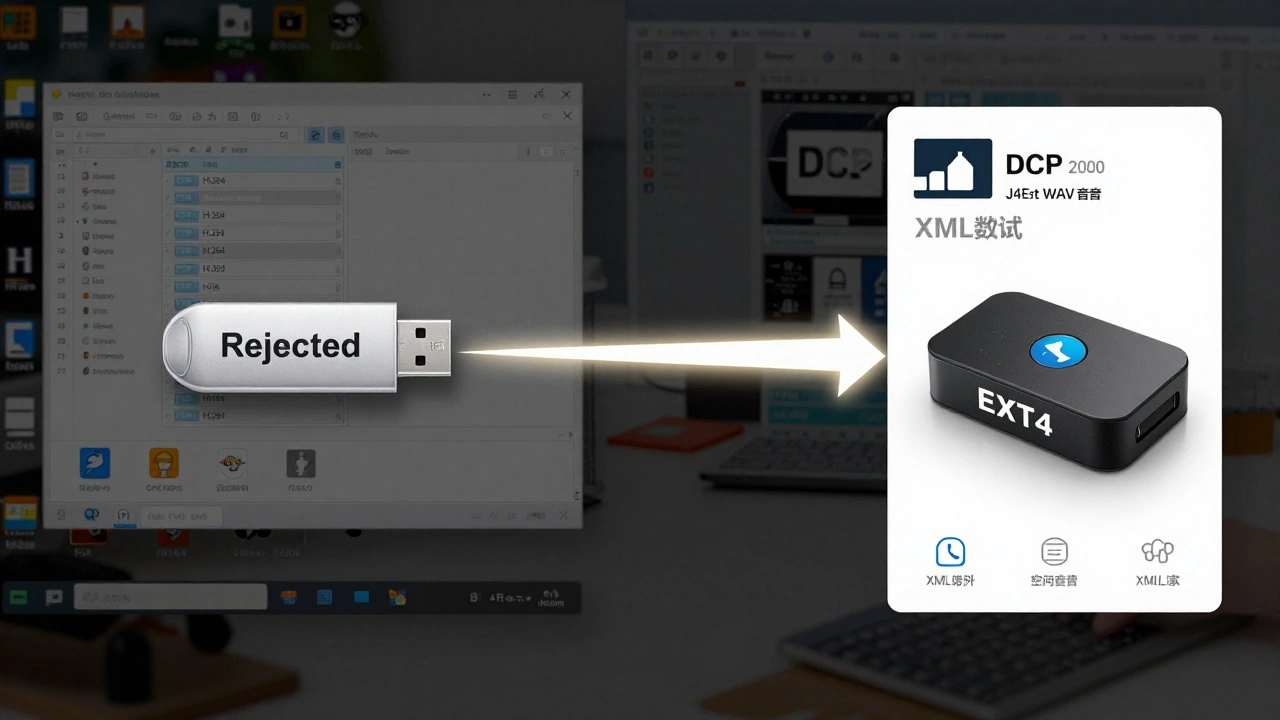
No. USB flash drives are unreliable for DCPs. They’re prone to corruption, slow transfer speeds, and incompatible file systems. Always use a dedicated external hard drive formatted as EXT4 or FAT32. Many theaters refuse flash drives entirely.
Is 4K DCP worth it for an indie film?
Only if your film was shot in 4K and you’re targeting high-end festivals or premium theaters. Most indie films are shot on cameras that don’t fully utilize 4K resolution. A 2K DCP looks just as good on a theater screen and costs 40% less. Save the 4K for your streaming master.
Do I need to encode my own audio for a DCP?
No. You deliver your audio as separate 24-bit WAV files. The DCP vendor handles the encoding and channel mapping. But you must label your files correctly: L, R, C, LFE, Ls, Rs for 5.1. If you name them "track1.wav," the vendor will guess-and guess wrong.
How long does a DCP last on a hard drive?
A properly stored DCP on a quality external drive can last 5-10 years. But don’t rely on that. Always keep a backup. Store your drive in a cool, dry place. Avoid magnetic fields. Every time you plug it in, you risk wear. Treat it like a film negative.
Can I make a DCP from a finished MP4 file?
Not properly. MP4 files use H.264 compression, which is not approved for cinema. You must re-encode your video to JPEG 2000 at the correct bitrate and resolution. Converting an MP4 to DCP without re-rendering the original master will result in poor quality and rejection.



Comments(6)