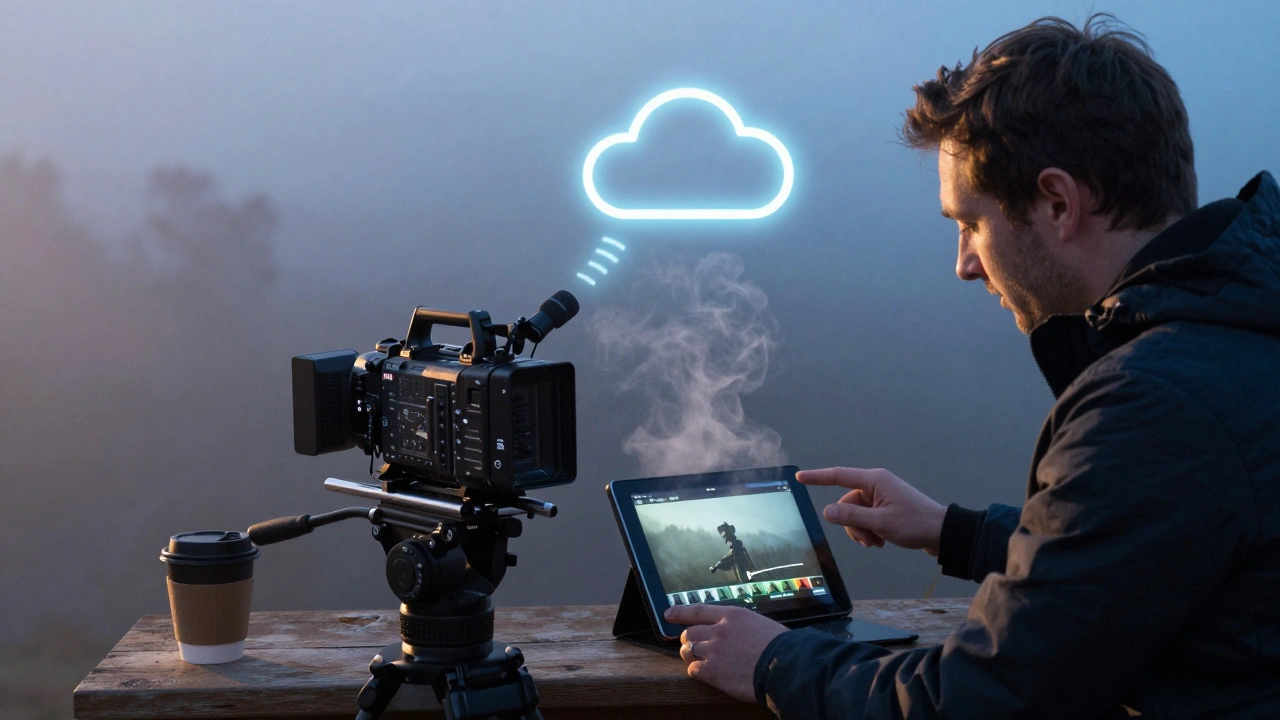
On a cold morning in Asheville, a cinematographer sends a 4K clip from her Arri Alexa 35 straight to the cloud before breakfast. By 8:30 a.m., the director in London, the producer in LA, and the colorist in Sydney are all watching the same take-commenting in real time, flagging takes, and approving cuts without a single hard drive being shipped. This isn’t science fiction. It’s what camera-to-cloud workflows do today.
What Camera-to-Cloud Actually Means
Camera-to-cloud isn’t just uploading footage after the day’s shoot. It’s a live pipeline: as soon as the camera stops rolling, the footage is encrypted, transcoded, and sent to a secure cloud server. No waiting. No drives. No FedEx delays. The system captures metadata-timecode, lens settings, exposure, even GPS location-and ties it to the clip automatically. This means dailies aren’t just video files anymore-they’re searchable, sortable, and shareable data packages.Companies like Sony’s CineAlta, RED, and Arri now offer built-in cloud upload options. Even mid-range cameras like the Blackmagic Pocket 6K Pro can stream to the cloud via Wi-Fi or bonded cellular. The key is a stable connection and a cloud platform designed for media-not just Dropbox or Google Drive. Platforms like Frame.io, Pixability, and Aspera are built for this. They handle 8K RAW files, version control, and secure permissions. A single 10-minute 6K clip can be 200GB. Cloud systems don’t just store them-they manage them.
Why Instant Dailies Change Everything
Before camera-to-cloud, dailies meant a long, slow wait. The camera card had to be pulled, copied to a drive, transported to an edit suite, rendered, and then shared. On a remote shoot in Montana or a location in Namibia, that could take 12-48 hours. By then, the momentum was gone. The director might have forgotten the exact framing they wanted. The actor might have moved on to another project.Now, with instant dailies, decisions happen while the energy is still fresh. A director can spot a performance issue in a scene shot at 3 p.m. and call the actor back for a reshoot the same afternoon. A producer can approve a lighting change before sunset. A VFX supervisor can check if a green screen pass captured enough edge detail to composite later.
It’s not just about speed-it’s about accuracy. When you see a take immediately, you catch mistakes early. A focus puller realizes the rack focus missed the actor’s eye. The sound team notices a boom shadow creeping into frame. A continuity error-like a coffee cup changing positions between shots-is flagged before it becomes a $50,000 problem in post.
Remote Review: No More Flying in for Notes
In 2024, a major Netflix series shot in Iceland. The showrunner was in Toronto. The lead actor was in New York recovering from illness. The editor was in London. The VFX vendor was in Mumbai. None of them flew to set. Instead, they all logged into the same cloud review platform.Each person had their own view: the director saw the footage with timecode and audio synced. The producer saw annotated notes from the DP and editor. The actor saw their performance side-by-side with previous takes. Everyone could leave time-stamped comments. One note: “Frame 217-chin shadow too harsh, let’s bounce light from left.” The gaffer saw it, adjusted the flag, and the next take was fixed before lunch.
This isn’t just convenient-it’s cost-saving. A single international flight for a producer or editor can cost $3,000-$8,000. Multiply that by five people on a 12-week shoot, and you’re talking $60,000 saved. Plus, you keep talent on schedule. No one has to delay their next gig to fly out for a review.
How It Works: The Tech Stack
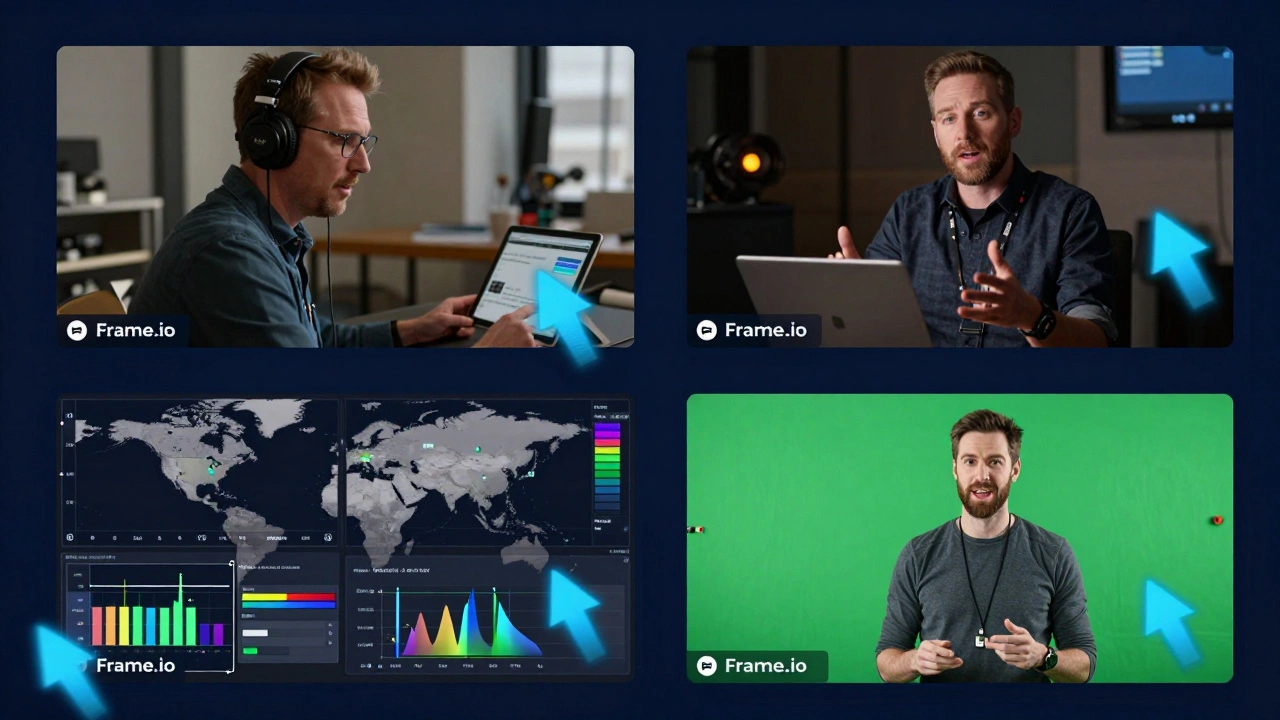
Here’s what you actually need to make camera-to-cloud work:- Camera with cloud upload: Arri Alexa 35, RED V-RAPTOR, Sony FX6, or Blackmagic Pocket 6K Pro with firmware updates.
- Connection: Bonded cellular (like LiveU or Teradek), satellite (Iridium or Inmarsat), or high-speed Wi-Fi on set.
- Cloud platform: Frame.io, Pixability, Aspera, or AWS S3 with MediaConvert. These handle transcoding, metadata, and access control.
- Storage and backup: Dual-card recording still matters. Cloud is the first copy, not the only one. Always keep a local backup until post-production.
- Access control: Role-based permissions. The AD shouldn’t see raw dailies. The colorist needs full resolution. The intern gets low-res previews.
Setup time? About 90 minutes. Most crews now have a dedicated tech on set whose only job is managing the upload pipeline. It’s not a job for the gaffer or the 1st AC anymore. It’s a new role: the Digital Pipeline Supervisor.
Real Problems, Real Solutions
Not every shoot is a Netflix budget. What if you’re shooting a micro-budget indie film in a rural town with spotty internet?You still can do this. Use a portable hotspot with dual SIM cards. Upload in low-res proxy mode first-1080p H.264 files are under 10GB per hour. Review those. Then, when you get to a city with fiber, upload the full RAW files. Frame.io lets you do this: proxy for review, original for edit.
Another issue: security. Studios worry about leaks. Cloud platforms now use end-to-end encryption, two-factor login, and watermarked previews. If someone screenshots a clip, the watermark shows their name and IP. No one’s risking a leak.
And what about internet outages? Most systems auto-retry. If the upload fails, it queues up and resumes when the signal comes back. You don’t lose a single frame.
Who Benefits Most?
- Directors: See performances immediately. Adjust without guesswork. - Producers: Cut travel costs. Spot budget risks early. - Editors: Start cutting the same day. No more waiting for drives. - Actors: Review their work without delay. Build confidence. - Colorists and VFX teams: Get early feedback. Avoid rework. - Location managers: Fewer people on set means less disruption.Even small crews benefit. A two-person documentary team in Alaska can send daily clips to their editor in Portland. The editor can start assembling a rough cut while they’re still filming. That’s a huge head start.
What You Should Avoid
Don’t assume cloud dailies replace everything. You still need:- Local backups (on two separate drives)
- Manual metadata logging for non-smart cameras
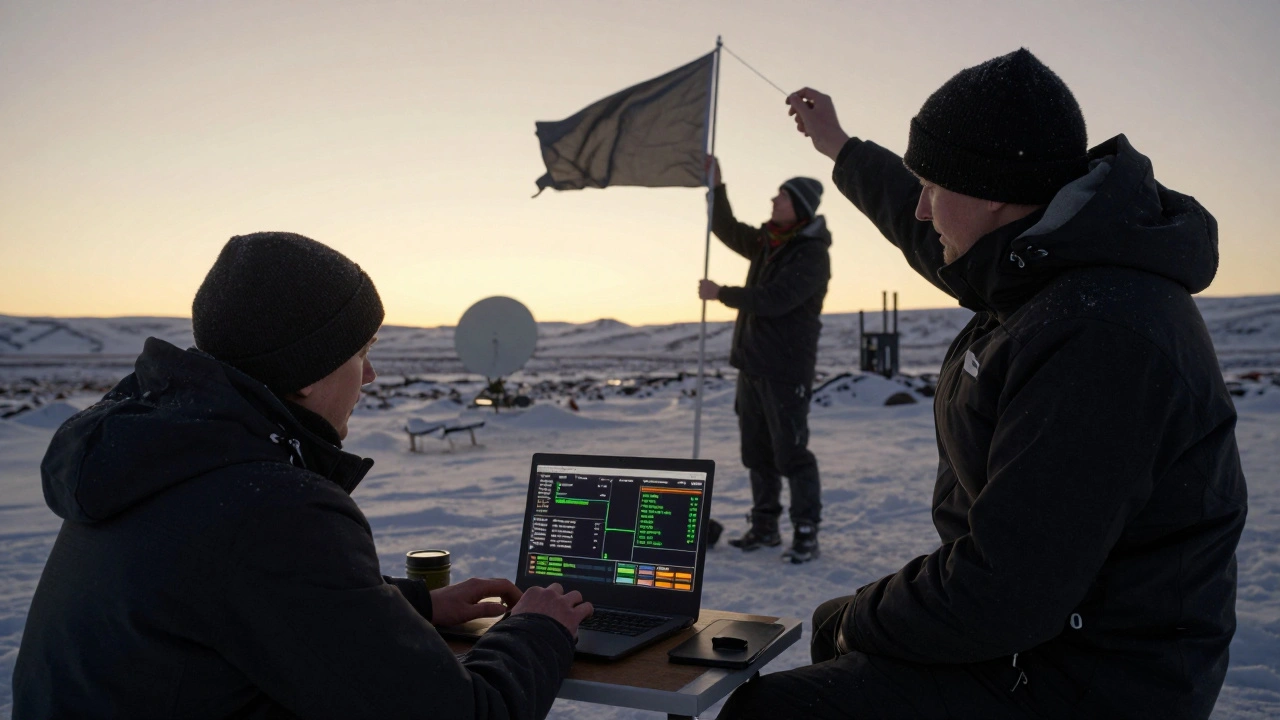
- A backup internet plan (satellite if you’re remote)
- Clear communication rules: who can comment, when, and how
Also, don’t use consumer cloud services. iCloud, Google Photos, or OneDrive won’t handle 8K RAW. They’ll compress, corrupt, or delete files. Stick to media-specific platforms.
And never skip the sync check. Audio and video must match exactly. A 0.5-second drift ruins the entire workflow. Always verify sync before uploading.
Where This Is Headed
By 2027, camera-to-cloud will be standard on every professional shoot. AI will start auto-tagging scenes: “emotional close-up,” “dialogue with tension,” “action sequence.” Editors will search for “moments where the actor looks away” and pull 17 takes in 3 seconds.Some studios are already testing live grading in the cloud. The DP sets a look on set, and the colorist refines it in real time-while the director watches from a tablet on the next continent.
This isn’t about replacing the craft. It’s about removing friction. The art of filmmaking hasn’t changed. But the way we see it, share it, and fix it? That’s been rebuilt from the ground up.
Frequently Asked Questions
Do I need expensive cameras to use camera-to-cloud?
No. While high-end cameras like Arri and RED have built-in cloud upload, even mid-range cameras like the Blackmagic Pocket 6K Pro can stream to the cloud with a bonded cellular device. The key is the cloud platform, not the camera brand. You can start with proxy uploads on a $1,500 camera and upgrade later.
Is camera-to-cloud secure enough for studio films?
Yes, if you use professional platforms. Frame.io, Pixability, and Aspera offer end-to-end encryption, two-factor authentication, and watermarked previews. Each user has role-based access, and all uploads are logged. Studios like Warner Bros. and A24 now require these systems for all productions. Consumer cloud services like Dropbox are not secure enough.
What if my location has no internet?
Use a bonded cellular system like LiveU or Teradek, which combines multiple SIM cards for reliability. For extreme locations, satellite internet (Iridium or Starlink) works. If nothing’s available, record locally and upload when you reach a connected location. Most cloud platforms queue uploads and resume automatically.
Can I review dailies on my phone?
Yes. All major cloud platforms have mobile apps. You can watch, comment, and approve takes on an iPhone or Android. The interface is optimized for small screens-playback controls, time-stamped notes, and side-by-side comparisons work smoothly. Many directors now give notes from their couch using their phone.
How much does camera-to-cloud cost?
Entry-level plans start at $99/month for 500GB storage and basic features. Professional plans for feature films range from $500-$2,000/month, depending on storage, users, and resolution. That’s far less than the cost of one international flight or a day of studio rental. Many platforms offer pay-as-you-go options for short shoots.
Do I still need a data wrangler on set?
Yes, but their job has changed. Instead of copying drives and labeling cards, they now manage the upload pipeline: checking connections, monitoring bandwidth, verifying metadata, and ensuring backups. It’s a tech-heavy role. Many crews now hire a Digital Pipeline Supervisor-a new position in modern production.




Comments(6)