The Swiss Army Knife of 3D: Blender
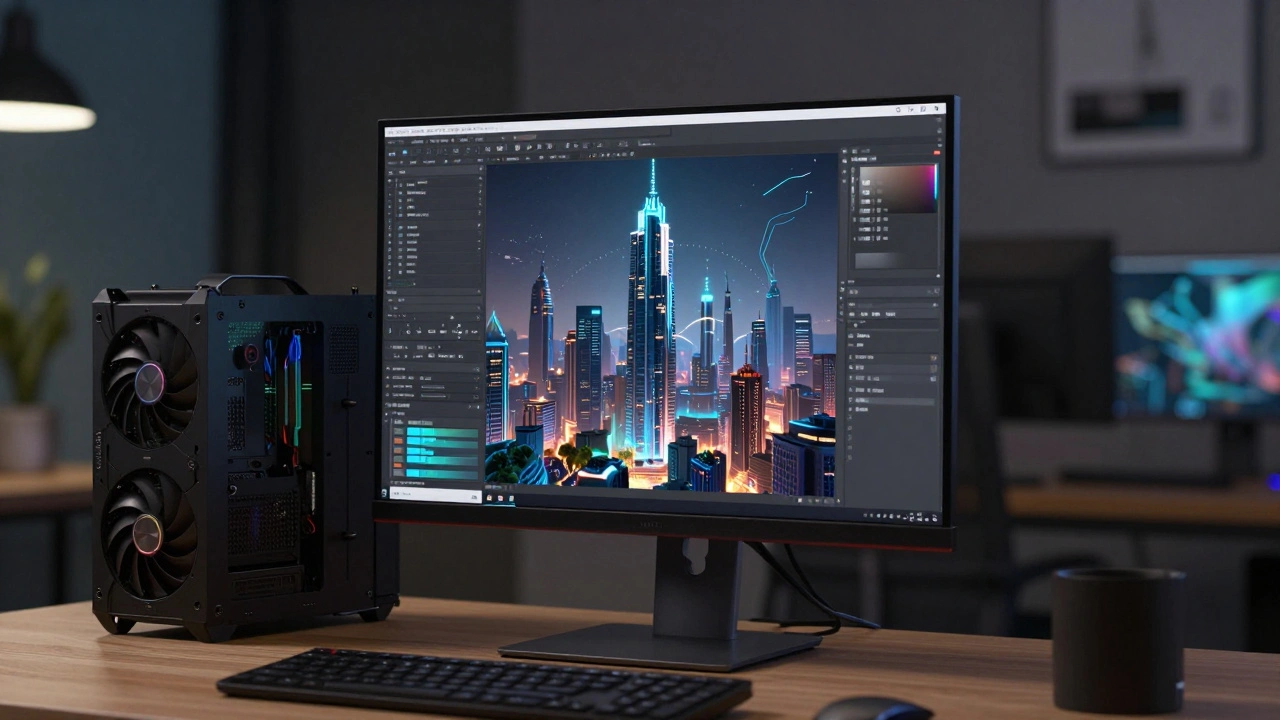
If you're talking about free software, you have to start with Blender. It isn't just a "free alternative" to paid software; for many, it's the first choice. Blender is a comprehensive 3D creation suite that handles everything from modeling and rigging to animation, simulation, rendering, and even basic video editing. Think about a project where you need a futuristic city skyline. In the past, you'd have to buy separate software for modeling the buildings, another for the textures, and a third for the final render. With Blender, you do it all in one window. The introduction of the Cycles and EEVEE render engines changed the industry. Cycles gives you that photorealistic, ray-traced look-perfect for slow, cinematic shots-while EEVEE allows you to see a near-final version of your scene in real-time. One of the coolest things about Blender is its Grease Pencil tool. It lets you draw 2D animation directly in a 3D space. If you've seen the recent trend of blending 2D anime styles with 3D environments, that's exactly the kind of workflow Blender enables. You aren't just making a movie; you're building a world without spending a dime on software seats.Mastering the Final Pixel with Natron
Once you've rendered your 3D elements or shot your live-action footage, you need to glue it all together. This is where compositing comes in. While most people think of After Effects, Natron is the open-source answer for those who prefer a node-based workflow. Unlike layer-based software where you stack effects like pancakes, Natron is an open-source node-based compositor that allows users to create complex visual effects pipelines by connecting functional blocks. Why does this matter? Because when your project gets huge-say, a 50-layer shot with smoke, fire, and green screen-a layer stack becomes a nightmare to manage. A node graph, however, lets you see the actual flow of data. You can see exactly where the color grade is happening and how it affects the mask applied three steps earlier. Natron is designed to be compatible with the OpenFX standard. This means you can plug in third-party plugins and tools that work across different software, making it a flexible choice for indie filmmakers who might be jumping between different tools in their pipeline.Cutting the Story with Kdenlive and Shotcut
3D and VFX are flashy, but a movie is made in the edit. You don't always need a massive subscription to a cloud-based editor. Kdenlive and Shotcut provide the essential tools needed to assemble a narrative. Kdenlive is an open-source video editor based on the MLT framework, offering a multi-track timeline and a wide array of transitions and effects. If you are coming from a professional background, Kdenlive will feel familiar. It handles proxy clipping brilliantly, which is a lifesaver when you're editing 4K footage on a laptop that isn't a beast. You create low-resolution versions of your clips to edit smoothly, and then the software swaps them back to full quality during the final export. Shotcut, on the other hand, is a bit more streamlined. It's great for quick turnarounds or social media content where you need to chop a few clips, add a filter, and get out. Both tools prove that you don't need a monthly payment plan to get a clean cut and a logical story flow.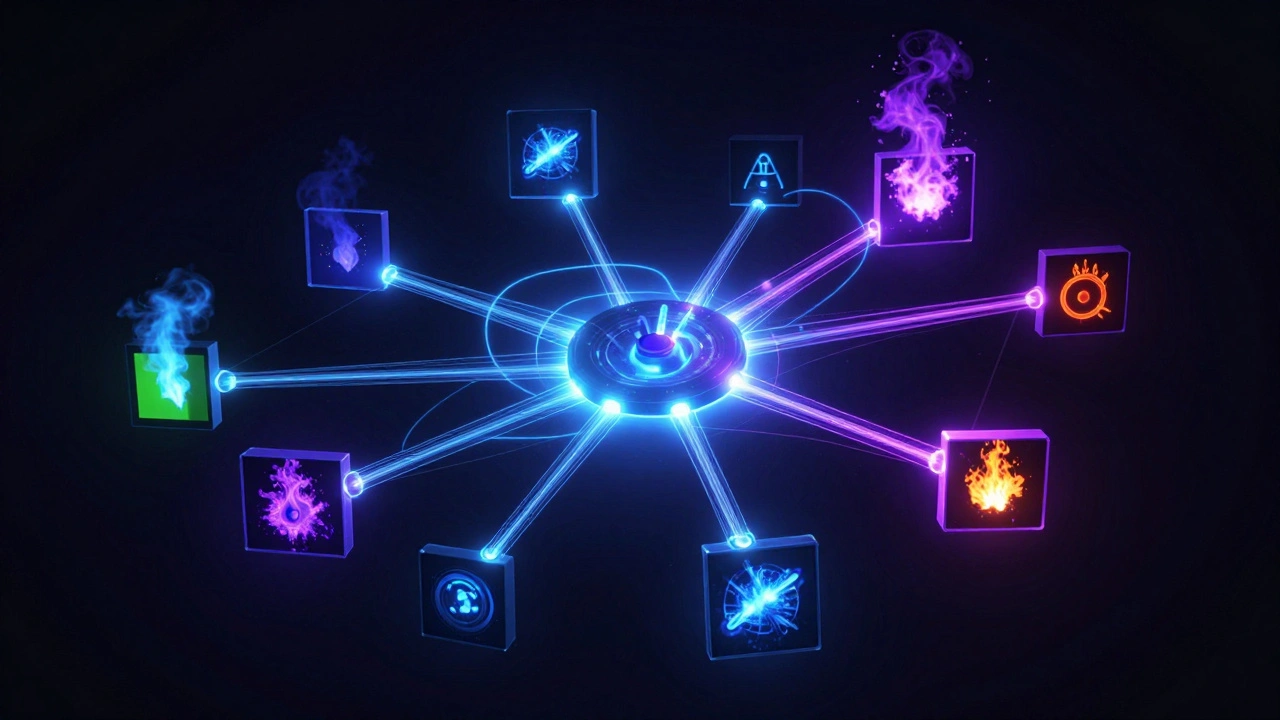
Comparing the Heavy Hitters
Choosing the right tool depends on where you are in the production pipeline. You wouldn't use a compositor to edit a whole feature film, and you wouldn't use a video editor to model a dragon.| Tool | Primary Role | Workflow Type | Best For |
|---|---|---|---|
| Blender | 3D Production | All-in-one / Mesh | CGI, Animation, Asset Creation |
| Natron | Compositing | Node-based | VFX, Green Screen, Color Grading |
| Kdenlive | Video Editing | Timeline-based | Narrative Assembly, Long-form Editing |
| Shotcut | Video Editing | Timeline-based | Quick Edits, Social Media Clips |
Building an Open-Source Pipeline
The real magic happens when these tools talk to each other. A professional pipeline isn't about one software; it's about how data moves from one to the next. Imagine this workflow: You model a character in Blender and animate it. Instead of rendering a final video, you render "passes." You export a separate image for the shadows, one for the reflections, and one for the colors. You then bring all these separate layers into Natron. In Natron, you can tweak the reflection intensity without having to re-render the whole scene in Blender, which could take hours. Finally, you take your finished VFX shots and drop them into Kdenlive to time them to your dialogue and music. This modular approach is exactly how big studios like ILM or Weta Digital operate. They don't do everything in one program; they use specialized tools for specialized tasks. By using open-source software, you're essentially adopting a professional studio structure on a zero-dollar budget.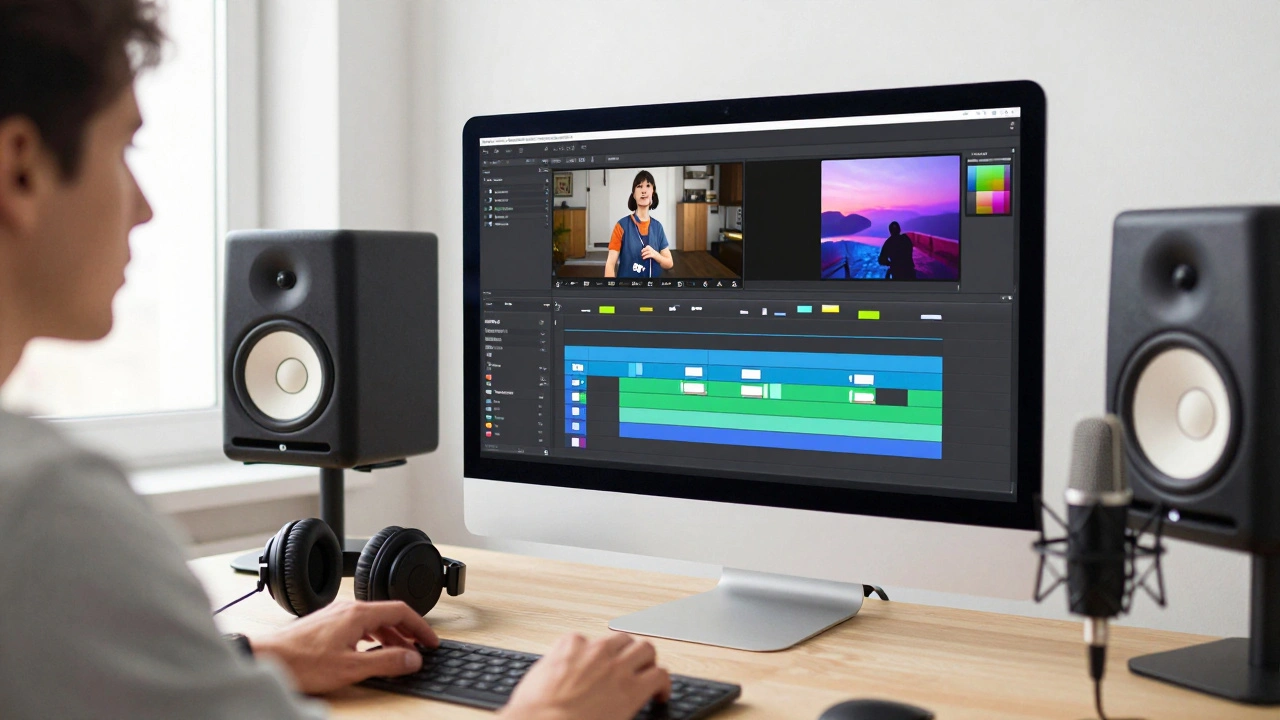
Common Pitfalls and How to Avoid Them
Going open-source isn't without its headaches. The biggest shock for beginners is the learning curve. Blender, in particular, has a reputation for being intimidating. The interface can look like a cockpit of a 747 if you've never seen it before. One mistake people make is trying to learn every single feature at once. You don't need to know how to simulate fluid dynamics if you're just making a simple character animation. Focus on the specific "job" you need to do. If you need a background, learn the modeling and lighting tabs first. Ignore the rest until you actually need them. Another hurdle is hardware. While the software is free, the hardware isn't. 3D rendering is incredibly taxing on your computer. If you're using Blender, invest in a GPU with plenty of VRAM. If your computer is struggling, look into "render farms"-community-driven networks where people share their processing power to help others render their frames faster.Beyond the Basics: Other Essential Free Tools
While the "Big Three" get most of the attention, a complete film kit requires a few more pieces. For audio, Audacity is the industry standard for open-source sound cleaning. If you have a hiss in your dialogue or need to chop out a cough, Audacity is the go-to. For color grading, while Natron can do a lot, some filmmakers look toward DaVinci Resolve. While not fully open-source (it's proprietary), the free version is so powerful that it's almost always mentioned in these circles. If you want a strictly open-source route, sticking with Natron's color nodes is your best bet. Finally, for texture painting and concept art, Krita is a powerhouse. It allows you to paint the textures that you'll later wrap around your 3D models in Blender, creating a seamless art pipeline from 2D sketch to 3D reality.Is open-source software actually powerful enough for professional films?
Yes. Many independent films and even some studio-level commercials use Blender and Natron. The limitation is rarely the software itself, but rather the skill of the artist. Because these tools are based on industry-standard concepts (like node-based compositing and PBR rendering), the output is indistinguishable from paid software when handled by a pro.
Do I need a powerful computer to run Blender?
While you can run Blender on a basic laptop, you'll struggle with rendering. For a smooth experience, you need a dedicated graphics card (Nvidia is generally preferred for CUDA support) and at least 16GB of RAM. If your hardware is weak, use EEVEE for real-time previews and consider cloud rendering for the final output.
What is the main difference between Natron and After Effects?
The core difference is the workflow. After Effects uses layers, meaning you stack effects on top of each other. Natron uses nodes, where you connect a web of operations. Node-based workflows are generally more efficient for complex VFX because they allow for easier rerouting and better organization of complicated image processing chains.
Which open-source editor is better for long-form movies: Kdenlive or Shotcut?
For long-form projects, Kdenlive is usually the better choice. It has a more robust set of tools for managing complex timelines, better proxy editing support, and a more comprehensive set of effects that allow for the nuanced pacing required in feature filmmaking.
How do I learn these tools without paying for expensive courses?
The open-source community is massive. YouTube is the primary classroom here. For Blender, channels like Blender Guru or CG Cookie (which has free resources) are goldmines. For Natron, the official documentation and community forums are the best place to start. The key is to pick one small project-like a 10-second clip-and learn only the tools needed to finish that specific task.


Comments(5)