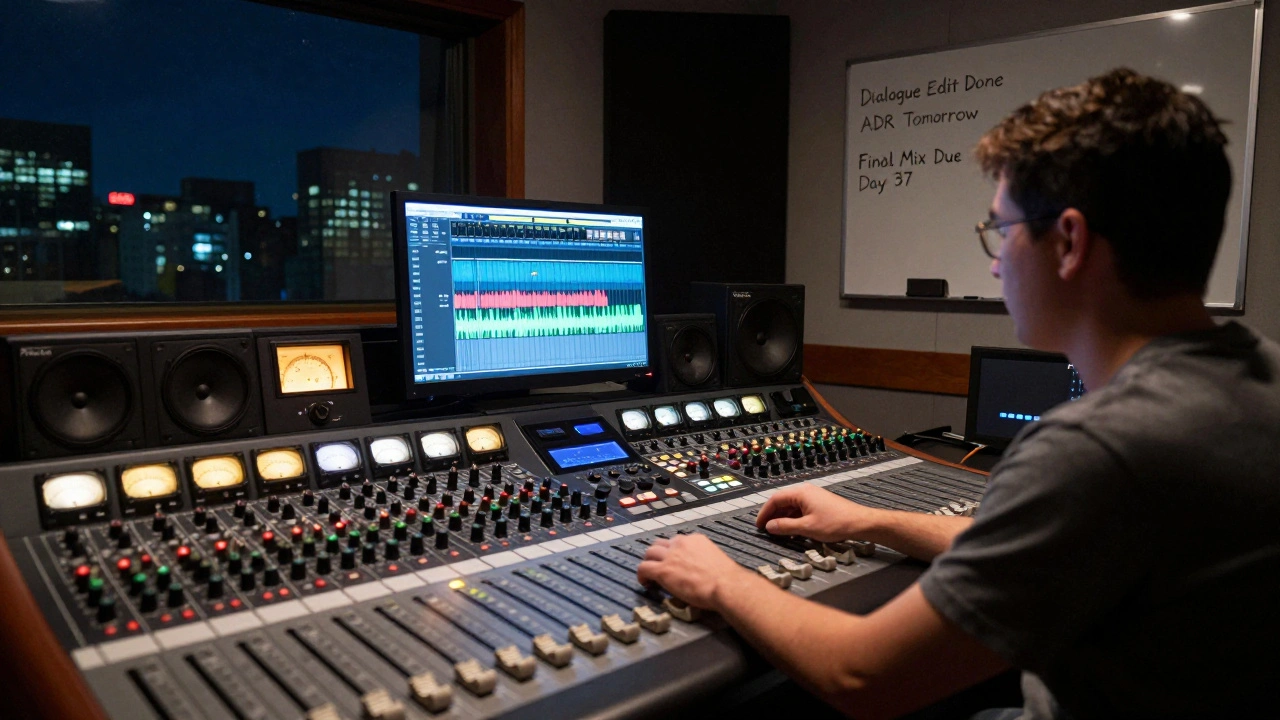
Getting your film’s audio right isn’t just about making dialogue clear. It’s about timing, precision, and knowing exactly when each piece of the puzzle needs to land. If your audio post schedule is messy, your mix will suffer. And if your deliverables are wrong, your film won’t play on the platform it’s meant for - no matter how great the visuals are.
Why Audio Post Schedules Matter More Than You Think
Most filmmakers focus on shooting, editing, and color grading. Audio gets pushed to the end - and then it’s a rush. That’s when problems show up: missing sound effects, unbalanced dialogue, stems that don’t match the delivery specs. A tight audio post schedule keeps everything on track so you don’t end up with a film that sounds great in your studio but fails on Netflix, Hulu, or a theater system.
Audio post isn’t one job. It’s a chain: dialogue editing, ADR, Foley, sound design, music editing, mixing, and mastering - each with its own deadline. Skip one step, and the next one breaks. If your sound designer doesn’t get the final cut by Tuesday, they can’t start designing the car crash in Scene 17. If the composer doesn’t get the temp mix by Thursday, they can’t adjust the score to match the pacing.
Real-world example: A documentary released in 2024 missed its Netflix deadline because the final mix wasn’t delivered in the required 5.1 format. The team thought stereo was fine. Netflix rejected it. They had to re-mix in under 72 hours. The crew worked three straight nights. They got it done - but lost $18,000 in late fees and missed a festival window.
The Core Stages of Audio Post (and When They Happen)
There’s no one-size-fits-all schedule, but most indie and mid-budget films follow this timeline after picture lock:
- Dialogue Editing (Days 1-7) - Clean up background noise, remove mouth clicks, fix flubbed lines. If ADR is needed, this is when you mark the spots.
- ADR Recording (Days 8-12) - Actors re-record lines in a studio. This needs to happen before Foley, so the timing matches.
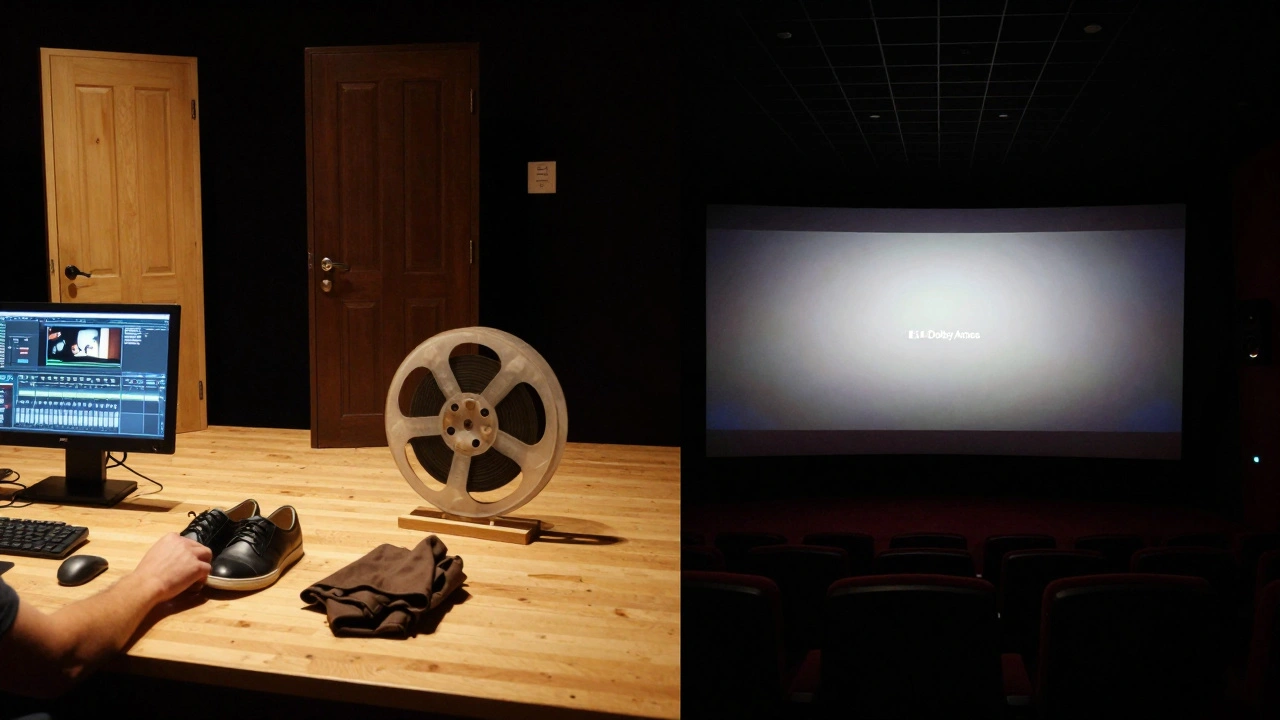
- Foley (Days 13-17) - Footsteps, clothes rustling, door creaks. Done live with props, synced to picture. Must align with the final cut.
- Sound Design (Days 18-25) - Creating non-realistic sounds: sci-fi lasers, magical effects, ambient drones. This is where creativity meets precision.
- Music Editing (Days 26-30) - The composer delivers the score. The editor places it, trims it, and syncs it to emotional beats. No changes after this unless you want to pay for re-recording.
- Pre-Mix (Day 31) - Balance levels between dialogue, music, and effects. This isn’t the final mix - it’s a draft to catch problems early.
- Final Mix (Days 32-37) - The mix engineer adjusts EQ, compression, dynamics. This is where you get your loudness targets: -23 LUFS for broadcast, -24 LUFS for streaming.
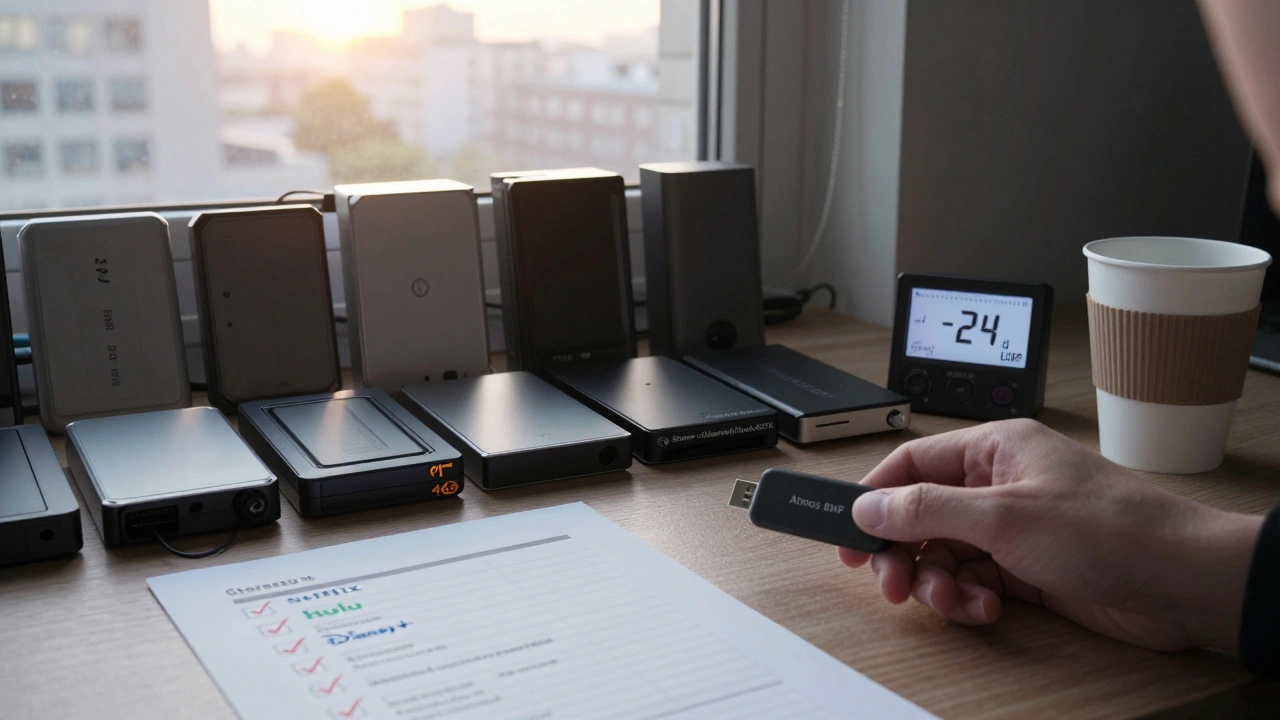
- Mastering & Deliverables (Days 38-42) - Export every file format required: stereo, 5.1, Dolby Atmos, broadcast stems, MXF, WAV, AAC. Each platform has its own specs.
This 42-day window is standard for a 90-minute film. Short films might compress it to 21 days. Big studio films stretch it to 12 weeks. But if you’re on a tight budget, you can’t cut corners without risking quality.
Deliverables: What You Actually Need to Send
Deliverables aren’t just "the final mix." They’re a whole package. Every distributor, streaming service, and theater chain has its own list. Missing one file means your film gets rejected.
Here’s what you’ll almost always need:
- Final Stereo Mix (WAV, 48kHz/24-bit) - For YouTube, Vimeo, and most online platforms.
- 5.1 Surround Mix (WAV or MXF) - Required for broadcast TV and most theaters.
- Dolby Atmos Mix (BWF with metadata) - Needed for Apple TV+, Amazon Prime, and premium theaters.
- Stems (Dialogue, Music, Effects) - Separate WAV files for each track. Used for dubbing or re-mixing in other countries.
- Loudness Metering Report - Shows your mix meets -23 LUFS (ETSI) or -24 LUFS (ATSC A/85).
- XML or AAF File - For editing systems to re-link audio to picture.
- Subtitle File (SRT or SCC) - Not audio, but often bundled. Must match the final cut.
Netflix requires 14 deliverables. Disney+ asks for 18. Hulu? 12. You don’t need to memorize them all - but your audio post supervisor does. Always get the specs in writing before you start mixing.
Common Mistakes That Break Audio Schedules
Here’s what goes wrong - and how to avoid it:
- Waiting for picture lock too late - If you start audio post before picture is locked, you’ll redo everything. Fix this by setting a hard picture lock date two weeks before audio begins.
- Not having a sound editor on set - If the boom mic picks up a plane overhead in Scene 5, you can’t fix it in post without ADR. Have a sound person review dailies daily.
- Using consumer-grade speakers for mixing - Mixing on headphones or laptop speakers leads to bad bass and muffled dialogue. Use studio monitors calibrated to reference levels.
- Ignoring loudness standards - Your mix sounds loud in your room. But if it’s -15 LUFS, Netflix will turn it down. Use a loudness meter like iZotope RX or Nugen VisLM.
- Not testing on multiple systems - Play your final mix on a TV, car stereo, and phone. If the dialogue disappears on the phone, you have a problem.
One editor I worked with skipped the 5.1 mix because "no one will watch it in surround." Two weeks later, the film was picked up by a theater chain. They had to pay $12,000 for a rush 5.1 mix. That’s the cost of assuming.
Tools That Keep Audio Post on Track
You don’t need fancy software - but you do need the right workflow.
- Pro Tools - Industry standard for editing and mixing. Handles stems, ADR, and Atmos with ease.
- DaVinci Resolve - Great for syncing audio to picture and exporting deliverables in one place.
- Soundminer - Helps you find and tag sound effects fast. Saves hours on sound design.
- Frame.io - Lets your team review mixes and leave time-coded feedback. No more "I thought you meant the other scene" emails.
- Excel or Notion - Track deadlines, deliverables, and who’s responsible. Update it daily.
Don’t overcomplicate it. A simple spreadsheet with columns for Task, Due Date, Responsible, Status, and Notes is enough to keep your team aligned.
What Happens If You Miss a Deadline?
Missing a deadline doesn’t mean the film is dead - but it costs money and stress.
If your final mix is late:
- Streaming platforms may delay your release - sometimes by weeks.
- Theaters may drop your film from their schedule.
- You’ll pay rush fees: $2,000-$10,000 for overnight mixing or delivery.
- Festivals may reject your entry if files don’t arrive by cutoff.
There’s no magic fix. The only way to avoid this is planning. Build a buffer. If your schedule says mix is due on Day 37, tell your team it’s due on Day 35. That two-day cushion saves you when the ADR actor gets sick or the studio’s server crashes.
Final Tip: Always Have a Backup Plan
Audio post is fragile. Hard drives fail. Files get corrupted. People get sick. Always:
- Back up every session to two separate drives - one offsite.
- Export stems and final mixes as soon as they’re done - don’t wait for the end.
- Keep a copy of your deliverables on a USB drive you hand to the distributor. Not just cloud storage.
One filmmaker I know lost her entire mix to a power surge. She had no backups. The film was delayed six months. She never worked with that team again.
Audio post isn’t glamorous. But it’s what makes your film feel real. A great mix doesn’t shout - it breathes. It pulls the audience in without them noticing. And it only happens when you plan it, respect it, and stick to the schedule.
How long should audio post take for a feature film?
For a standard 90-minute feature, expect 40 to 60 days of audio post work after picture lock. Indie films can finish in 21-30 days if the team is small and the schedule is tight. Big studio films often take 10-12 weeks to allow for multiple mix revisions and client feedback.
What’s the difference between a mix and a master?
The mix balances all audio elements - dialogue, music, effects - into one cohesive track. Mastering is the final polish: adjusting overall loudness, ensuring consistency across formats, and preparing files for delivery. Mixing is creative. Mastering is technical.
Do I need Dolby Atmos for my film?
Not always. If you’re releasing only on YouTube or Vimeo, stereo is enough. But if you want to screen in theaters or submit to Apple TV+, Amazon Prime, or HBO Max, Atmos is required. It’s becoming the new standard for premium platforms.
What loudness level should my film be?
Most platforms require -23 LUFS ± 1 LU for broadcast and -24 LUFS ± 1 LU for streaming. Netflix, Hulu, and Disney+ all follow ATSC A/85 or ETSI standards. Always check the specific platform’s technical requirements before finalizing.
Can I do audio post myself on a budget?
Yes - but only if you have experience. Dialogue editing and basic mixing can be done in DaVinci Resolve or Reaper. But Foley, ADR, and Atmos mixing require specialized skills and equipment. If you’re new, hire a sound editor for key tasks. It’s cheaper than re-doing the whole mix later.


Comments(11)