The Silent Revolution in Film Audio
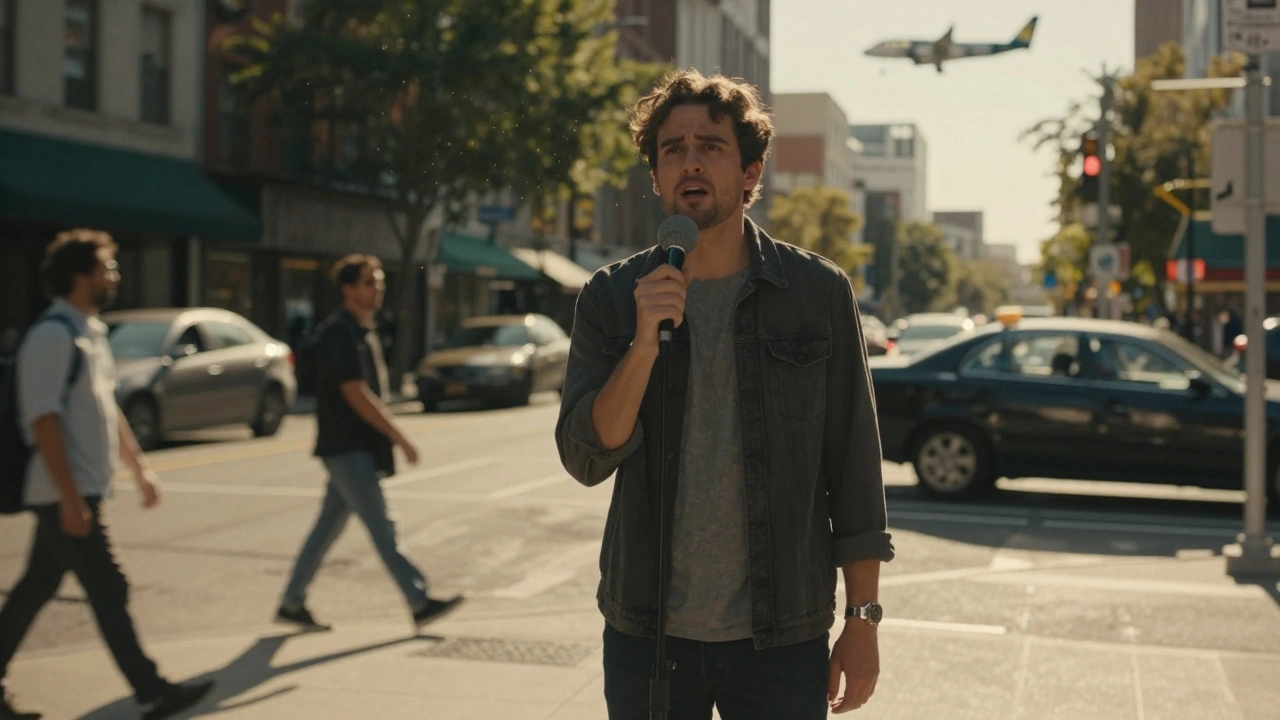
Imagine recording a crucial monologue on a bustling street corner. The traffic is loud, a plane flies overhead, and the wind picks up just as the actor hits their emotional peak. In the past, saving that take would have taken days of tedious manual editing. Today, AI dialogue cleanup is the process of using artificial intelligence to isolate, enhance, and restore spoken words from noisy audio recordings. This technology doesn't just clean up sound; it saves productions from costly reshoots.
We are no longer in the era where you had to choose between location authenticity and audio clarity. Machine learning models now understand the difference between human speech and environmental noise with frightening accuracy. For sound engineers and filmmakers, this shift means faster workflows, lower budgets, and higher quality final mixes. But how does it actually work under the hood?
How Machine Learning Understands Speech
To grasp why machine learning audio tools are so effective, we need to look at neural networks. These algorithms don't just filter frequencies like an old-school equalizer. They analyze patterns. A deep learning model has been trained on thousands of hours of clean speech paired with various types of noise-traffic, crowd murmur, electrical hum, or room reverb.
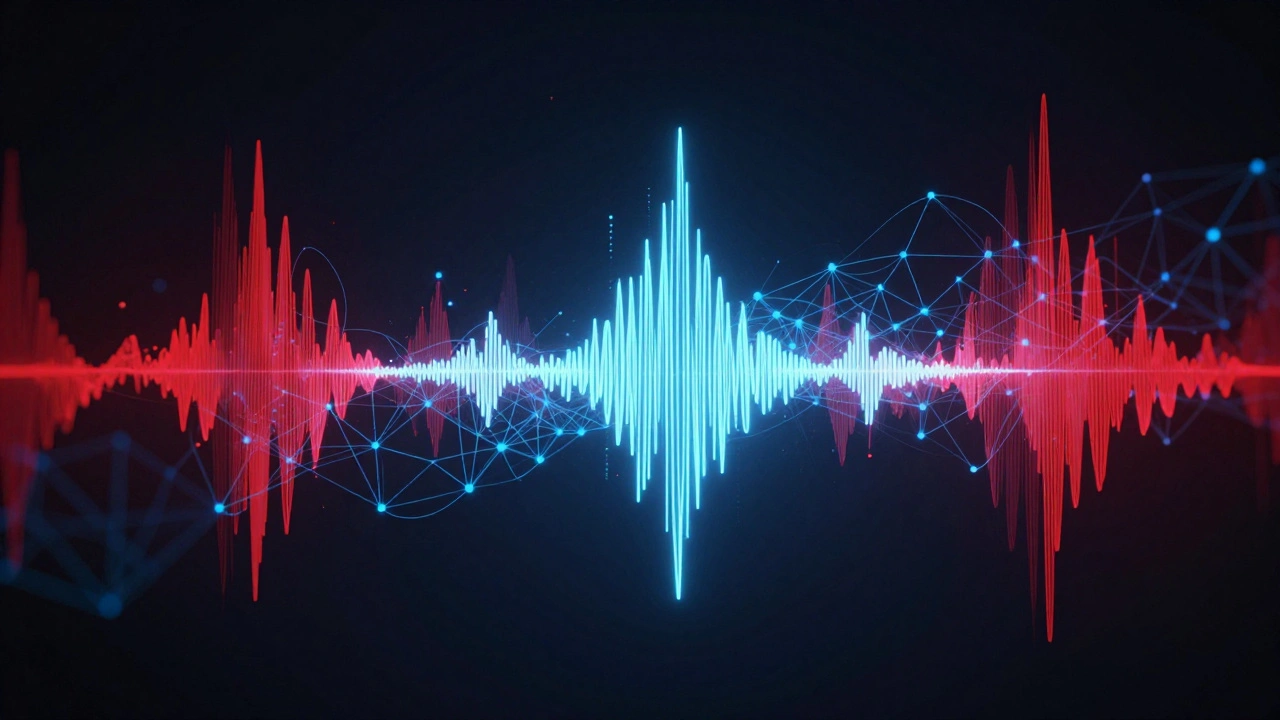
When you feed a messy audio file into these tools, the AI identifies the spectral signature of the human voice. It then reconstructs the missing parts of the signal that were masked by noise. Think of it like a photo editor removing a stranger from a background, but for sound waves. The result is a dry, clean vocal track that sounds as if it was recorded in a treated studio booth.
This capability relies heavily on spectral subtraction, which is a technique used in signal processing to estimate and remove noise from a signal based on its frequency spectrum. Modern AI enhances this by predicting what the clean signal should look like, rather than just subtracting the noise floor. This preserves the natural timbre and breathiness of the actor's performance, which traditional gate often strips away.
Key Tools Reshaping Post-Production
The market for AI audio restoration is crowded, but a few players stand out for their integration into professional workflows. Understanding which tool fits your needs depends on your DAW (Digital Audio Workstation) and budget.
| Tool Name | Primary Strength | Integration | Best For |
|---|---|---|---|
| iZotope RX | Industry standard repair suite | Plugin & Standalone | Complex forensic repairs |
| Adobe Podcast Enhance | Cloud-based simplicity | Web Browser | Quick podcast fixes |
| Acon Clean | Real-time processing | VST/AU Plugin | Live broadcast & streaming |
| Waves Clarity VX | Transparent AI separation | VST/AU Plugin | Music production vocals |
iZotope RX remains the heavyweight champion for many post houses. Its "Voice De-noise" module uses machine learning to adaptively reduce noise while preserving transients. However, newer competitors like Adobe Podcast Enhance offer cloud-based solutions that require zero local compute power, making them accessible to indie creators.
The Workflow: From Raw to Final Mix
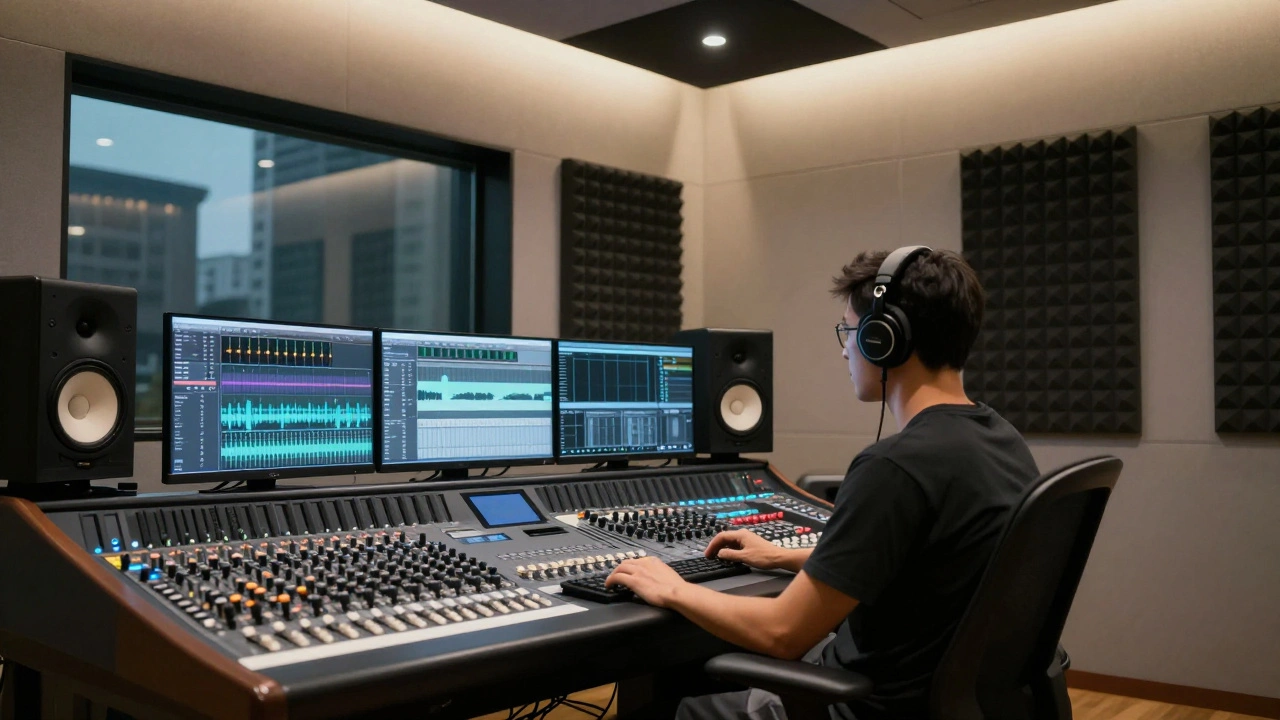
Integrating AI into your film audio post workflow requires a strategic approach. You can't just slap a plugin on every track and hit play. Here is a practical step-by-step guide to getting the best results:
- Pre-clean manually: Remove obvious clicks, pops, and handling noise first. AI struggles with sudden transient spikes that aren't part of the speech pattern.
- Apply AI denoising: Use a gentle setting. Over-processing leads to artifacts like "underwater" sounds or robotic warbling. Aim for 60-80% noise reduction, not 100%.
- Restore room tone: If the AI strips too much ambient information, add back a small amount of clean room tone to glue the dialogue to the scene.
- EQ and Compression: Treat the cleaned audio as a new source. Apply EQ to cut mud and compression to control dynamics.
- A/B Testing: Constantly compare the processed audio against the original. Your ears will detect subtle phase issues that meters miss.
The key is subtlety. The goal is transparency. If the audience notices the cleanup, you've gone too far. AI tools are powerful assistants, not replacements for critical listening skills.
Pitfalls and Artifacts to Avoid
While AI is impressive, it isn't magic. Common pitfalls include audio artifacts, which are unwanted distortions or noises introduced during digital audio processing. These can manifest as:
- Robotic Warbling: Occurs when the AI misinterprets sibilance (S and T sounds) as noise and tries to suppress it.
- Loss of Presence: Aggressive cleanup can make voices sound distant or muffled, losing the intimacy of the performance.
- Phase Issues: Some AI plugins alter the phase relationship of the signal, causing problems when summing to mono or mixing with other tracks.
To mitigate these issues, always use the lowest effective settings. If a single pass isn't enough, try two light passes instead of one heavy one. Also, be wary of applying AI to already compressed or heavily processed stems, as this can confuse the algorithm's analysis.
Future Trends in AI Audio
As we move through 2026, the trend is shifting toward real-time processing. Live streamers and broadcasters are demanding latency-free AI cleanup. Companies are developing dedicated hardware accelerators to handle the heavy lifting of neural networks without bogging down CPUs.
Another emerging area is voice cloning, which is the technology that replicates a specific person's voice characteristics using synthetic data. While controversial, this allows editors to replace unusable lines with AI-generated duplicates of the actor's voice, maintaining consistency without reshooting. Ethical guidelines around this are still evolving, but the technical capability is here.
Finally, expect tighter integration between visual and audio AI. Imagine a system that automatically adjusts noise reduction based on the visual context of the shot-reducing wind noise when the camera pans outside, but keeping ambient chatter when the scene is indoors. This contextual awareness represents the next frontier in intelligent post-production.
Is AI dialogue cleanup better than manual editing?
It depends on the complexity of the noise. For consistent background noise like HVAC hum or traffic, AI is faster and often more transparent. For erratic noises like claps or footsteps, manual editing combined with targeted AI tools usually yields the best result. AI excels at bulk processing, while humans excel at nuanced decision-making.
Can AI completely remove background music from dialogue?
Modern AI tools can significantly reduce background music, especially if the music is simple or repetitive. However, complete removal often leaves artifacts or makes the voice sound hollow. It works best when the music and voice occupy different frequency ranges. For complex orchestral scores, manual stem separation may still be necessary.
Do I need a powerful computer to run AI audio tools?
Not necessarily. Many modern tools offer cloud-based processing, such as Adobe Podcast Enhance, which offloads the computation to remote servers. Local plugins like iZotope RX do benefit from strong CPUs and ample RAM, but most mid-range computers can handle offline processing jobs efficiently.
Will AI replace sound engineers?
No, but it will change their role. AI handles the tedious tasks of noise reduction and click removal, freeing engineers to focus on creative mixing, spatial audio design, and emotional impact. The job shifts from technical repair to artistic curation. Engineers who embrace these tools will become more efficient, not obsolete.
What is the best free AI dialogue cleanup tool?
Adobe Podcast Enhance offers a generous free tier for web-based enhancement. Additionally, open-source projects like Audacity with integrated AI plugins provide capable options for beginners. While they may lack the polish of paid suites, they are excellent for quick fixes and learning the basics of AI audio processing.





Comments(7)