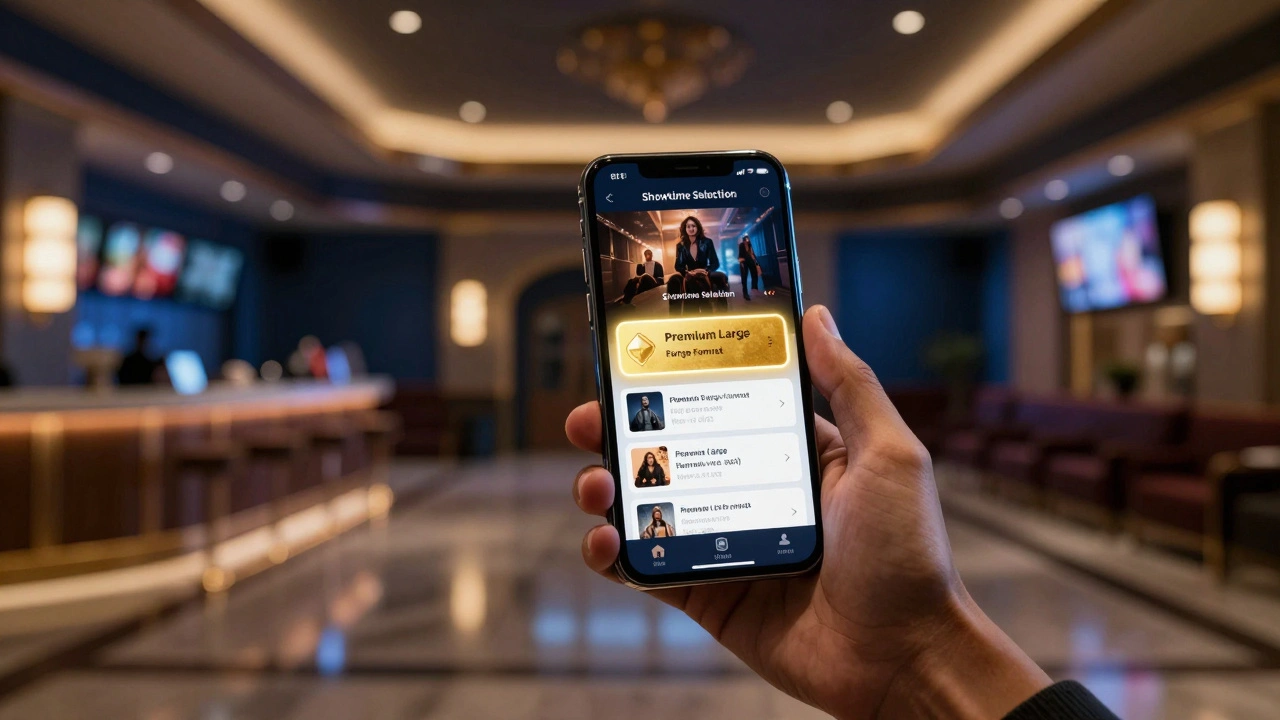
Ever sat in a movie theater and wondered why the screen felt smaller than the trailer promised? Or maybe you've booked a ticket through an app only to find out you're in a standard room when you specifically wanted the massive screen. This disconnect happens because of a breakdown in how PLF is Premium Large Format, a category of cinema screens that offer enhanced resolution, sound, and screen size compared to standard auditoriums is communicated during the checkout process. For cinema owners, the goal is simple: get the moviegoer into the high-margin seat. But for the user, the experience often feels like a guessing game.
Key Takeaways for Cinema Operators
- Visual cues and badges are more effective than text labels for identifying PLF screens.
- Deep integration between the POS and the mobile app prevents overbooking and format confusion.
- Transparent pricing for format upgrades increases the average ticket price (ATP).
- Educational tooltips help casual viewers understand the difference between IMAX and Dolby Cinema.
The Friction in the Modern Booking Flow
Most people don't wake up thinking about aspect ratios or lumen counts. They just want the "best" experience. The problem starts when a ticketing app treats a IMAX screen the same way it treats a 40-seat micro-cinema. If the app just lists "Screen 1" and "Screen 2," you're losing money. Why? Because the average moviegoer won't pay a $4 premium for something they can't visualize.
When a ticketing system lacks a semantic link to the actual theater hardware, the app can't tell the user why the PLF ticket is more expensive. We're seeing a shift where the API doesn't just send a price point, but a set of attributes: screen curvature, audio system (like Atmos), and seating type. If the app can't pull these attributes, the user is just clicking a more expensive button without knowing what they're getting.
How Top Apps Visualize Format Options
The best apps in the industry move away from dropdown menus and toward visual identifiers. Think about how you shop for electronics; you don't want a list of specs, you want a badge that says "4K" or "OLED." In the cinema world, this means using branded icons for Dolby Cinema or ScreenX.
A great example is the use of "Format Comparison" modals. Imagine a user is hovering over a standard ticket. A small info icon appears. Upon clicking, a simple table pops up comparing the standard screen to the PLF option. It doesn't use jargon like "1.90:1 aspect ratio." Instead, it says "30% larger screen" and "Immersive 3D Audio." This is where the conversion happens. You're not selling a ticket; you're selling an upgrade to the experience.
| Method | User Impact | Conversion Rate | Implementation Effort |
|---|---|---|---|
| Text Labels (e.g., "PLF") | Confusing for casuals | Low | Low |
| Branded Badges (IMAX/Dolby) | High recognition | Medium-High | Medium |
| Interactive Comparison | Clear value prop | High | High |
The Technical Bridge: API and POS Integration
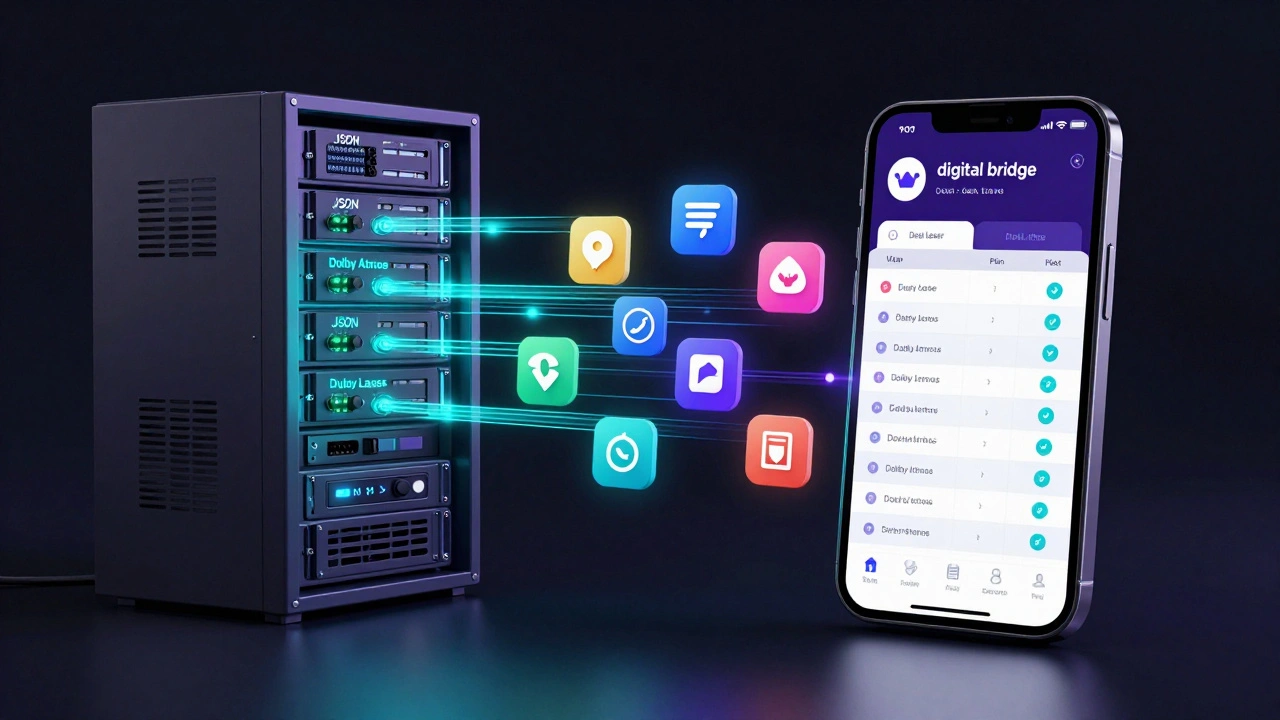
To make these visual cues work, the Point of Sale (POS) system must talk to the app in real-time. Many older theaters use a "flat" data structure where the format is just a string of text. Modern Exhibition Technology uses a structured object model.
For instance, when the app requests showtimes, the server shouldn't just return "7:00 PM." It should return a JSON object containing the Cinema Hall ID, the associated Audio System (e.g., Dolby Atmos), and the Projection Type (e.g., Dual Laser). This allows the front-end developer to trigger specific UI elements. If the object contains "Laser," the app can automatically add a "Crisp & Bright" tag to the listing. This level of automation removes the need for manual updates every time a movie changes.
Psychology of the Upsell in Ticketing
Why do some apps successfully push PLF while others fail? It's about where the choice is placed. If you ask the user to pick the format after they've picked their seat, you've already committed them to a specific room. The choice should happen at the "Showtime Selection" phase.
Effective apps use "Anchoring." They show the PLF option first, often highlighted in a different color (gold or deep blue). By making the premium option the primary focus, the standard ticket becomes the "budget" alternative rather than the "default." This subtle shift in UX design leverages a basic human tendency to perceive the first highlighted option as the standard of quality.
Avoiding the "Format Trap"
There is a danger in over-promoting PLF: the "Format Trap." This happens when a user is pushed into a premium format they don't actually want, leading to a negative review. To avoid this, apps should integrate User Reviews or specific tags like "Best for Action Movies" or "Ideal for Visual Spectacles."
Consider a scenario where a user is booking a quiet indie drama. A smart app won't aggressively push an IMAX screen, which might be overkill for that specific film. Instead, it might highlight a "Boutique" format with reclining seats. This requires the ticketing integration to be aware of the Film Genre. When the metadata for the movie matches the strengths of the format, the recommendation feels helpful rather than like a sales pitch.
Future Trends in PLF Discovery
We're moving toward a world of "Dynamic Pricing for Experience." Imagine an app that analyzes your previous booking history. If you always book Dolby Cinema for Marvel movies, the app will prioritize those formats in your view.
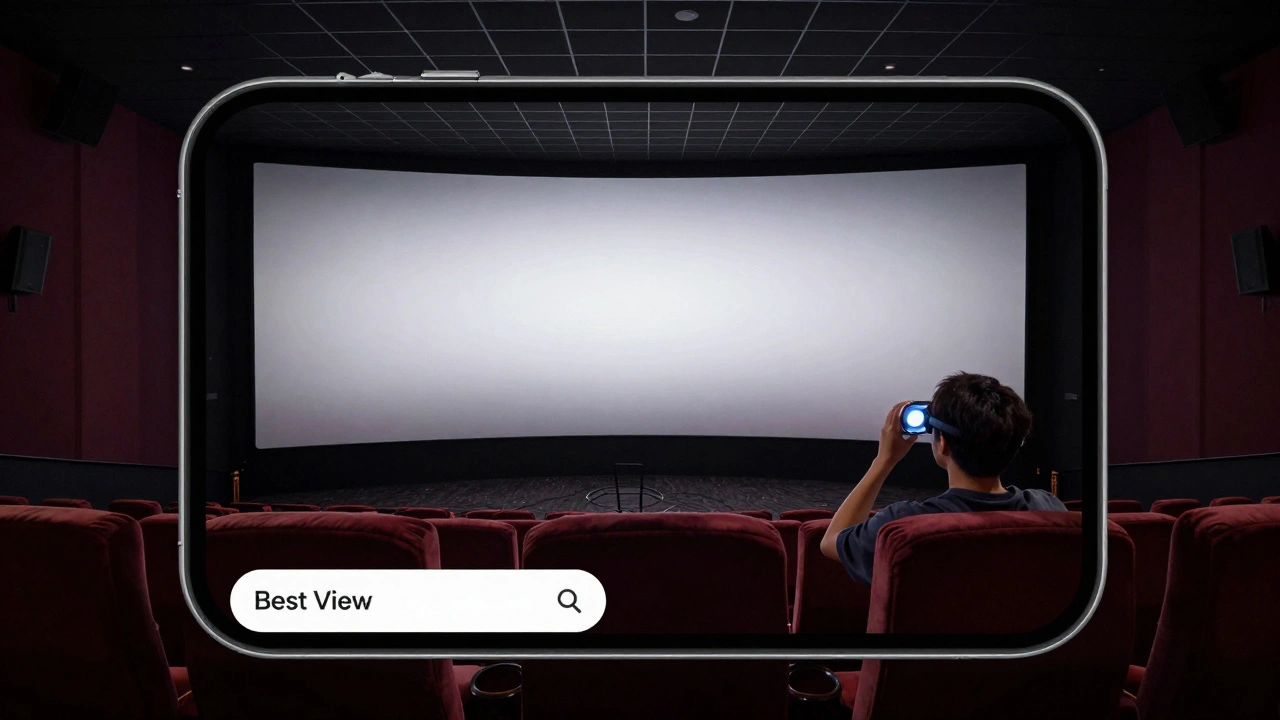
Furthermore, the integration of Augmented Reality (AR) is starting to hit the booking flow. Some cutting-edge apps allow you to "preview" the view from your selected seat in a PLF auditorium. By showing a 360-degree render of the screen size relative to the seating, the app eliminates the uncertainty of the purchase. You aren't just buying a ticket; you're confirming a physical experience.
What exactly is PLF in the context of cinema?
PLF stands for Premium Large Format. It refers to auditoriums that offer a superior experience over standard screens through larger displays, higher resolution projection (like 4K laser), and advanced sound systems. Common examples include IMAX, Dolby Cinema, and Regal RPX.
Why is API integration crucial for showcasing formats?
Without a deep API integration, the app can only show text labels provided by the POS. Real-time integration allows the app to pull specific attributes-like audio type or screen tech-which can then be turned into visual badges or comparison charts that drive higher sales.
How does PLF affect the average ticket price (ATP)?
PLF tickets carry a premium surcharge. By clearly communicating the value of the format through the app, theaters can increase the percentage of guests choosing these upgrades, directly raising the ATP and increasing overall revenue per screen.
Can any cinema implement these format options?
Any cinema with multiple room types can use these strategies. Even if they don't have a branded IMAX screen, they can define their own "Premium" room (e.g., "The Gold Suite") and use the same visual cues and API attributes to distinguish it from standard rooms.
What is the biggest mistake apps make with PLF?
The biggest mistake is "label overload," where the app uses too many technical acronyms (e.g., "PLF-LSR-ATMOS") without explaining what they mean. This confuses the user and often leads them to choose the cheapest, standard option to avoid making a mistake.
Next Steps for Implementation
If you're managing a theater's digital presence, start by auditing your current checkout flow. Ask yourself: "Would a first-time visitor know why this ticket costs $5 more?" If the answer is no, you have a communication gap.
- For Small Exhibitors: Focus on adding simple, high-contrast badges (e.g., "Premium Sound") to your showtime list.
- For Mid-to-Large Chains: Move toward a structured data model in your POS to allow the app to dynamically generate format descriptions.
- For App Developers: Implement a "Quick Compare" modal that translates technical specs into user benefits.