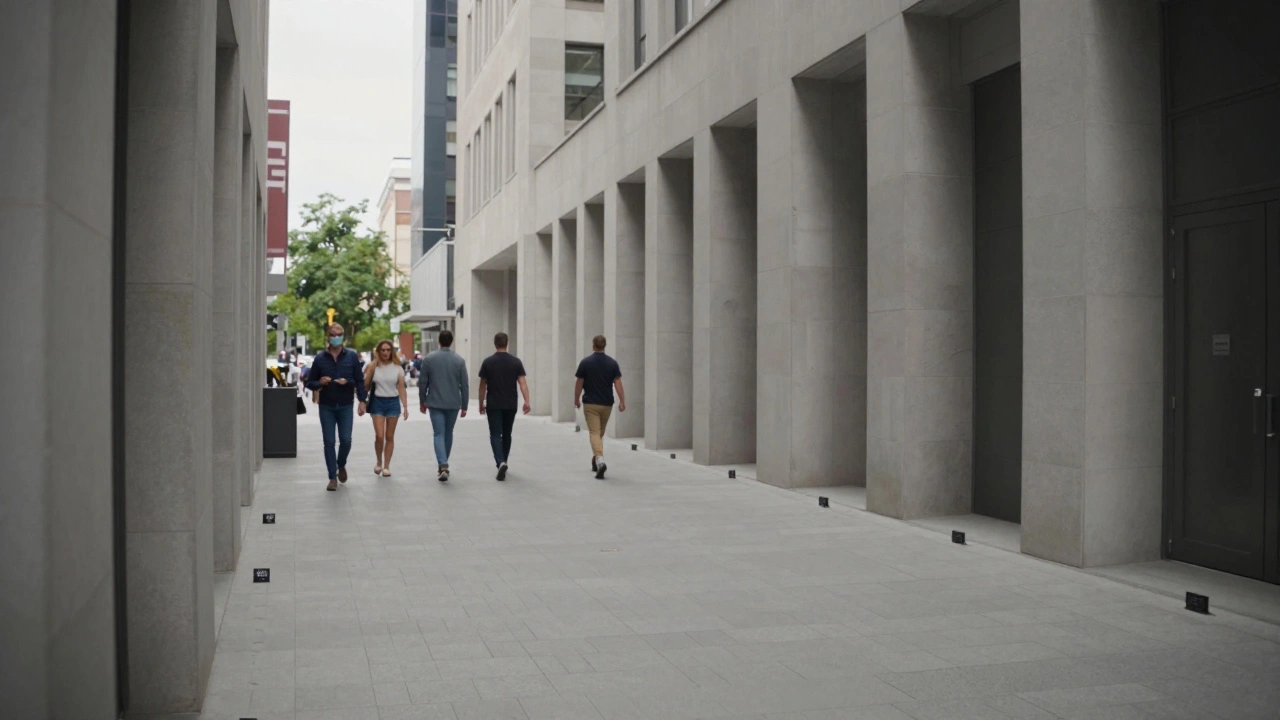
When you watch a movie like 'The Mandalorian' or 'Avengers', the magic isn't just in the CGI. It starts with the VFX plates-the raw footage captured on set without visual effects. If those plates aren't shot correctly, even the best VFX team can't make it look real. Plates are the foundation for all visual effects work. They include the background elements, actors, and camera movement. Think of them as the canvas where VFX artists will paint later. For example, if you're filming a scene where a spaceship lands in a city, the plate is the footage of the city without the spaceship.
Imagine trying to add a dragon flying over a city. If the plate shows a sunny day but the dragon scene requires stormy weather, the lighting won't match. The dragon will look like a flat image pasted on top. That's why shooting plates properly is the first step to seamless integration.
Shooting Plates: Best Practices
Getting plates right requires attention to detail. Here's what matters most:
- Lighting consistency: If the plate is shot under cloudy skies but the VFX team plans to add a bright sun, the lighting will clash. Instead, shoot plates with neutral lighting that can be adjusted later. This gives the VFX team flexibility to match any environment. For instance, on 'The Lion King' (2019), the team shot plates with flat lighting to allow precise digital environment adjustments later.
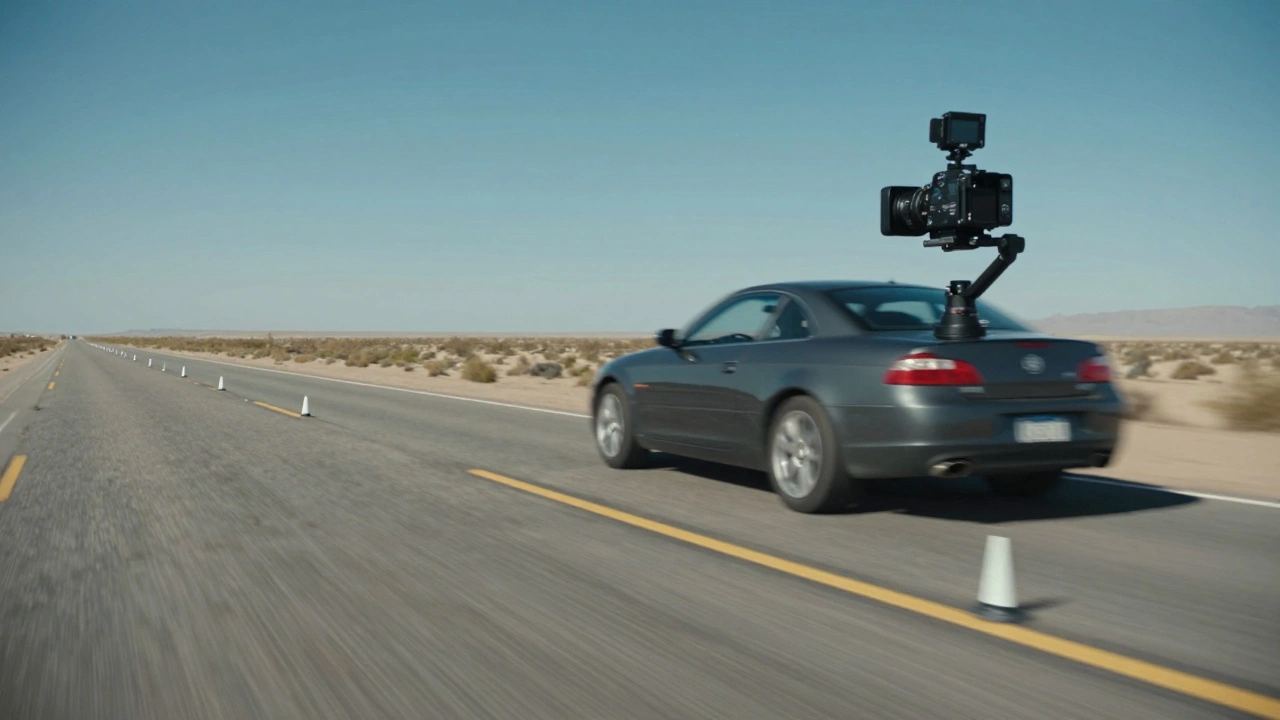
- Camera movement: Smooth, steady camera motion helps tracking software. Avoid shaky handheld shots unless intentional. If you're using a gimbal, ensure it's properly calibrated. A sudden jerk in the plate makes it impossible for tracking software to follow the movement accurately.
- Tracking markers: Place small markers on set to help software track movement. These don't need to be visible in the final shot but should be in the plate footage. For example, small black dots on a green screen or reflective tape on walls. Without these markers, tracking software struggles to calculate camera movement.
- Resolution and frame rate: Shoot in the highest resolution possible. Match the frame rate to the intended VFX pipeline. Many studios use 24fps for film, but check with your VFX team. Low-resolution plates cause pixelation when scaling up for CGI work.
On 'Jurassic Park', the team had to match the lighting of the T-Rex CGI to the practical effects. If the plate was too dark, the CGI would look out of place. They spent weeks adjusting lighting to get it right. This shows how critical plate lighting is for believable integration.
Tracking Methods for Seamless Integration
Once you have the plate, the next step is tracking. This is how the VFX team knows where to place CGI elements. Here's a comparison of common methods:
| Method | Best For | Tools Used | Accuracy |
|---|---|---|---|
| Point Tracking | Simple camera movements | After Effects, Nuke | Moderate |
| 3D Camera Tracking | Complex scenes with depth | PFTrack, SynthEyes | High |
| Matchmoving | Full camera motion reconstruction | Boujou, Mocha Pro | Very High |
| Motion Capture | Character movement | Vicon, OptiTrack | Extremely High |
3D Camera Tracking is the most common for feature films. It analyzes the plate footage to recreate the camera's position and movement in 3D space. This allows CGI elements to match the perspective perfectly. For example, if a car drives past in the plate, the tracking data ensures the digital explosion happens in the right spot.
Point tracking is used for simple scenes where the camera doesn't move much. It tracks specific points in the frame, like a window or a corner. But for complex scenes with lots of movement, 3D camera tracking is essential. It uses hundreds of points to create a 3D map of the scene, allowing CGI to be placed accurately.
Matchmoving is another term for camera tracking. It's the process of analyzing the plate footage to replicate the camera's movement in 3D space. This allows CGI elements to move exactly as the real camera did, ensuring perfect integration. For example, in 'The Avengers', matchmoving helped place the Hulk CGI in complex battle scenes with moving cameras.
Integrating VFX into Film
After tracking, compositing brings everything together. This is where the magic happens:
- Color matching: Adjust the CGI to match the plate's color grading. A mismatched color will stand out. For instance, if the plate has a warm tone from sunset lighting, the CGI explosion must have similar warm hues to blend in.
- Adding natural effects: Include lens flares, motion blur, or grain to match the live-action footage. Without motion blur on CGI elements, they look static and fake.
- Matte painting: For backgrounds that aren't fully built, matte paintings blend seamlessly with the plate. These are digital paintings that extend real-world environments.
- Rotoscoping: Isolating elements like a person's hand for compositing. This is tedious but necessary for precise integration. In 'The Matrix', rotoscoping was used to isolate actors for bullet-time effects.
On 'Avatar', the team used rotoscoping to separate actors from the green screen. Without this step, the CGI Na'vi characters wouldn't have blended with the live-action footage. Rotoscoping is time-consuming but crucial for realism.
Depth of field is often overlooked. If the plate has a shallow depth of field (blurred background), the CGI must also have the same blur. Otherwise, it looks like a flat image pasted on top. For example, in 'Star Wars: The Force Awakens', the Millennium Falcon CGI had to match the depth of field of the live-action shots to blend seamlessly.
Common Mistakes to Avoid
Even experienced crews make these errors:
- Ignoring lighting direction: If the plate has sunlight from the left, the CGI must have shadows on the left too. Getting this wrong makes CGI look fake. On 'Dune' (2021), the VFX team spent extra hours matching the sandstorm lighting to the plate footage.
- Overlooking camera movement: If the plate has a slow pan, the CGI must move at the same speed. A static CGI element in a moving plate is a dead giveaway.
- Skipping tracking markers: Without markers, tracking software can't calculate movement accurately. This leads to shaky CGI placement.
- Using low-resolution plates: Upscaling low-res footage later causes pixelation. Always shoot in high resolution. For example, shooting in 4K ensures clean CGI integration even when zooming in.
- Ignoring environmental reflections: Reflective surfaces like windows or metal need special attention. You must shoot the plate with the correct environment reflected, or plan to replace it with CGI. For instance, if a car's hood reflects the sky, the plate should either capture the actual sky or have a clean plate for later replacement.
On 'Mad Max: Fury Road', the team had to match the dust and sand in the plate footage with the CGI vehicles. If the plate dust didn't match the CGI, the whole scene would look fake. They shot multiple passes of dust to get it right.
Frequently Asked Questions
Do I always need a green screen for plates?
No. Green screens are just one option. Plates can be shot on location with real backgrounds. The key is ensuring the lighting and camera movement match the intended VFX. For instance, if you're adding a digital sky, the plate should have consistent lighting for the foreground elements. Many modern films like 'The Mandalorian' use LED walls instead of green screens for real-time VFX integration.
What's the difference between compositing and rotoscoping?
Compositing combines multiple visual elements into one scene. Rotoscoping is a specific technique where you manually trace elements frame by frame to isolate them. For example, rotoscoping a hand in a plate so you can add a digital effect to it, then composite that into the final shot. Rotoscoping is often a step within the compositing process.
How do you handle reflective surfaces in plates?
Reflective surfaces like windows or metal need special attention. You must shoot the plate with the correct environment reflected, or plan to replace it with CGI. For example, if a car's hood reflects the sky, the plate should either capture the actual sky or have a clean plate for later replacement. In 'Blade Runner 2049', the team shot multiple plates of reflections to ensure the CGI elements blended perfectly.
What software is best for VFX tracking?
Popular tools include PFTrack for 3D tracking, Nuke for compositing, and After Effects for simpler projects. For high-end films, studios often use proprietary systems like Shotgun for pipeline management. Motion capture systems like Vicon are used for character movement. The choice depends on the project's complexity and budget.
How do you handle moving objects in plates?
If the plate has moving objects like cars or people, you need to track them separately. For example, a car moving in the plate requires its own tracking data so that CGI elements like explosions can be placed accurately relative to the car's motion. This is called object tracking and is essential for realistic integration.


Comments(10)