You’ve got the idea. It’s burning a hole in your notebook. But when you sit down to type, the cursor blinks mockingly. How wide should the margins be? Where does the character name go? If you mess up the formatting, producers won’t read it. That is why screenwriting software exists-to handle the technical rules so you can focus on the story.
The market is crowded with options, from free web-based tools to expensive desktop applications used by Hollywood veterans. Choosing the right tool isn't just about price; it's about workflow, collaboration, and industry acceptance. Let's break down the heavy hitters and see which one fits your process.
The Industry Gold Standard: Final Draft
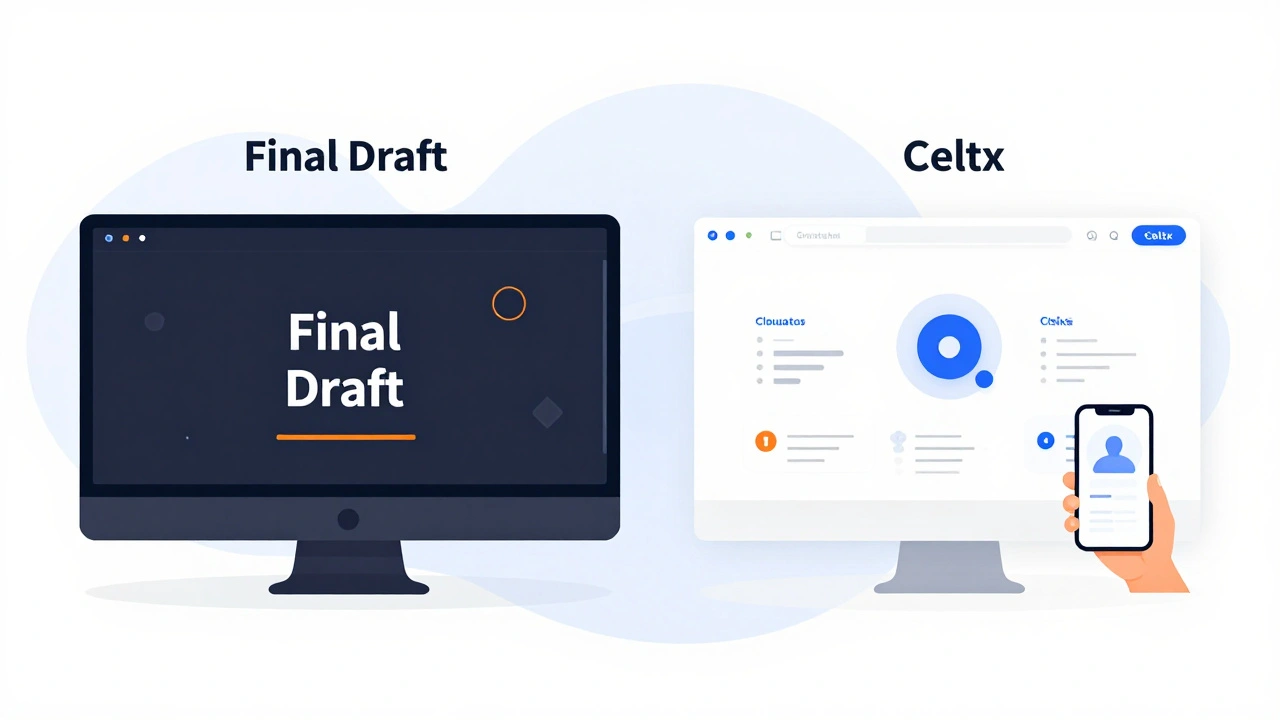
When people talk about professional screenwriting, Final Draft is usually the first name that comes up. For decades, this has been the default choice for working professionals in Los Angeles and beyond. If you send a script to a producer, there is a high chance they expect it to be in Final Draft format.
Why do pros stick with it? Reliability. The software rarely crashes, and its formatting engine is bulletproof. You don't have to worry about page counts or font sizes because the program locks them to industry standards automatically. It also includes powerful features like "Cortex," an AI assistant that helps brainstorm ideas and check for plot holes, though many traditionalists prefer to keep the AI off and write manually.
The downside? It is not cheap. A single license costs around $249, and while they offer subscriptions now, it remains a significant investment for hobbyists. Additionally, it is primarily a desktop application (Windows and macOS), meaning real-time cloud collaboration is clunky compared to newer web-based rivals.
The Cloud Native Challenger: Celtx
If Final Draft is the old guard, Celtx is the modern disruptor. Originally known for its free desktop version, Celtx has pivoted heavily toward a cloud-based platform. This shift makes it ideal for writers who need to collaborate with others in real time, similar to how Google Docs works for word processing.
Celtx offers more than just writing. It integrates pre-production tools, allowing you to turn your script into a shooting schedule, storyboard, and budget estimate. This "all-in-one" approach is fantastic for indie filmmakers who wear multiple hats. The interface is clean, intuitive, and requires zero installation since it runs in your browser.
However, the move to a subscription model has alienated some long-time users. The free tier is limited, and the paid plans can add up if you are part of a larger team. Some users also report that the cloud dependency means you need a stable internet connection to work effectively, which can be a dealbreaker for writers on the go without reliable Wi-Fi.
The Budget-Friendly Option: WriterDuet
Sometimes, you just want to write without breaking the bank. WriterDuet strikes a balance between professionalism and affordability. It is a web-based application that offers robust formatting and collaboration features at a fraction of the cost of Final Draft.
One of WriterDuet's standout features is its simplicity. There are no bloated menus or confusing shortcuts. You open it, start typing, and the software handles the rest. It supports real-time co-writing, which is great for writer's rooms or partners working together remotely. The export options are solid, ensuring your PDF looks perfect when sent to agents or production companies.
The main limitation is customization. While it covers all the standard formatting needs, it lacks some of the advanced organizational tools found in higher-end software. If you are writing a complex series bible or managing intricate character arcs across multiple seasons, you might find it a bit lightweight.
The Creative Suite: Fade In
Fade In is the favorite among tech-savvy writers and those who value speed over aesthetics. Unlike Final Draft, which uses a WYSIWYG (What You See Is What You Get) interface, Fade In uses a code-like input system. You type commands like "[SCENE]" or "[CHARACTER]" to structure your document.
This might sound counterintuitive, but it allows for incredibly fast writing. You never lose focus hunting for buttons. The software is lightweight, loads instantly, and costs significantly less than Final Draft. It also exports to nearly every format imaginable, including Final Draft files, making it easy to share your work with traditionalists.
The learning curve is steep. If you are used to clicking buttons to change elements, Fade In will frustrate you initially. However, once you memorize the tags, your typing speed can increase dramatically. It is particularly popular among video game writers and interactive narrative creators due to its flexible branching capabilities.
Other Notable Contenders
The landscape includes other strong players worth considering depending on your specific needs:
- Arc Studio Pro: Known for its beautiful interface and integrated research tools. It pulls images and references directly into your script, helping maintain visual consistency. Great for directors who think visually.
- Highland 2: A minimalist, Mac-only option that focuses purely on writing. No distractions, no bells and whistles. Perfect for purists who want a distraction-free environment.
- Kittentales: Aimed at younger audiences or educational settings, this tool simplifies the process for beginners learning the basics of structure.

Comparison Table: Key Features
| Software | Platform | Price Model | Collaboration | Best For |
|---|---|---|---|---|
| Final Draft | Desktop (Win/Mac) | One-time purchase / Sub | Limited | Hollywood Professionals |
| Celtx | Web / Mobile | Subscription | Excellent | Indie Filmmakers & Teams |
| WriterDuet | Web | Freemium / Sub | Good | Budget-Conscious Writers |
| Fade In | Desktop (Win/Mac/Linux) | One-time purchase | Poor | Fast Typers & Tech Users |
| Arc Studio | Desktop (Mac) | Subscription | Moderate | Visual Thinkers |
How to Choose the Right Tool
Selecting software depends on three factors: your budget, your workflow, and your career stage.
If you are aiming for a big break in Hollywood, Final Draft is still the safest bet. It signals professionalism and ensures compatibility with production offices. If you are collaborating with a partner or directing your own short film, Celtx or WriterDuet offers better teamwork features. For those who prioritize speed and dislike cluttered interfaces, Fade In is unmatched.
Don't forget to consider device compatibility. If you only use an iPad or Android tablet, your options narrow significantly. Most desktop-heavy apps lack robust mobile counterparts, whereas web-based solutions adapt seamlessly to any screen size.
Common Pitfalls to Avoid
Many new writers make the mistake of obsessing over software features before writing their first draft. Remember: the tool does not write the story. You do. A poorly written script in Final Draft will still be rejected. A brilliant script in WordPad will get noticed.
Another pitfall is ignoring backup protocols. Always save your work in multiple formats. Export regular PDFs and keep copies in the cloud. Software glitches happen, and hard drives fail. Losing weeks of work because you didn't export a backup is a nightmare no writer should experience.
Finally, avoid switching tools mid-project unless absolutely necessary. Each program has subtle differences in formatting behavior. Switching halfway through can cause alignment issues, broken scene numbers, and lost metadata. Pick one, commit to it, and master its shortcuts.
Is Microsoft Word good for screenwriting?
While possible, Microsoft Word is not recommended for serious screenwriting. It lacks automatic formatting enforcement, meaning you must manually adjust margins, fonts, and spacing to meet industry standards. This is time-consuming and prone to errors. Dedicated software handles these rules automatically, ensuring your script looks professional.
Can I convert my script from Celtx to Final Draft?
Yes, most major screenwriting software supports import/export functions. Celtx allows you to export in Final Draft format (.fdx). However, complex formatting or custom styles may not translate perfectly. Always review the converted file carefully to ensure scene headings, character names, and dialogue align correctly.
Do producers care what software I use?
Most producers care about the content, not the software. However, they prefer receiving scripts in standard PDF format to avoid compatibility issues. Using industry-standard software like Final Draft ensures your PDF adheres to strict formatting guidelines, which signals professionalism. As long as your PDF is formatted correctly, the underlying software matters less.
Which screenwriting software is best for beginners?
For beginners, WriterDuet or the free tier of Celtx is often the best starting point. They offer guided interfaces, tutorials, and low barriers to entry. These tools teach you proper formatting without requiring a large financial investment. Once you gain confidence and determine your career path, you can upgrade to more advanced platforms like Final Draft or Fade In.
Does screenwriting software help with plot structure?
Some software, like Final Draft's Cortex or Arc Studio, includes AI-driven tools to analyze plot points, pacing, and character development. These features can provide feedback on structural weaknesses. However, they are aids, not replacements for creative thinking. Understanding narrative theory yourself is crucial; software cannot fix a fundamentally flawed story.