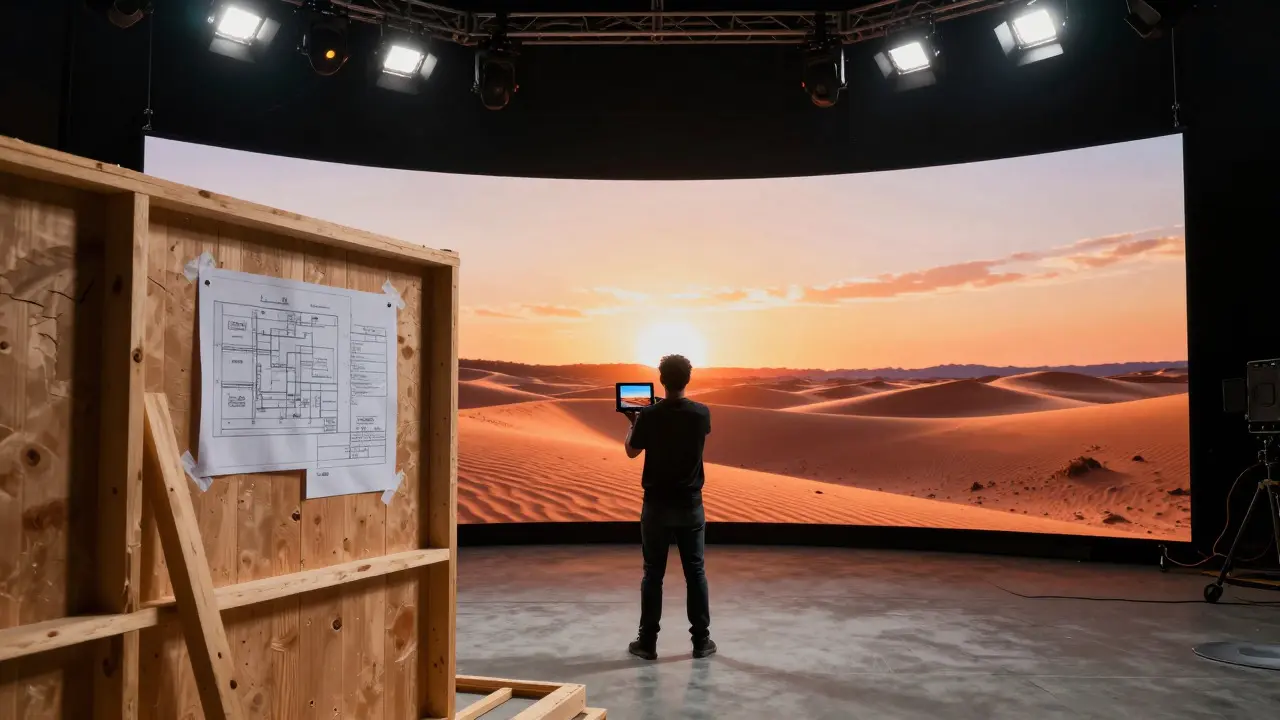
Imagine standing on a set where the walls aren't built yet, but you can see exactly how the light hits the actor's face. That is the power of previsualization. It bridges the gap between a director's dream and the physical reality of a film set. For production designers, this phase is no longer just a nice-to-have; it is the blueprint that saves millions of dollars and weeks of shooting time.
In modern filmmaking, the line between digital planning and physical construction is blurring. We are moving away from static drawings toward immersive environments. This shift changes how teams collaborate, how budgets are managed, and how stories are told. If you are involved in production design, understanding this workflow is essential to staying relevant in an industry that moves at lightning speed.
What Previsualization Actually Means in Production
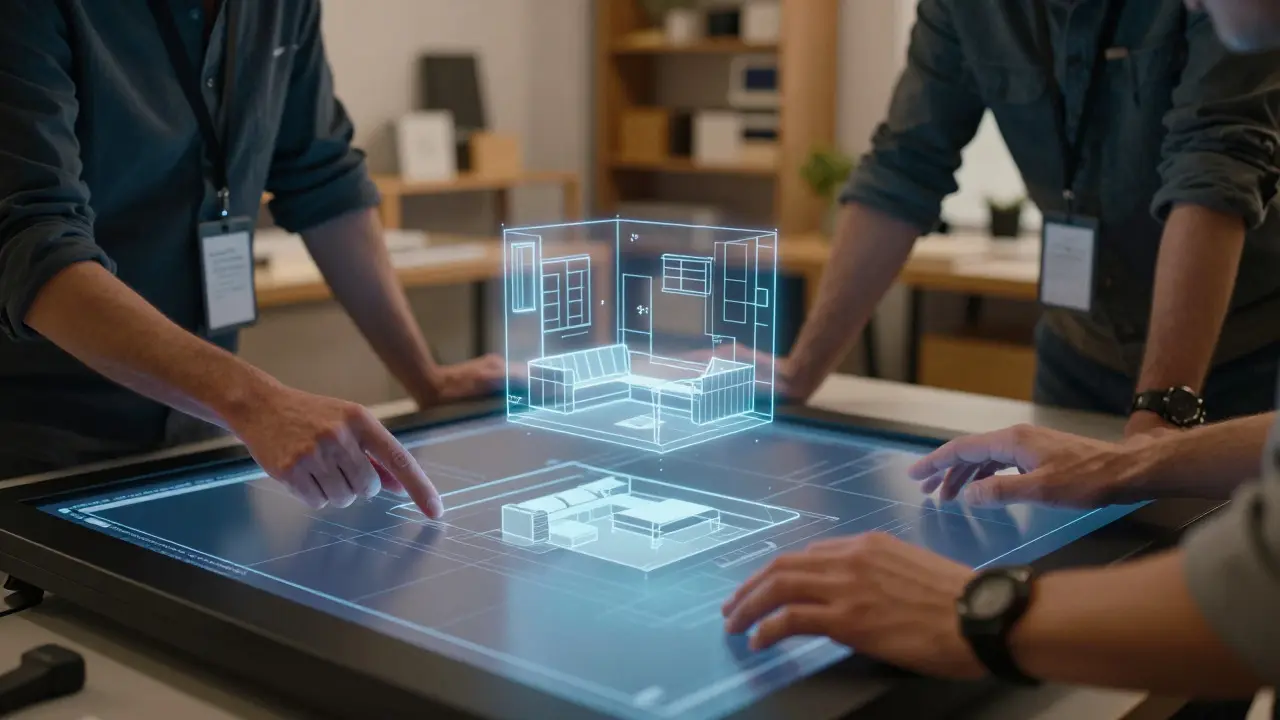
Previsualization, often called pre-vis, is the process of creating a temporary storyboard or video sequence to plan out a shot before principal photography begins. While traditionally associated with action sequences and special effects, its role has expanded significantly. Today, it serves as the primary communication tool between directors, cinematographers, and production designers.
Think of it as a rehearsal for the camera. Before we spend thousands on building a fake castle or renting a soundstage, we build a digital one. This allows us to test angles, lighting setups, and spatial relationships without committing to expensive materials. The goal is simple: reduce uncertainty. When everyone agrees on what the shot looks like in a low-fidelity model, there are fewer surprises on set.
The Role of Concept Art in Setting the Tone
Before any 3D geometry is pushed, we need images. Concept art is the visual exploration of ideas, characters, and environments to establish the aesthetic direction of a project. This stage is about mood, color palette, and atmosphere. It answers the question: "What does this world feel like?"
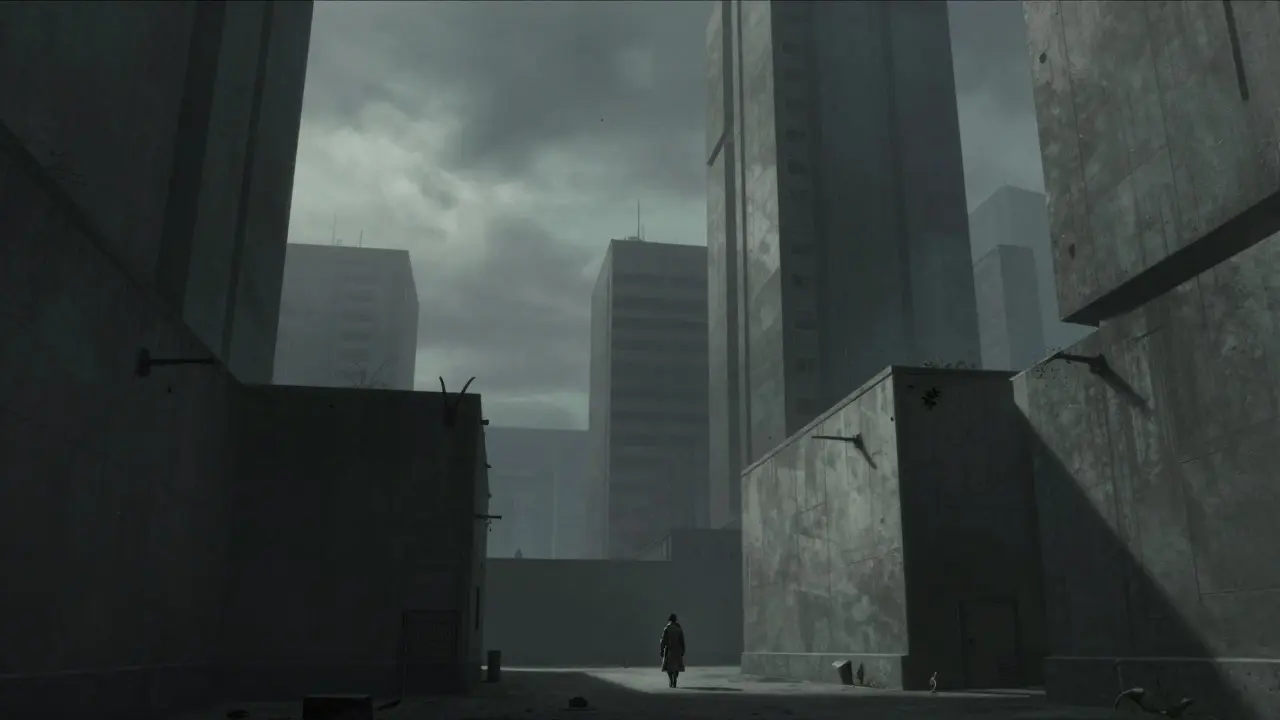
Production designers work closely with concept artists to create key frames that define the look of the film. These paintings or digital renders guide everything from prop selection to costume colors. For example, if a scene takes place in a dystopian future, the concept art might feature desaturated tones and brutalist architecture. Once this visual language is established, the 3D team uses these references to build accurate models.
- Mood Boards: Collages of real-world photos and textures to inspire the design.
- Key Frames: Specific shots that anchor the narrative visually.
- Color Scripts: Maps showing how color evolves across the story arc.
From 2D to 3D: Building Virtual Sets
Once the look is approved, we move into 3D modeling. This is where the magic happens. Artists use software like Maya or Blender to recreate the environment. But it’s not just about making things look pretty. The focus here is on spatial accuracy and camera movement.
A good pre-vis model doesn’t need high-resolution textures. Instead, it needs correct proportions and lighting logic. We care about where the shadows fall and how much space the actors have to move. This is crucial for blocking. If a door is too narrow in the model, we fix it now, not after we’ve built the physical set piece.
Virtual Production and LED Volumes
The biggest game-changer in recent years is Virtual Production, which uses real-time rendering engines to display digital backgrounds on large LED screens behind actors. Shows like *The Mandalorian* popularized this technique, but it has become a standard tool for many productions.
For production designers, this means the set extends beyond the physical walls. You can place a desert landscape on the LED wall while shooting indoors. The pre-vis phase becomes even more critical here because the digital background must match the physical set perfectly. Any mismatch in scale or perspective breaks the illusion immediately.
This technology also allows for creative flexibility. During filming, the director can change the time of day or weather conditions on the fly by adjusting the digital environment. This level of control was impossible with traditional backdrops or post-production compositing.
Practical Tips for Effective Collaboration
Technology is only as good as the people using it. Here are some practical ways to make your pre-vis process smoother:
- Define the Scope Early: Decide which scenes truly need full 3D pre-vis and which can be handled with simpler tools. Not every shot requires a detailed model.
- Use Low-Poly Models: Keep geometry simple. High detail slows down rendering and makes navigation difficult. Focus on forms, not surface details.
- Involve the Cinematographer: Camera operators need to know lens lengths and focal points. Include camera metadata in your pre-vis files.
- Iterate Quickly: Don’t wait for perfection. Show rough versions early to catch major issues before they become expensive mistakes.
Communication is key. Ensure that everyone understands the limitations of the pre-vis. It is a planning tool, not the final image. Remind the team that the final look will depend on lighting, texture, and post-production effects.
Common Pitfalls to Avoid
Even experienced teams make mistakes in pre-visualization. One common error is over-designing. Spending too much time polishing a model that will never be seen in the final cut wastes resources. Another pitfall is ignoring the physical constraints. A beautiful digital set is useless if it cannot be built within budget or time limits.
Also, beware of the "pre-vis trap." Sometimes, the pre-vis looks so good that stakeholders expect the final film to look exactly like it. This sets unrealistic expectations. Always clarify that pre-vis is a functional representation, not a promise of the final aesthetic.
Frequently Asked Questions
What is the main difference between concept art and previsualization?
Concept art focuses on establishing the visual style, mood, and aesthetic direction through 2D imagery. Previsualization focuses on planning the technical execution of shots, including camera movement, blocking, and spatial layout, often using 3D models.
Do all films require 3D previsualization?
No. Simple dialogue scenes or straightforward setups may only require basic storyboards or floor plans. Complex action sequences, VFX-heavy scenes, or virtual production shoots benefit most from detailed 3D pre-vis.
How does previsualization save money?
It reduces costly errors during physical construction and filming. By identifying issues with scale, lighting, or camera angles in the digital phase, production teams avoid rebuilding sets or reshooting scenes, which are extremely expensive.
What software is commonly used for previsualization?
Popular tools include Maya, Blender, Unreal Engine, and Houdini. Unreal Engine is particularly favored for virtual production due to its real-time rendering capabilities, allowing live interaction with digital environments.
Can previsualization be used for non-VFX scenes?
Yes. Even for live-action scenes without heavy VFX, pre-vis helps plan complex camera movements, stunts, or crowd scenes. It ensures that the physical set supports the intended shot composition and actor movement.