Imagine spending weeks building a stunning 3D dragon. You render it, drop it into your shot, and... it looks wrong. It slides across the ground like it's on ice. The perspective feels off. The audience doesn't buy it for a second. This isn't because your model is bad; it's because the digital world isn't locked to the real one. That lock is called matchmoving.
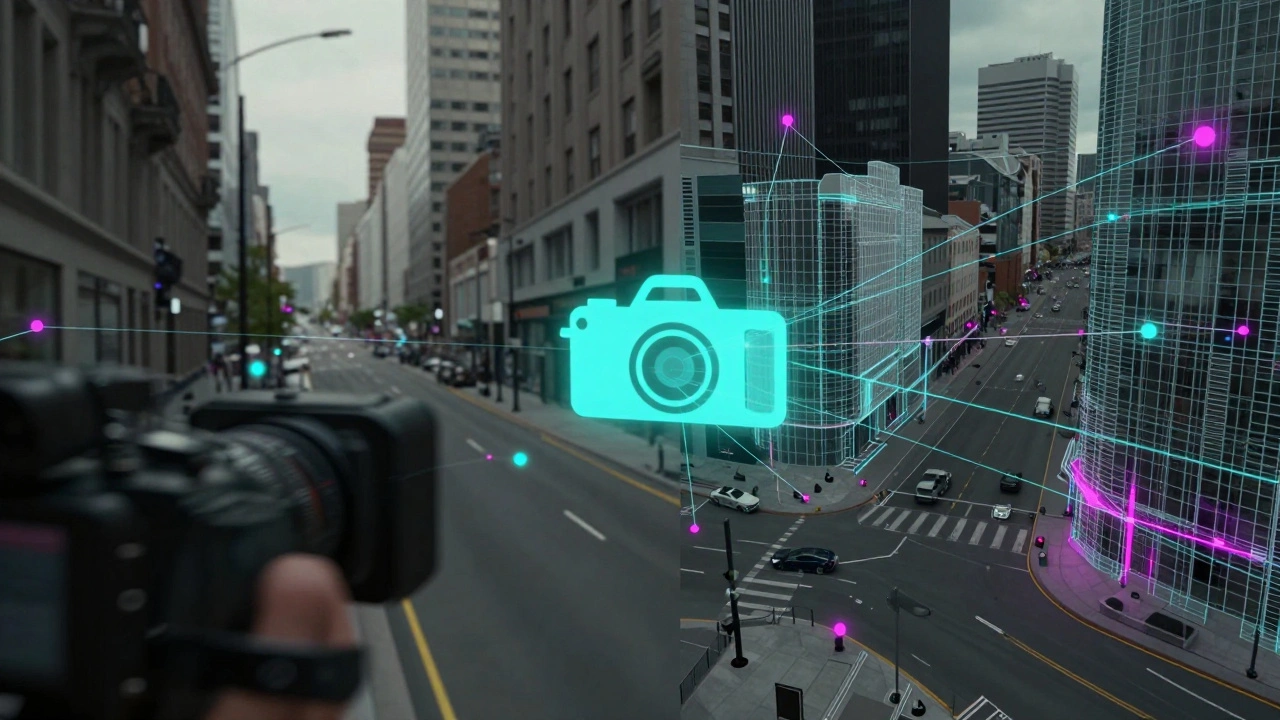
In visual effects (VFX), matchmoving (often used interchangeably with camera tracking) is the process of calculating the movement and orientation of a physical camera in 3D space based on 2D footage. Without this step, you cannot place virtual objects that look like they belong in the scene. Whether you are adding a simple logo to a billboard or an entire CGI army marching down a street, the camera data must match the plate perfectly.
The Core Problem: 2D Footage vs. 3D Space
To understand why this is hard, you have to look at what the camera does. A movie camera records a flat, two-dimensional image. It flattens depth, lighting, and perspective onto a sensor. When you take that flat image and try to put a three-dimensional object inside it, you need to know exactly where the camera was standing, which way it was pointing, and how its lens distorted the image.
If you guess these values, the parallax will be wrong. Parallax is the apparent shift in position of an object when viewed from different angles. If the camera moves left, background objects should move slower than foreground objects. If your tracked camera doesn't replicate this exact ratio, the floating effect happens. Your goal is to reverse-engineer the camera's path so that the virtual camera in your software mimics the real one frame-by-frame.
Point Tracking: The Foundation of Matchmoving
Most modern matchmoving starts with point tracking. Software analyzes the footage frame by frame, looking for high-contrast features-corners of buildings, pebbles on the road, shadows-and locks onto them. These are called track points.
For this to work, the scene needs texture. A white wall is a nightmare for trackers because there are no unique features to latch onto. A brick wall is a dream. Here is how the workflow typically flows:
- Feature Detection: The software automatically finds thousands of potential points.
- Tracking: It follows these points through the duration of the clip.
- Solving: The software uses triangulation to calculate the 3D position of those points and the camera's movement relative to them.
You will often see terms like "2D Solve" and "3D Solve." A 2D solve gives you the motion of the points on the screen plane. A 3D solve reconstructs the actual geometry of the scene in 3D space. For most VFX shots, you need the 3D solve to get accurate perspective.
Planar Tracking: When Points Fail
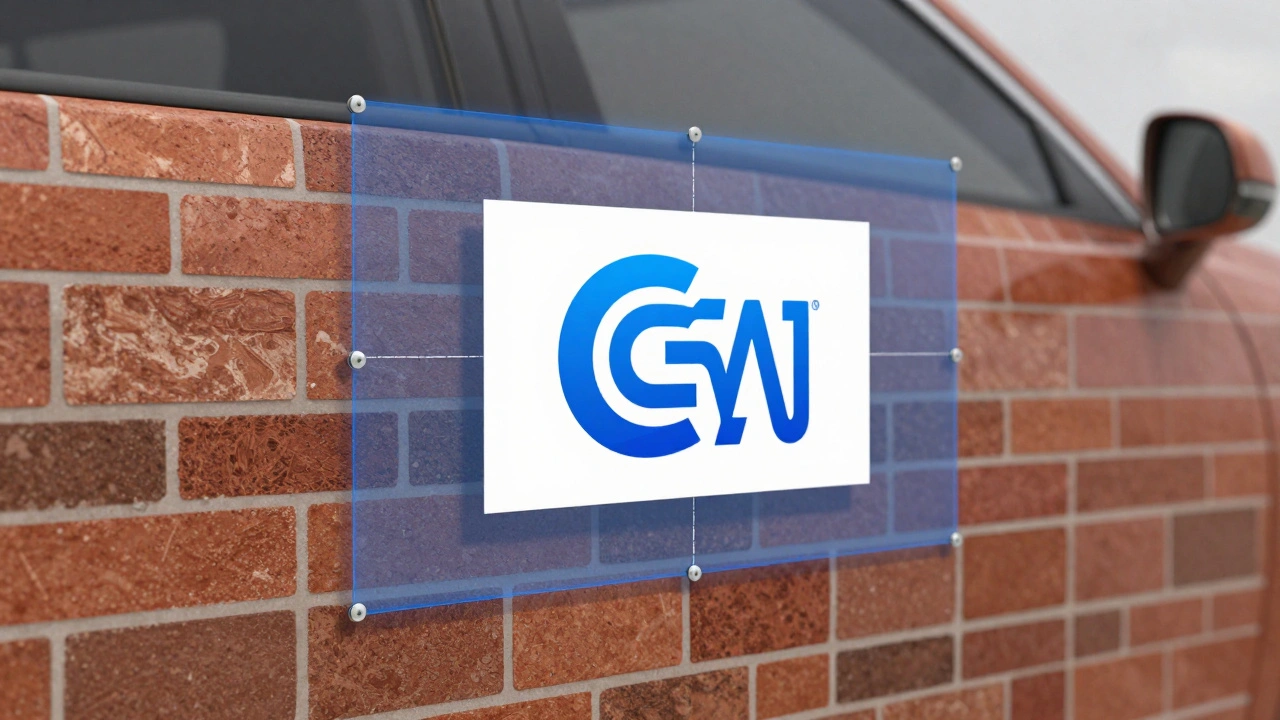
What if the surface is flat? What if you are tracking a screen within a screen, or a sign on a building, or a piece of paper on a desk? Point tracking struggles here because there is little depth information. This is where planar tracking shines.
Instead of tracking individual dots, planar trackers analyze the motion of a large, flat area. They calculate four corners (or more) of a plane and determine how that plane moves in 3D space. Tools like Mocha Pro are industry standards for this. Planar tracking is incredibly robust against occlusions (when something blocks the view temporarily) because it understands the context of the whole shape, not just a single pixel cluster.
If you are replacing a logo on a truck door, use planar tracking. If you are placing a monster walking through a forest, use point tracking.
Lens Distortion: The Silent Killer
One of the most common reasons matchmoves fail is ignoring lens distortion. Real-world lenses are not perfect pinholes. Wide-angle lenses barrel out edges. Telephoto lenses can pincushion. Anamorphic lenses stretch highlights horizontally. If your software assumes a perfect rectilinear lens but your footage was shot with a wide-angle prime, the tracks will drift.
Before you start tracking, you must calibrate the lens. Most cameras record metadata about the focal length and distortion profile in the file header. Import this data into your tracking software. If metadata is missing, you can manually calibrate using a test shot of a grid or a known straight edge. Correcting lens distortion first ensures that the geometric calculations for the camera solve are mathematically sound.
Manual Control Points: Adding Human Intelligence
Automated solvers are powerful, but they are not magic. In complex scenes with fast motion, blur, or repetitive patterns (like a fence or a crowd), auto-trackers get confused. This is where manual control points come in.
A good matchmover acts like a detective. You identify specific, stable features in the scene and force the tracker to follow them. You might add a control point on the corner of a window frame that remains visible throughout the shot. By anchoring the solve to these reliable points, you guide the algorithm away from errors.
It is also crucial to remove bad tracks. If a bird flies across the frame, the tracker might think the background moved. You must delete those erroneous points before solving. Clean data in equals clean camera out.
Integration: From Tracker to 3D Scene
Once you have a solved camera, you need to export it. The industry standard format for this is the ASCII camera file or FBX. You import this data into your 3D application, such as Maya, Blender, or Houdini.
The next step is alignment. Even with a perfect solve, the scale might be off. The solver knows the camera moved 10 units, but it doesn't know if that's 10 centimeters or 10 meters. You need to set a reference scale. Measure a known object in the scene-a door height, a car width-and apply that measurement to your 3D points. This anchors the virtual world to real-world dimensions.
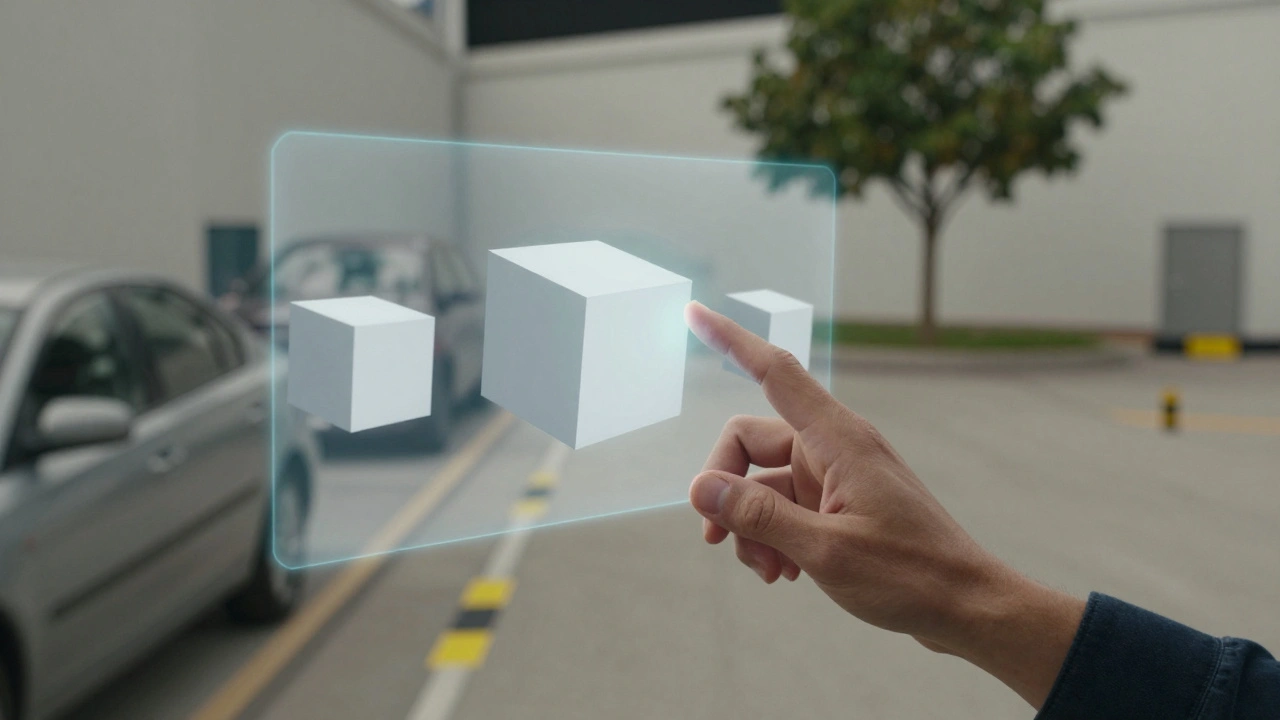
After scaling, you perform a rough layout. Place proxy geometry (simple boxes representing walls, cars, etc.) to block out the scene. Check the parallax again. Does the virtual box align with the real wall as the camera pans? If yes, you are ready to light and render your final assets.
Common Pitfalls and How to Avoid Them
Even experienced artists run into issues. Here are the most frequent problems and their fixes:
| Issue | Cause | Solution |
|---|---|---|
| Drifting Tracks | Motion blur or low contrast | Sharpen footage slightly for tracking; use manual points on high-contrast edges. |
| Rolling Shutter Jitter | Fast camera pan with CMOS sensor | Use software that supports rolling shutter correction; stabilize the plate first if possible. |
| Poor Depth Perception | Shot lacks parallax (static camera) | Manually estimate depth; use focus pull data if available to gauge distance. |
| Scale Ambiguity | No reference objects in frame | Add temporary markers on set during filming; estimate based on average human height. |
Rolling shutter is particularly tricky. Many digital sensors read the image line by line. If the camera shakes or moves fast, the image gets skewed. Modern tools like Nuke or Boujou have built-in rolling shutter estimators that can correct this skew before the camera solve begins.
Tools of the Trade
The ecosystem for matchmoving is mature. You don't need to build your own solver. Here is how the major players fit into the pipeline:
- Boujou: Known for its speed and accuracy in point tracking. Often integrated directly into Nuke.
- Mocha Pro: The king of planar tracking. Essential for screen replacements and graphic overlays.
- Syntheye: A long-standing favorite for its robustness in difficult conditions and strong integration with Maya.
- Autodesk Flame: Offers high-end tracking capabilities within a full compositing environment.
Choose your tool based on the shot type. For heavy 3D integration, Boujou or Syntheye are go-to choices. For 2D graphics and screen inserts, Mocha is unmatched. Many pipelines use both: Mocha for stabilizing and planar elements, and Boujou for the main camera solve.
Best Practices for On-Set Data
The best matchmove starts on set. While post-production can fix many things, garbage in still equals garbage out. If you are directing or producing a shoot with VFX in mind, consider these tips:
- Shoot Tracking Markers: Place high-contrast stickers on the floor and walls. They provide easy points for the solver.
- Log Camera Metadata: Ensure the camera records focal length, shutter angle, and sensor size accurately.
- Avoid Pure White/Black: Large areas of solid color confuse trackers. Add texture wherever possible.
- Stabilize the Camera: Handheld footage is harder to track than tripod or gimbal shots due to unpredictable motion blur.
When you have clean data, the matchmove becomes a technical task rather than an artistic struggle. You spend less time fighting the software and more time focusing on the creative placement of your assets.
Conclusion: Precision Meets Creativity
Matchmoving is the bridge between reality and imagination. It requires a blend of technical understanding of optics and geometry, along with the patience to troubleshoot messy footage. When done correctly, the audience never notices the work. They simply believe the dragon is there. That invisibility is the hallmark of great VFX.
Start with clean footage, correct your lens distortion, choose the right tracking method for the surface, and always verify your scale. With these fundamentals, you can anchor any virtual element to any real-world shot.
What is the difference between matchmoving and camera tracking?
In practice, the terms are often used interchangeably. However, some purists distinguish them: camera tracking refers specifically to calculating the camera's movement, while matchmoving implies the broader process of aligning 3D elements to that tracked camera, including scaling and positioning.
Can I matchmove handheld footage?
Yes, but it is challenging. Handheld shots often suffer from motion blur and rapid changes in perspective. Use software with advanced rolling shutter correction and feature tracking algorithms designed for high-motion clips. Manual intervention with control points is usually necessary.
Why do my tracks drift over time?
Drifting usually occurs due to loss of contrast, motion blur, or repetitive patterns causing the tracker to jump to a similar feature nearby. To fix this, sharpen the footage for tracking purposes, remove bad tracks, and add manual control points on stable, high-contrast features.
Do I need lens calibration data?
Ideally, yes. Lens distortion affects the geometry of the image. If you ignore it, your 3D solve will be inaccurate, especially towards the edges of the frame. Most professional cameras embed this data, but if not, you must calibrate manually using a grid chart.
What is planar tracking used for?
Planar tracking is best for flat surfaces. It is ideal for screen replacements, adding logos to signs, or attaching 2D graphics to walls. It handles occlusions better than point tracking because it tracks the motion of a large area rather than individual pixels.