You’re watching a hero leap off a skyscraper, or maybe you’re seeing a dragon breathe fire in a city that doesn’t exist. Your brain knows it’s fake, but your eyes are completely fooled. How do Visual Effects (VFX) studios pull this off? It’s not just about hitting a render button and waiting for magic to happen. It’s a massive, coordinated effort involving hundreds of artists, complex math, and some serious tech wizardry.
If you’ve ever wondered what happens behind the green screen, you’re in the right place. We’re going to break down the actual workflow used by major studios like ILM, Weta FX, and Framestore. No jargon dumps, no fluff. Just the real steps they take to build worlds that defy physics.
The Key Takeaways
- Pre-visualization is king: Most impossible scenes are planned in rough 3D before cameras even roll.
- Lighting is everything: If the digital light doesn’t match the real-world HDRI maps, the shot fails instantly.
- Clean plates matter: You need pristine background footage without actors to composite elements into.
- Integration over isolation: Great VFX blends digital assets with practical effects like rain, smoke, and lens flares.
It Starts Before the Cameras Roll
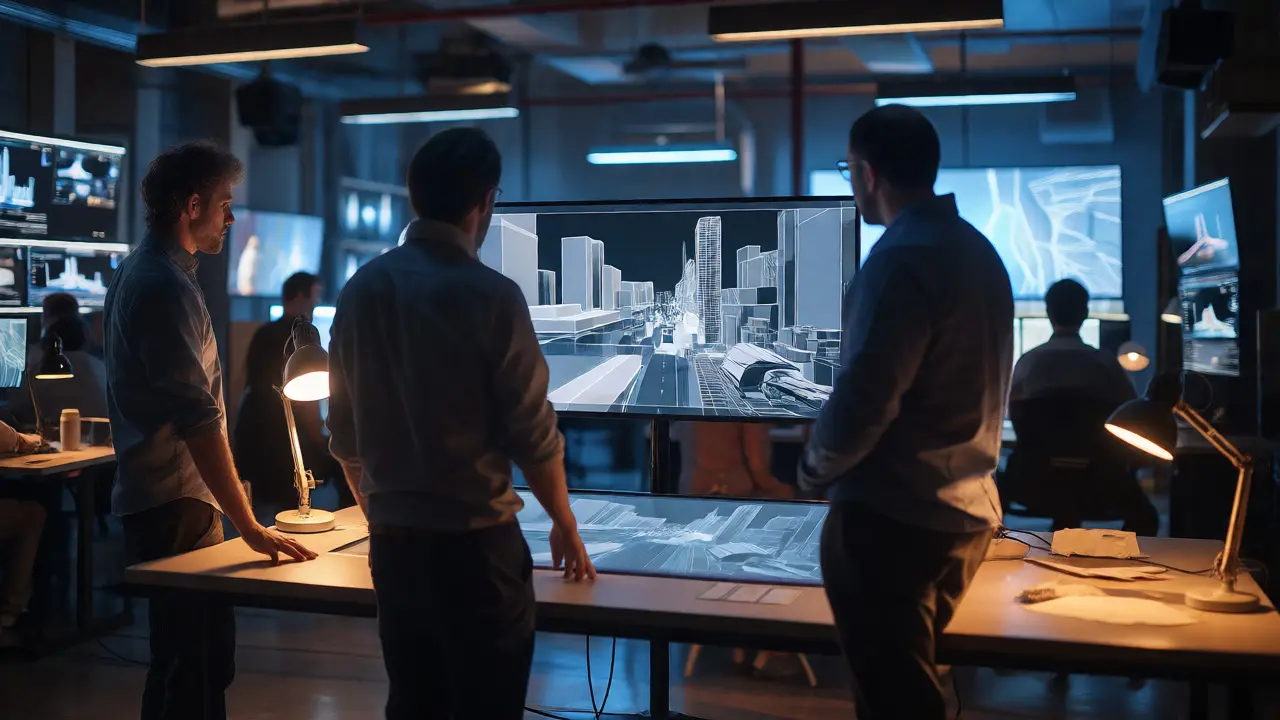
Most people think VFX starts in post-production. That’s wrong. For big-budget films, the heavy lifting begins months before shooting. This phase is called Pre-visualization (Previz). Think of it as a low-resolution video game version of the movie scene.
Directors and VFX supervisors use software like Maya or Unreal Engine to block out camera angles and character movements. Why bother? Because if you’re planning a scene where a building collapses on a car, you need to know exactly how long the collapse takes. If the actor drives through the frame in three seconds, but the simulation takes five, you have a problem. Fixing it in Previz costs pennies. Fixing it after shooting costs millions.
This stage also helps determine what needs to be built physically. Do we need a real half-car? Or can we shoot the whole thing digitally? The answers here dictate the budget and the schedule.
Capturing Reality: On-Set Data Collection
When the crew actually goes to set, the VFX team isn’t just standing around drinking coffee. They’re collecting data. This is crucial for making digital objects look like they belong in the real world. The most important tool here is the HDRI map.
An HDRI (High Dynamic Range Image) is a 360-degree photo that captures all the lighting information from the location. It records the sun’s position, the color temperature of the sky, and even the bounce light from nearby buildings. Later, when artists add a CGI monster, they use this HDRI to light the monster. If the sun is coming from the left at sunset, the monster must be lit from the left with warm orange tones. If you skip this step, the monster looks like a sticker pasted onto the screen.
They also use lidar scanners to create precise 3D models of the set. This ensures that digital props line up perfectly with physical walls and floors. No one wants to see a spaceship clipping through a wall because the measurements were off by six inches.
The Green Screen Myth vs. Reality
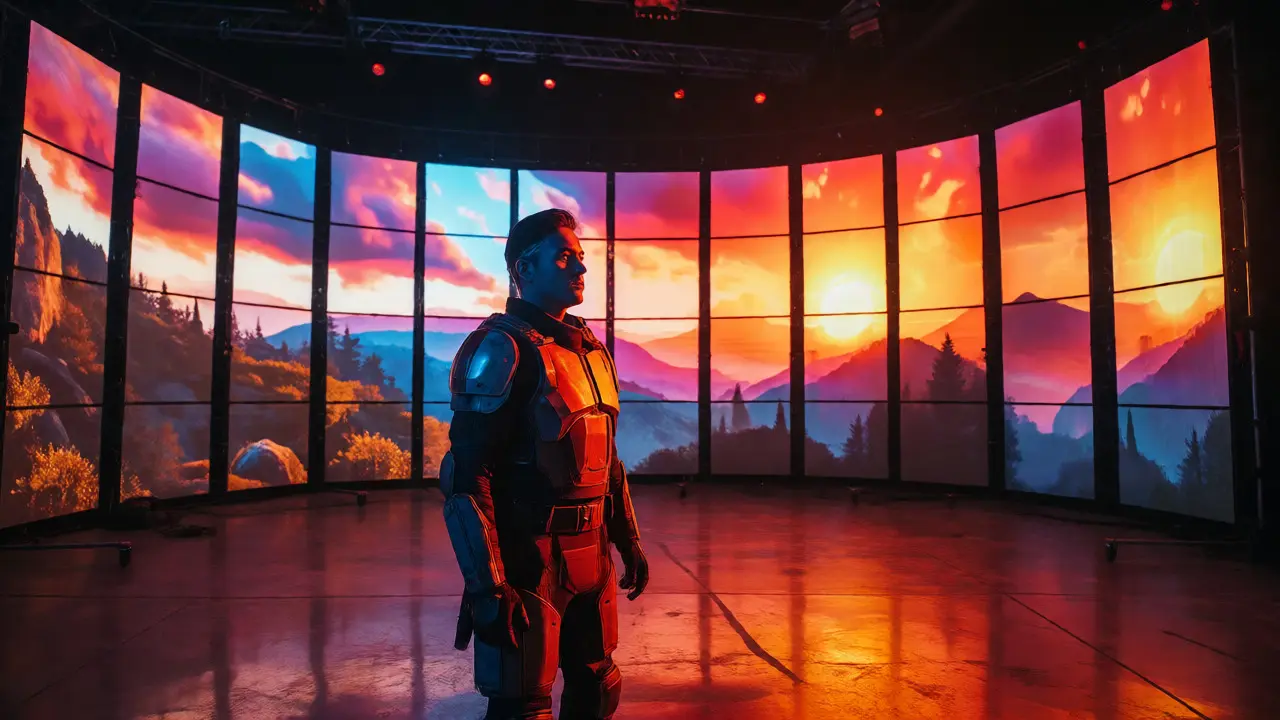
Green screens are famous, but they aren’t always the answer. In fact, many modern studios prefer blue screens or even gray stages. Why? Green reflects more light back onto actors’ skin, which can make them look sickly or require extra cleanup work called "despill." Blue is often better for skin tones, while gray works well when you want natural reflections on shiny surfaces.
Regardless of the color, the key is consistency. The screen must be evenly lit. Shadows on the green screen confuse the software trying to separate the actor from the background. If the lighting shifts during a take, the VFX team has to manually rotoscope (cut out) the actor frame by frame. That’s tedious, expensive work.
Also, remember the concept of "interactive lighting." If a digital explosion happens next to an actor, the light from that explosion needs to hit the actor’s face. Since the explosion isn’t there yet, the studio uses programmable LED panels or follow spots controlled by the VFX supervisor. These lights flash in sync with the timing of the future explosion. When you watch the final shot, the actor’s face glows with the correct intensity and color, selling the illusion that the fire was really there.
Building the Impossible: Modeling and Simulation
Once the raw footage is captured, the asset creation begins. This involves two main types of work: modeling and simulation.
Modeling is creating the geometry of the object. Is it a robot? A planet? A specific type of fish? Artists build these using polygon meshes. High-end productions use photogrammetry-taking thousands of photos of a real object and turning them into a 3D model-to get realistic details.
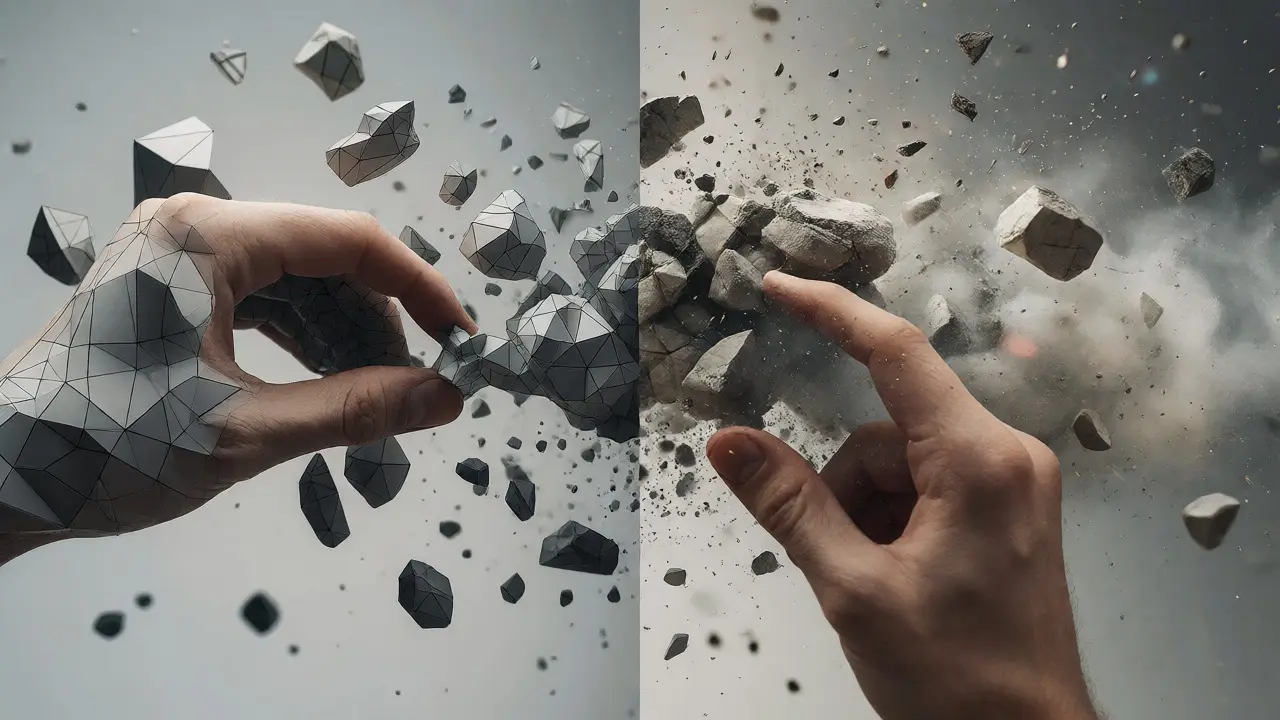
But static models don’t move like living things. That’s where Simulation comes in. Physics engines calculate how water flows, how cloth drapes, or how debris shatters. For example, if you’re destroying a bridge, you don’t animate every brick falling. You set up a rigid body simulation. You tell the computer, "This concrete weighs X tons, and gravity pulls it down." The computer calculates the rest.
For organic movement, like a creature walking, studios use Motion Capture (MoCap). Actors wear suits with reflective markers. Cameras track these markers in real-time. The data is then mapped onto a digital skeleton. This preserves the subtle nuances of human movement-like weight shift and balance-that are hard to animate by hand.
Compositing: The Art of Blending
Here is where the rubber meets the road. Compositing is taking all the separate layers-the live-action plate, the clean plate, the CGI elements, the atmospheric effects-and merging them into one seamless image.
A good compositor spends hours tweaking opacity, blur, and color grading. They add grain to match the film stock. They add chromatic aberration (color fringing) to mimic the camera lens. They might add a slight vignette to draw your eye to the center.
One common trick is adding "lens dirt" or scratches. Real cameras have imperfections. Perfectly clean digital renders look too sterile. By overlaying subtle dust particles or lens flare, the shot feels grounded in reality. It tricks your brain into thinking, "I’m looking through a physical camera," rather than "I’m looking at a computer screen."
| Element | Purpose | Typical Software Used |
|---|---|---|
| HDRI Lighting | Matches digital light to real-world environment | Mari, Nuke, Katana |
| Clean Plate | Background without actors for accurate compositing | Nuke, After Effects |
| Rotoscoping | Manually cutting out subjects when auto-keying fails | Nuke, Silhouette |
| Particle Systems | Creating smoke, fire, rain, or sparks | Houdini, EmberGen |
Virtual Production: The New Standard
In recent years, something huge has changed. Thanks to shows like The Mandalorian, Virtual Production has become mainstream. Instead of filming against a flat green screen, actors perform in front of massive curved LED walls displaying real-time 3D environments.
Why does this help? First, the lighting is real. The LED wall emits light that hits the actor, so you don’t need to fake interactive lighting later. Second, the reflection in the actor’s eyes or armor matches the environment perfectly. Third, directors can change the background instantly. Want it to be night instead of day? Tap a button. Want the mountain closer? Move it in the game engine.
This technology relies heavily on game engines like Unreal Engine. It bridges the gap between gaming and filmmaking, allowing for faster iteration and fewer surprises in post-production.
Troubleshooting Common VFX Issues
Even with all this tech, things go wrong. Here are the most common pitfalls and how studios fix them:
- Edge Fringing: This happens when the green screen spills onto the edges of the hair or fur. Solution: Use a combination of despill filters and manual edge refinement tools in Nuke.
- Mismatched Perspective: The CGI object looks like it’s floating because the camera angle doesn’t match the original plate. Solution: Use camera tracking software like PFTrack or Syntheyes to solve the exact 3D camera path.
- Unrealistic Scale: A giant monster looks small because there are no reference points. Solution: Add foreground elements (like trees or cars) that react to the monster’s presence, such as shaking leaves or cracked pavement.
Frequently Asked Questions
Do actors really act alone in front of green screens?
Not always. While some scenes are shot solo, directors often use stand-ins or tennis balls on sticks to represent eye lines. Sometimes, parts of the creature are built practically (like a head or tail) to give the actor something tangible to interact with, improving performance realism.
How long does it take to create one VFX shot?
It varies wildly. A simple wire removal might take an hour. A complex crowd simulation with destruction could take weeks. On average, a high-quality shot requires several artist-days across different departments (modeling, animation, lighting, comp).
Can AI replace visual effects artists?
AI is becoming a powerful tool for tasks like upscaling, denoising, and basic rotoscoping. However, creative decision-making, artistic integration, and solving unique narrative problems still require human expertise. AI speeds up the pipeline but doesn't replace the director's vision.
What is a "clean plate"?
A clean plate is a shot of the background without any actors or moving objects in it. VFX artists use this to fill in areas where actors were removed or to extend the background seamlessly. Without a clean plate, removing an actor is much harder and often results in visible artifacts.
Why do some VFX shots look bad?
Usually due to poor integration. If the lighting, shadows, grain, or motion blur of the digital element doesn't match the live-action footage, the brain detects the discrepancy. Budget constraints and tight deadlines can also force studios to rush, leading to less polished results.


Comments(10)