Imagine it’s 48 hours before your premiere. The theater is ready, the audience is waiting, but your Digital Cinema Package (DCP) is stuck in a customs hold or your physical print arrived with a torn edge. It happens more often than you’d think. Festival travel isn’t just about getting yourself to the red carpet; it’s a high-stakes supply chain operation where timing is everything. Whether you are an independent filmmaker, a gallery owner, or a tech vendor, moving heavy, fragile, and valuable assets requires a plan that goes beyond "just book a flight."
The core challenge here is balancing speed with safety. You need items to arrive early enough for QC (Quality Control) checks, but not so early that they get lost in storage. This guide breaks down exactly how to handle the three biggest headaches: digital media, physical prints, and specialized equipment.
Shipping DCPs: The Digital Backbone
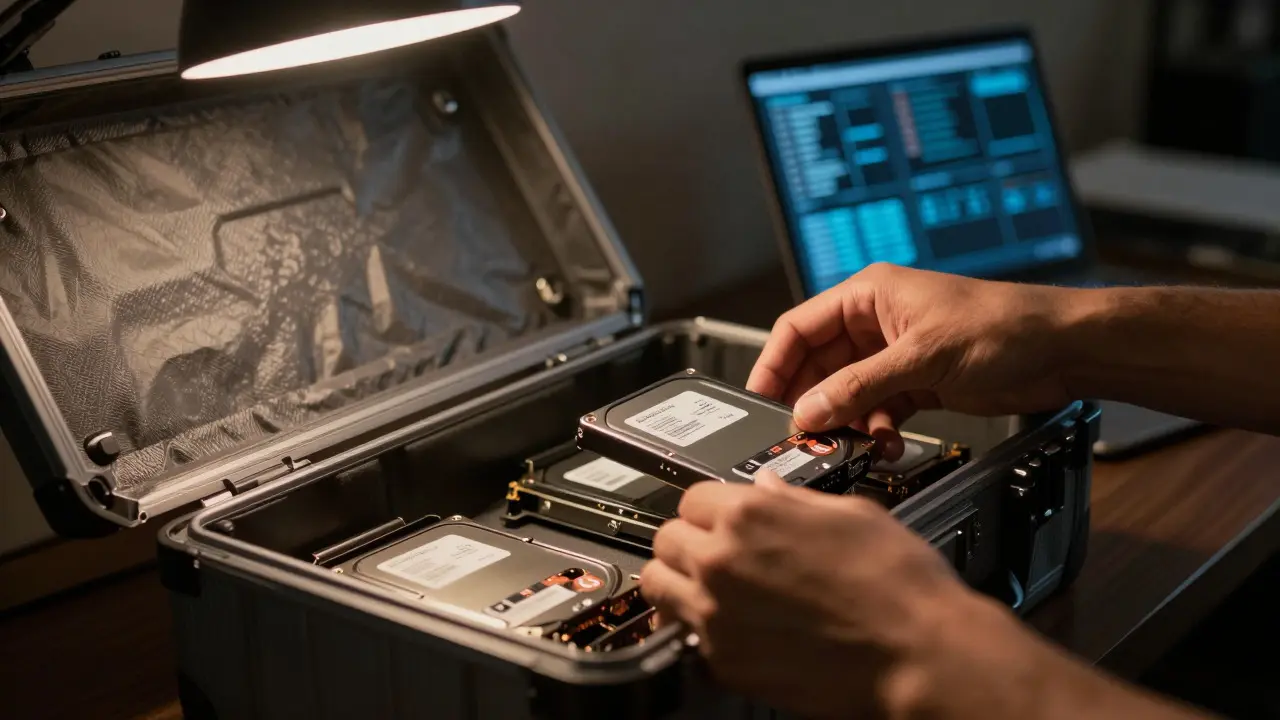
A DCP is a standard format for digital cinema projection, consisting of encrypted video, audio, and subtitle files packaged together. Unlike sending a USB drive, shipping a DCP involves strict technical requirements. Most theaters require the content to be on specific hard drives or delivered via cloud transfer, but physical media is still the gold standard for reliability during live events.
Here is the workflow that saves lives:
- Verify Encryption Keys: Before you pack anything, ensure your KDM (Key Delivery Message) is generated for the specific theater’s server ID. If you ship the wrong key, the movie won’t play. Double-check this with the festival’s technical director.
- Choose the Right Drive: Use enterprise-grade SSDs or HDDs. Consumer drives can fail under heat or shock. Label them clearly with the film title, version (e.g., 2D/3D), and frame rate (24fps vs 48fps).
- Cloud Backup as Plan B: Even if you ship physical drives, upload the DCP to a secure cloud service like AWS S3 or a dedicated cinema delivery platform. If the physical drive is lost, you have a backup. If the cloud fails, you have the drive. Never rely on just one.
Pro tip: Always ask the festival for their preferred courier. Many major festivals have contracts with DHL or FedEx that offer priority handling for media. Using these pre-negotiated rates can save you 20-30% compared to retail shipping.
Handling Physical Prints: Fragile Art in Motion
If you are showing archival films or large-format photography, physical prints are non-negotiable. These items are expensive to replace and incredibly sensitive to environmental changes. A single crease in a 35mm print can ruin a shot.
Packing a print is an art form in itself. Here’s what actually works:
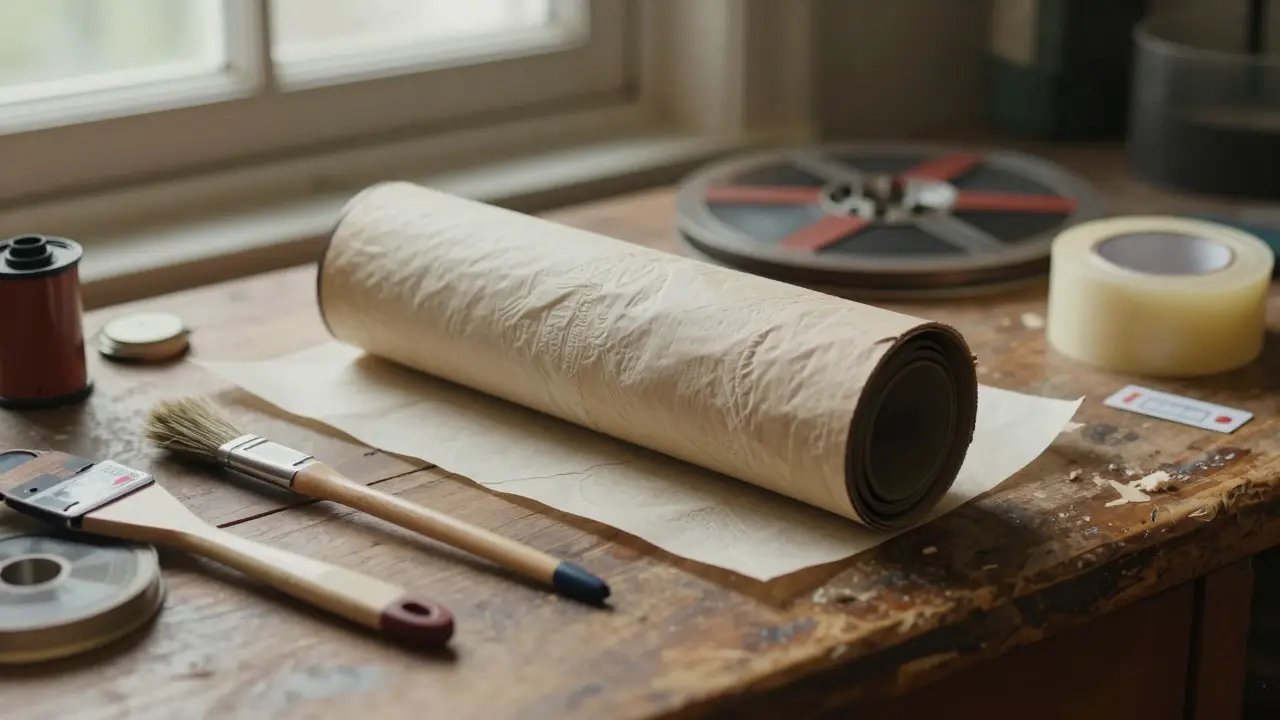
- Acid-Free Materials Only: Use acid-free tissue paper and sleeves. Regular paper contains lignin, which yellows and degrades film over time. For short trips, it’s less critical, but for long-haul flights, it matters.
- Rigid Packaging: Never send prints in soft envelopes. Use rigid cardboard tubes for rolls or flat mailers with corrugated backing for sheets. Add bubble wrap around the entire package, not just the print.
- Climate Control Awareness: Film hates extreme temperatures. Avoid shipping during peak summer heat without checking if the carrier offers climate-controlled transit. In August, air cargo holds can get warm. Ask your shipper about temperature monitoring tags.
One common mistake is underestimating the weight. A single 35mm reel weighs about 10-15 pounds. If you’re shipping multiple reels, factor in the total weight for insurance purposes. Insuring your prints at replacement value is cheaper than recreating them.
Gear Transport: From Laptops to Lighting Rigs
Your gear includes laptops, projectors, lighting kits, and sound systems. These items are bulky, heavy, and often contain delicate electronics. The risk here isn’t just damage; it’s compatibility issues. Your laptop might not have the right ports, or your projector might not support the aspect ratio required by the venue.
To minimize stress, create a "Gear Checklist" before you pack:
| Item | Critical Check | Backup Solution |
|---|---|---|
| Laptop/MacBook | HDMI/USB-C adapter availability | Bring both adapters + a dongle |
| Projector | Lamp life remaining | Spare lamp (if available) |
| Audio Interface | Driver compatibility with OS | Pre-install drivers on clean OS image |
| Power Cables | Voltage compatibility (110V vs 220V) | Universal power adapter + surge protector |
When shipping gear internationally, watch out for voltage differences. A US-based creator flying to Europe needs to verify that all devices are dual-voltage. If not, bring a transformer, not just a plug adapter. Plugs change shape; transformers change power. Mixing them up can fry your equipment instantly.
Timing and Buffer Zones: The Golden Rule
The most important part of festival logistics is timing. You never want to be the last person setting up. Aim to have all materials arrive at least 72 hours before your first screening. This gives you a buffer for:
- Customs delays (especially for international shipments)
- QC checks by the theater staff
- Unexpected damage requiring re-shipping
- Technical rehearsals
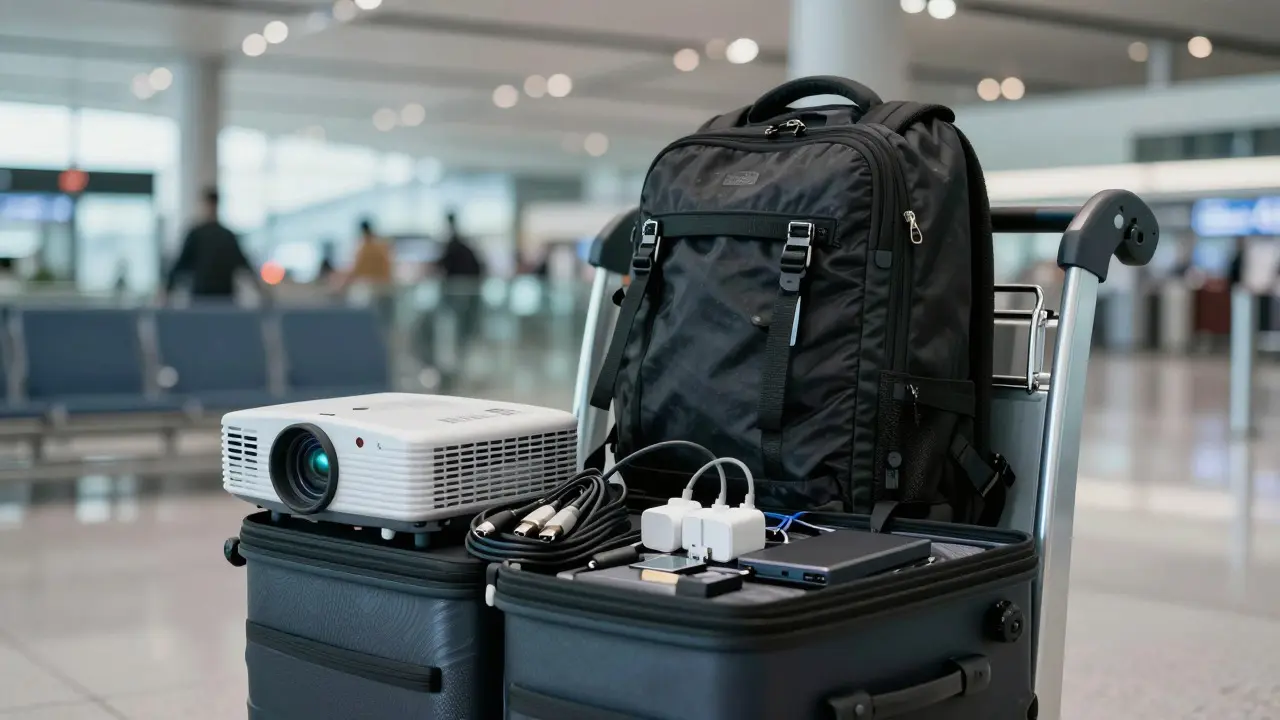
If you are traveling personally with some gear, consider splitting your load. Ship the heavy, non-critical items (like spare cables or extra lighting) two weeks ahead via freight. Carry the critical, fragile items (laptop, primary DCP drive, master print) in your carry-on luggage. This way, if your checked bag is delayed, your show doesn’t stop.
Common Pitfalls to Avoid
Even experienced professionals make mistakes. Here are the top three errors I see repeatedly:
- Ignoring Time Zones for Deadlines: Festivals operate in local time. If your deadline is 5 PM Pacific Time, don’t assume it’s 5 PM Eastern. Convert every single deadline to the festival’s local time zone immediately upon receiving the schedule.
- Underpacking Adapters: You think you only need one HDMI cable. Then you find out the theater uses DisplayPort. Bring multiple types of adapters and cables. It’s cheap insurance.
- Forgetting Insurance Documentation: If something breaks, you need proof of value. Keep screenshots of purchase receipts or appraisals for your gear. Without them, claiming insurance is a nightmare.
Building Your Personal Logistics Kit
Create a dedicated "Festival Box" that you keep ready year-round. Inside, store:
- Universal power adapters
- Assorted HDMI, USB-C, and DisplayPort cables
- Acid-free sleeves and small rigid mailers
- A portable hard drive for emergency backups
- A printed copy of your contact list (tech directors, hotel concierge, local repair shops)
This box should be light enough to carry in a backpack. When you open it, you should feel calm, not panicked. That feeling comes from preparation, not luck.
How far in advance should I ship my DCP?
Aim for 7-10 days before the festival starts. This allows time for customs clearance, delivery to the theater, and a full quality control check. If you are domestic, 5 days may suffice, but always confirm with the festival’s technical team.
What is the best way to protect film prints during shipping?
Use rigid packaging such as cardboard tubes for rolls or flat mailers with corrugated backing for sheets. Wrap each print in acid-free tissue paper and add bubble wrap around the entire package. Avoid soft envelopes and ensure the carrier offers tracking and insurance.
Should I carry my DCP drive in my hand luggage?
Yes, if possible. Hand luggage is safer from rough handling and loss. However, ensure the drive is protected in a padded case. If the drive is too large for hand luggage, ship it separately via express courier with signature confirmation.
Do I need a transformer when traveling internationally with gear?
Check your device’s power label. If it says "Input: 100-240V," it is dual-voltage and only needs a plug adapter. If it says "110V" only, you need a step-down transformer for use in countries with 220V outlets. Do not mix up adapters and transformers.
What if my DCP arrives damaged or late?
Have a cloud backup ready. Upload your DCP to a secure cloud service before shipping. If the physical drive fails, you can download it directly to the theater’s server, provided they have internet access. Always confirm the theater’s internet bandwidth with the technical director beforehand.