You have the picture lock. The sound mix is done. You are ready to send your film to theaters. But if you think that’s the finish line, you’re about to hit a wall of technical reality. In modern theatrical distribution, the Digital Cinema Package (DCP) is not just a file; it is a complex logistical beast that dictates exactly when audiences can see your movie. A single corrupted checksum or a mislabeled subtitle track can push a premiere back by weeks.
Most independent filmmakers underestimate the gap between "mastered" and "theatrically ready." This isn't about artistic choices anymore; it's about data integrity, server compatibility, and rigid delivery windows. If you want your film on screens in October, you need to understand how DCP logistics actually work before you book the festival slot.
The Anatomy of a Digital Cinema Package
Before we talk about timelines, you need to know what you are shipping. A Digital Cinema Package is a standardized collection of files used to distribute movies to cinemas. It typically consists of JPEG 2000 image sequences, uncompressed PCM audio tracks, and XML metadata files like the CPL (Composition Playlist) and PKL (Package List). Unlike a QuickTime file or an MP4, a DCP is designed for robustness. It uses error-correction coding because theater servers do not tolerate glitches.
Think of a DCP as a digital reel of film. It has no concept of "pause" or "rewind" in the traditional sense. It plays from start to finish based on instructions in its playlist. If one frame is missing or one audio channel is out of phase, the entire projection might fail, or worse, play with a subtle error that ruins the experience for thousands of viewers. This fragility is why the Quality Control (QC) process is so critical.
Why QC Is the Bottleneck in Distribution
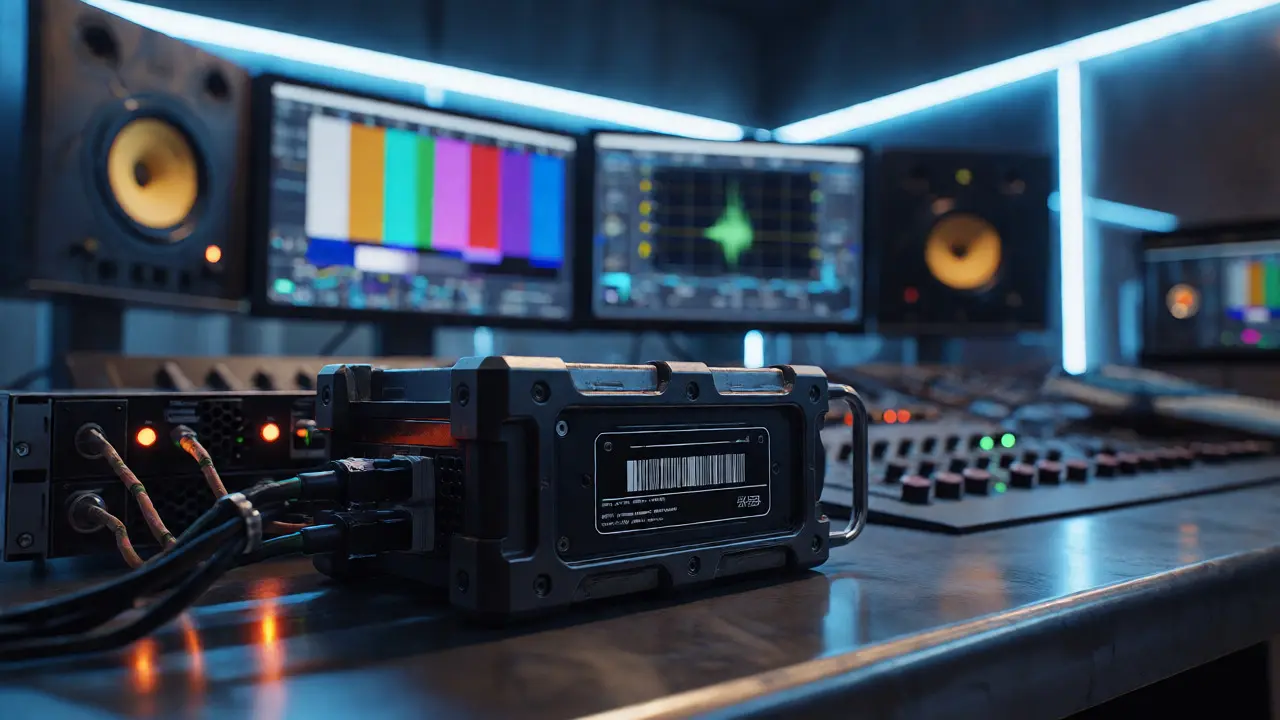
Quality Control is where most release schedules fall apart. It is not enough to watch the DCP on your laptop. You must view it on a calibrated reference monitor and listen through professional monitors, ideally at a facility certified for theatrical standards. Why? Because compression artifacts, color banding, and audio sync issues often hide in low-resolution previews.
Here is the harsh reality: if your DCP fails QC, you do not get a second chance immediately. You go back into the mastering queue. Depending on the lab's workload, this could take three to five days per iteration. Multiply that by two or three failed checks, and you have lost a full week. For a wide release targeting specific holiday weekends, losing a week means losing millions in potential box office revenue.
| Failure Type | Cause | Typical Fix Time | Risk Level |
|---|---|---|---|
| Checksum Mismatch | Data corruption during transfer or creation | 1-2 Days | High |
| Audio Sync Drift | Misaligned timecodes in source masters | 3-5 Days | Critical |
| Color Space Error | Incorrect XYZ vs. sRGB tagging | 2-4 Days | Medium |
| Subtitle Burn-in | Hard-coded subs instead of sidecar XML | 5-7 Days | Low (but annoying) |
The Physical vs. Virtual Delivery Debate
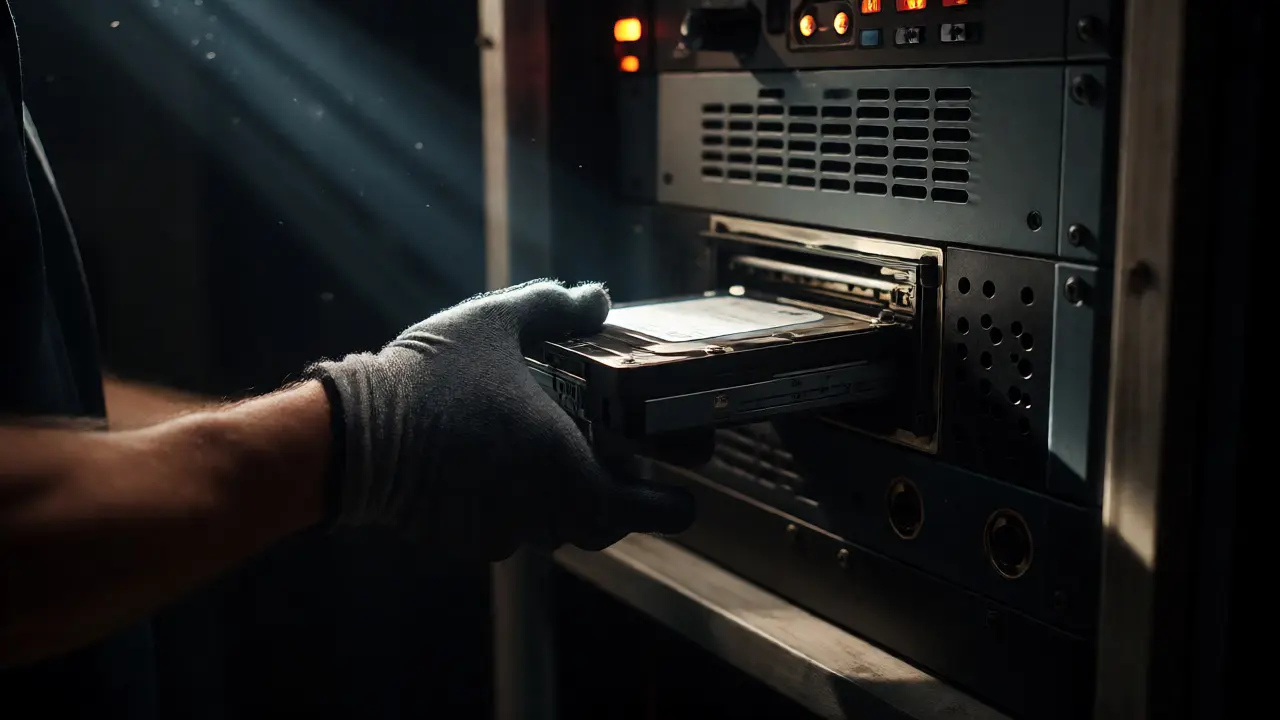
Historically, distributing a film meant shipping heavy hard drives via courier. Today, many distributors use virtual delivery systems like Aspera or proprietary cloud platforms to transmit DCPs directly to theater servers. While this sounds faster, it introduces new variables. Bandwidth limitations, firewall configurations at individual theaters, and server storage capacity all play a role.
If you are relying on physical drives, factor in transit time. A drive shipped from New York to Los Angeles takes two days minimum. Add weekend delays, customs (if international), and handling time at the local distributor hub, and you are looking at a four-to-six-day window just for movement. During peak award season, courier services become unreliable. I once saw a shipment stuck in a sorting facility for three days because of a weather delay, forcing a last-minute cancellation of press screenings.
Virtual delivery removes the truck but adds verification steps. You still need to confirm the file arrived intact. Theater managers rarely sit around waiting for uploads. They check their ingest queues once a day. If your file arrives at 6 PM, it might not be processed until the next morning. This lag is invisible but real.
Building a Realistic Timeline
So, how far ahead should you plan? The general rule of thumb for independent films is eight to twelve weeks before the desired release date. Here is why:
- Weeks 1-2: Final mastering and initial DCP creation. This includes conforming the edit, applying LUTs (Look Up Tables) for color grading, and mixing final audio stems.
- Weeks 3-4: First round of QC. This usually reveals minor errors. Corrections are made, and a new DCP version is generated.
- Weeks 5-6: Second round of QC and security key generation. Every DCP needs a Key Delivery Message (KDM). Without a KDM, the theater cannot unlock the encrypted content. Generating and distributing these keys takes time.
- Weeks 7-8: Testing and backup. Send the DCP to a friendly theater for a live test screening. Verify playback on different server brands (Dolby, Barco, Christie).
- Weeks 9+: Actual distribution and ingest confirmation.
If you cut this timeline short, you risk releasing a film that hasn't been properly vetted. And nothing kills word-of-mouth faster than a projector flickering during the climax.
The Hidden Cost of Versioning
Filmmakers often forget that a film is rarely just one product. You might need a subtitled version for international sales, a closed-captioned version for accessibility compliance, and a separate DCP for festivals that require different aspect ratios or black-and-white versions. Each variant requires its own QC cycle.
Don't assume you can tweak a subtitle file and re-upload. Often, changing the subtitle timing requires regenerating the CPL (Composition Playlist), which changes the checksum of the entire package. That means you have to re-QC the whole thing. I’ve seen projects delayed by ten days simply because someone changed a typo in the credits roll subtitle. Always freeze your text elements early.
Pro Tips for Smooth Delivery
To keep your release on track, adopt these habits:
- Name Files Consistently: Use a strict naming convention. Include the title, version number, date, and language code. Avoid spaces and special characters. "Movie_Title_v01_EN_20260929.zip" is better than "Final_Movie_New_Final.zip".
- Validate Checksums Immediately: Do not wait for the lab to tell you the MD5 hash doesn't match. Calculate it yourself upon export and compare it to the manifest.
- Pre-Negotiate KDM Windows: Work with your distributor to determine the exact dates and times each theater will show the film. KDMs are tied to specific serial numbers and timeframes. If a theater changes its schedule, you may need new keys.
- Keep a Backup Master: Never rely on a single hard drive. Keep a verified copy in a safe location. If the primary drive fails in transit, you can ship a replacement within hours rather than days.
Conclusion: Respect the Machine
Theatrical exhibition is unforgiving. It relies on precise technology operating in dark rooms across the country. Your job as a producer or director is not just to make art, but to ensure that art survives the journey from your editing suite to the silver screen. By respecting the complexity of DCP logistics and building ample time for Quality Control, you protect your release strategy from unnecessary chaos.
Treat your technical delivery with the same seriousness as your marketing campaign. A beautiful film that arrives late or broken is a missed opportunity. Plan early, verify everything twice, and keep your communication lines open with your mastering house and distributor. That is how you win the race against the calendar.
How long does it take to create a DCP from a finished master?
Creating a DCP itself is relatively fast, often taking 12 to 24 hours depending on the length of the film and the speed of the workstation. However, this does not include the time required for conforming the media, applying color transforms, and generating the necessary metadata. The bottleneck is usually preparation and QC, not the rendering process itself.
Can I fix a DCP after it has been sent to theaters?
Yes, but it is costly and disruptive. You would need to generate a new DCP version and issue new Key Delivery Messages (KDMs) for every affected theater. Theaters must then re-ingest the new package, which takes several hours. Ideally, catch errors before the first public screening.
What is a KDM and why do I need it?
A Key Delivery Message (KDM) is an encryption key that allows a specific theater server to decrypt and play a specific DCP. It contains the theater's unique serial number and the valid dates for playback. Without the correct KDM, the film remains locked and unplayable, even if the DCP files are present on the server.
Do all theaters accept virtual DCP delivery?
Not all of them. While major chains support virtual delivery, many independent arthouse theaters still prefer or require physical hard drives due to limited bandwidth or older server infrastructure. Always confirm the preferred delivery method with each venue well in advance.
What happens if my DCP fails QC right before opening night?
You face a crisis decision. You can either postpone the release, which hurts marketing momentum, or proceed with known minor issues if they are deemed acceptable by the distributor. Major failures, like audio dropouts or black frames, usually force a postponement or emergency re-delivery, which may only reach some theaters in time.