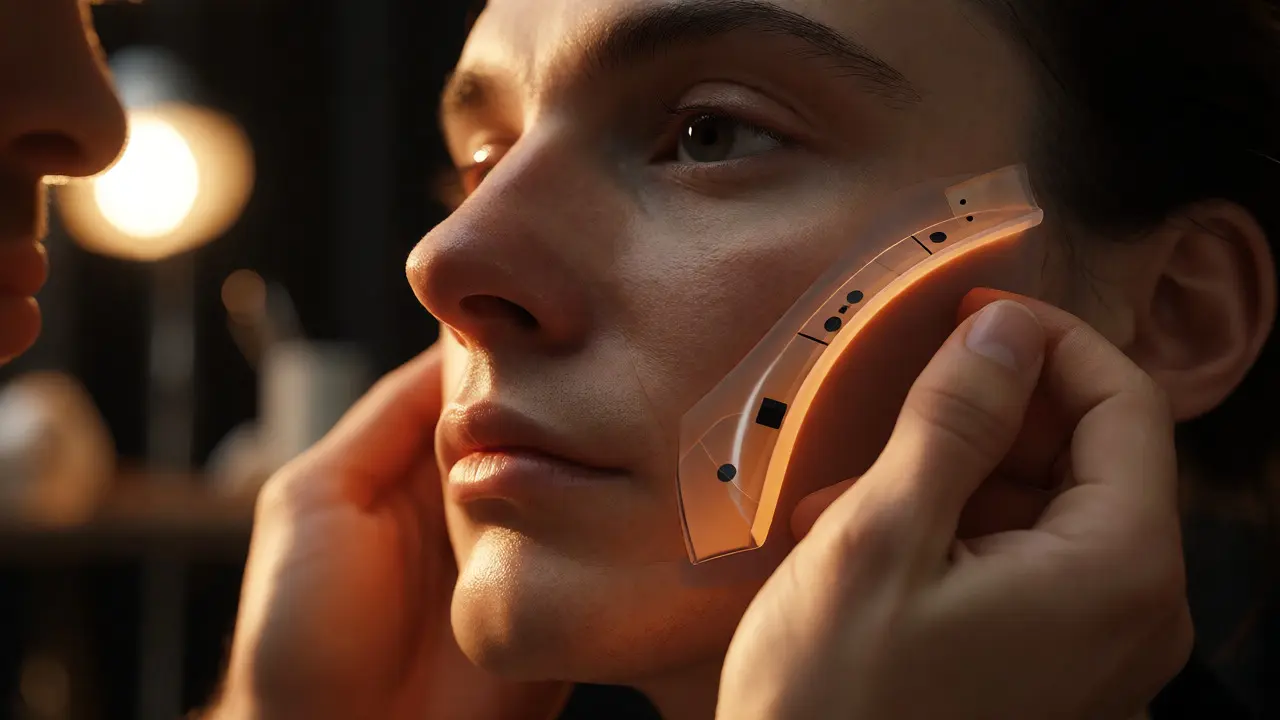
You’ve seen it in movies where a monster looks so real you forget it’s not an actor in a suit. Then you see another shot where the creature feels like a floating video game character. The difference? It’s rarely about budget alone. It’s about how well the practical makeup and digital visual effects (VFX) work together. This blend is called hybrid creature effects, and when done right, it creates performances that feel grounded, tactile, and alive.
Most beginners think they need to choose one lane: either build a physical puppet or model everything in Blender. But the pros know that combining both methods gives you the best of both worlds. You get the realistic lighting interaction from physical materials and the infinite flexibility of digital animation. Here is how you actually pull this off without ending up with a messy, uncanny mess.
Why Hybrid Works Better Than Pure CGI or Pure Practical
Think about why we trust physical objects. When light hits a silicone nose, it scatters through the material in a way that’s incredibly complex to simulate perfectly in software. That’s called subsurface scattering, and while render engines have gotten better at faking it, nothing beats the real thing. On the flip side, trying to animate a full-body animatronic suit can be stiff and heavy. A digital rig lets you stretch limbs, change expressions, and add details that would break a mechanical jaw.
The sweet spot is using practical elements for the parts that interact most with the environment-like the face, hands, or anything touching skin-and using digital extensions for movement, scale, or impossible anatomy. For example, if your creature has wings, building them physically might limit the actor’s movement. Modeling them digitally allows for fluid motion, but you still want the actor wearing a partial chest piece so the lighting on their torso matches the wing roots.
Step 1: Designing for Integration, Not Just Appearance
Start with the design phase, but don’t just draw a cool monster. Ask yourself: What needs to touch the actor? What needs to move independently? If you plan to replace a limb digitally later, make sure the practical version ends cleanly at a joint that’s easy to track. Use high-contrast markers on the edges of prosthetics. These aren’t just for tracking; they help the compositor separate the practical edge from the background.
A common mistake is designing a creature that relies entirely on digital texture. If the surface is smooth plastic, it won’t catch light like organic skin. Instead, sculpt textures into the practical mold. Even if you plan to enhance them in post-production, having base relief helps match the grain of the final composite. Think of the practical layer as the foundation-it provides the shape language that the digital layer must respect.
Step 2: Building the Practical Base
Once the design is locked, fabrication begins. This usually involves creating a life cast of the actor, then sculpting the creature features over it. Materials matter here. Silicone is great for realism because it mimics human skin translucency. Foam latex is lighter but less durable and doesn’t scatter light as naturally. For hybrid workflows, many artists prefer a two-part silicone system with pigments mixed in. This means the color isn’t painted on top; it’s inside the material. If the prosthetic tears or stretches, the color stays consistent.
| Material | Realism Level | Durability | Digital Replacement Ease |
|---|---|---|---|
| Silicone | High (Subsurface Scattering) | Moderate | Harder (matches skin tone closely) |
| Foam Latex | Medium (Painted Surface) | Low | Easier (can be matte-painted out) |
| Rigid Plastic | Low (Reflective) | High | Very Easy (easy to mask out) |
When applying the prosthetics, pay attention to the edges. Feathering the silicone thin enough to disappear into the actor’s skin is critical. If the edge is thick, the digital artist will spend hours painting out a visible line. Use adhesive blends that allow for some movement without lifting. Remember, the actor will sweat, breathe, and talk. Your glue needs to handle that stress.
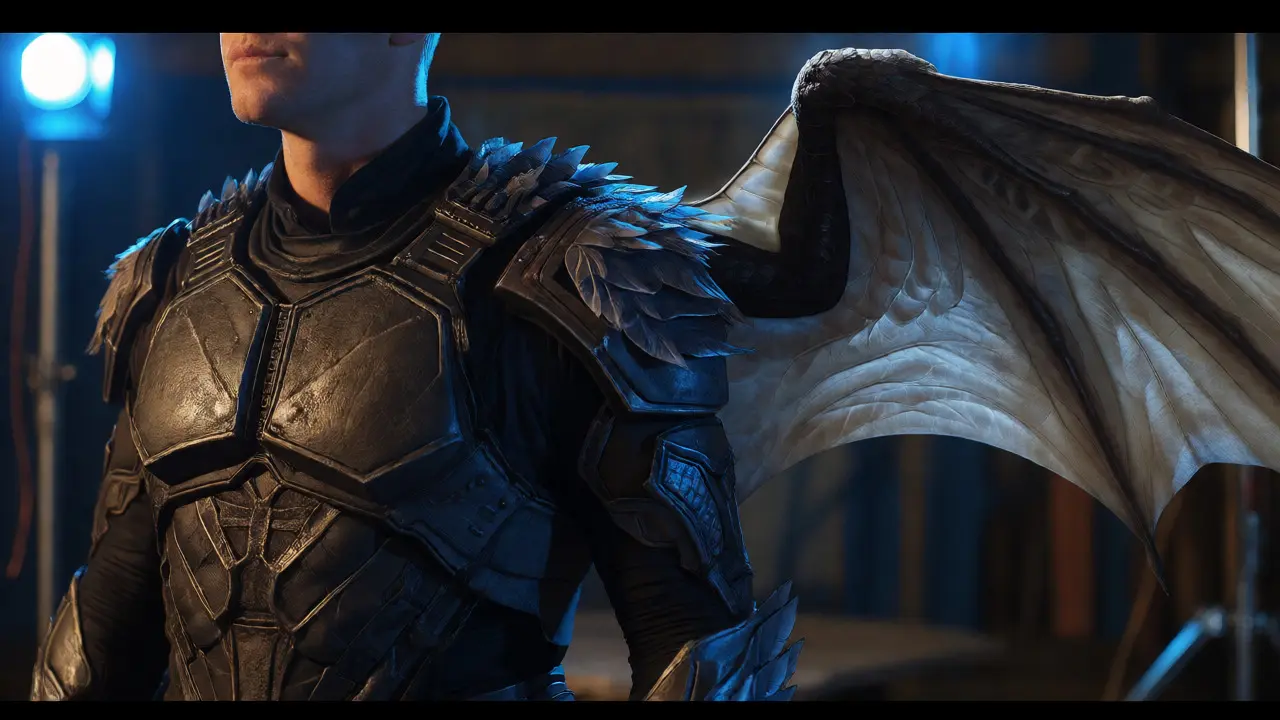
Step 3: Capturing Data for the Digital Layer
This is where many indie projects fail. They shoot the scene and hope the VFX team can figure it out later. Don’t do that. You need reference data. Before rolling camera, take photos of the practical creature under the exact lighting setup you’ll use for the scene. Take multiple angles. This gives the digital artist a target for matching color and reflection.
Also, capture HDRI maps of the set. An HDRI map captures the 360-degree lighting environment. When you place a digital wing or tail next to the practical body, it needs to reflect the same lights. Without an HDRI, your digital element will look pasted on. Additionally, use tracking markers on the actor’s face and body. Even small dots help the software calculate the 3D space accurately.
Step 4: The Digital Extension Workflow
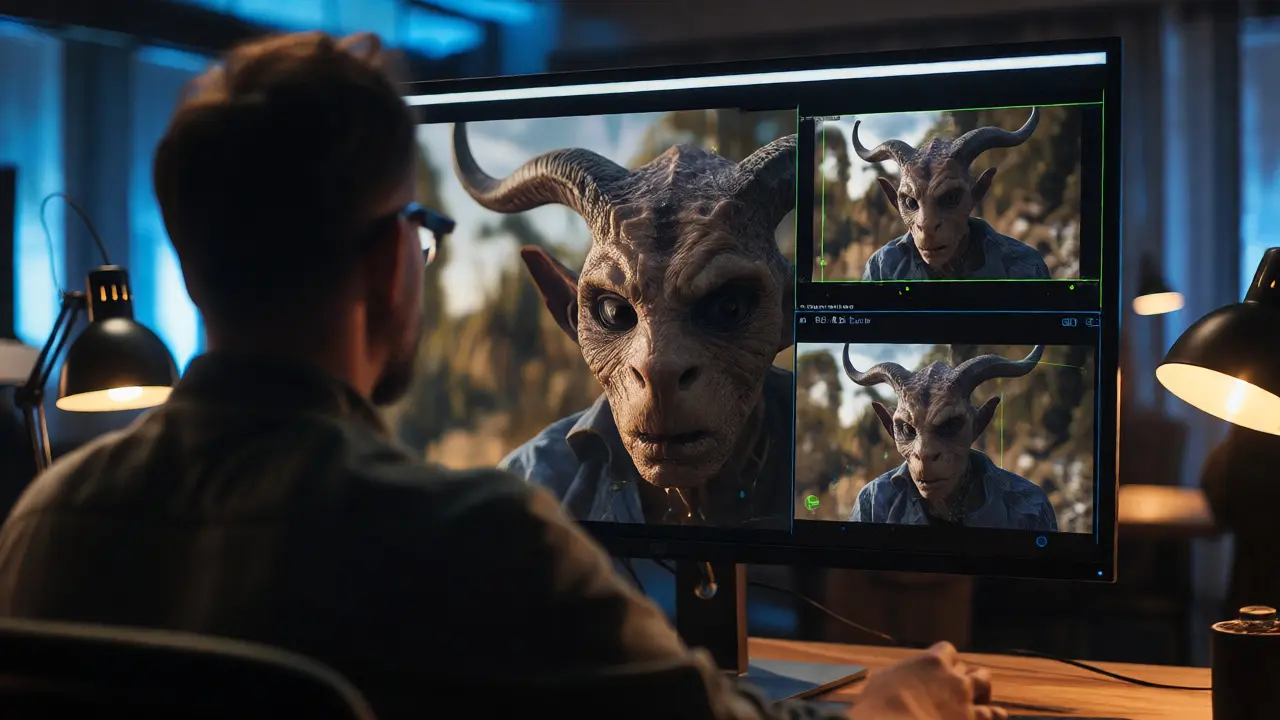
Now the footage goes to post-production. The first step is roto-scoping-cutting out the actor and the practical prosthetics frame by frame. This separates them from the background. Next, the VFX artist builds a 3D model that extends from the practical edge. If you have a half-mask, the digital artist adds the rest of the head. If you have arm sleeves, they add the claws.
Texture mapping is key here. Sample colors directly from the practical footage. Don’t guess the hex code. Use eyedropper tools to pick values from the silicone itself. This ensures the digital skin matches the practical skin. Then, apply shaders that mimic the material properties. If the practical part was silicone, use a shader with similar roughness and specular levels. Mismatched glossiness is the number one reason hybrids look fake.
Step 5: Lighting and Compositing
Lighting the digital extension is tricky. You’re recreating the real-world light sources in the 3D software. Match the direction, intensity, and color temperature of the practical lights. If there’s a blue rim light on the actor’s shoulder, your digital claw needs that same blue rim light. Shadows are equally important. The digital object must cast shadows onto the practical body, and vice versa. In compositing software like Nuke or After Effects, you’ll often add contact shadows manually to ground the digital parts.
Add subtle imperfections. Real creatures have dirt, wetness, or hair strands sticking out. Add these as 2D overlays or particle systems. A perfectly clean digital mesh looks sterile. Add noise, lens distortion, and chromatic aberration to match the camera lens used during shooting. This ties the digital and practical elements into the same photographic reality.
Common Pitfalls to Avoid
One big trap is over-relying on digital fixes. If the practical makeup looks bad, no amount of VFX will save it. Garbage in, garbage out. Another issue is ignoring physics. If a digital tail swings, it should react to gravity and momentum. If the actor moves quickly, the digital part should lag slightly behind due to inertia. Animators sometimes ignore this weight, making creatures look floaty.
Also, watch out for scale mismatches. If the practical hand is large, the digital fingers added to it must match that proportion exactly. Measure twice, model once. Finally, communicate constantly between the makeup department and the VFX supervisor. They need to agree on what gets replaced and what stays. Last-minute changes to the prosthetic design can ruin a pre-planned digital pipeline.
Tools of the Trade
For the practical side, you’ll need sculpting clays, silicone molds, and airbrushes. Brands like Smooth-On offer industry-standard silicones. For the digital side, Maya is the standard for modeling and rigging, though Houdini excels at procedural effects like fur or slime. Rendering happens in engines like Arnold or Redshift.
Don’t overlook scanning technology. Photogrammetry apps on smartphones can now create decent 3D scans of practical prosthetics. This saves time modeling from scratch. Scan the mask, import it into Maya, and extend the geometry digitally. It keeps the unique details of the handmade sculpture intact.
Do I need expensive cameras for hybrid creature FX?
Not necessarily. Modern mirrorless cameras with good dynamic range can work fine. However, higher resolution sensors (4K+) give more detail for rotoscoping and texture sampling. More important than the camera is proper lighting control. Consistent, controlled light makes matching digital and practical elements much easier.
Can I replace the entire face with VFX instead of using makeup?
You can, but it’s harder to sell emotionally. Audiences connect with eyes and micro-expressions. Keeping the actor’s actual eyes (or high-quality practical eye pieces) maintains performance authenticity. Full digital faces require massive computing power and often lack the subtle skin nuances of real tissue unless you use advanced simulation techniques.
How long does a typical hybrid creature shot take to render?
It varies wildly based on complexity. A simple tail extension might render in minutes per frame. A full CG creature interacting with water and fire could take hours per frame. Using cloud rendering services can speed this up, but budget accordingly. Plan for longer render times if you include hair, fur, or fluid simulations.
What is the biggest cost saver in hybrid workflows?
Pre-production planning. Deciding early which parts stay practical and which go digital prevents rework. Building a physical maquette (small model) helps visualize the integration before committing to full-scale production. Also, using existing assets in your 3D library reduces modeling time significantly.
Is AI helpful for creature FX?
Yes, for specific tasks. AI tools can assist with rotoscoping, cleaning up tracking markers, and even generating texture variations. Some new tools can estimate depth from single images, helping with basic 3D placement. However, creative decisions about anatomy and movement still rely heavily on human artists.



Comments(7)