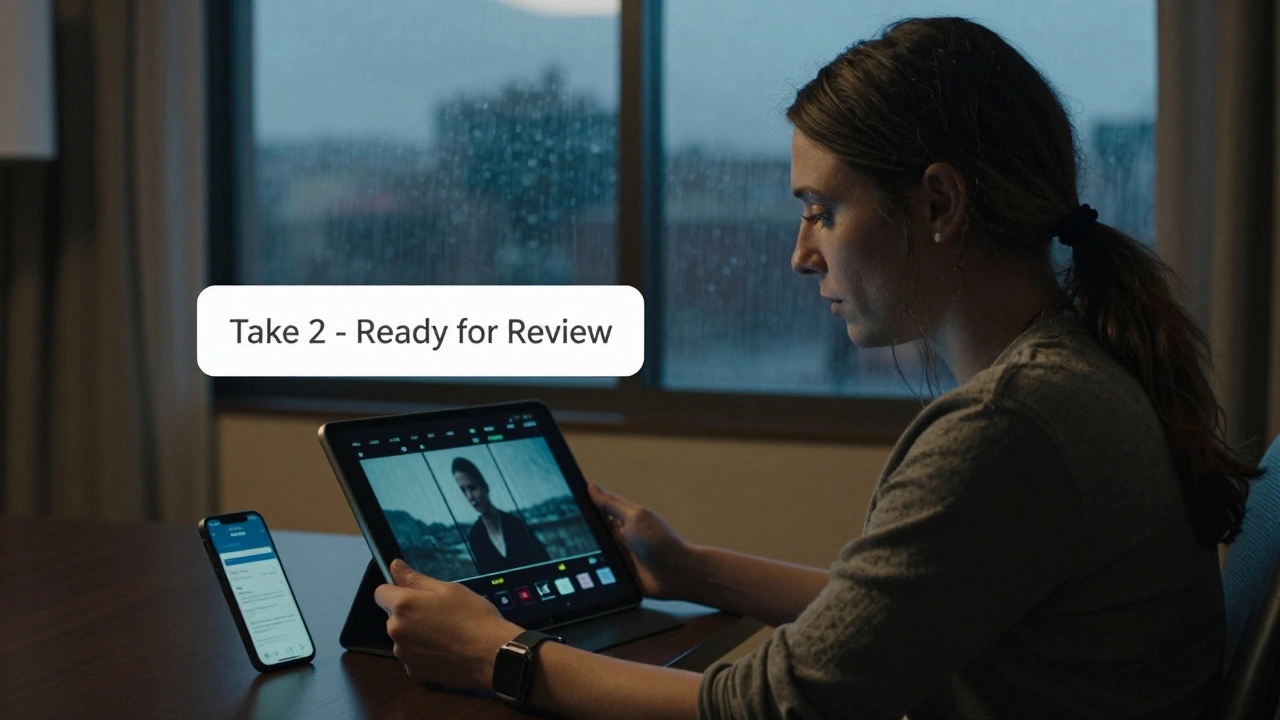
On a rainy Tuesday in Asheville, a director in New Mexico gets a notification on her phone: the second take of the climactic scene just landed in the cloud. She opens the link, watches it in 4K, makes a note in the app, and sends feedback to the DP in Toronto-all before lunch. This isn’t science fiction. It’s what’s happening on sets right now.
What Camera-to-Cloud Actually Means
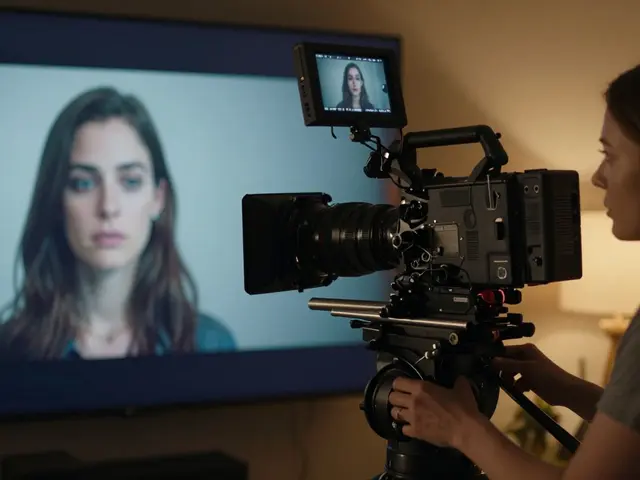
Camera-to-cloud isn’t just uploading footage after the day’s shoot. It’s a live pipeline that starts the moment the record button is pressed. The camera, whether it’s an ARRI Alexa 35, RED KOMODO 6K, or even a Sony FX6, sends encrypted video and audio directly to a secure cloud server via 5G, bonded cellular, or satellite. No memory cards. No drives. No waiting.
Traditional dailies used to mean a long day: shooting until sunset, driving to the lab, waiting for the film to be scanned, then sitting through a screening at 8 p.m. with the crew, tired and hungry. Now, the first clip can be available in under 10 minutes. The director, producer, and even the lead actor can watch it on their iPad from a hotel room, a plane, or a trailer.
Companies like Frame.io, a cloud-based video review platform built for film and TV teams, Sony’s Content Browser, a system that integrates with Sony cameras to auto-upload and tag footage, and CloudDailies, a service designed for indie productions with low-bandwidth needs have made this standard on mid- to high-budget sets.
Why Instant Dailies Change Everything
When you see your performance within minutes, you can adjust. An actor notices a subtle flinch in their eyes and says, "Let’s try it with less tension." The cinematographer sees the lighting looks wrong under the new clouds and adjusts the bounce. The editor starts assembling scenes the same day, even if they’re not on set.
On the 2025 indie film North of Nowhere, the director cut the entire third act after watching the first day’s dailies. The footage didn’t match the emotional tone they’d planned. With cloud access, they reblocked the next day’s scenes, rewrote two pages of dialogue overnight, and reshot the key sequence-without blowing the schedule or budget. That kind of agility used to be impossible.
It’s not just about fixing mistakes. It’s about catching brilliance. A take that feels electric in the moment might get lost in a stack of cards. But with instant review, the team knows immediately: "That’s the one." No second-guessing. No guessing what the rushes looked like.
Remote Review: No More Travel, More Input
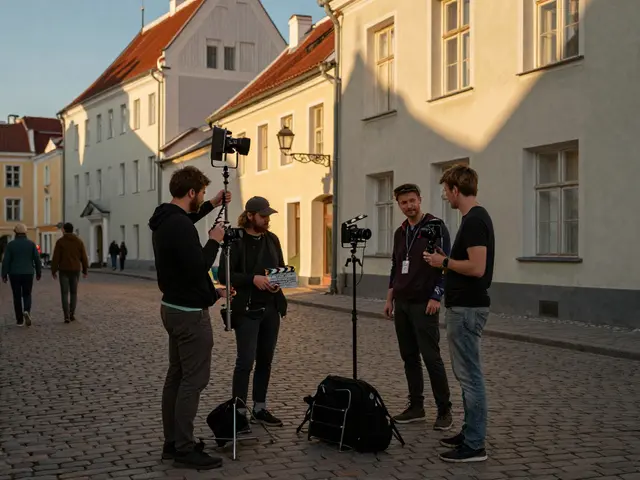
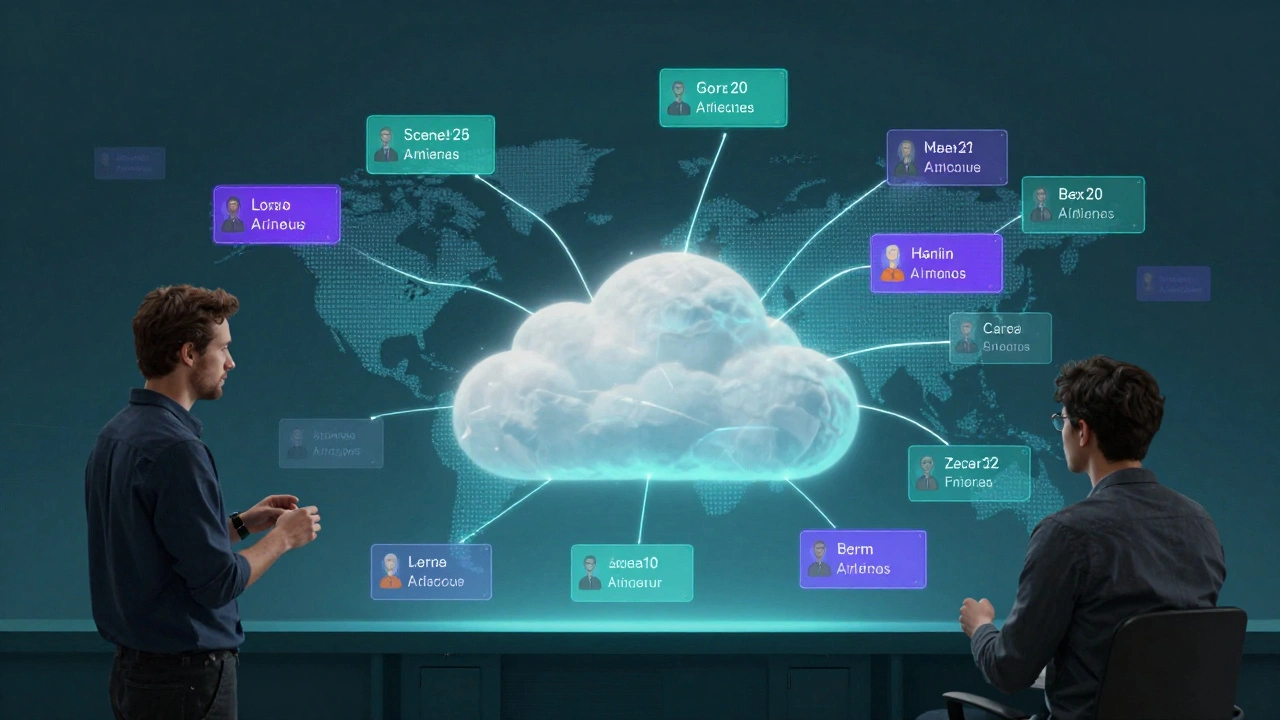
Before cloud dailies, you needed the producer, studio exec, or VFX supervisor on-site for feedback. That meant flights, hotels, per diems. Now, they log in from Los Angeles, London, or Mumbai. A producer in Seoul can leave time-stamped comments on a scene shot in Iceland. A VFX supervisor in Vancouver can mark exactly where a green screen needs more light-all without leaving their desk.
On The Last Horizon, a sci-fi series filmed across five countries, the showrunner never set foot on set. She reviewed every day’s footage remotely, gave notes via Frame.io’s comment system, and approved cuts from her home office. The crew didn’t miss her presence-they appreciated the clarity. Feedback was specific, timely, and didn’t require a 14-hour time zone jump.
Even actors benefit. A lead actor in Berlin can watch their performance after a 12-hour shoot in Prague, then call the director to discuss motivation. No more waiting days to hear if they nailed it.
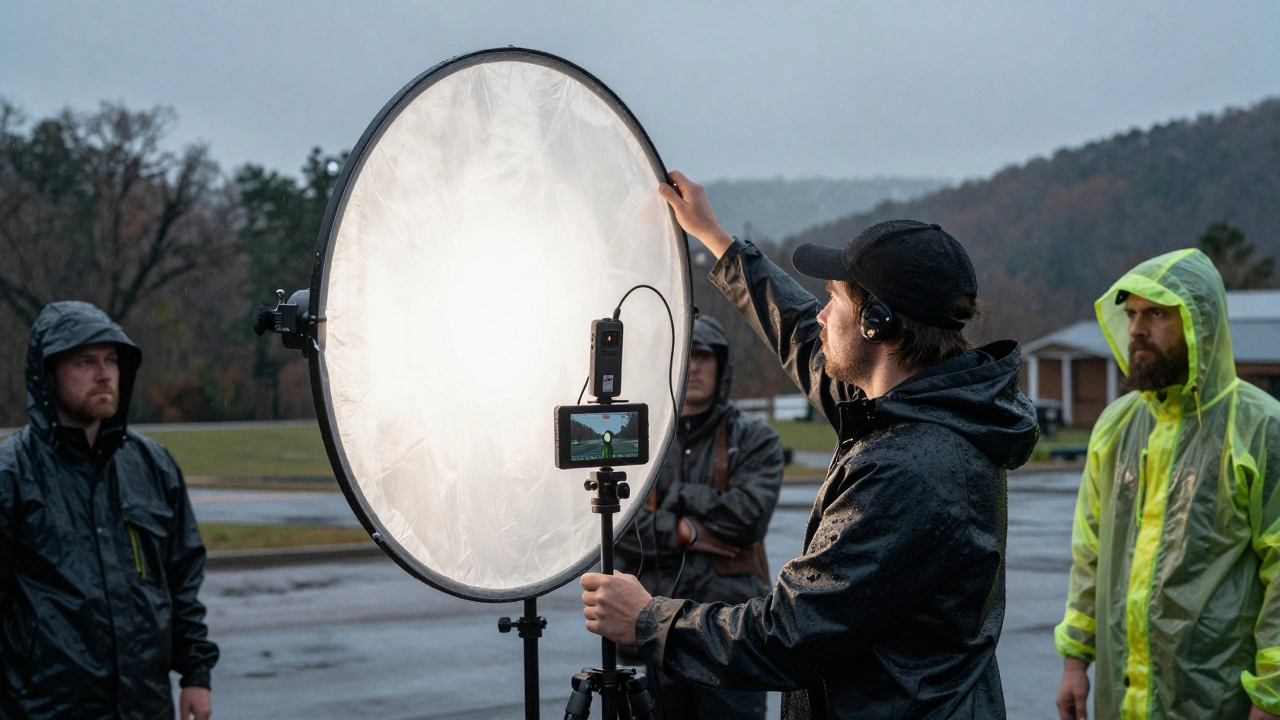
How It Works: The Tech Behind the Magic
It’s not plug-and-play. You need three things:
- A camera with built-in or attached cloud upload-most modern cinema cameras support this via Wi-Fi, 5G, or Ethernet. Some use external encoders like the Teradek VidiU Pro, a portable device that turns any HDMI camera into a live streamer.
- A stable, high-bandwidth connection-5G is the new standard. On remote locations, teams use bonded cellular systems like LiveU, a device that combines multiple cellular signals into one reliable stream or satellite uplinks.
- A secure, permission-based cloud platform-not just any cloud. You need encrypted transfer, role-based access (director, editor, VFX, studio), version control, and comment threading. Frame.io, Aspera, a high-speed transfer tool used by Netflix and Disney for large files, and Pandora Box, a cloud workflow platform built for post-production houses are the top choices.
Metadata matters too. Every clip is tagged with scene number, take, camera angle, timecode, and even ambient temperature. That data helps editors find the right take faster. No more "the one with the bird in the background." Now it’s "Scene 14B, Take 3, Camera 2, 14:22:08."
Costs, Risks, and What You Lose
It’s not free. A full camera-to-cloud setup for a small feature can cost $15,000-$30,000 in equipment, subscriptions, and data plans. That’s a big jump from a $200 memory card.
Bandwidth is the silent killer. If your 5G drops during a rainstorm, you lose the day’s footage unless you have a backup card. Every crew now carries dual recording: cloud + local. It’s not optional anymore.
There’s also a psychological cost. Some directors feel pressured to make decisions too fast. The magic of letting a scene breathe over a night’s sleep is gone. And not every actor thrives under instant scrutiny. One veteran actor on Whisper Creek refused to watch dailies for the first two weeks. "I need to trust the process," he said. "Not the screen."
Still, most crews say the trade-off is worth it. The ability to catch problems early saves more money than the setup costs. One studio estimated they cut $200,000 in reshoots on a single project by fixing lighting and performance issues on day two instead of day 40.
What’s Next: AI and the Smart Dailies
The next wave isn’t just faster uploads-it’s smarter feedback. AI tools now analyze dailies for:
- Facial expressions that match the script’s emotional tone
- Audio levels that dip below safety thresholds
- Camera shake or focus drift
- Continuity errors (a prop moved, a costume mismatch)
On Shadow Line, a streaming series shot in 2025, the AI flagged 17 takes that had the wrong emotional beat-based on voice pitch and micro-expressions. The director hadn’t noticed. The AI didn’t replace judgment. It just made sure nothing slipped through.
Some platforms now auto-generate teaser clips for studios, synced with the day’s best moments. No more manually cutting promos. The system learns what the team likes and surfaces similar clips automatically.
Who’s Using This Now?
Big studios? Yes. But so are indie filmmakers. A $500,000 film shot in rural Tennessee last year used a rented Teradek and a $100/month Frame.io plan. The crew uploaded to the cloud via a mobile hotspot. The producer, who lived in Chicago, gave notes from his kitchen table.
Documentaries are benefiting too. Teams filming in the Amazon or Arctic can send daily clips to editors in real time. No more waiting six months to see if you captured what you needed.
Even student films are adopting it. Film schools in LA, Toronto, and London now teach camera-to-cloud as standard. Students graduate knowing how to set up a cloud workflow before they even touch a camera.
How to Get Started
If you’re thinking about switching:
- Start small. Use a camera with built-in Wi-Fi (like the Sony FX3) and upload to Frame.io or Dropbox.
- Test with one day of shooting. See how the team reacts.
- Invest in a bonded cellular device if you’re shooting outside city limits.
- Train your crew. Not everyone knows how to manage cloud uploads or interpret metadata.
- Always keep a local backup. Cloud is fast. Cards are safe.
You don’t need to go all-in. But if you’re not even testing it, you’re falling behind. The future of filmmaking isn’t just about better cameras. It’s about faster feedback, smarter decisions, and more collaboration-no matter where you are.
Do I need expensive cameras to use camera-to-cloud?
No. Even consumer-grade cameras like the Sony FX3 or Canon EOS R5 C can stream to the cloud with a $300 encoder like the Teradek VidiU Pro. The key isn’t the camera-it’s the connection and the platform. Many indie films use this setup successfully.
Is cloud dailies secure enough for studio films?
Yes, if you use platforms designed for production. Frame.io, Aspera, and Pandora Box use end-to-end encryption, two-factor authentication, and role-based permissions. Major studios like Netflix and Warner Bros. require these systems for all their productions. No one uploads raw footage to public Google Drive.
Can I use cloud dailies without internet on set?
You can’t upload without connectivity, but you can still record locally and upload later. Most teams use dual recording: cloud + memory card. If the connection drops, the card saves the footage. Once you’re back online, the system syncs automatically.
How much does cloud dailies cost per day?
For small teams, it’s about $50-$150 per day in data and subscription fees. For larger productions, it’s $500-$2,000, including equipment rental, bandwidth, and tech support. That’s still cheaper than flying in a producer for a single day.
Does this replace the traditional dailies screening?
Not entirely. Many crews still hold a weekly in-person screening for morale and group feedback. But daily reviews are now done remotely. The traditional screening has become a celebration, not a necessity.
Final Thought: The Real Win Isn’t Speed-It’s Trust
Camera-to-cloud doesn’t just make dailies faster. It rebuilds trust. Directors trust their actors because they can see their work instantly. Producers trust the team because they’re not in the dark. Editors trust the footage because they’re not guessing what’s on the card.
When you remove the waiting, you remove the doubt. And in filmmaking, doubt is the biggest enemy of creativity.