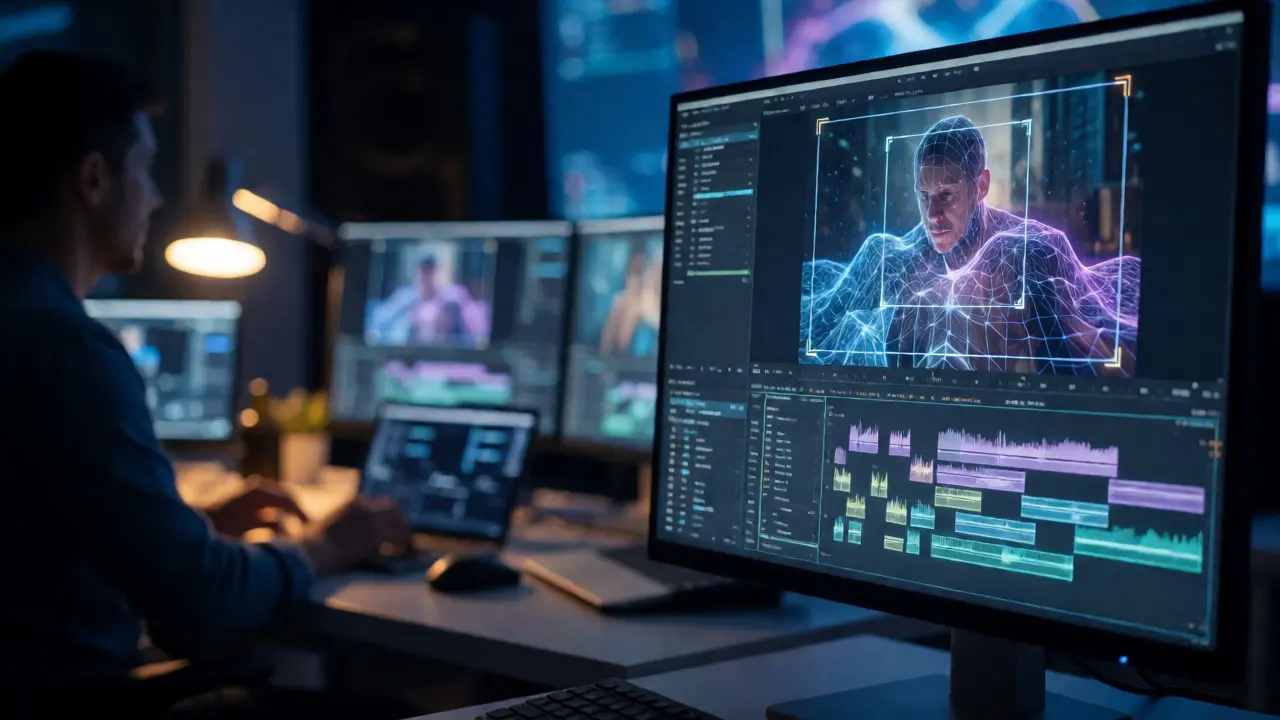
You spent months shooting. You have terabytes of footage. And now you are staring at a timeline that looks like a chaotic mess of clips, audio waves, and color nodes. This is where post-production usually breaks your spirit. It is slow, expensive, and prone to human error. But the landscape shifted dramatically by 2026. Artificial intelligence is no longer just a buzzword for generating weird images; it has become the backbone of modern film VFX and editing workflows.
If you are an editor or a VFX supervisor today, ignoring AI means working with one hand tied behind your back. The technology has matured from experimental plugins to core features in industry-standard software. We are talking about tools that can rotoscope a moving car in seconds, not hours. Or systems that automatically sync dialogue so precisely you don’t need to touch the waveform. This guide cuts through the hype. We will look at what actually works in professional pipelines right now, how it saves money, and where the human eye is still absolutely necessary.
The Shift From Manual Labor to Intelligent Automation
Let’s be honest: traditional post-production was mostly manual labor disguised as creative work. Think about rotoscoping. For decades, artists had to manually draw masks around characters frame-by-frame to separate them from backgrounds. A ten-second shot could take three days. Now, machine learning models trained on millions of frames can identify edges, motion vectors, and depth maps instantly.
This isn’t just about speed. It changes the creative process. When technical tasks drop from hours to minutes, editors spend more time on pacing and story. The bottleneck shifts from “can we do this?” to “should we do this?”. Tools like Runway ML and built-in AI features in Adobe Premiere Pro allow for non-destructive experimentation. You can try five different background replacements in the time it used to take to render one.
| Task | Traditional Method | AI-Assisted Method | Time Savings |
|---|---|---|---|
| Rotoscoping | Manual masking per frame | Automated segmentation via neural nets | ~80% |
| Dialogue Cleanup | Spectral repair & noise gates | Voice isolation models (e.g., iZotope RX) | ~90% |
| Color Grading | Manual node tree adjustment | Shot matching & auto-balance | ~50% (base grade) |
| Upscaling | Bicubic interpolation (blurry) | Generative detail synthesis | N/A (Quality boost) |
Editing Workflows: Speeding Up the Assembly
The first step in post is organizing the chaos. DaVinci Resolve has integrated Neural Engine capabilities that go beyond simple color correction. Its speech-to-text transcription allows you to search for specific words in your footage. Imagine searching for every instance of the word “love” across 40 hours of raw footage. That takes seconds. Then, you can drag those clips directly into your sequence.
But it goes deeper. Auto-framing tools use computer vision to keep subjects centered when converting vertical social media cuts from horizontal masters. Instead of keyframing position manually, the AI tracks the subject’s face or body and adjusts the crop dynamically. This feature alone has saved freelance editors countless billable hours on commercial projects.
Another game-changer is smart binning. AI analyzes metadata and visual content to group shots by location, lighting conditions, or even emotional tone. If you shoot a documentary with hundreds of interviews, the software can cluster similar setups together, making the assembly phase significantly less tedious.
VFX: Generative Fill and Inpainting
In the world of visual effects, generative AI has moved past novelty. Adobe’s Firefly integration in After Effects and Photoshop allows for “inpainting.” You select an object, delete it, and type a prompt like “brick wall” or “crowd of people.” The AI generates pixels that match the lighting, perspective, and grain of the original plate.
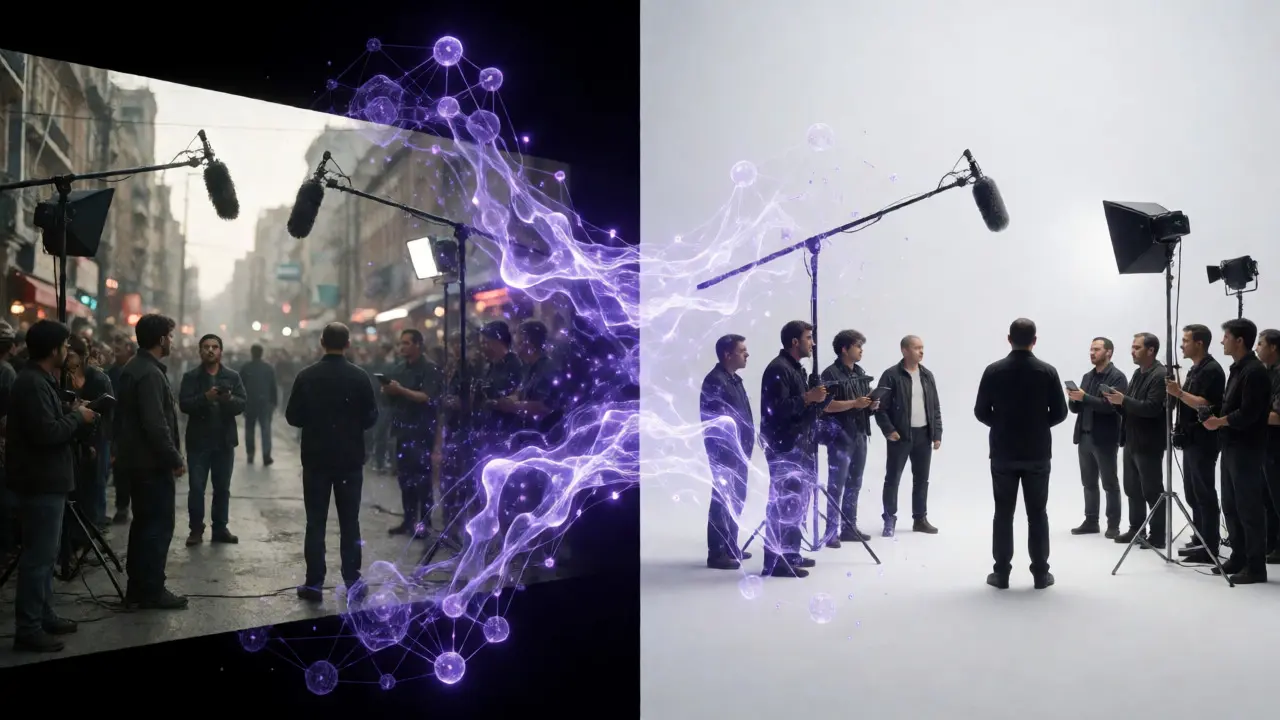
Is it perfect? No. Sometimes the generated textures have weird artifacts or lack logical consistency upon close inspection. However, for background elements or quick fixes, it is invaluable. Consider removing a boom mic from a shot. Traditionally, you’d use a patch tool or clone stamp, which often leaves smudges. With AI inpainting, the model understands the context of the surrounding bricks or sky, filling the hole seamlessly.
For larger scale VFX, companies like Industrial Light & Magic (ILM) use proprietary AI tools for de-aging actors. These systems map facial muscle movements from younger reference footage onto older actors. While major studios still rely heavily on hand-painted texture work, the base geometry and tracking are increasingly automated. This reduces the number of junior artists needed for grunt work, allowing senior supervisors to focus on artistic direction.
Audio Post-Production: The Invisible AI Revolution
People notice bad audio before they notice bad visuals. Traditional noise reduction required careful spectral editing. You had to identify the frequency of a hum or hiss and notch it out. If you were too aggressive, voices sounded robotic. iZotope RX and similar suites now use deep learning to separate voice from background noise entirely. It doesn’t just filter frequencies; it reconstructs the voice based on learned patterns of human speech.
This capability rescues unusable takes. Did the air conditioner kick in during a critical monologue? Previously, you might have reshooted or accepted the flaw. Now, you isolate the vocal track and clean it up without affecting the room tone. Furthermore, AI-driven sound design tools can generate Foley sounds. Need the sound of footsteps on gravel? Type a prompt, and the system generates multiple variations that you can layer. It won’t replace a skilled sound designer for complex scenes, but it fills gaps quickly.
Color Grading and Consistency
Colorists hate mismatched shots. Lighting changes between takes, cameras drift in white balance, and lenses vary. DaVinci Resolve’s Color Warper and other AI-assisted grading tools analyze histogram data and scene content to suggest corrections. They can match the color profile of a hero shot to all other angles in the scene automatically.
This ensures continuity. If a character walks from sunlight into shadow, AI can help balance the exposure while preserving the artistic intent of the shadow. It acts as a safety net, catching errors that the human eye might miss after staring at a monitor for eight hours. However, the final aesthetic choice remains human. AI can make a shot technically correct, but it cannot decide if a scene should feel cold and lonely or warm and nostalgic. That requires emotional intelligence, which machines still lack.
The Human Element: Where AI Fails
Don’t let the tech evangelists fool you. AI is not a director. It does not understand subtext. If you ask an AI to edit a romantic breakup scene, it might cut on movement and rhythm perfectly. But it might miss the subtle glance that carries the emotional weight of the moment. Editors still need to make these nuanced decisions.
Moreover, copyright issues remain murky. Who owns the rights to an AI-generated background element? Studios are cautious. Most legal teams require proof that training data was licensed. As of 2026, guidelines are stricter than they were in 2023. Always check your contract terms regarding AI usage. Some unions restrict the amount of AI-assisted work allowed in certain categories.
There is also the risk of homogenization. If everyone uses the same default AI settings, films start looking alike. Distinctive styles come from breaking rules, not following algorithms. Use AI for the boring stuff-cleanup, organization, basic correction-so you have the energy to break the rules creatively.
Practical Tips for Integrating AI Today
Ready to update your pipeline? Start small. Do not overhaul your entire workflow overnight. Pick one task that eats up your time, such as transcribing interviews or cleaning up noisy audio. Test an AI tool for that specific job. Compare the results against your manual method. Measure the time saved versus the quality loss.
- Backup everything: AI processing can sometimes corrupt metadata or files unexpectedly. Keep original RAW footage untouched.
- Human review is mandatory: Never export a final cut without watching it fully. AI glitches can be subtle-a flickering edge or a ghostly artifact.
- Learn the prompts: For generative tools, learning how to write effective text prompts is a new skill. Be specific about style, lighting, and camera angle.
- Check hardware specs: Many local AI tools require powerful GPUs (like NVIDIA RTX series). Cloud-based solutions cost money per minute but save on hardware upgrades.
The future of post-production is hybrid. It combines the efficiency of silicon with the creativity of carbon. Embrace the tools that handle the drudgery, and reserve your brainpower for storytelling. That is how you stay relevant in a rapidly changing industry.
Will AI replace video editors?
No, but it will change the role. Editors who refuse to adapt may struggle. The job is shifting from manual cutting and organizing to curating AI suggestions and focusing on high-level narrative structure. Think of AI as an assistant editor that never sleeps, not a replacement for the lead editor.
Is AI-generated VFX copyright-safe?
It depends on the tool and jurisdiction. As of 2026, many platforms offer indemnification clauses for commercial use. However, purely generative elements (where no source footage exists) may have weaker copyright protection than traditional assets. Always consult legal counsel for major productions.
What is the best AI tool for beginners?
For editing, Adobe Premiere Pro’s built-in AI features are user-friendly. For VFX, Runway ML offers a web-based interface that requires no coding knowledge. Both provide free tiers or trials, allowing you to test capabilities without significant investment.
Does AI improve image quality?
Yes, through upscaling and denoising. AI can add plausible details to low-resolution footage, making it suitable for large screens. However, it cannot invent information that wasn’t there originally. Over-reliance can lead to a “waxy” look if not balanced with natural grain.
How much does AI post-production cost?
Costs vary. Software subscriptions range from $20-$100/month. Cloud rendering services charge per minute or per GB processed. While upfront costs exist, the savings in labor hours often justify the expense for professional freelancers and studios.



Comments(8)