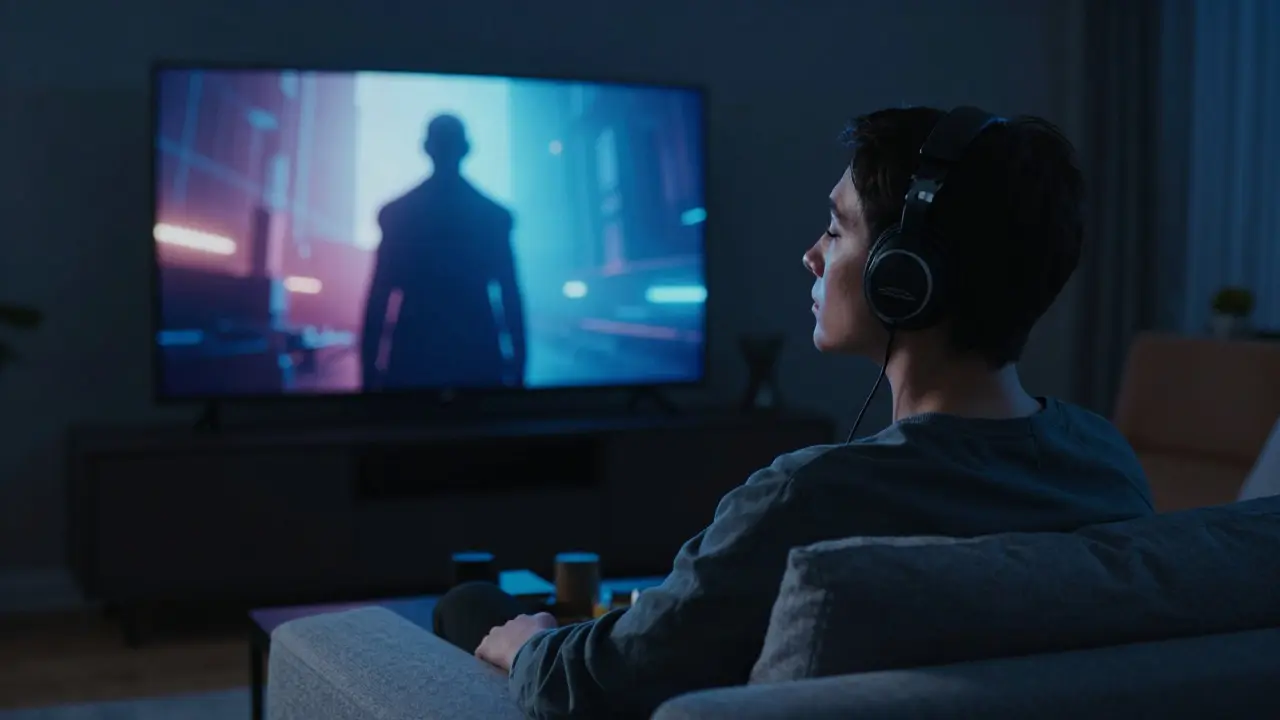
Imagine watching a visually stunning sci-fi epic where the villain’s threat is conveyed entirely through a subtle shift in lighting and a low-frequency hum. If you’re blind or have low vision, that moment of tension might be completely lost on you. This is exactly why audio description has become a non-negotiable feature for modern viewers who want an inclusive cinematic experience. It isn’t just a nice-to-have; it’s the bridge that connects millions of people to the full emotional impact of a story.
Streaming platforms have changed how we consume media, but they’ve also created new barriers for those with disabilities. While physical theaters often struggle with consistent accessibility, digital services offer a unique opportunity to make every frame accessible from anywhere. Yet, many users still find themselves navigating a confusing landscape of settings, inconsistent quality, and missing features. Understanding how these tools work-and how to use them effectively-can transform your viewing habits.
The Core Pillars of Film Accessibility
When we talk about making films accessible, two features stand out as the most critical: audio description and subtitles (often referred to as closed captions). These are not interchangeable; they serve different senses and solve different problems. Together, they form the backbone of an inclusive viewing experience.
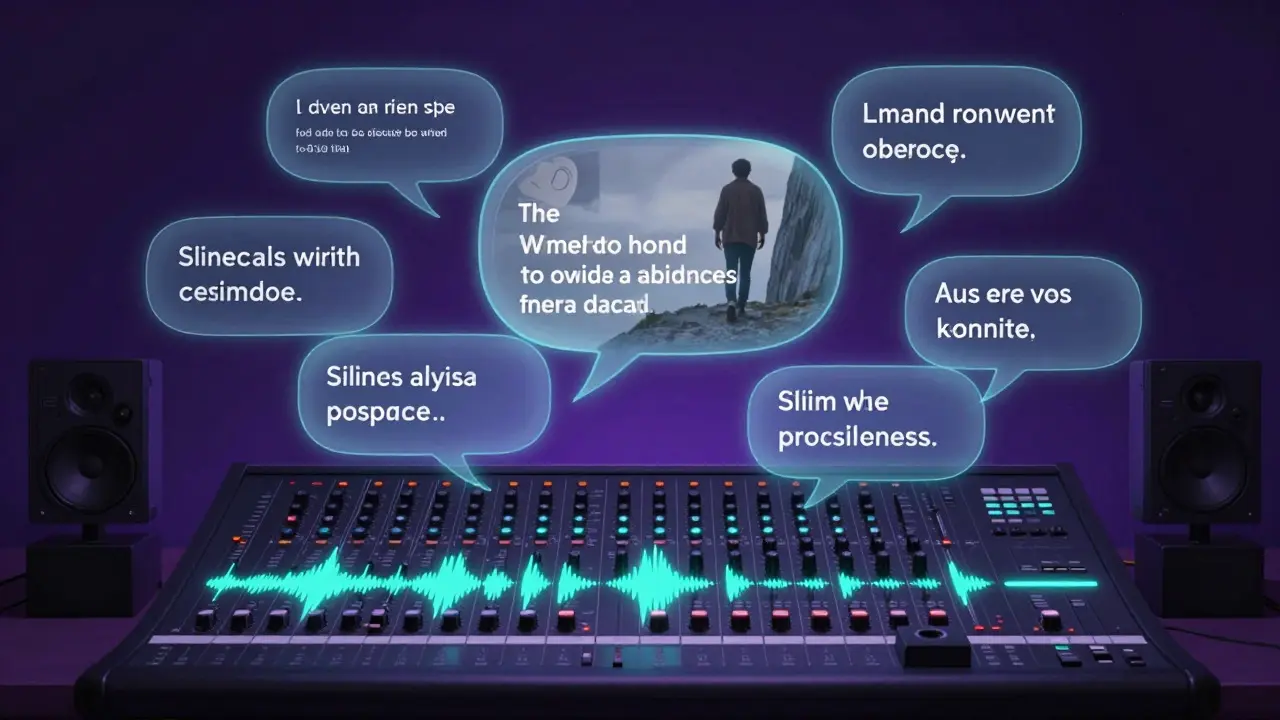
Audio Description is a secondary voice track added to a film or television show that describes important visual information during natural pauses in the dialogue. Think of it as a narrator who tells you what is happening on screen when no one is speaking. For example, if a character slowly walks toward a cliff edge while looking terrified, the audio description might say, "She steps closer to the edge, her hand gripping the railing tightly." This allows viewers with visual impairments to follow the plot and appreciate the cinematography without guessing.
On the other hand, Subtitles are text representations of spoken dialogue and sound effects displayed at the bottom of the screen. They help viewers who are deaf or hard of hearing, but they are also incredibly useful for anyone watching in a noisy environment or learning a new language. Unlike open subtitles, which are burned into the video, closed subtitles can be turned on or off, allowing for a personalized experience.
How Audio Description Works in Practice
You might wonder how writers manage to fit descriptions into a movie without interrupting the flow. It’s actually a highly skilled craft. Writers listen to the audio track and identify gaps-moments where there is silence or only background music. They then write concise sentences that convey essential visual cues: actions, facial expressions, location changes, and on-screen text like signs or book titles.
The timing is everything. A good audio description track feels seamless. The narrator speaks softly and quickly, ensuring the viewer doesn’t miss any part of the main dialogue. If the pacing is off, it can feel distracting rather than helpful. That’s why major streaming services now employ dedicated teams of audio description writers and narrators who specialize in this specific format.
For viewers using screen readers, audio description provides context that the screen reader alone cannot capture. A screen reader might tell you that a button says "Play," but it won’t tell you that the button is glowing red to indicate danger. Audio description fills that gap, creating a richer mental image of the scene.
The Evolution of Subtitles and Captions
Subtitles have come a long way since the early days of foreign-language films. Today, they are standard for all content, regardless of origin. However, not all subtitles are created equal. There are two main types you’ll encounter:
- Closed Captions (CC): These include dialogue, speaker identification (e.g., [Male Voice]), and sound effect descriptions (e.g., [Door Slams], [Thunder]). They are designed primarily for the deaf and hard-of-hearing community.
- Standard Subtitles: These usually contain only the spoken dialogue. They are more common for international audiences who understand the language but prefer reading, or for those watching in loud environments.
Quality control is a significant issue here. Automated speech recognition technology has made it easy to generate subtitles quickly, but it often misses nuances. Sarcasm, overlapping dialogue, and background noise can lead to errors. Human-edited subtitles remain the gold standard because they capture tone and intent, not just words. When choosing a platform, look for ones that highlight their commitment to human-reviewed accessibility features.
Comparing Accessibility Features Across Platforms
Not all streaming services treat accessibility with the same level of care. Some integrate these features deeply into their user interface, while others hide them in obscure menus. Here’s how some major players compare in terms of ease of use and coverage:
| Feature | Netflix | Disney+ | Amazon Prime Video |
|---|---|---|---|
| Audio Description Availability | High (Most Originals) | Moderate (Select Titles) | Variable (Depends on Region) |
| Subtitle Quality Control | Human-Edited Standard | Mixed (Auto + Manual) | Inconsistent |
| User Interface Integration | Easy Access via Profile Settings | Hidden in Playback Menu | Requires App Navigation |
| Language Options | 40+ Languages | 30+ Languages | 50+ Languages |
As you can see, availability varies significantly. Netflix, for instance, has made a strong push to ensure its original productions include audio description by default. Disney+, on the other hand, focuses heavily on family-friendly content, which means their accessibility features are tailored for younger audiences but may lack depth for complex adult dramas. Amazon Prime Video offers a wide range of languages but can be inconsistent in how it applies audio description across its library.
Tips for Optimizing Your Viewing Experience
If you rely on these features, there are several ways to get the most out of them. First, check your device settings. Sometimes, the app itself supports audio description, but your TV or soundbar needs to be configured to output that specific audio channel. Most modern devices allow you to select "Audio Description" as a separate audio track within the playback menu.
Second, consider your volume balance. Audio description is usually mixed at a lower volume than the main dialogue. If you find it too quiet, you can increase the overall volume or use a headset for better clarity. Conversely, if subtitles are too large or move too fast, adjust the font size and speed settings in your profile preferences.
Finally, don’t hesitate to provide feedback. Many platforms have direct lines for accessibility reports. If a subtitle error confuses the plot or an audio description misses a key visual cue, reporting it helps improve the experience for everyone. Your input contributes to the ongoing refinement of these tools.
The Future of Inclusive Streaming
Technology is advancing rapidly, and the future of film accessibility looks promising. Artificial intelligence is being used to generate real-time subtitles with greater accuracy, reducing the need for manual correction in less critical scenes. Meanwhile, haptic feedback suits and spatial audio technologies are emerging, offering even more immersive ways to experience cinema for those with diverse sensory needs.
However, technology alone isn’t enough. The industry must continue to prioritize inclusion from the pre-production stage. Casting actors with disabilities, consulting with accessibility experts during script development, and budgeting for high-quality post-production accessibility work are all crucial steps. When accessibility is treated as an afterthought, it suffers. When it’s integrated from day one, it enhances the storytelling for everyone.
Whether you’re a fan of intense thrillers or gentle documentaries, having reliable audio description and accurate subtitles ensures you never miss a beat. It’s about giving every viewer the chance to connect with the story on its own terms. So next time you press play, take a moment to check your settings. You might be surprised by how much more you see and hear.
What is the difference between subtitles and closed captions?
Subtitles typically display only the spoken dialogue, while closed captions include additional information such as speaker identification, sound effects, and music cues. Closed captions are specifically designed for viewers who are deaf or hard of hearing, whereas subtitles are often used for translation or preference.
Do all streaming originals include audio description?
Not always. While major platforms like Netflix and Disney+ increasingly include audio description for their flagship original series, availability can vary by title and region. Independent productions or older libraries may lack this feature entirely. Always check the specific details page of a film before starting to watch.
How can I turn on audio description on my smart TV?
Usually, you can enable audio description through the playback menu while a video is running. Look for an icon that resembles an eye or a person speaking. Alternatively, you can set it as a default preference in your streaming app’s profile settings so it activates automatically for all compatible titles.
Are automated subtitles as good as human-edited ones?
Automated subtitles are improving but still lack nuance. They often struggle with accents, background noise, and sarcasm. Human-edited subtitles provide a more accurate and enjoyable viewing experience, especially for complex narratives. For critical viewing, human-edited versions are recommended.
Why is audio description important for hearing-impaired viewers?
While subtitles handle dialogue, audio description helps convey visual context that might otherwise be missed due to hearing loss, such as seeing a character’s reaction to a sound. It ensures a complete understanding of the scene dynamics, combining visual and auditory information seamlessly.