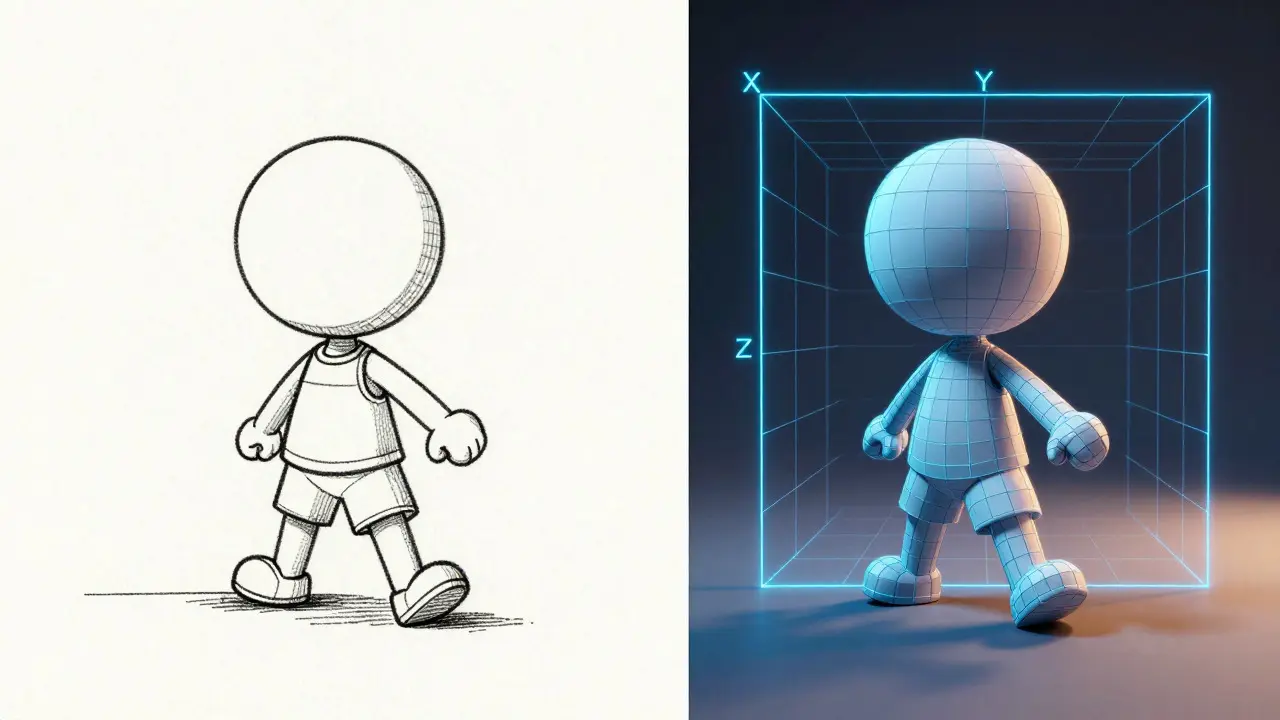
When you watch a movie where characters move with fluid, hand-drawn charm versus one where every object has weight and volume, you are witnessing two fundamentally different pipelines. The debate isn't about which is "better," but rather which tool fits the story. Understanding the mechanical and artistic differences between 2D animation and 3D animation helps creators choose the right medium for their vision.
The Core Difference: Flat Planes vs. Virtual Space
2D Animation is a technique that creates movement on a flat plane using sequential frames of static images. It relies on the illusion of motion through rapid succession, often associated with traditional cel animation or modern digital vector drawing. In contrast, 3D Animation is a process that manipulates objects in a virtual three-dimensional space using x, y, and z coordinates. While 2D artists draw what they see, 3D animators build what exists, giving them control over lighting, camera angles, and physics from any perspective without redrawing the background.
This distinction changes how teams work. In a 2D pipeline, if the camera pans across a city, every building must be drawn or adjusted to match the new angle. In a 3D pipeline, the city is a model; the camera simply moves around it. This spatial consistency is a major advantage for complex action sequences, though it requires significant upfront modeling effort.
Pipeline Workflows: From Sketch to Screen
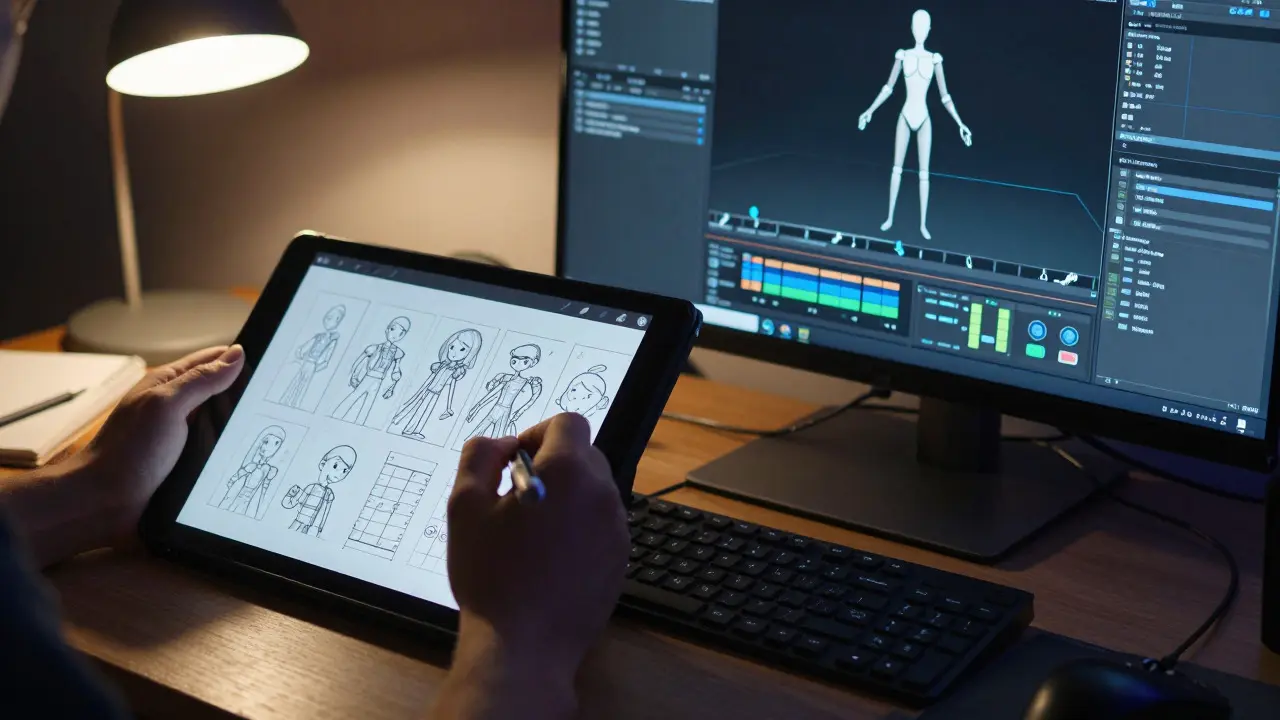
The workflow for both styles involves similar stages-pre-production, production, and post-production-but the tools and labor distribution differ significantly.
- Pre-Production: Both styles require storyboards and character design. However, 3D projects need detailed topology maps and rigging plans early on, while 2D projects focus on key poses and timing charts.
- Modeling/Rigging (3D) vs. Keyframes (2D): In 3D, artists create meshes and attach skeletons (rigs) to allow movement. In 2D, animators draw key poses and intermediate frames (in-betweens).
- Animation: 3D animators adjust joint rotations and deformations. 2D animators redraw shapes frame-by-frame or use vector manipulation.
- Rendering/Compositing: 3D scenes are rendered by computers calculating light and shadow. 2D scenes are composited by layering transparent images.
A critical difference lies in iteration. Changing a character's pose in 3D can take seconds if the rig is set up correctly. In 2D, changing a pose might require redrawing dozens of frames. This makes 3D more efficient for long-form content with repetitive actions, like walking cycles, but 2D offers greater flexibility for stylized, non-realistic movements.
Cost and Resource Allocation
Budget is often the deciding factor for studios. Generally, 3D animation has higher initial setup costs due to software licenses, hardware requirements, and specialized talent for modeling and texturing. Once assets are created, however, reusing them across episodes or films becomes cheaper. For example, a character model built for a series can be reused in hundreds of scenes without additional drawing costs.
2D animation, particularly traditional hand-drawn styles, remains labor-intensive. Each frame is unique, meaning the cost scales directly with the number of frames and the complexity of the art style. Digital 2D tools have reduced some of this burden by allowing cut-out animation and vector scaling, but the per-frame cost is still higher than reusing a 3D asset. Small indie studios often choose 2D for its lower barrier to entry in terms of hardware, requiring only a graphics tablet and software like Toon Boom or Adobe Animate.
| Attribute | 2D Animation | 3D Animation |
|---|---|---|
| Spatial Depth | Flat plane (X, Y) | Volumetric space (X, Y, Z) |
| Camera Flexibility | Limited; requires redrawing backgrounds | Unlimited; virtual camera moves freely |
| Asset Reusability | Low; frames are unique | High; models and rigs are reusable |
| Hardware Requirements | Standard PC + Tablet | High-performance GPU/CPU for rendering |
| Typical Software | Toon Boom Harmony, TVPaint | Maya, Blender, Cinema 4D |
| Learning Curve | Artistic fundamentals (drawing/timing) | Technical + Artistic (modeling/rigging/lighting) |
Artistic Style and Audience Perception
Style is not just a technical choice; it signals tone to the audience. 2D animation is often associated with intimacy, whimsy, and artistic expression. Films like *Spider-Man: Into the Spider-Verse* blend 2D aesthetics with 3D technology to create a comic-book feel that resonates emotionally. The hand-drawn quality adds a human touch that audiences perceive as warm and accessible.
3D animation, conversely, is frequently linked to spectacle, realism, and high-stakes adventure. Studios like Pixar and DreamWorks use 3D to create worlds that feel tangible and immersive. The ability to simulate realistic physics-cloth, water, hair-makes 3D ideal for stories where environment interaction is crucial. However, the "uncanny valley" effect can occur if 3D characters look too real but move slightly unnaturally, a risk that 2D stylization avoids entirely.
Hybrid Approaches: Breaking the Rules
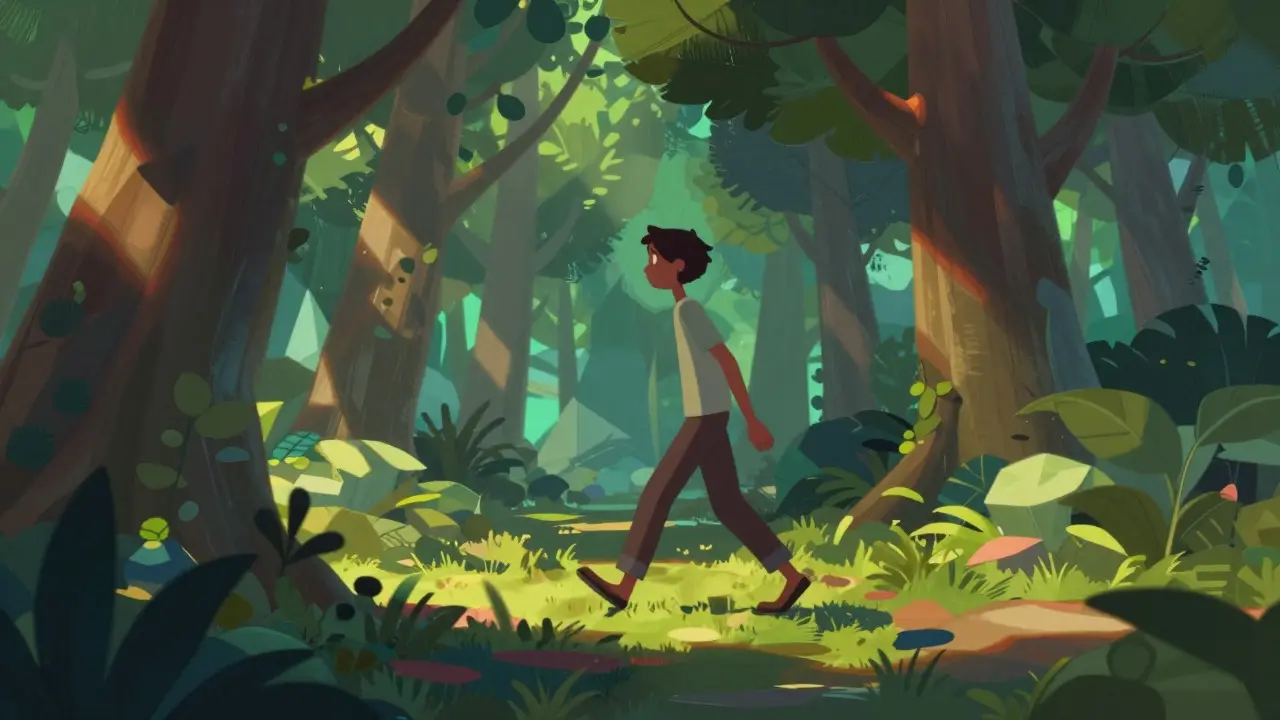
The line between 2D and 3D is blurring. Many modern productions use hybrid techniques to combine the strengths of both. For instance, *Arcane* uses 3D modeling for geometry but applies painterly textures and manual adjustments to give it a 2D illustration look. This approach allows for consistent character proportions and efficient scene construction while maintaining a distinct artistic identity.
Similarly, live-action films often use 3D animation for visual effects (VFX), such as creating CGI creatures or environments. Here, 3D serves as a tool within a larger photographic context. Conversely, 2D elements are sometimes added to 3D films to enhance stylistic flair, such as animated thought bubbles or magical effects. These hybrids demonstrate that the choice of animation style is less about purity and more about achieving the desired visual narrative.
Choosing the Right Tool for Your Project
When deciding between 2D and 3D, consider these factors:
- Story Complexity: If your story involves complex camera movements or intricate physical interactions, 3D may save time in the long run.
- Artistic Vision: If you aim for a highly stylized, hand-crafted look, 2D offers more direct control over brushwork and line quality.
- Budget and Timeline: 3D has higher upfront costs but better scalability for sequels or series. 2D is cheaper to start but more expensive per minute of finished footage.
- Team Expertise: Do you have access to 3D generalists who can model, rig, and animate? Or do you have strong 2D animators with a keen eye for timing?
There is no wrong answer. The best animation is the one that serves the story. Whether you choose the flat planes of 2D or the volumetric depth of 3D, the goal remains the same: to bring characters to life in a way that engages the audience emotionally and visually.
Is 3D animation harder to learn than 2D?
It depends on your strengths. 2D requires strong drawing skills and an understanding of timing and spacing. 3D requires technical knowledge of modeling, rigging, and lighting, in addition to animation principles. Both are challenging, but 3D often has a steeper initial learning curve due to the software complexity.
Which is more expensive for a short film?
For a very short film (under 5 minutes), 2D can be cheaper because you avoid the costly setup phase of 3D modeling and rigging. For longer projects, 3D becomes more cost-effective due to asset reuse.
Can you mix 2D and 3D in one movie?
Yes, many successful films use hybrid techniques. Combining 3D geometry with 2D textures or adding 2D overlays to 3D scenes allows for unique visual styles that leverage the benefits of both methods.
What software is best for beginners in 3D animation?
Blender is a popular free option with a large community and comprehensive features. Maya is the industry standard for professional workflows but comes with a subscription cost. For 2D, Toon Boom Harmony and Adobe Animate are widely used standards.
Does 2D animation require drawing every frame?
Not necessarily. Traditional animation draws every frame, but digital 2D often uses cut-out animation, where pre-drawn parts are moved and rotated. This reduces the workload while maintaining a 2D aesthetic.