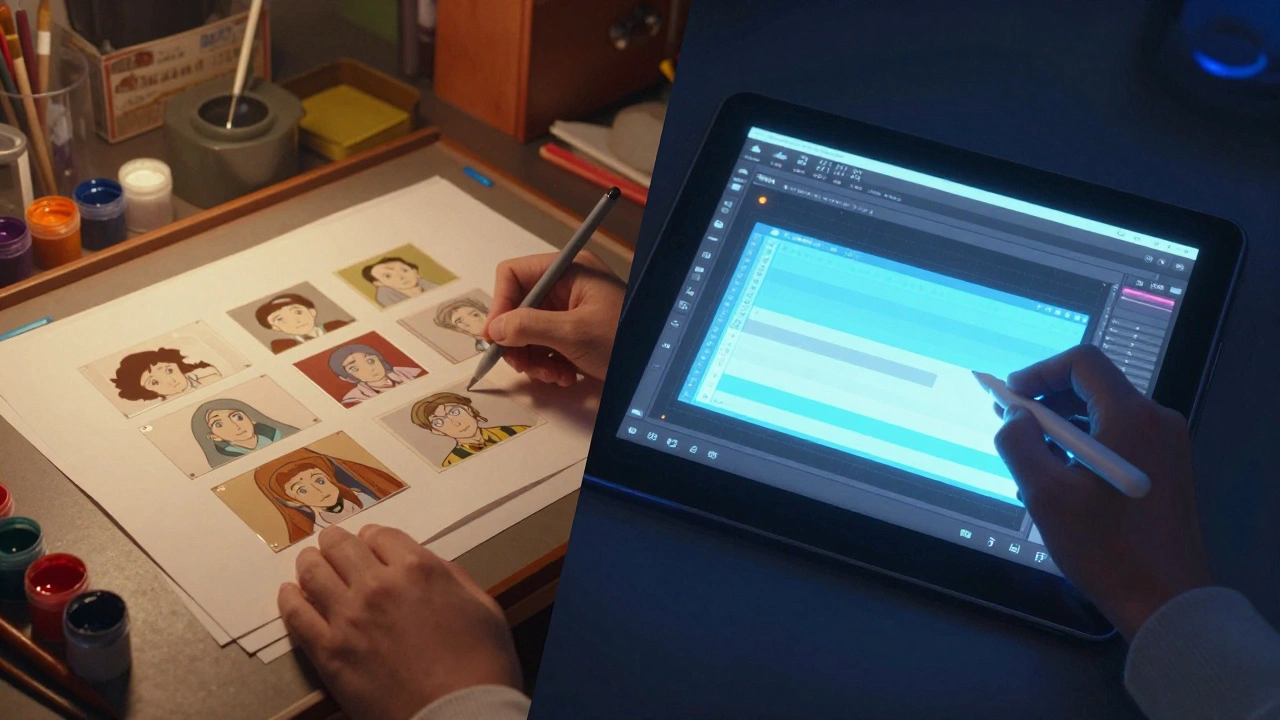
Remember when animation meant hand-drawing every single frame on paper? That era feels distant now. Today, 2D animation is a visual storytelling medium that creates the illusion of movement using two-dimensional artwork, evolved from hand-drawn cels to sophisticated digital pipelines. While the core principles remain unchanged since the days of Disney’s early classics, the tools have shifted dramatically. We no longer stack physical cels; we layer digital assets. The question isn't whether 2D animation is dead-it's thriving-but how you approach it has changed completely.
The Shift from Cel to Pixel
To understand where we are, we have to look at what we left behind. Traditional animation relied on cel animation is the process of drawing images on transparent celluloid sheets to create film sequences. It was labor-intensive, expensive, and messy with paint fumes. The digital era replaced the light table with a screen and the brush with a stylus. This transition didn't just speed up production; it democratized it. You don't need a studio lot to start animating anymore. A laptop and a tablet are enough to begin.
However, the jump to digital wasn't just about convenience. It introduced new workflows. In traditional setups, changing a background meant repainting everything. In digital vector-based animation is animation created using mathematical paths rather than pixels, allowing for infinite scalability without quality loss, you can swap a background asset in seconds. This flexibility allows for rapid iteration, which is crucial in modern content creation where deadlines are tight and feedback loops are fast.
Core Techniques in Modern 2D Animation
Even with powerful software, the foundation of good animation remains the same. The twelve principles of animation, defined by Frank Thomas and Ollie Johnston, still rule. But how we apply them has evolved through specific digital techniques.
Cutout and Rigging
One of the biggest changes in the digital era is the rise of cutout animation. Instead of redrawing a character's arm for every frame, you draw it once, break it into parts (upper arm, forearm, hand), and attach them with virtual joints. This is called rigging. Software like Toon Boom Harmony is industry-standard 2D animation software known for its robust rigging capabilities and node-based workflow excels here. You manipulate the rig, and the software interpolates the movement. This technique is perfect for TV series with high episode counts, as it saves hundreds of hours of drawing time per season.
Frame-by-Frame Drawing
Pure frame-by-frame animation hasn't disappeared. If you want organic, fluid motion that feels hand-crafted, this is still the way to go. Artists use digital tablets to draw each keyframe directly on screen. Programs like Adobe Animate is a multimedia authoring and computer animation program developed by Adobe Systems, widely used for web animations and interactive content or TVPaint is professional raster-based animation software that simulates traditional hand-drawn textures and effects offer brushes that mimic ink, watercolor, or pencil. The advantage here is artistic freedom. You aren't limited by the rig's structure. Every stroke is unique.
Hybrid Workflows
Most professional projects today use a hybrid approach. They might rig the main characters for efficiency but hand-animate complex facial expressions or action sequences for impact. This balance between speed and artistry defines modern production. It requires animators to be versatile, comfortable switching between manipulating rigs and drawing freely.
Essential Tools for Digital 2D Animation
Choosing the right tool depends on your goal. Are you making a feature film, a mobile game, or a social media clip? Here is how the major players stack up.
| Software | Best For | Learning Curve | Key Feature |
|---|---|---|---|
| Toon Boom Harmony | Professional TV/Film | Steep | Advanced Rigging & Node System |
| Adobe Animate | Web Content & Interactive | Moderate | Vector Workflow & HTML5 Export |
| Blender (Grease Pencil) | Indie & Hybrid 2D/3D | Very Steep | Free & Integrated 3D Environment |
| Clip Studio Paint | Comic Artists & Illustrators | Low | Excellent Brush Engine |
Blender is open-source 3D creation software that includes Grease Pencil, a tool for creating 2D animation within a 3D space has become a surprising powerhouse. Its Grease Pencil tool allows you to draw 2D shapes that exist in 3D space. This means you can rotate the camera around a flat drawing, creating dynamic angles that were impossible in traditional 2D. For indie creators on a budget, Blender is unbeatable because it is free.
For those coming from graphic design, After Effects is motion graphics and visual effects software used for compositing, motion graphics, and video editing is often the go-to. While not a dedicated animation tool, its graph editor and keyframing system allow for precise control over movement. It's less about drawing characters and more about moving assets and adding effects. Many studios use After Effects for the final polish, adding lighting, shadows, and particle effects to their 2D scenes.
The Role of AI and Automation
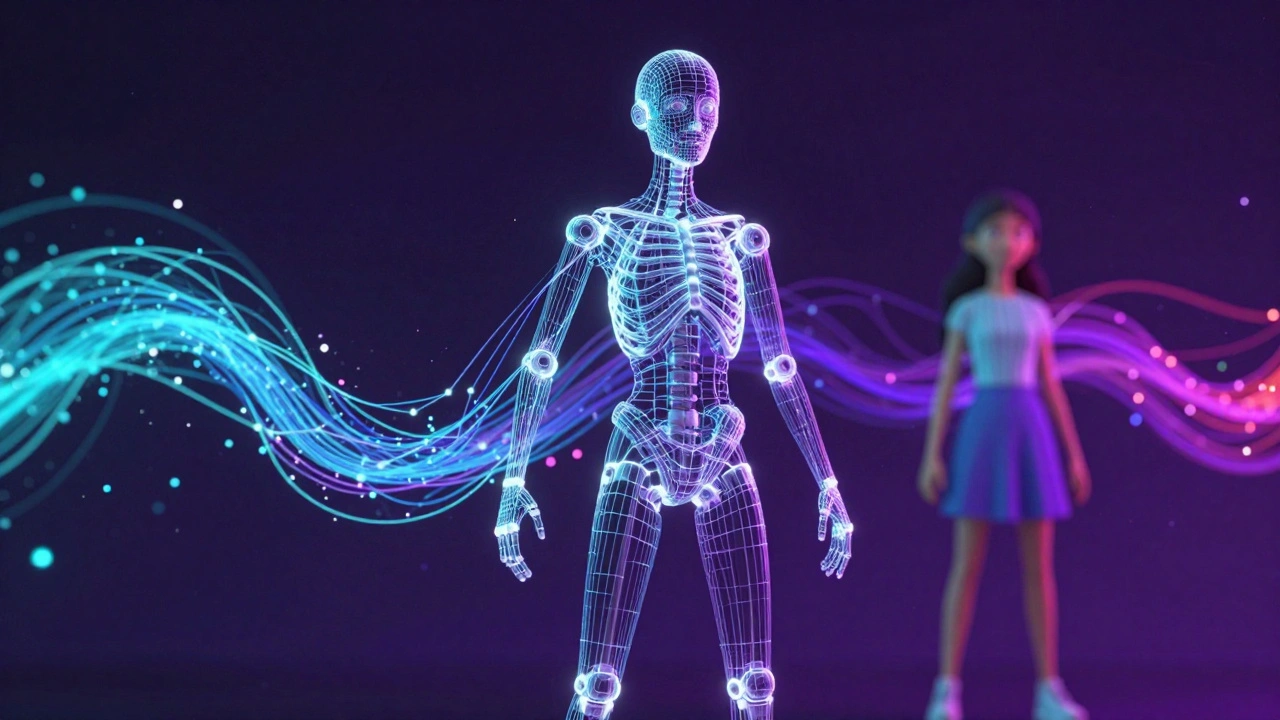
We are entering a new phase where artificial intelligence assists the animator. This doesn't mean AI replaces artists; it removes the tedious tasks. Tools like Auto-rigging is technology that automatically generates skeletal structures for digital characters based on input models can set up a basic rig in minutes instead of hours. Some platforms can even interpolate frames between keyframes, smoothing out motion automatically. However, these tools require careful oversight. AI-generated movement can sometimes look "floaty" or unnatural. The human touch is still needed to add weight, timing, and personality.
Coloring is another area seeing automation. Once, inkers would spend days coloring inside lines. Now, algorithms can flood-fill colors instantly, respecting line boundaries. This frees up artists to focus on shading and lighting, which give depth to the image. The trend is clear: technology handles the repetition, while humans handle the creativity.
Hardware Considerations
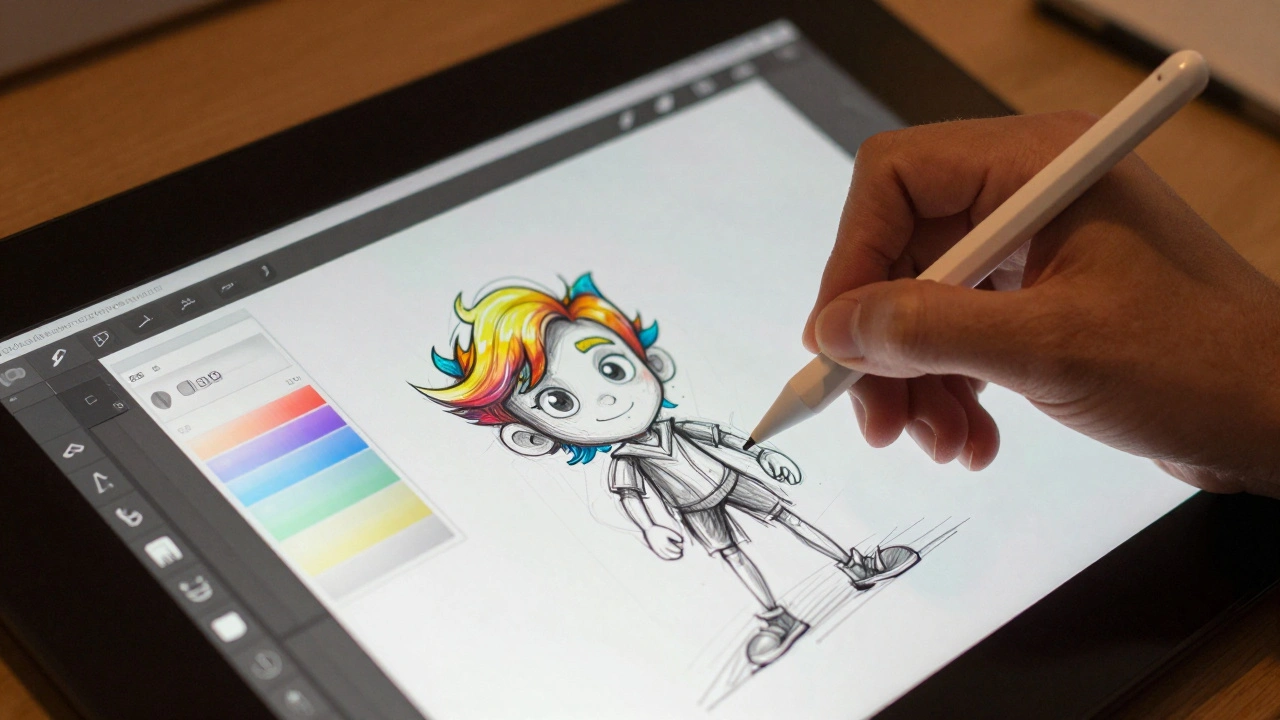
Software is only half the battle. Your hardware dictates your comfort and precision. A standard mouse is nearly useless for frame-by-frame animation. You need a pen display or a tablet. Brands like Wacom is a leading manufacturer of graphics tablets and pen displays for digital artists and animators dominate the market, but options from Huion and XP-Pen offer great value for beginners. Pressure sensitivity is critical. It allows the line thickness to vary based on how hard you press, mimicking real drawing tools. Without it, your lines will look stiff and robotic.
Computer power matters too. Rendering complex scenes with many layers and effects requires a strong CPU and GPU. If you're working with 4K resolution or heavy vector files, a slow computer will cause lag, breaking your creative flow. Invest in a machine with at least 16GB of RAM if you plan to work professionally.
Building a Portfolio in the Digital Age
If you want to work in this field, your portfolio is everything. Studios don't care about degrees as much as they care about reels. Show variety. Include a short character animation that shows acting skills. Add a scene with complex backgrounds to show environmental awareness. Demonstrate both rigged and hand-drawn work to prove versatility. Online platforms like ArtStation and LinkedIn are where recruiters look. Keep your reel under two minutes. Attention spans are short. Start with your best shot.
Collaboration is also key. Most projects involve teams. Learn how to use version control systems like Perforce or Git for animation files. Understand file formats. Knowing when to use PNG sequences versus MOV files can save headaches during post-production. Communication with directors and other departments is as important as your drawing skills.
Future Trends to Watch
Where is 2D animation heading? Real-time rendering is becoming more common. Engines like Unreal Engine are being used for 2D-style games and films. This allows animators to see the final result instantly, without waiting for renders. Virtual production sets are emerging, where actors perform in front of green screens that display animated backgrounds in real-time. This blends live-action and 2D animation in new ways.
Additionally, the rise of streaming services means there is more demand for diverse stories. Animated content is no longer just for kids. Adult animation is growing, bringing more mature themes and experimental styles to the forefront. This diversity encourages artists to take risks and develop unique visual identities.
Is 2D animation harder than 3D animation?
It depends on the style. Frame-by-frame 2D animation requires constant drawing skill and consistency, which can be physically demanding. 3D animation involves modeling, rigging, and understanding spatial mechanics, which has a steeper technical learning curve. Both require mastery of timing and physics. Neither is objectively easier; they just test different skills.
What is the best free software for 2D animation?
Blender is the most powerful free option, offering both 2D and 3D capabilities. OpenToonz is another excellent choice, used by Studio Ghibli, though it has a complex interface. Krita is great for frame-by-frame drawing if you prefer a painting-focused workflow.
Do I need a drawing tablet to do 2D animation?
Yes, for any serious work. A tablet provides pressure sensitivity and natural hand-eye coordination. While you can animate with a mouse using cutout techniques, drawing keyframes by hand is nearly impossible to do well without a tablet. It is an essential investment for aspiring animators.
Can AI replace 2D animators?
Not currently. AI can assist with in-betweening, coloring, and lip-syncing, but it lacks the creative intent and emotional nuance that human animators bring. Directors and artists are still needed to guide the story and ensure the performance feels authentic. AI is a tool, not a replacement.
How long does it take to learn 2D animation?
Basic proficiency can be achieved in 6-12 months of consistent practice. Professional-level skills typically take 3-5 years of study and work experience. Mastery of the twelve principles takes time, as does developing a personal style. Continuous learning is part of the career.