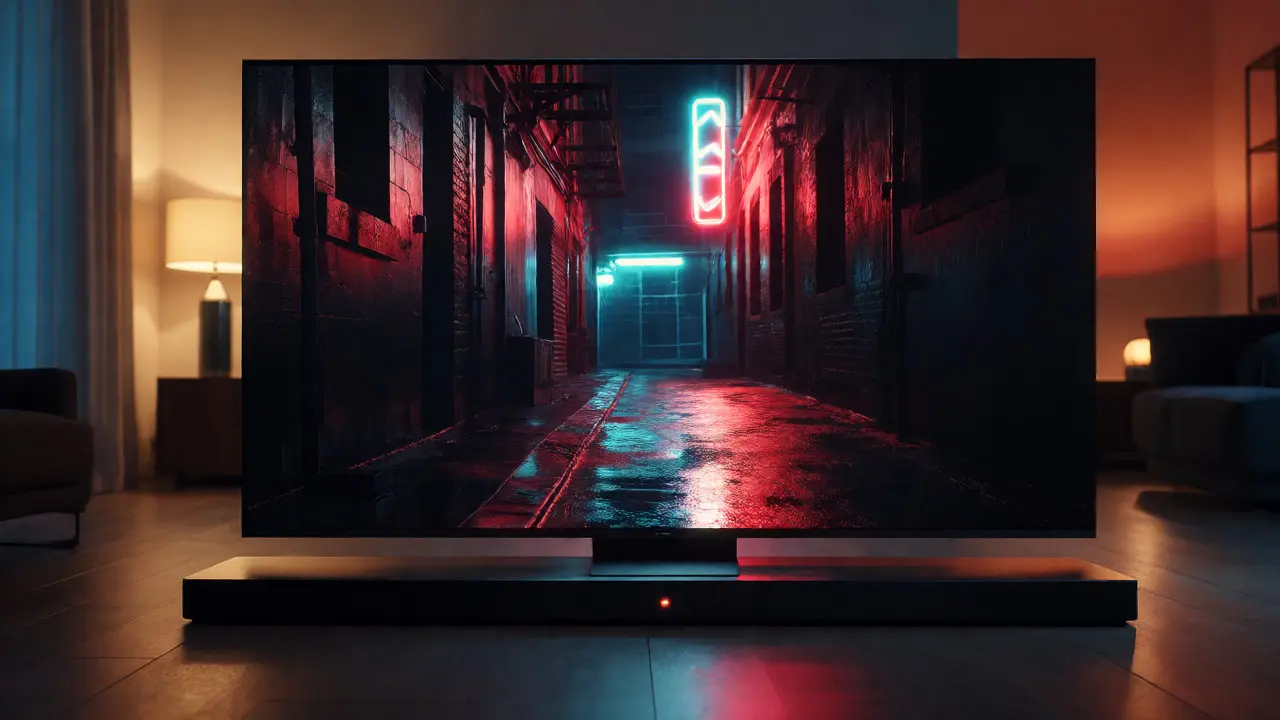
You paid for the premium subscription. You bought the high-end TV. But when you press play on that blockbuster movie, it still doesn't feel like the cinema. Why? It’s not just about screen size anymore. The gap between theatrical release and your living room has narrowed significantly, but only if you know which switches to flip. HDR is a technology that expands the range of brightness and color contrast beyond standard dynamic range displays, allowing for deeper blacks and blinding highlights that mimic real-world vision. If you aren’t using it correctly, you’re watching a shadow of the original intent.
This isn’t just tech nerd trivia. It changes how you perceive emotion in a scene. A dark alleyway in a noir film looks muddy without proper HDR calibration. An explosion feels flat without spatial audio. Let’s break down exactly what Theatrical Quality on Streaming means today, specifically focusing on High Dynamic Range (HDR) and Dolby Atmos, and how you can actually get them working together without turning your setup into a headache.
Understanding the Visual Upgrade: HDR Explained
Standard Dynamic Range (SDR) has been the default for decades. It limits brightness to about 100 nits and restricts colors to a narrow palette called Rec.709. That’s fine for old CRT TVs, but terrible for modern OLED or QLED panels that can hit 1,000+ nits. HDR is the delivery method that allows content to use these higher brightness levels and wider color gamuts. Think of SDR as a black-and-white photo printed on cheap paper. HDR is a vibrant photograph printed on glossy, high-contrast stock.
But here is the catch: not all HDR is created equal. There are three main formats you will encounter on streaming platforms:
- HDR10: The baseline. Free to use, static metadata (brightness settings stay the same for the whole movie). Most Netflix and Disney+ titles use this.
- HDR10+: A Samsung-led format with dynamic metadata. It adjusts brightness scene-by-scene. Better than HDR10, but less common.
- Dolby Vision: The gold standard. It uses dynamic metadata and supports up to 12-bit color depth. This is what directors often grade their films for. Apple TV+, Amazon Prime Video, and some Netflix originals support this.
If you have a compatible TV, you want Dolby Vision. It ensures that the bright sun in a desert scene doesn’t blow out the details in the shadows underneath it. Without it, your TV guesses the best settings, often resulting in washed-out images.
The Audio Revolution: Why Atmos Matters More Than You Think
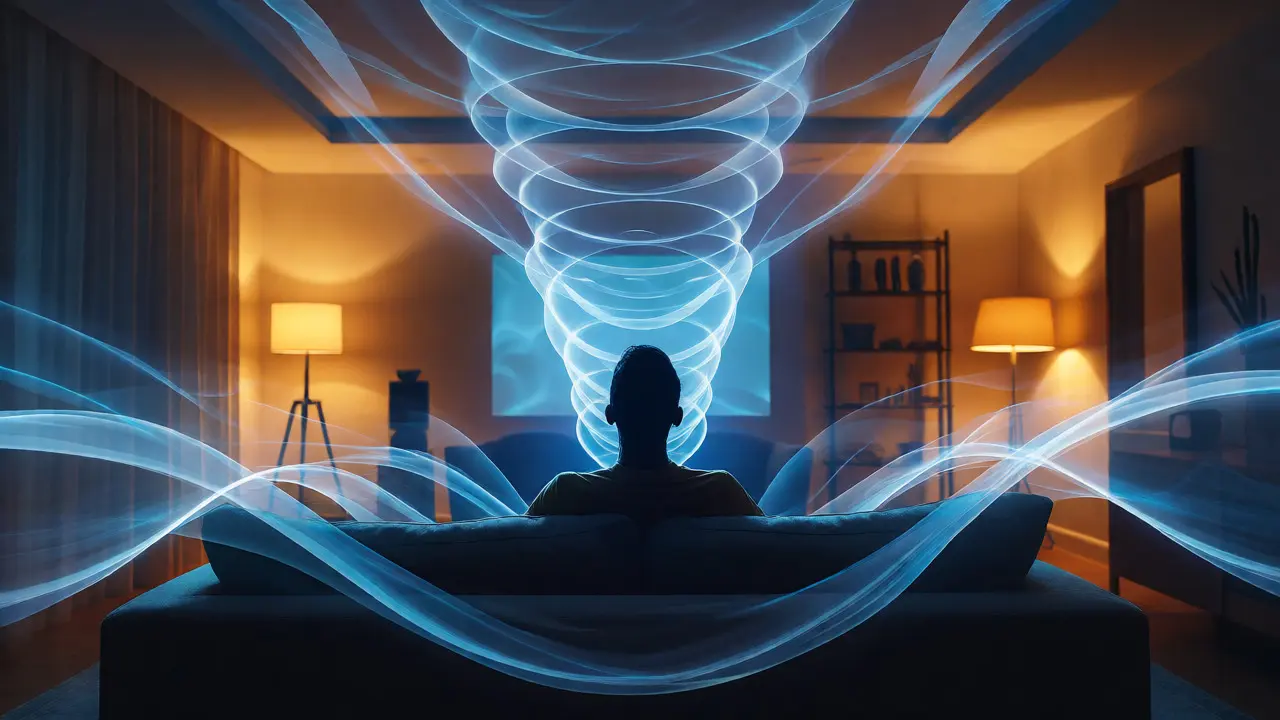
Visuals grab attention, but audio creates immersion. Dolby Atmos is an object-based surround sound technology that treats sounds as individual objects moving in 3D space, rather than fixed channels. In traditional 5.1 or 7.1 surround sound, a helicopter sound comes from the "rear left" speaker. In Atmos, the sound engineer places the helicopter in a specific coordinate in 3D space. Your receiver calculates how to move that sound around you, even if you don’t have ceiling speakers.
Why does this matter for streaming? Because mixing for Atmos forces creators to think differently about sound design. You hear rain falling above you, birds chirping behind the couch, and footsteps approaching from the front. It adds a vertical dimension to the audio landscape. When you watch a war movie on Netflix with Atmos enabled, you don’t just hear explosions; you feel the shockwave directionality. It’s subtle until you turn it off, and then the silence feels heavy and unnatural.
Which Platforms Actually Deliver?
Not every stream is born equal. Some services compress heavily to save bandwidth, stripping away the data needed for true HDR and Atmos. Here is the current state of play for major services as of late 2026:
| Service | 4K Availability | HDR Format | Atmos Support | Bitrate Quality |
|---|---|---|---|---|
| Netflix | Premium Plan Only | HDR10, Dolby Vision | Yes (Premium) | High (up to 15 Mbps) |
| Disney+ | All Plans | HDR10, Dolby Vision | Yes | Medium-High (varies) |
| Apple TV+ | All Plans | Dolby Vision, HDR10 | Yes | Very High (best in class) |
| Amazon Prime | Prime Video Tier | HDR10, HDR10+ | Yes (select titles) | Variable (often lower) |
| Hulu | No Limit Add-on | HDR10 | No | Low-Medium |
Notice Apple TV+ leads in bitrate. They prioritize quality over storage costs, which is why their shows look noticeably sharper and cleaner than competitors. If you are an audiophile, stick to services that explicitly list Dolby Atmos in the title description, not just "surround sound." Hulu, for instance, lags significantly here, offering only stereo audio for most content unless you buy specific add-ons or rent movies separately.
Hardware Requirements: Do You Need New Gear?
You might be thinking, "My TV is two years old. Am I stuck?" Probably not. But you need to check three things:
- The Panel: Does it support HDR? Look for "HDR10" or "Dolby Vision" in the specs. If it only says "Wide Color Gamut," it’s likely fake HDR.
- The HDMI Port: Ensure you are plugging into an HDMI 2.0 or 2.1 port. Older ports might limit resolution or frame rates.
- The Source Device: Your cable box might not pass through Atmos. Use an app native to your smart TV (like the built-in Netflix app) or a dedicated streamer like an Apple TV 4K or Nvidia Shield. These devices handle the decoding better than most smart TV operating systems.
For audio, you don’t necessarily need a full 7.1.4 system with ceiling speakers. A good soundbar with upward-firing drivers (like the Sonos Arc or Samsung HW-Q series) can simulate Atmos effectively. The key is having an eARC (Enhanced Audio Return Channel) capable TV and receiver. eARC carries uncompressed high-bandwidth audio signals, whereas older ARC connections often compress Atmos down to a basic surround mix.
Common Pitfalls: Why It Still Looks Bad
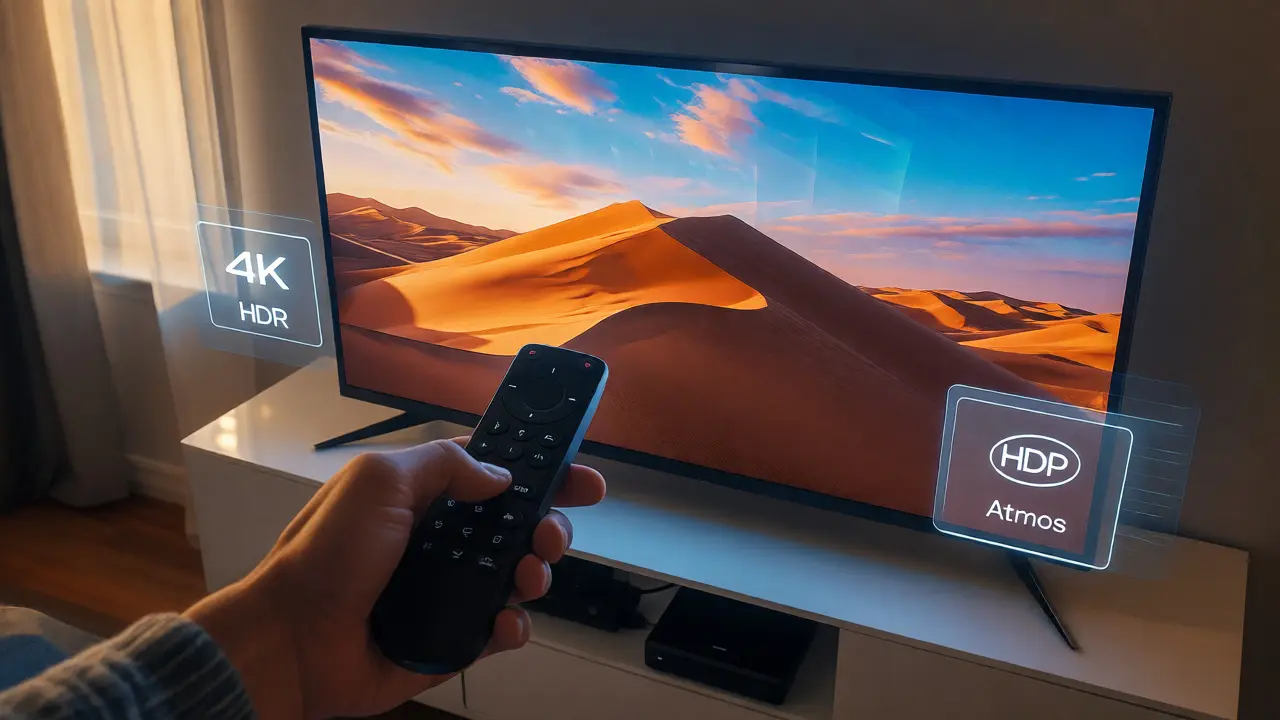
You have the gear. You have the service. Yet, the picture looks gray and dull. Here are the usual suspects:
Wrong Picture Mode: Many TVs default to "Vivid" or "Dynamic" mode in stores to pop under bright lights. At home, switch to "Filmmaker Mode" or "Cinema." These modes disable motion smoothing (that weird soap-opera effect) and respect the director’s intended color temperature.
Bandwidth Bottlenecks: Wi-Fi is great, but unstable. If your internet fluctuates, streaming apps drop resolution instantly to keep playback smooth. If possible, use an Ethernet cable. For 4K HDR with Atmos, you need a stable connection of at least 25 Mbps. Anything less, and you’re getting upscaled 1080p noise.
Metadata Confusion: Sometimes, a TV receives HDR10 signal but thinks it’s SDR, applying the wrong tone-mapping curve. This results in blown-out whites. Check your TV’s input settings to ensure "HDMI Enhanced" or "HDMI 2.1" is enabled for the port your streamer is plugged into.
The Future Is Bright (and Loud)
We are moving toward a standard where theatrical releases hit streaming within 45 days, often with the exact same master files. Studios are realizing that home viewing is now primary consumption. As we head into 2027, expect more native 4K Blu-ray quality streams, broader Atmos adoption across non-action genres, and AI-driven upscaling that makes older SD content look surprisingly crisp.
The takeaway? Don’t settle for the default settings. Spend twenty minutes calibrating your TV, checking your HDMI ports, and verifying your audio output. The difference between "watching a show" and "experiencing a film" is hiding in those settings menus.
Do I need a specific internet speed for 4K HDR streaming?
Yes. While 15 Mbps is the minimum recommended by most providers for 4K, achieving consistent HDR quality with Atmos requires a stable connection of at least 25 Mbps. Fluctuations cause buffering or automatic downgrades to 1080p, losing the HDR metadata entirely.
What is the difference between Dolby Vision and HDR10+?
Both are dynamic HDR formats, meaning they adjust brightness and color scene-by-scene rather than for the entire movie. Dolby Vision is supported by more manufacturers (LG, Sony, Vizio) and offers higher bit-depth potential (12-bit vs 10-bit). HDR10+ is royalty-free and favored by Samsung and Panasonic. Dolby Vision is generally considered superior due to wider ecosystem support.
Can my existing soundbar play Dolby Atmos?
Only if it supports Dolby Atmos decoding. Many older "virtual surround" bars do not. Check your soundbar's manual for "Dolby Atmos" support. Additionally, your TV must have an eARC port to pass the uncompressed Atmos signal from the streaming device to the soundbar. Standard ARC often compresses the audio, degrading the experience.
Why does my HDR content look dimmer than SDR?
This is normal. HDR content contains information for very bright highlights (like the sun or explosions) that average out the overall image luminance. Your TV may also apply a "tone mapping" curve that preserves highlight detail by lowering mid-tone brightness. To fix perceived dimness, increase your TV's "Peak Brightness" setting slightly, but avoid maxing it out to prevent clipping details.
Does Netflix offer Dolby Atmos on all plans?
No. Dolby Atmos and 4K HDR are exclusive to Netflix's Premium plan. The Standard and Basic plans typically cap at 1080p or 720p respectively and do not include spatial audio features, regardless of your hardware capabilities.