You watch a two-hour animated movie, laugh at the jokes, cry during the emotional climax, and walk out thinking, "That was cute." But you just watched something that likely cost between $150 million and $200 million to make. That is roughly $1.25 million for every single minute of screen time. And it probably took four to five years to finish.
Why does moving drawings around cost so much? Why can't we just speed up the process if computers are getting faster? The answer lies in the brutal intersection of labor intensity, technical infrastructure, and time. Animation isn't just art; it's industrial manufacturing where the product is emotion. If you want to understand why your favorite animated film has a price tag that rivals live-action blockbusters, you need to look under the hood at the budget breakdown and the production pipeline.
The Anatomy of an Animation Budget
When people hear "high budget," they usually think of expensive actors or massive set constructions. In animation, those things don't exist. You don't pay a voice actor by the day for being on set; you pay them for a few hours in a booth. You don't build physical sets that get struck after filming. So, where does the money go?
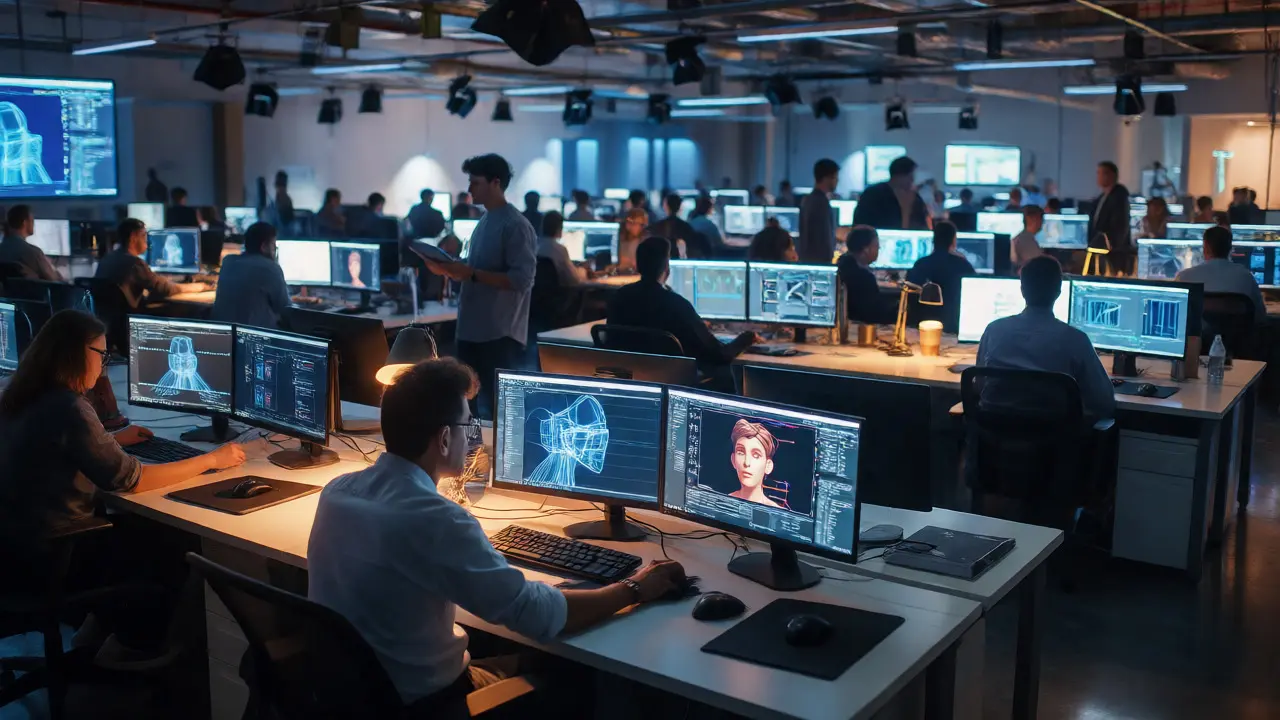
The biggest chunk of any major studio budget goes to labor and overhead. This is often called the "burn rate." A feature-length project might employ 300 to 500 artists, engineers, and technicians for several years. Even if you cut corners on software licenses, you cannot cut corners on human talent. The average salary for a senior animator at a top-tier studio like Pixar or DreamWorks sits comfortably in the six-figure range. Multiply that by hundreds of employees, add benefits, insurance, and office space, and you see how quickly the numbers climb.
Beyond salaries, there is the silent killer of budgets: iteration. In live-action, if a scene doesn't work, you might reshoot it. It's expensive, but it's contained. In animation, changing a character's expression might require re-rigging models, re-lighting scenes, and re-rendering thousands of frames. Each change triggers a cascade of technical work. Studios budget heavily for this "fix-it" phase because they know nothing goes right the first time. About 20-30% of the production budget is often reserved solely for problem-solving and revisions.
The Production Pipeline: Where Time Goes
Time is money, literally. The longer a project takes, the more overhead it consumes. Most major animated features follow a rigid three-phase structure: Pre-production, Production, and Post-production. Understanding where the bottlenecks happen helps explain the delays.
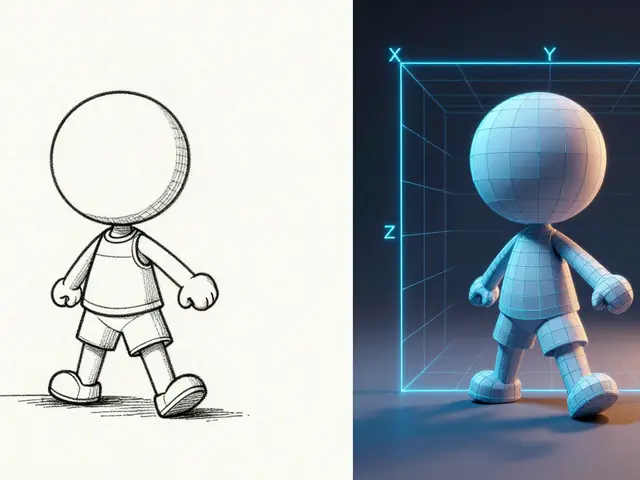
Pre-production (6-18 months): This is the design phase. Writers break the story, artists draw concept art, and modelers create the initial assets. It sounds creative, but it's also when the most expensive mistakes happen. If you decide to change the main character's design from a dog to a cat halfway through pre-production, you have to redo every model sheet, rig, and texture map. The goal here is to lock down the visual style and story beats before the heavy machinery starts running.
Production (18-30 months): This is the grind. Layout artists place cameras, animators move characters, and lighters make it look pretty. This phase is linear. You can't light a scene until it's laid out, and you can't animate a character until the layout is approved. If one department falls behind, everyone downstream waits. Idle teams still cost money. This is why studios use sophisticated tracking software to monitor progress frame-by-frame.
Post-production (3-6 months): Here, the footage comes together. Sound design, music scoring, and final editing happen. While shorter than the other phases, post-production is critical for pacing. A joke that lands perfectly in the storyboard might die in the edit if the timing is off by three frames. Adjusting timing means going back to the animators, which sends us right back into the expensive revision loop.
The Hidden Cost of Rendering
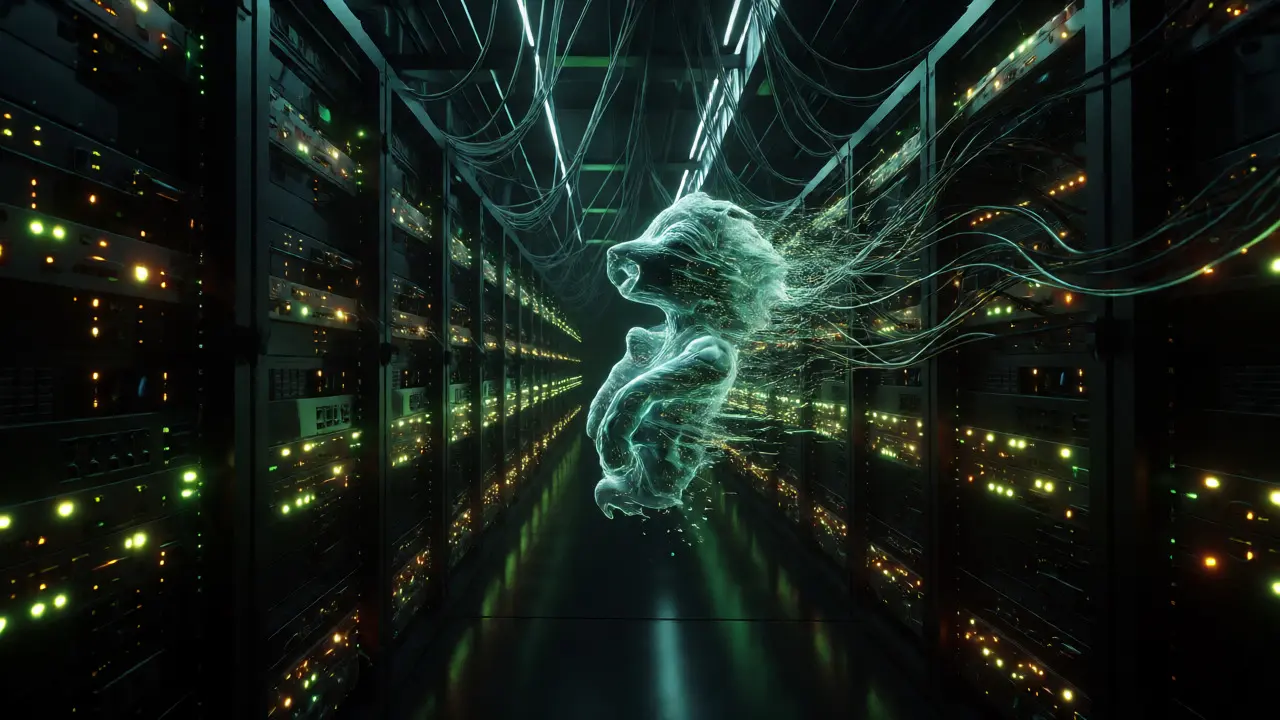
People often assume computers do all the work for free. Wrong. Computers eat electricity and hardware. When an animated film is finished, it needs to be rendered-turned from mathematical data into visible pixels. For a movie like Frozen II, the rendering process alone required over 1 billion core-hours.
Studios maintain massive render farms-clusters of thousands of servers working in parallel. Renting cloud computing resources or maintaining private server racks costs millions. If a lighting artist makes a mistake that requires re-rendering 90 minutes of footage, that's not just a click of a button. That's days of compute time burning cash. Complex simulations, like water, fire, or hair, are particularly expensive. Simulating realistic fur for a character like Sulley in Monsters, Inc. wasn't just an artistic choice; it was a technical challenge that pushed rendering capabilities to their limit.
| Production Type | Avg. Cost Per Minute | Primary Cost Driver |
|---|---|---|
| Hollywood Feature (3D) | $1.2M - $1.5M | Labor & Render Farm |
| Indie Feature (2D/3D) | $150K - $400K | Labor (Outsourced) |
| TV Series (High End) | $50K - $100K | Asset Reuse Efficiency |
| Short Film (Festival) | $5K - $20K | Volunteer/Low Pay Labor |
Why Indie Animation Struggles to Scale
If big studios spend $200 million, why can't indie creators make a movie for $2 million? They can, but the quality bar shifts dramatically. The economics of animation rely on economies of scale. Big studios amortize their technology development across multiple projects. They build proprietary tools for hair simulation or crowd management that cost millions to develop but save thousands of hours per film.
Independent studios often lack these tools. They rely on open-source software like Blender or commercial packages like Maya. While cheaper upfront, these tools require more manual intervention. An indie team might spend three weeks manually painting textures on a background building that a large studio would generate procedurally in an afternoon. This inefficiency eats into the tiny budget. To survive, indie films often lean on stylized aesthetics-think of Spider-Man: Into the Spider-Verse, which used comic book effects to hide the imperfections of lower-fidelity rendering.
Another factor is outsourcing. Many mid-budget animations send work to vendors in Canada, France, or India. This reduces labor costs, but it introduces communication hurdles. Managing a remote team across time zones adds administrative overhead. Misunderstandings lead to rework, and rework kills margins. Successful indie producers treat outsourcing not as a cost-cutting hack, but as a complex logistical operation requiring dedicated producers on both ends.
The Role of Technology in Cutting Costs
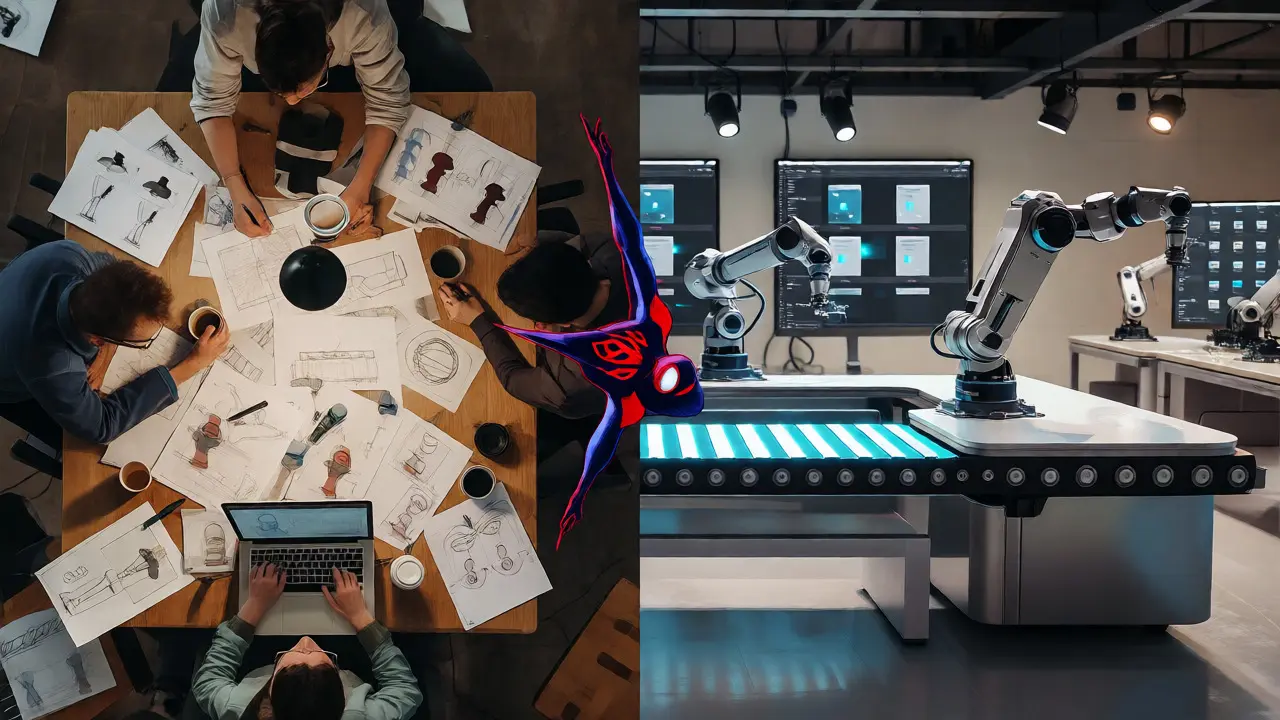
Is there hope for cheaper animation? Yes, but it comes with trade-offs. Real-time engines like Unreal Engine 5 are changing the game. Traditionally, you had to wait hours for a render to see what your lighting looked like. With real-time rendering, you see changes instantly. This speeds up the creative feedback loop significantly.
However, adopting new tech isn't free. Training staff on new pipelines takes months. Studios risk losing productivity during the transition. Moreover, real-time graphics, while impressive, often lack the nuanced complexity of offline rendering used in prestige films. Audiences notice the difference. If you're making a TV show, real-time might be perfect. For a theatrical release competing with Disney, it might feel too "video gamey."
AI is also entering the conversation. Tools that assist with in-betweening (the frames between key poses) or cleanup can save hundreds of hours. But AI isn't magic. It still requires human supervision. If an AI generates weird artifacts in a character's face, an artist still has to fix them. Currently, AI serves as a force multiplier rather than a replacement. It helps small teams punch above their weight class, but it doesn't eliminate the need for skilled oversight.
Pitfalls That Blow Up Budgets
Most animation disasters aren't caused by bad ideas; they're caused by scope creep. Scope creep happens when the story grows larger than the budget allows. Maybe the director wants another city sequence. Maybe the villain gets a bigger lair. Each addition ripples through the pipeline.
Here are three common traps:
- Unlocked Story: Changing the script after production has started is catastrophic. Once assets are built, changing the plot means deleting completed work. This is known as "throwing away work," and it's painful for morale and wallets.
- Over-Engineering: Building a car model with functional doors, engine parts, and interior details when it only appears in the distance for two seconds. Detail must match screen time.
- Poor Asset Management: Without strict naming conventions and organization, artists waste hours searching for files. Lost time equals lost money.
Experienced producers mitigate these risks by locking the script early and enforcing strict asset reuse policies. If you built a tree in Scene 1, you should use it in Scene 4. Redundancy is the enemy of efficiency.
How long does it take to make an animated movie?
Major studio animated features typically take 4 to 5 years from initial concept to release. Independent films may take 2 to 3 years but often with smaller crews and simpler visuals. Short films can range from a few months to a year depending on complexity.
Why is animation more expensive than live-action?
Animation requires creating everything from scratch, including characters, environments, and lighting. Every frame is crafted or simulated, whereas live-action captures reality with a camera. The labor hours per second of screen time are exponentially higher in animation.
Do computer graphics reduce animation costs?
Computers automate repetitive tasks but increase expectations for detail. While they speed up some processes, they allow for more complex simulations (like water or hair) which can drive costs up. The net effect is often higher quality at similar or higher costs, not necessarily cheaper production.
What is a render farm?
A render farm is a cluster of powerful computers used to process the complex calculations needed to turn 3D models into final images. Large studios own their farms, while smaller productions rent cloud computing power to handle peak rendering loads.
Can AI replace animators?
Not currently. AI assists with tedious tasks like in-betweening or rotoscoping, but it lacks the creative intent and nuance of human animators. Human oversight is still required to ensure emotional accuracy and technical correctness.