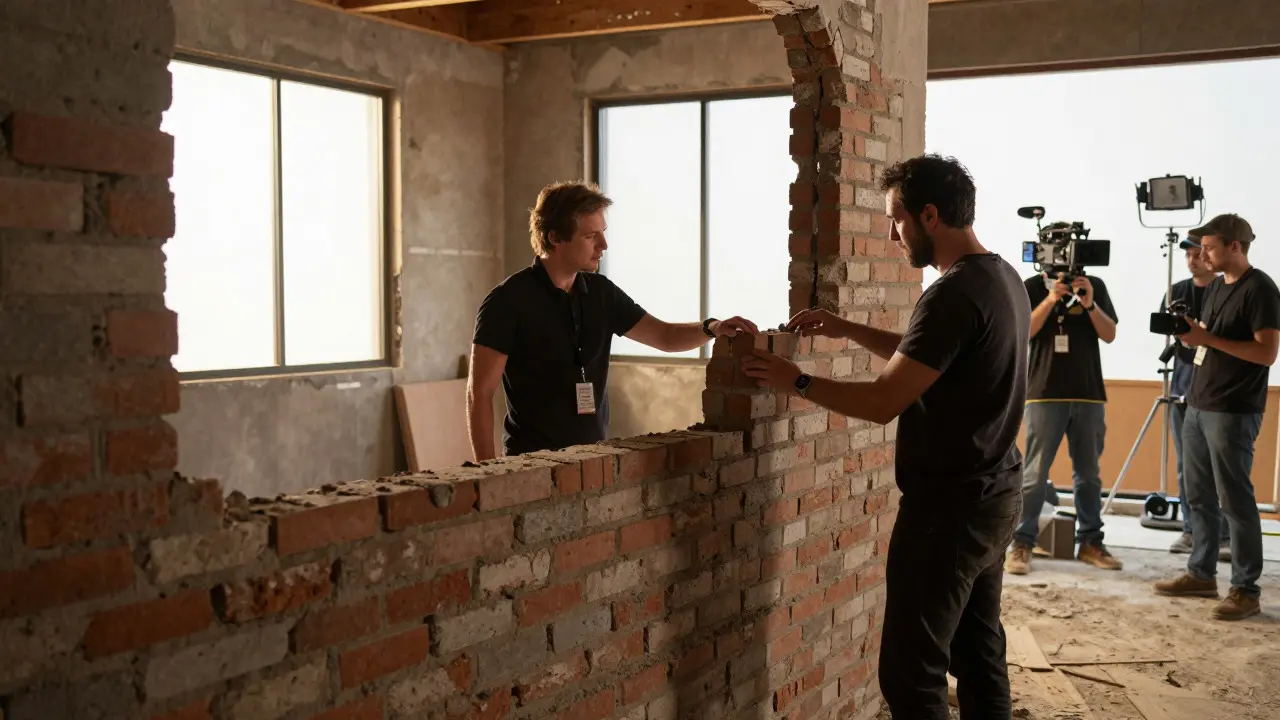
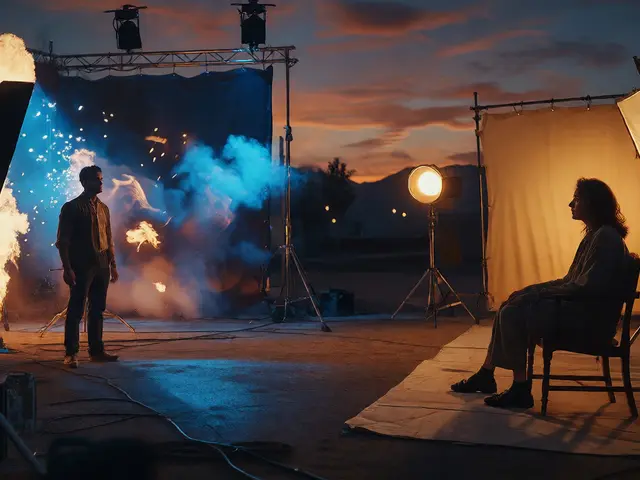
Ever walked onto a set and seen a half-built wall that looks like it belongs in a different century? That’s not an error. It’s a deliberate choice by the production designer to save money and time. The magic happens later, in post-production, where artists take those incomplete physical structures and finish them digitally. This process is known as set extensions, a core component of modern visual effects that blends practical sets with digital art to create seamless environments.
For directors and cinematographers, this technique offers flexibility. You can shoot wide angles without building expensive full-scale backgrounds, or you can change the weather, time of day, or even the entire location after the cameras stop rolling. But getting it right requires a tight collaboration between on-set teams and post-production artists. If the lighting doesn’t match, or the perspective is off, the audience will feel something is wrong, even if they can’t pinpoint exactly what.
What Exactly Are Set Extensions?
Set Extensions are digital techniques used to extend or complete a physical set by adding painted or modeled elements that blend seamlessly with live-action footage. While often grouped under Digital Matte Painting (DMP), set extensions specifically refer to filling in gaps left by practical construction. Think of a scene where actors stand in front of a brick wall that only goes up to their shoulders. The rest of the building, the sky, and the distant cityscape are all added in post.
This differs from full background replacement, where the entire environment behind the actors is removed and replaced. In set extensions, the physical set remains the anchor. The digital artist works around the existing geometry, matching shadows, reflections, and textures to make the transition invisible. It’s a subtle art form that relies heavily on accuracy rather than spectacle.
The Workflow: From Camera to Screen
Creating convincing set extensions isn’t just about painting pretty pictures. It follows a strict pipeline that starts long before the edit suite. Here’s how the process typically flows:
- Pre-Visualization (Previz): Before shooting, concept artists create rough sketches or 3D models of the extended environment. This helps the director understand the composition and scale.
- On-Set Data Capture: The camera operator records metadata like lens focal length, camera height, and movement paths. High-resolution stills of the set are taken under various lighting conditions to serve as references.
- Tracking: Motion tracking software analyzes the camera movement in the raw footage. This creates a virtual camera path that allows digital elements to move correctly in relation to the real world.
- Digital Painting/Modeling: Artists use tools like Adobe Photoshop or Nuke to paint the extension. For complex scenes, 3D modeling software like Maya or Houdini might be used to build geometrically accurate buildings.
- Compositing: The final step involves blending the digital elements with the live-action plate. Color correction, grain matching, and depth-of-field adjustments ensure everything looks like it was shot in one take.
Each step depends on the previous one. If the tracking is off by even a fraction of a degree, the extension will look like it’s floating or sliding against the background. Precision is non-negotiable.
Why Filmmakers Choose Digital Over Practical Builds
You might wonder why we don’t just build the whole thing. After all, a real brick wall feels more authentic, right? Not always. There are several practical reasons why set extensions have become standard in feature films:
- Budget Efficiency: Building a full skyscraper facade costs millions. Painting it digitally costs a fraction of that, especially when the building is only visible for a few seconds.
- Schedule Constraints: Construction takes weeks. Digital assets can be created and adjusted in days, allowing for faster turnaround on reshoots or last-minute changes.
- Controlled Environment: Shooting on location exposes productions to weather, noise, and traffic issues. A controlled set with digital extensions allows for perfect lighting and sound capture.
- Iterative Design: Directors often change their minds. It’s easier to repaint a digital background than to demolish and rebuild a physical structure.
However, there’s a trade-off. Physical sets provide tactile realism for actors and crew. They interact with real surfaces, which can influence performance. That’s why most major productions use a hybrid approach: build enough to sell the illusion, then let the VFX team do the heavy lifting.
Key Tools and Software in the Industry
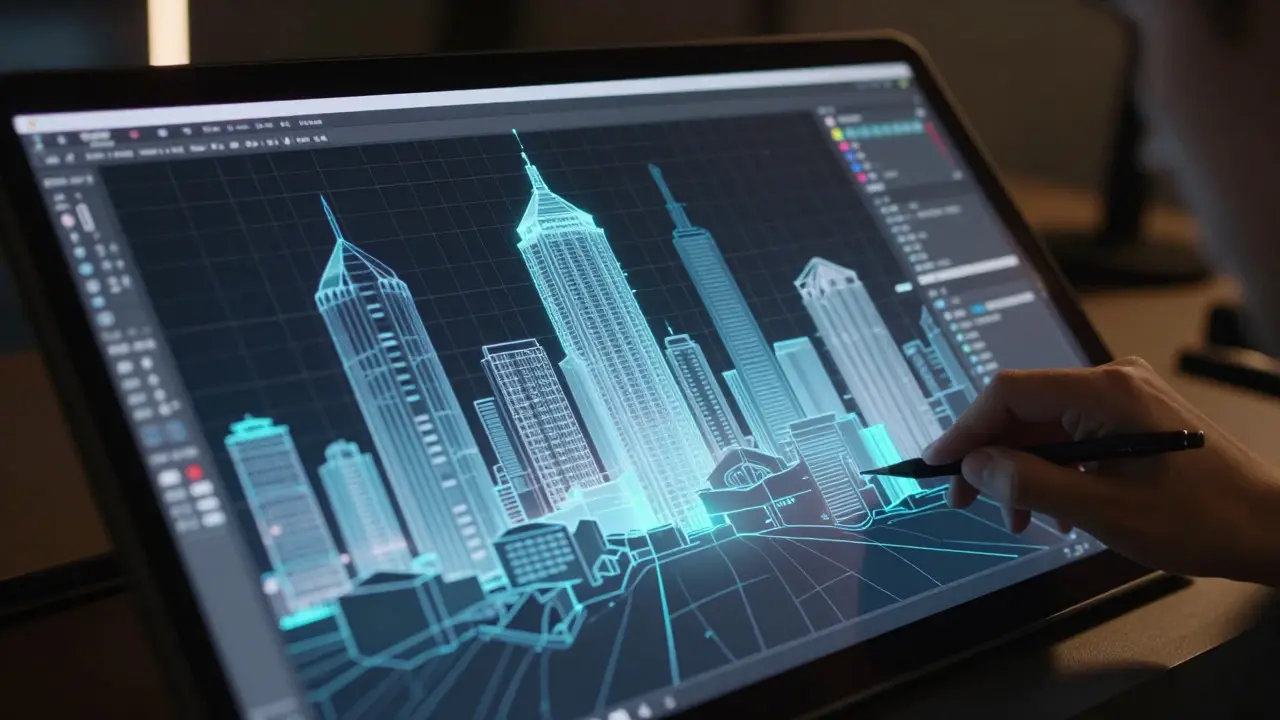
The toolkit for set extensions has evolved significantly over the past two decades. While traditional airbrushes and canvas are rarely used today, digital tools have become incredibly sophisticated. Here are some of the industry standards:
| Software | Primary Use | Best For |
|---|---|---|
| Adobe Photoshop | 2D Digital Painting | Static backgrounds, texture creation, quick fixes |
| Nuke | Compositing & Tracking | Integrating assets, color matching, high-end composites |
| Autodesk Maya | 3D Modeling & Animation | Complex architectural structures, moving objects |
| Houdini | Procedural Generation | Crowds, debris, large-scale environmental destruction |
| Mari | Texture Painting | High-resolution surface details for 3D models |
Most VFX studios use a combination of these tools. For example, an artist might model a building in Maya, paint its textures in Mari, track the camera in Nuke, and finally composite everything together in Nuke or Flame. The specific stack varies by studio, but the principles remain the same: accuracy, consistency, and seamless integration.
Common Pitfalls and How to Avoid Them
Even experienced teams can stumble. Here are the most common mistakes that ruin set extensions, along with tips to prevent them:
- Lighting Mismatch: The digital element must match the direction, intensity, and color temperature of the on-set lights. Always capture reference photos with light meters and color charts.
- Perspective Errors: If the vanishing points don’t align, the brain notices immediately. Double-check your tracking data and use grid overlays during painting.
- Over-Cleanliness: Real sets have dust, scratches, and imperfections. Digital extensions often look too perfect. Add grime, wear, and atmospheric haze to match the live-action plate.
- Lack of Depth: Flat paintings can look paper-thin. Use atmospheric perspective (distant objects are lighter and less detailed) to create a sense of depth.
Communication is key. Keep the VFX supervisor involved throughout the shoot. If they see a problem early, it’s cheap to fix. If they find out in post, it could cost thousands of dollars in rework.
The Future of Set Extensions
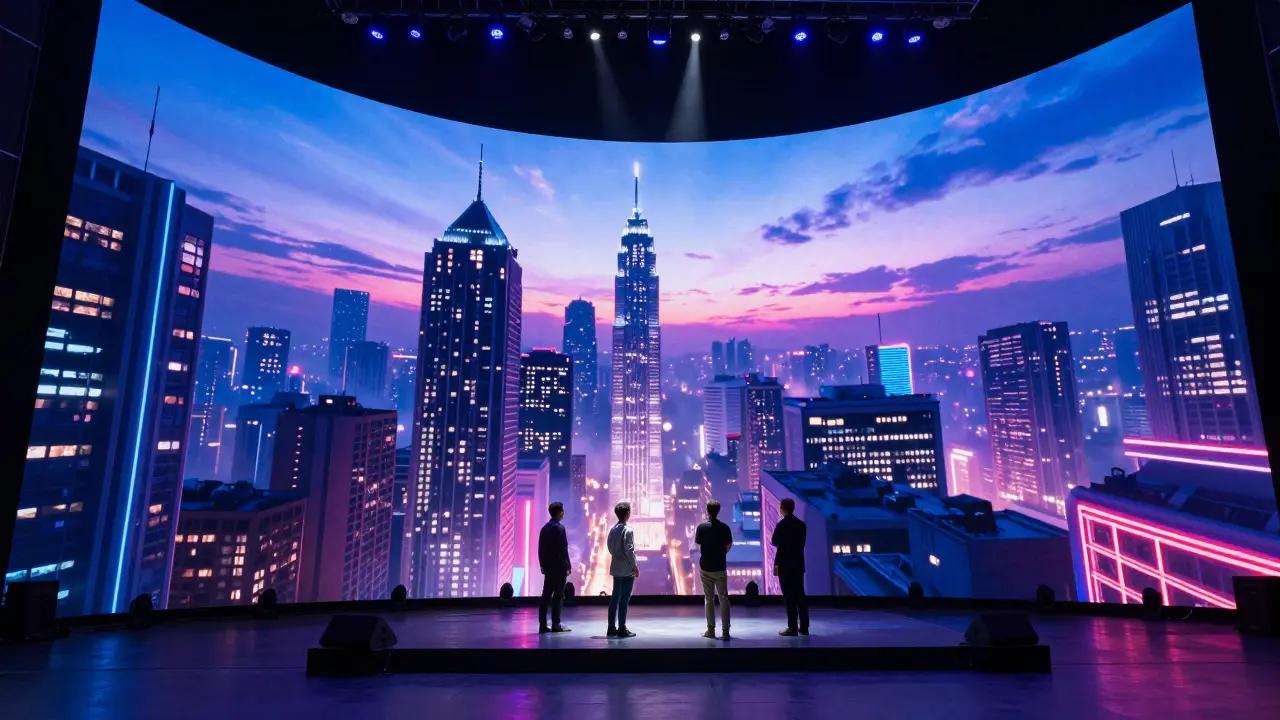
Technology is changing how we approach set extensions. Virtual production, using LED walls like those seen in The Mandalorian, is blurring the line between practical and digital. Actors can perform in front of real-time rendered environments, reducing the need for extensive post-production work. However, set extensions will likely remain essential for projects that require more artistic control or lower budgets than full virtual production setups.
As hardware becomes more powerful, real-time rendering engines like Unreal Engine are being used to generate photorealistic backgrounds on the fly. This means artists can adjust the environment while the camera is rolling, giving directors immediate feedback. The result is a more collaborative process where the boundary between the physical set and the digital world disappears entirely.
Frequently Asked Questions
How much does a set extension cost?
Costs vary widely depending on complexity. A simple sky replacement might cost a few thousand dollars, while a fully animated cityscape with moving cars could run into hundreds of thousands. On average, expect to pay per second of screen time, with rates ranging from $500 to $5,000+ per finished second for high-end feature films.
Do I need to know 3D modeling to do set extensions?
Not necessarily. Many set extensions are done in 2D using software like Photoshop. However, knowing basic 3D principles helps with understanding perspective and lighting. For complex scenes involving moving cameras or interacting objects, 3D skills are highly beneficial.
What is the difference between a matte painting and a set extension?
A matte painting is a broader term that refers to any digital artwork used to create or alter a scene. A set extension is a specific type of matte painting where the goal is to complete or extend an existing physical set. All set extensions are matte paintings, but not all matte paintings are set extensions.
Can set extensions be used for short films or indie projects?
Absolutely. In fact, indie filmmakers often rely on set extensions to stretch their budgets. With affordable software and freelance artists available online, it’s possible to achieve professional-looking results without a massive budget. The key is careful planning and attention to detail.
How long does it take to complete a set extension?
Timeline depends on complexity. A static background might take 1-3 days. A complex scene with animation, lighting, and compositing could take 2-4 weeks. Always build buffer time into your schedule for revisions and client feedback.


Comments(5)