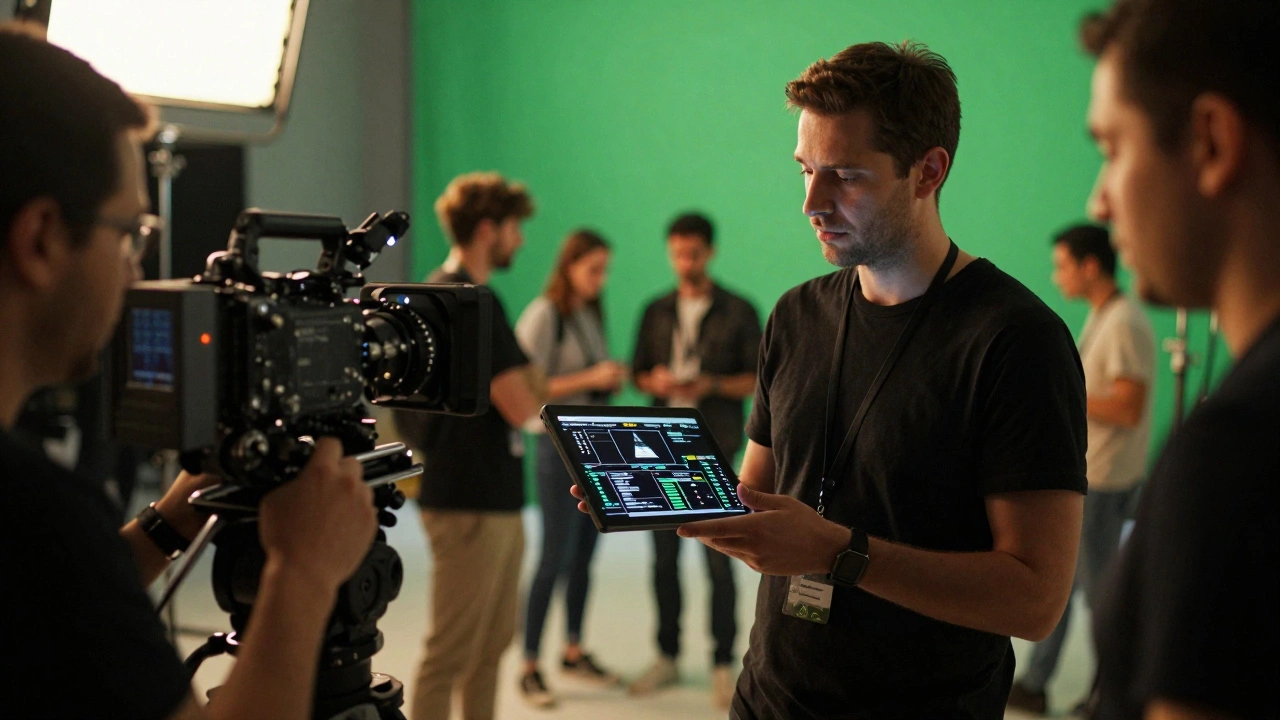
Imagine spending weeks rendering a complex explosion in post-production, only to find out the lighting on set didn't match your simulation. The fix? Reshoot. That costs thousands of dollars per hour and delays the entire schedule. This nightmare scenario is exactly why on-set VFX supervision exists. It’s not just about watching the magic happen; it’s about capturing the right data at the right time so that what you see on set translates perfectly into the final digital composite.
In modern filmmaking, the line between practical effects and visual effects has blurred. A director might shoot a scene with actors interacting with a green screen, while simultaneously using LED volumes for background environments. If the technical data isn’t captured meticulously during principal photography, the post-production team is left guessing. Guessing leads to errors, and errors lead to budget overruns. Let’s look at how professionals bridge this gap.
The Role of the On-Set VFX Supervisor
The VFX Supervisor (VFX Sup) is the creative and technical bridge between the director's vision and the final visual effects shots. Unlike the Director of Photography who focuses on exposure and color, or the Gaffer who manages power, the VFX Sup focuses on data integrity. Their job starts long before cameras roll, but their critical moment is when the slate claps.
Think of the VFX Sup as an insurance policy for your digital assets. They ensure that every element needed for compositing-camera movement, lighting conditions, scale references-is recorded. Without them, the post-production house receives footage without context. Context is everything in CGI. A floating rock looks different if it’s near a mountain versus floating in space. The Sup ensures the spatial relationship is documented.
They also manage expectations. Directors often want "we’ll fix it in post." The VFX Sup’s job is to gently explain what can be fixed and what cannot. Can we remove a wire? Yes. Can we add a dragon breathing fire onto a wet suit without reshooting the lighting? Probably not. These decisions are made on set, based on real-time data.
Essential Data Capture Techniques
Capturing data isn’t just about taking photos. It involves a suite of specific measurements and recordings. Here are the core components every professional crew must gather:
- HDRI Environment Maps: High Dynamic Range Images capture the full range of light intensity in a scene. By shooting a 360-degree panorama with a specialized camera rig, the VFX team gets accurate lighting information to match CG elements later. If the sun is setting, the HDRI captures that warm, low-angle glow precisely.
- Camera Tracking Markers: For motion control or rotoscoping, distinct markers placed in the frame help software track camera movement. These aren’t always visible in the final shot; sometimes they’re placed outside the lens frame or on props that will be removed digitally.
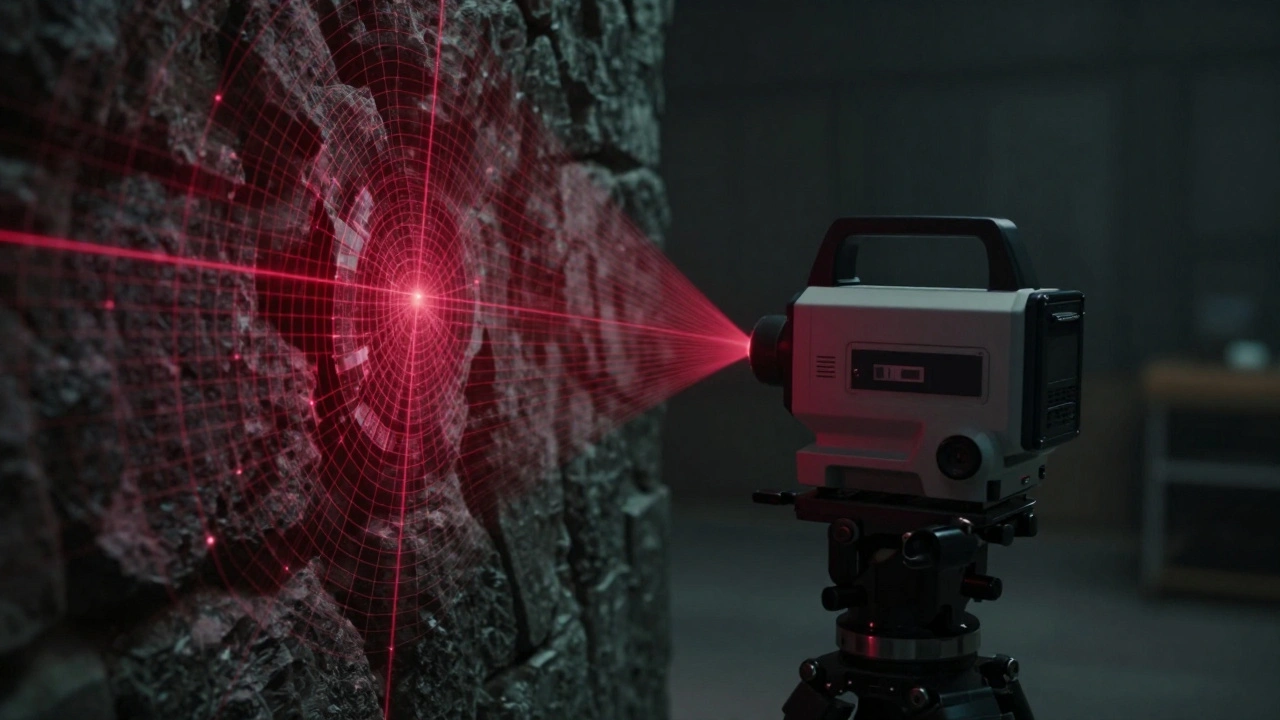
- Laser Scanning (LiDAR): Using laser scanners, teams create point clouds of the physical set. This provides millimeter-accurate geometry of walls, floors, and props. When you need to extend a hallway digitally, you don’t guess the dimensions; you use the scan data.
- Photogrammetry: Taking hundreds of overlapping photos of objects or locations allows software to reconstruct 3D models. This is crucial for creating digital doubles of real-world assets like cars, buildings, or intricate set pieces.
- Lighting Plots: Detailed diagrams showing the position, type, and intensity of all lights. This helps the lighting artist in post replicate the exact shadows and highlights seen on the actors.
Each of these techniques serves a specific purpose. HDRI handles global illumination. LiDAR handles geometry. Photogrammetry handles texture and detail. Missing one means the CG element will look "off" because it doesn’t interact correctly with the real world.
Virtual Production and Real-Time Rendering
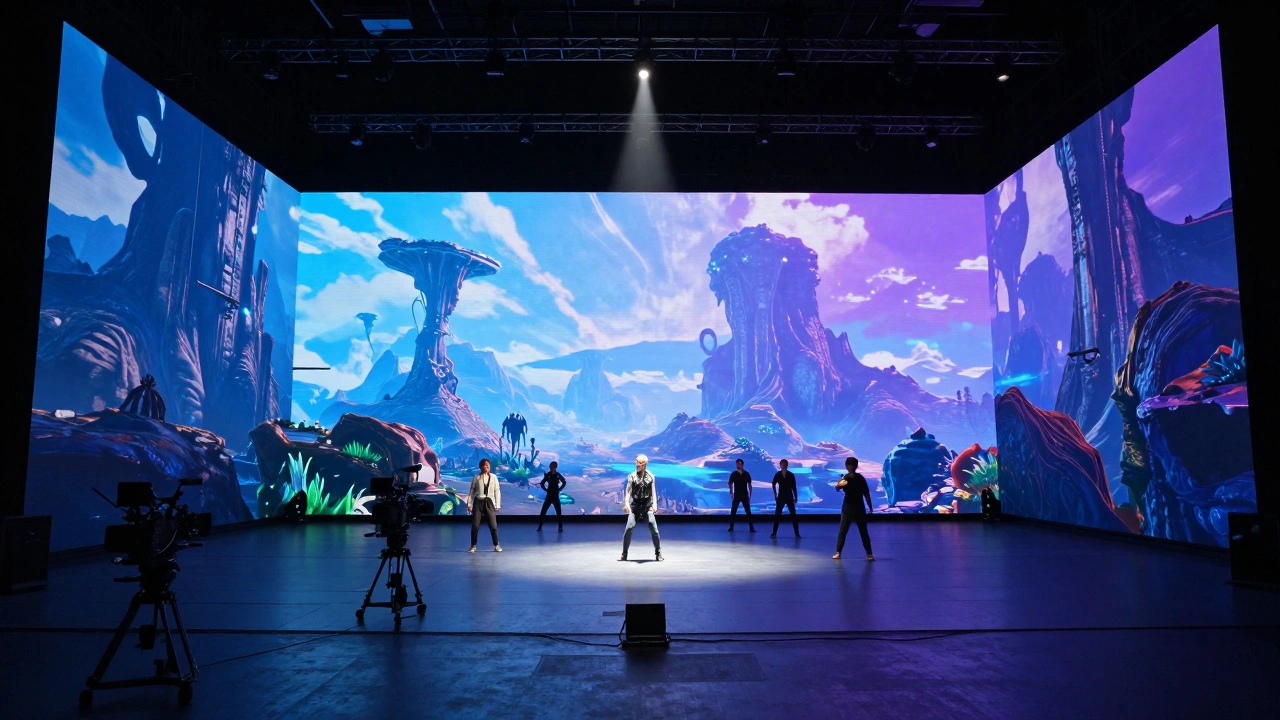
The industry has shifted significantly toward virtual production, popularized by shows like The Mandalorian. Instead of green screens, productions use massive LED walls displaying pre-rendered backgrounds. This changes the data capture workflow dramatically.
In traditional VFX, you shoot against a blank canvas and add the world later. In virtual production, the world is already there, lit by the LEDs. The challenge here is synchronization. The camera’s position and rotation must be tracked in real-time so the background perspective shifts correctly as the camera moves. This requires high-precision camera tracking systems linked directly to the render engine, usually Unreal Engine.
Data capture in this environment includes recording the virtual camera metadata alongside the live-action footage. You’re not just capturing pixels; you’re capturing the state of the virtual world at every frame. This includes fog density, sky time-of-day, and object positions within the LED volume. If the LED wall fails or needs adjustment, having this metadata allows for reconstruction in post.
Common Pitfalls and How to Avoid Them
Even experienced teams make mistakes. Here are the most common data capture failures and how to prevent them:
- Ignoring Scale References: Always place a person or a standard-sized object (like a tennis ball or a ruler) in the wide shots. Without scale, a CG car might end up looking like a toy or a monster truck. The human eye judges size relative to known objects.
- Poor Marker Visibility: Ensure tracking markers are high-contrast and not obscured by shadows or motion blur. If the tracking software loses the marker, you have to manually keyframe the camera, which is tedious and prone to error.
- Inconsistent Lighting Documentation: Don’t just note that a light was used. Note its color temperature, diffusion, and distance from the subject. A softbox two feet away creates a different falloff than one ten feet away.
- Forgetting Lens Distortion Data: Record the focal length and focus distance for every take. Anamorphic lenses squeeze the image horizontally; knowing the squeeze factor is vital for de-squeezing in post. Wide-angle lenses distort edges; this affects how CG elements are warped to match.
- Lack of Redundancy: Always back up data on set. Use dual-card recorders for tracking cameras and store scans in multiple locations. Losing terabytes of LiDAR data because of a corrupted SD card is a career-ending mistake.
Prevention is cheaper than cure. Spending ten minutes verifying your tracking markers saves hours of cleanup in post.
Workflow Integration: From Set to Post
Data capture is useless if it doesn’t reach the right people. The handoff from set to post-production must be seamless. This involves standardized file naming conventions and organized directory structures.
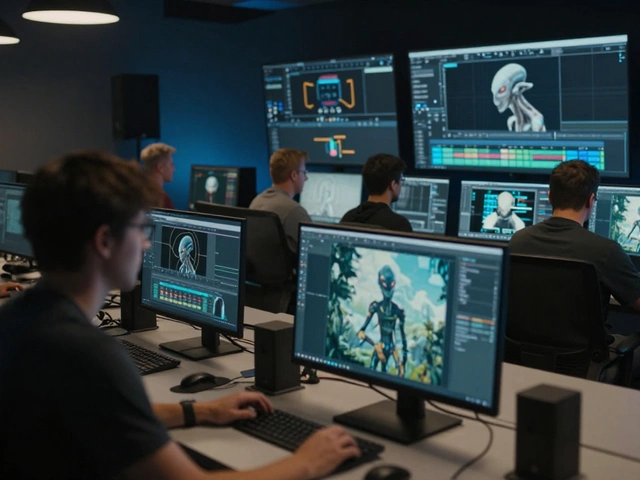
Consider this workflow: 1. **On Set:** The VFX assistant logs each take in a database, noting which shots require VFX and what data was captured (e.g., "Take 4: HDRI taken, LiDAR scan complete"). 2. **Daily Dailies:** Footage and metadata are uploaded to a secure server. The VFX review team watches dailies with the corresponding tracking data overlaid. 3. **Pre-Viz Check:** Before heavy rendering begins, the post team checks if the camera solve matches the footage. If there’s drift, they flag it immediately. 4. **Asset Delivery:** The scanned geometry and photogrammetry textures are delivered to the modeling department with clear notes on UV mapping requirements.
This structured approach minimizes communication gaps. When everyone speaks the same language of data, the project moves faster. Tools like ShotGrid or ftrack help manage this pipeline, linking physical takes to digital assets.
Future Trends in On-Set Data
As technology evolves, so does data capture. We’re seeing more integration of AI in tracking. Machine learning algorithms can now identify features in a scene automatically, reducing the need for manual marker placement. Neural radiance fields (NeRFs) allow for realistic 3D reconstructions from fewer images than traditional photogrammetry.
Additionally, cloud-based collaboration is becoming standard. Instead of waiting for hard drives to ship, teams upload raw data to the cloud instantly. Remote VFX supervisors can monitor set conditions via live video feeds and advise on lighting adjustments in real-time, even if they aren’t physically present.
These advancements mean that data capture is becoming less intrusive and more automatic. However, the fundamental principle remains: garbage in, garbage out. No amount of AI can fix missing lighting data or poor camera tracking. The human element of careful observation and planning is still irreplaceable.
What is the difference between a VFX Supervisor and a Visual Effects Artist?
A VFX Supervisor works on set during filming to ensure data is captured correctly and guide the creative direction. A Visual Effects Artist works in post-production, using that data to create the actual digital effects, composites, and animations. The Sup plans the shot; the Artist builds it.
Why is HDRI important for VFX compositing?
HDRI (High Dynamic Range Imaging) captures the full range of light in a scene, from deep shadows to bright highlights. This allows CG elements to reflect and refract light realistically, matching the natural lighting of the live-action footage. Without it, CG objects often look flat or artificially lit.
Can I do VFX without tracking markers?
Yes, feature-based tracking software can analyze natural details in the frame (like bricks on a wall) to calculate camera movement. However, this is less reliable than using dedicated markers, especially in scenes with little texture or fast motion. Markers provide a fail-safe reference.
How does virtual production change data capture?
In virtual production, the background is rendered in real-time on LED walls. Data capture focuses on synchronizing the physical camera’s movement with the virtual camera’s perspective. You also capture the virtual environment’s state (lighting, weather) as metadata, rather than relying solely on post-production additions.
What equipment is essential for on-set VFX data capture?
Essential gear includes a high-resolution camera for HDRI panoramas, a LiDAR scanner for geometry, a tracking camera system (like Mo-Sys or Stype), and standard DSLR/mirrorless cameras for photogrammetry. You also need sturdy tripods, calibration targets, and robust storage solutions for large data files.


Comments(6)