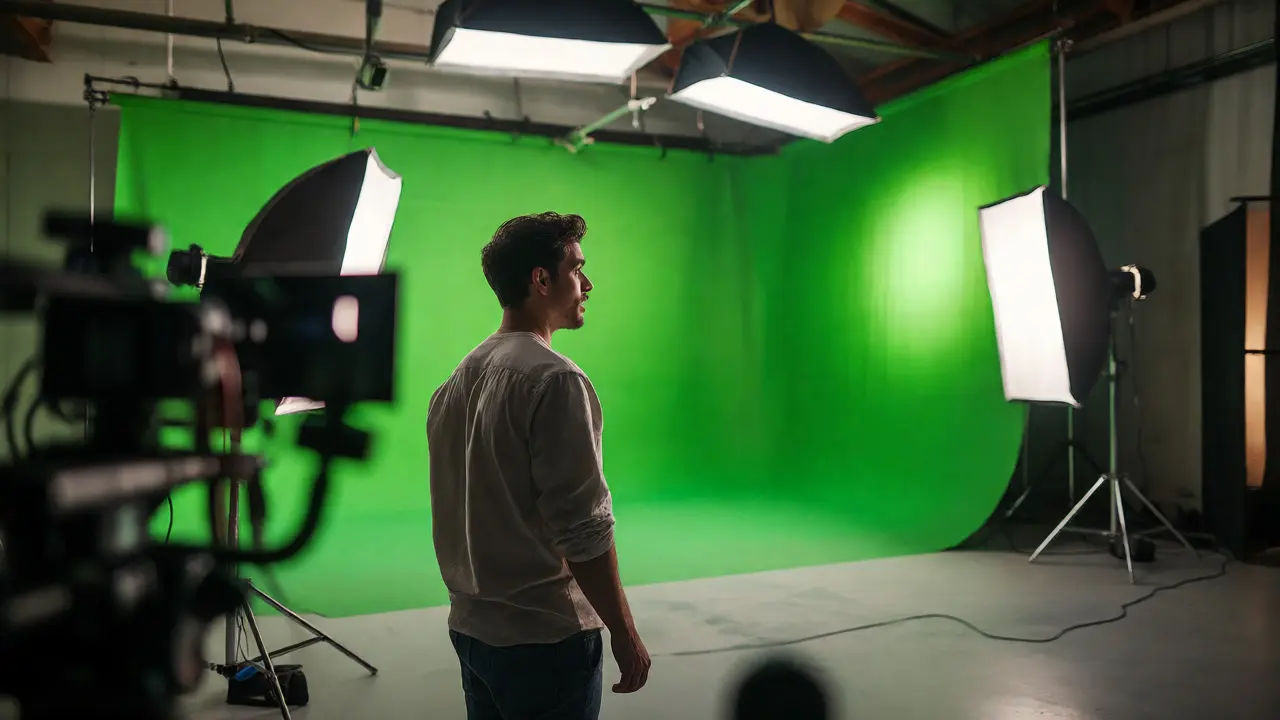
You’ve seen it a thousand times. An actor stands in front of a bright, neon-green wall, waving at nothing. To the audience, they’re standing on the surface of Mars or walking through a bustling Tokyo street. But behind the scenes, that green backdrop is just paint-or sometimes, fabric. Green screen technology, formally known as chroma keying, is a visual effects technique where a specific color background is removed from an image to replace it with another image. It sounds simple enough: shoot against green, swap green for sky. But getting that edge clean, keeping the lighting consistent, and making a human look like they actually exist in a digital world? That’s where the magic-and the headache-happens.
This isn’t just about hiding wires or faking weather. The evolution of this tech has fundamentally changed how movies are made, shifting power from location scouts to data wranglers. If you’re wondering why we moved from blue to green, or how actors interact with invisible monsters, you’re asking the right questions. Let’s break down how we got here, why the color matters, and what’s replacing the traditional green wall today.
Why Green? The Physics of Chroma Keying
First off, why green? Why not red or yellow? It comes down to human skin tones and camera sensors. Human skin contains varying amounts of red and yellow pigments. If you used a red background, half your cast would disappear when you tried to remove the background. Blue was the original standard because it sits far away from skin tones on the color spectrum. But there’s a catch: blue skies. If you’re filming outdoors or need a realistic daytime sky, blue keys can be tricky because natural light often reflects blue hues onto the subject.
Green became the dominant choice for digital cameras for two main reasons. First, digital sensors (like those in the ARRI Alexa or RED cameras) have twice as many green pixels as red or blue ones due to the Bayer filter pattern. This means green channels capture more detail and less noise. Second, green is brighter than blue. You don’t need as much light to illuminate a green screen evenly, which saves on power and reduces heat on set. However, if your actor wears green clothes, you’re stuck using blue. It’s a constant trade-off between lighting efficiency and costume design.
A Brief History: From Rear Projection to Digital Keys
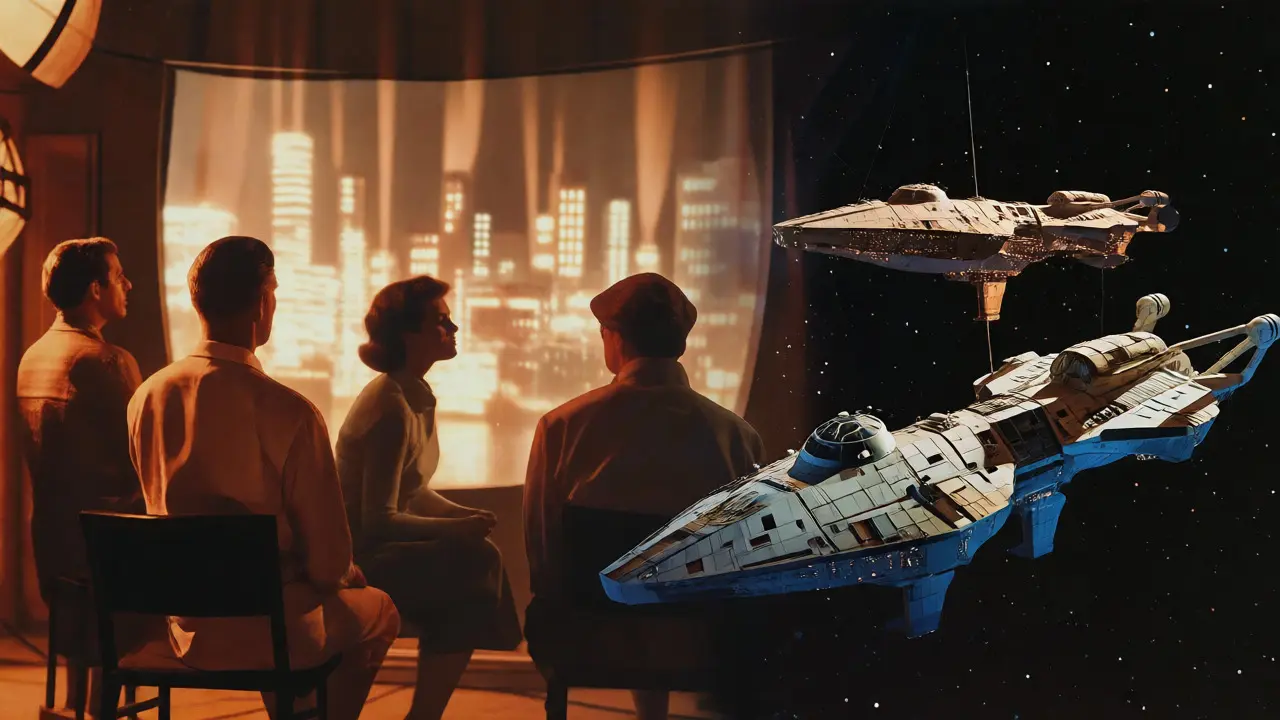
Before we had computers, we had tricks. In the early days of cinema, filmmakers used rear projection. They’d film the background footage first, then project it onto a translucent screen while filming actors in front of it. Think of the driving scenes in old Hitchcock films. The problem? The projected image was often blurry, and the actors looked detached from the environment because the focus didn’t match.
The real game-changer arrived in the 1950s with color separation matte techniques developed by Petro Vlahos. He realized that by shooting three separate strips of film-one for each primary color-you could isolate a single color channel to create a mask. This allowed for cleaner cuts than previous methods. By the time Star Wars hit theaters in 1977, Industrial Light & Magic (ILM) had perfected these optical printing processes. They shot spaceships against black velvet, then composited them over starfields. It was labor-intensive, frame-by-frame work, but it worked.
The shift to digital happened in the late 1980s and early 1990s. Software like Adobe After Effects and Discreet Combustion allowed editors to pull a "key" instantly. No more optical printers. No more waiting weeks for a lab to process a composite. You could change the background in seconds. This democratized VFX. Suddenly, indie filmmakers could put their characters in space without needing a Hollywood budget.
The Mechanics of a Clean Key
Pulling a good key isn’t just about hitting a button in software. It starts on set. If your lighting is bad, no amount of post-production wizardry will save you. Here’s the golden rule: keep the subject and the background lit separately. If you spill green light onto the actor’s hair or shoulders, you’ll get "fringing," where a green halo surrounds their head. To fix this, use flags to block light from hitting the screen, and keep the actor at least six feet away from the backdrop.
Once you’re in post, the process involves isolating the chroma value. Most modern tools use a tolerance slider. You increase the tolerance until all the green disappears, but be careful-if you go too high, you’ll start eating into the subject’s semi-transparent edges, like hair or glass. Advanced users employ "edge feathering" and "spill suppression." Spill suppression specifically targets the green tint reflected on the subject and shifts it toward magenta, neutralizing the contamination.
| Feature | Traditional Green Screen | LED Volume (StageCraft) |
|---|---|---|
| Lighting Source | Physical lights + Post-production color grading | Real-time reflections from LED screens |
| Actor Performance | Actors imagine the environment; eye lines can drift | Actors see the actual environment; natural eye lines |
| Post-Production Load | High (compositing, rotoscoping, keying) | Low (minimal cleanup needed) |
| Cost Structure | Lower upfront stage cost; higher VFX labor costs | Higher upfront technology cost; lower VFX labor |
| Best For | Small sets, controlled studio environments | Large scale worlds, dynamic lighting changes |
The Rise of the LED Volume
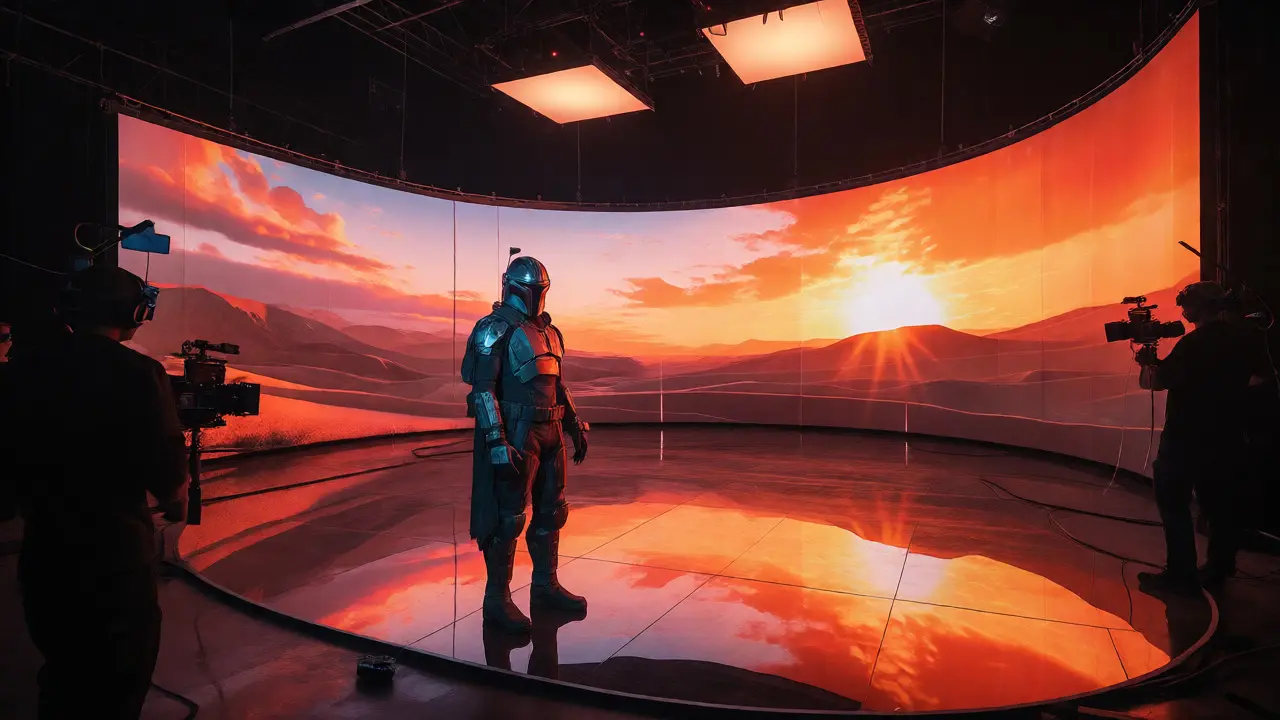
If you watched The Mandalorian, you noticed something different. The backgrounds weren’t added later. They were there, glowing behind Pedro Pascal in real time. This is the LED Volume, also known as StageCraft, which is a virtual production technique using massive curved LED walls driven by Unreal Engine to render photorealistic environments in real-time.
Why switch from green to LEDs? Because of reflections. When an actor stands in front of a green screen, their eyes reflect white light. When they stand in front of a sunset rendered on an LED wall, their eyes reflect orange. Their armor picks up the warm glow of the desert. This integration makes the final shot feel physically grounded. You don’t have to fake the interaction between the character and the world; the light does it for you.
However, LED volumes aren’t perfect. They require massive computing power to run the game engine in sync with the camera movement (using motion capture trackers). If the camera moves faster than the GPU can update the perspective, you get parallax errors-the background looks flat. Also, moiré patterns can appear on the screens if the shutter angle isn’t matched perfectly. It’s a high-tech solution, but it demands a crew that understands both cinematography and video game development.
Common Pitfalls and How to Avoid Them
Even with advanced tech, basic mistakes still happen. The most common issue is inconsistent lighting direction. If the sun in your digital background is coming from the left, but your physical lights are hitting the actor from the right, the brain rejects the image. It feels fake. Always match your HDRI maps (high-dynamic-range images used for lighting reference) to the background plate.
Another trap is ignoring focal length. If you shoot the actor with a wide-angle lens but composite them onto a background shot with a telephoto lens, the depth of field won’t match. The actor will look sharp while the background is blurred, or vice versa, creating a disconnect. Use the same lens settings for the foreground and the background plate whenever possible.
Finally, watch out for transparency issues. Glass, smoke, and water are nightmares for chroma keying. A green reflection on a wine glass might be mistaken for the background, causing parts of the glass to vanish. For complex transparent objects, consider using practical elements (real smoke, real rain) combined with digital extensions rather than trying to key everything out.
The Future: AI and Volumetric Capture
We are moving past simple 2D keys. Volumetric capture is the process of recording a subject in 3D space using multiple cameras, allowing the viewer to move around the captured performance freely. Instead of a flat image, you get a 3D point cloud or mesh. This means you can place a digital actor anywhere in a scene, change the camera angle after filming, and even adjust the lighting dynamically without reshooting.
AI is also automating the tedious parts. Tools now use machine learning to automatically detect edges, separate hair strands from the background, and predict missing pixels behind occlusions. What used to take a roto artist ten hours can now be done in minutes, though human oversight is still required to ensure artistic intent. The future isn’t just about removing backgrounds; it’s about generating entire worlds around performances in real-time.
Why do some productions still use blue screens instead of green?
Blue screens are preferred when the subject wears green clothing or accessories, as green would make those items disappear during the keying process. Additionally, older film stocks handled blue better than green, so some legacy workflows or specific aesthetic preferences still favor blue. However, for most digital shoots, green remains superior due to sensor sensitivity.
Can I use a green screen in daylight?
Yes, but it requires careful exposure management. Direct sunlight can blow out the green channel, losing detail. Overcast conditions provide softer, more even lighting, which is ideal for outdoor chroma keying. You must also account for wind moving the fabric, which can cause flickering in the key.
What is 'spill' in green screen terminology?
Spill refers to the colored light reflecting off the green screen and bouncing onto the subject. This creates a green tint on the actor's skin, hair, or clothing. It complicates the keying process because the software may mistake the spilled green on the subject for the background, causing holes in the subject's silhouette.
Is LED volume technology cheaper than green screens?
Not initially. LED volumes require expensive hardware, large stages, and specialized technical crews, leading to higher upfront costs. However, they can reduce post-production time and costs significantly by providing accurate lighting and reflections in-camera, potentially saving money on long-term projects with heavy VFX requirements.
How does AI improve chroma keying?
AI algorithms analyze pixel data to distinguish between background colors and similar-colored details on subjects (like hair or fur). They can automate rotoscoping, fill in gaps where the background shows through complex edges, and maintain temporal consistency across frames, reducing manual labor and improving accuracy.





Comments(5)