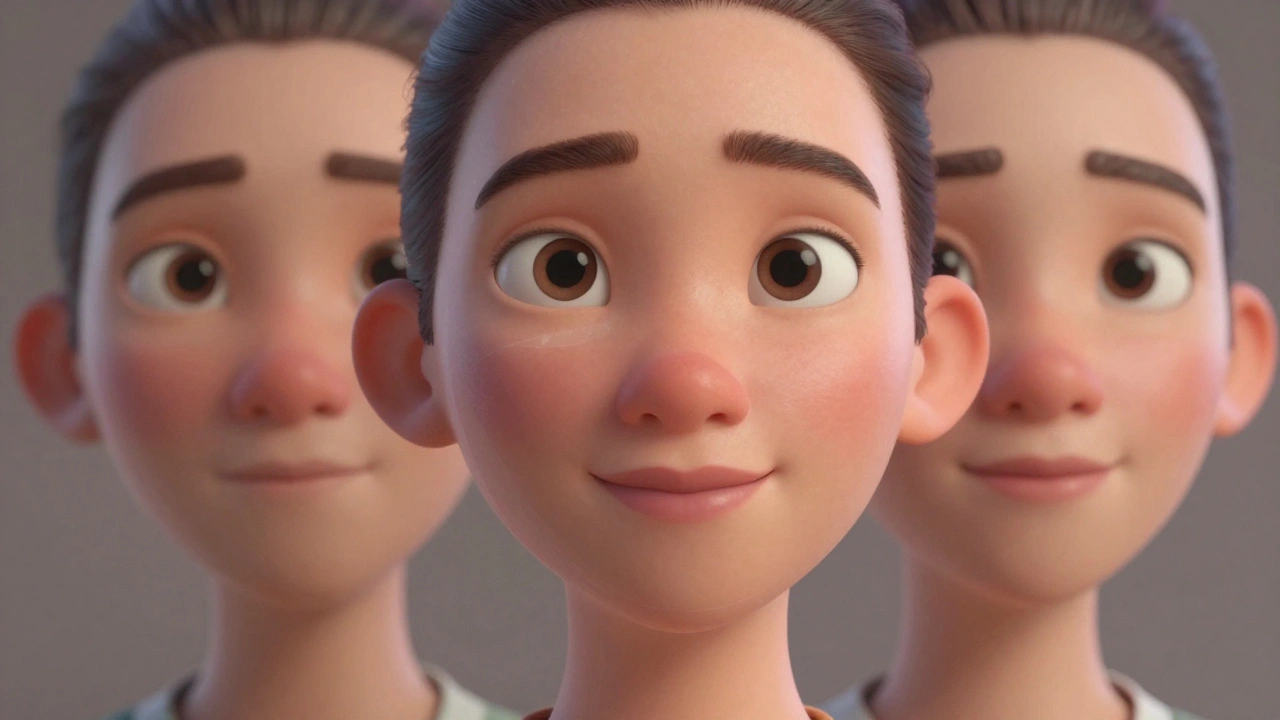
Ever wonder how animated characters like Woody from Toy Story or Elsa from Frozen look so real when they smile, frown, or raise an eyebrow? It’s not magic. It’s facial animation - and the secret weapon behind it? Blend shapes.
Blend shapes, also called morph targets, are the building blocks of lifelike facial expressions in animated films. They’re not new - studios have been using them since the 1990s - but today’s tools make them more precise, faster, and more emotional than ever before.
What Exactly Are Blend Shapes?
A blend shape is a single, pre-modeled version of a character’s face in a specific expression. Think of it like a clay sculpture of a character smiling, another one frowning, another with wide eyes. Each of these is a separate 3D mesh that slightly changes the shape of the face - the position of the lips, the curve of the brow, the puff of the cheeks.
When animators want a character to look surprised, they don’t manually move every vertex. Instead, they blend between a neutral face and the “surprised” blend shape. The software calculates how much of each shape to mix - say, 70% neutral, 30% surprised - and smoothly transitions between them. The result? A natural, believable expression in a fraction of the time.
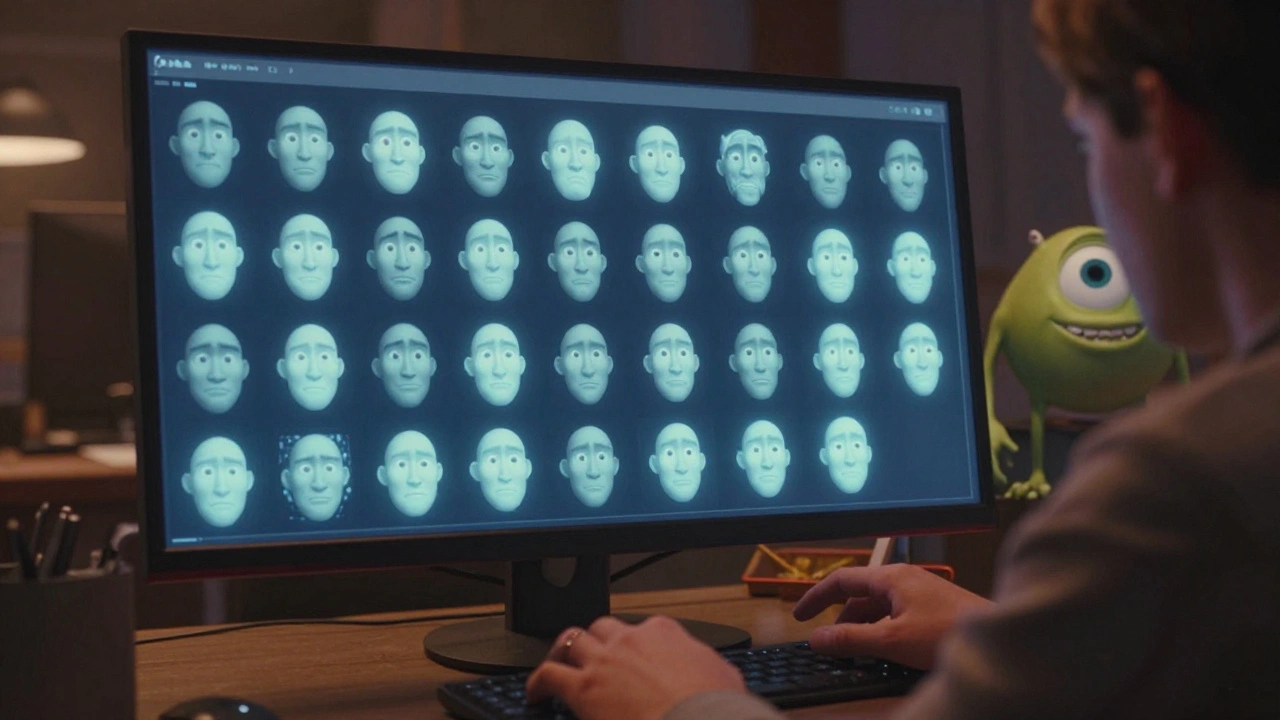
Modern studios like Pixar and DreamWorks use dozens - sometimes over 100 - blend shapes per character. For example, the character Sully from Monsters, Inc. had 87 unique facial shapes just to handle his fur, wrinkles, and subtle muscle movements. That’s not just detail - that’s emotional precision.
Why Blend Shapes Over Joint-Based Animation?
You might wonder: why not just rig the face like a skeleton? Move bones for the jaw, rotate the brow bone, and call it done?
That’s how video game characters often work - and it’s fast. But in film, realism matters. Bones can’t replicate the way skin stretches across a cheek when someone grins. Or how the nose wrinkles when someone snarls. Joints create mechanical motion. Blend shapes create life.
Here’s a simple comparison:
| Feature | Blend Shapes | Joint-Based Rigging |
|---|---|---|
| Realism | High - captures skin deformation | Low - creates stiff, mechanical movement |
| Control | Pixel-perfect expression shaping | Generalized bone rotation |
| Setup Time | Long - requires sculpting dozens of shapes | Short - quick rig setup |
| Best For | Feature films, cinematic close-ups | Video games, real-time rendering |
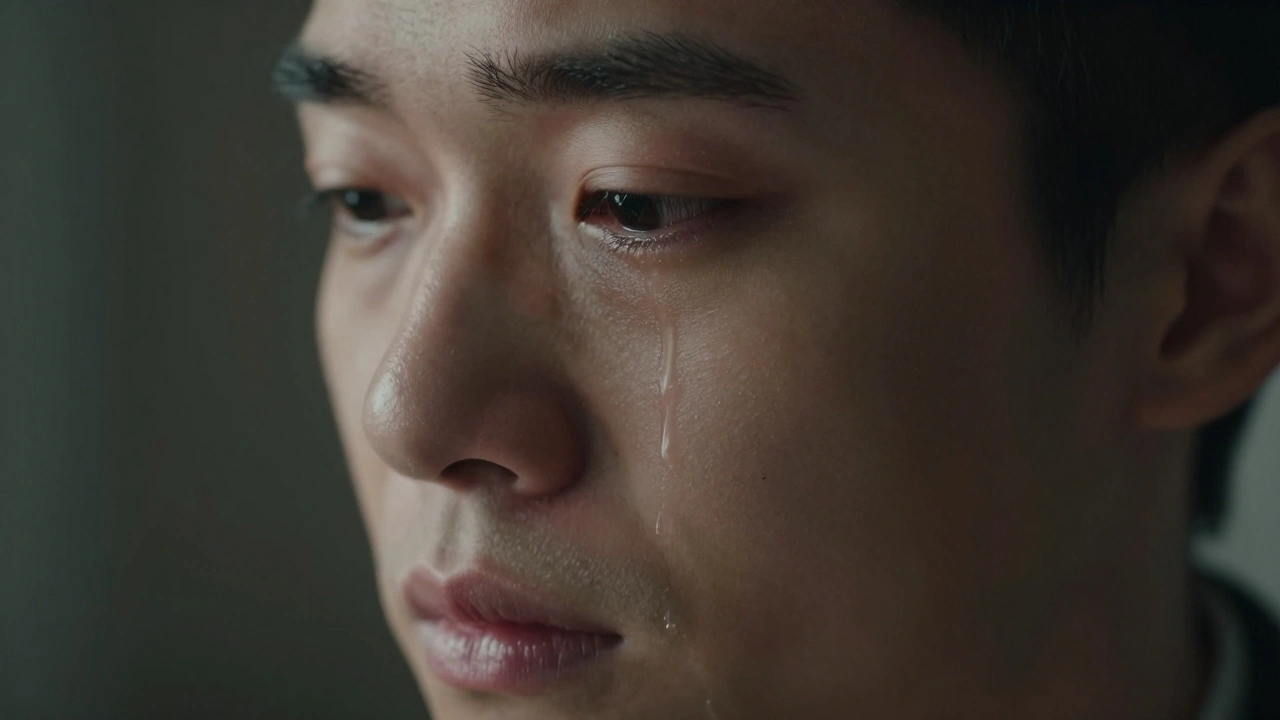
For animated films, the extra work pays off. A single frame of a character’s tear rolling down their cheek? That’s not one blend shape - it’s a sequence of 12 to 15 shapes, blended over 0.4 seconds. Each one tweaked by hand.
The Anatomy of a Realistic Face
Creating expressive characters isn’t about slapping on a smile and a frown. It’s about understanding human anatomy - and then exaggerating it just enough to feel emotional, not realistic.
Most facial blend shape sets include:
- Basic shapes: Neutral, smile, frown, open mouth, closed mouth
- Eyebrow shapes: Raised left, raised right, both up, both down, furrowed
- Eyelid shapes: Blink, squint, wide open, upper lid droop
- Nose and cheek shapes: Sneer, flared nostrils, cheek puff, dimple
- Lip shapes: Pout, lip corner pull, lip press, tongue press
- Complex shapes: Laugh, cry, yell, gasp, sneeze - these are often combinations of 3-5 basic shapes
Each of these shapes is sculpted from reference footage. Animators film real people making expressions - sometimes with markers on their faces - then use that data to build the digital versions. Some studios even scan actors’ faces mid-expression. The result? A character that doesn’t just move - it feels.
How Blend Shapes Drive Emotion
It’s not enough to make a character look like they’re crying. You need to make the audience feel it.
Take the scene in Inside Out where Riley cries in the hallway after moving to a new city. That moment works because the animation isn’t just about tears. It’s about the way her lower lip trembles. The slight tilt of her head. The way her eyes don’t fully close when she blinks - because she’s trying to hold back.
Those details? They come from blend shapes. Each micro-expression was hand-animated using 8-12 overlapping shapes. The animators didn’t just pick “sad face” from a menu. They layered: 40% lower lip drop, 25% eyelid heaviness, 15% brow inward, 10% chin tremble - and then adjusted the timing frame by frame.
That’s the power of blend shapes: they turn emotion into a dial you can fine-tune. Not just “happy” or “angry,” but “happy but scared,” “angry but guilty,” “confused but hopeful.”
Modern Tools and Workflow
Today’s animation pipelines are built around blend shapes. Software like Autodesk Maya, Blender, and proprietary tools from studios like Pixar use blend shape systems that let animators:
- Drag sliders to mix shapes in real time
- Record facial motion capture data and convert it directly into blend shape keys
- Use machine learning to auto-generate missing shapes from video
For example, the team behind Guillermo del Toro’s Pinocchio used a hybrid system: they scanned real puppets, then used motion capture from human actors to drive blend shapes on the digital version. The result? A character that felt handmade - but moved with the fluidity of a real human.
Even indie animators can access these tools now. Blender’s Shape Keys system lets anyone build a full facial rig for free. You don’t need a studio budget - just time, reference footage, and patience.
Pitfalls and Common Mistakes
Blend shapes aren’t magic. Poorly built ones can make characters look weird - or worse, creepy.
Here are three mistakes to avoid:
- Too many shapes: 150+ shapes can slow down rendering and confuse animators. Focus on the 20-30 that carry 80% of the emotion.
- Asymmetrical shapes: If the left smile is different from the right, the character will look unbalanced. Always mirror shapes.
- Ignoring topology: If the mesh doesn’t deform cleanly between shapes, you get unnatural pinching or stretching. Good topology - how vertices connect - is just as important as the shape itself.
Also, never rely on blend shapes alone. They work best with a solid underlying rig. Jaw movement, neck tilt, and even shoulder motion all affect how a face reads. A smile isn’t just lips - it’s the whole upper body leaning in.
The Future: AI and Real-Time Blend Shapes
What’s next? AI is starting to automate parts of blend shape creation. Tools like Meta’s Make-A-Video and NVIDIA’s Omniverse can now generate facial expressions from voice audio - no manual sculpting needed.
But here’s the catch: AI-generated expressions often feel generic. They lack the nuance of human animation. That’s why studios still use hand-crafted blend shapes as the foundation. AI just helps fill in the gaps.
Real-time rendering is also changing things. Games like The Last of Us Part I now use blend shapes for cinematic cutscenes - proving that what was once exclusive to films is now crossing over. The line between game and movie animation is fading.
Final Thought: It’s All About Feeling
At the end of the day, facial animation isn’t about technology. It’s about connection.
When a character’s eyes flicker - just for a frame - before they say something important, that’s the moment you lean in. That’s the moment you care.
Blend shapes make that possible. They’re the quiet, invisible art behind every tear, laugh, and whisper in your favorite animated films. And if you ever watch one again, pay attention to the face. You’ll see it now - not as pixels or polygons, but as feeling, shaped by hand, frame by frame.
What’s the difference between blend shapes and facial rigging?
Facial rigging uses bones and joints to move parts of the face, like the jaw or eyebrows. Blend shapes are pre-modeled facial expressions that are smoothly mixed together. Rigging is good for basic movement, but blend shapes create realistic skin deformation and subtle emotional details that rigs can’t achieve.
How many blend shapes does a typical animated character need?
Most professional film characters use between 50 and 120 blend shapes. Simpler characters might use 30-40, while highly detailed ones - like those in Pixar or DreamWorks films - can have over 100. The key isn’t quantity - it’s quality. Each shape should serve a clear emotional purpose.
Can you use blend shapes in video games?
Yes, but it’s rare for real-time gameplay due to performance limits. However, many modern games use blend shapes for cutscenes and cinematic moments. Titles like The Last of Us Part I and Red Dead Redemption 2 use them to deliver emotionally powerful scenes that feel film-quality.
Do you need motion capture to use blend shapes?
No. Motion capture helps speed up the process by giving animators real human data to work from, but many studios still hand-animate facial expressions frame by frame. Blend shapes are a tool - you can build them from photos, video, or even imagination.
What software is best for creating blend shapes?
Industry standards include Autodesk Maya and Blender. Maya is used by most major studios for its advanced tools and integration with pipelines. Blender is free and has powerful shape key systems that work great for indie animators. Other tools like ZBrush are often used to sculpt the base shapes before importing into animation software.



Comments(9)