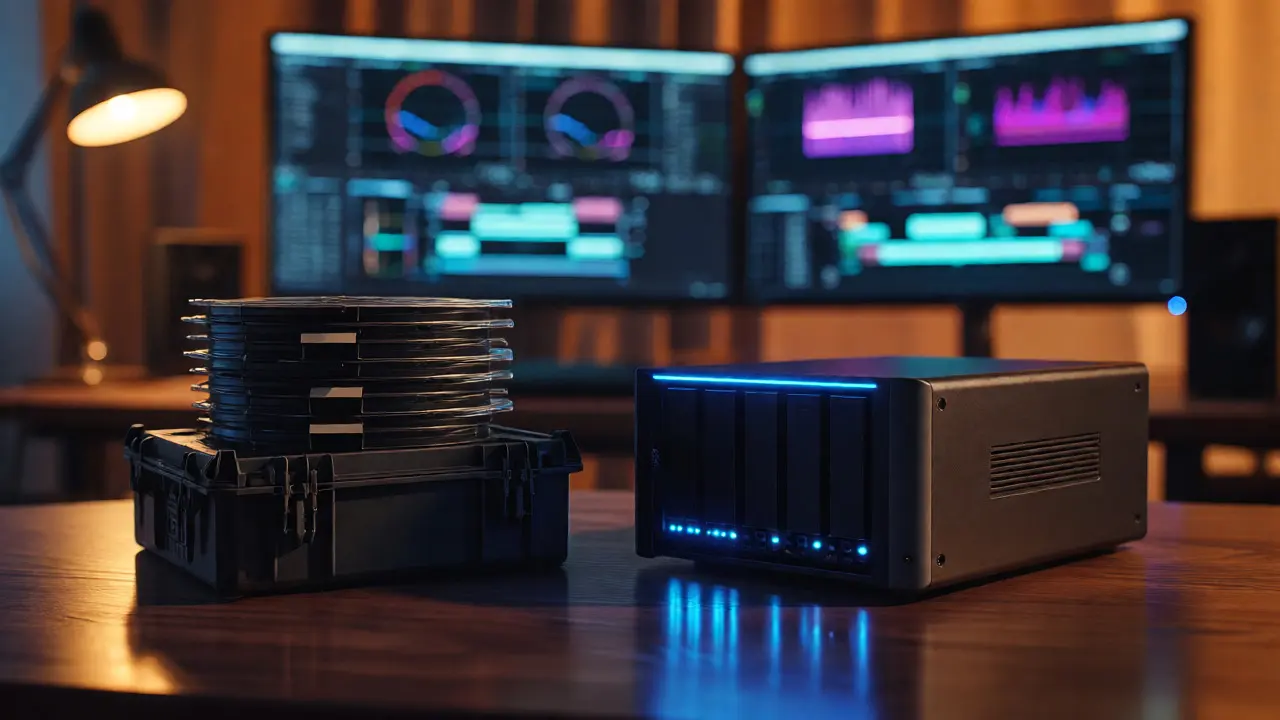
You just finished your feature. The color grade is perfect, the sound mix is tight, and you hit export. Now comes the part nobody talks about at wrap parties: where does this massive pile of data actually live for the next fifty years? If you throw it on a hard drive in a closet, you’re gambling with bit rot. If you rely solely on cloud services, you’re betting your life’s work on a company’s quarterly earnings report. Archiving digital films isn’t just about copying files; it’s about building a system that survives hardware failures, format obsolescence, and simple human error.
The Myth of "Set It and Forget It"
Here’s a hard truth: there is no such thing as permanent storage. Every medium degrades. Hard drives have mechanical parts that wear out or magnetic domains that fade. SSDs leak charge over time if left unpowered. Even optical discs like Blu-ray can suffer from delamination. The goal isn’t to find an immortal box; it’s to create a redundancy strategy that catches failure before it becomes catastrophic.
Think about the last time your phone crashed. You lost photos because they were only on one device. Multiply that risk by terabytes of RAW footage and high-resolution masters. A single point of failure is unacceptable for professional work. You need a layered approach, often called the 3-2-1 rule, but adapted for the realities of modern filmmaking tech in 2026.
Understanding Your Mediums: HDD vs. SSD vs. Tape
Choosing the right container for your data depends on how often you need to access it. Let’s break down the current landscape.
Magnetic Tape (LTO) remains the gold standard for cold storage. Linear Tape-Open technology offers unmatched longevity-often cited as 30+ years under proper conditions-and cost efficiency per terabyte. Unlike spinning disks, tape doesn’t require constant power to maintain its state. However, accessing a specific frame on tape is slow. You don’t edit off tape; you archive to tape.
Hard Disk Drives (HDD) are still viable for near-line storage, meaning data you might need within a year or two. But not all HDDs are created equal. Consumer-grade desktop drives have higher failure rates than enterprise-class NAS drives. If you use HDDs, you must replace them every 3-5 years regardless of whether they seem healthy. They are ticking clocks.
Solid State Drives (SSD) are great for active projects but risky for long-term archival if left unpowered. NAND flash cells can lose their charge after 1-2 years without electricity, leading to data corruption. Use SSDs for editing rigs, not for the vault.
| Medium | Expected Lifespan | Cost per TB | Access Speed | Best For |
|---|---|---|---|---|
| LTO Tape (Gen 9) | 30+ Years | $ | Slow (Sequential) | Cold Archival |
| Enterprise HDD | 3-5 Years | $$ | Fast | Near-Line Access |
| Consumer HDD | 2-4 Years | $$ | Medium | Short-term Backup |
| Cloud Object Storage | Indefinite* | $$$ (Recurring) | Variable | Offsite Redundancy |
The 3-2-1 Rule, Updated for Filmmakers
You’ve heard of the 3-2-1 backup rule: three copies of your data, on two different types of media, with one copy offsite. In 2026, we tweak this slightly for digital cinema packages (DCPs) and RAW files.
- Copy 1 (Working Master): Keep this on a fast RAID array or high-performance NAS. This is what you use for dailies, client reviews, and re-exports.
- Copy 2 (Local Archive): Write this to LTO tape or a dedicated set of external HDDs stored in a fireproof safe. This protects against theft, fire, or local flood.
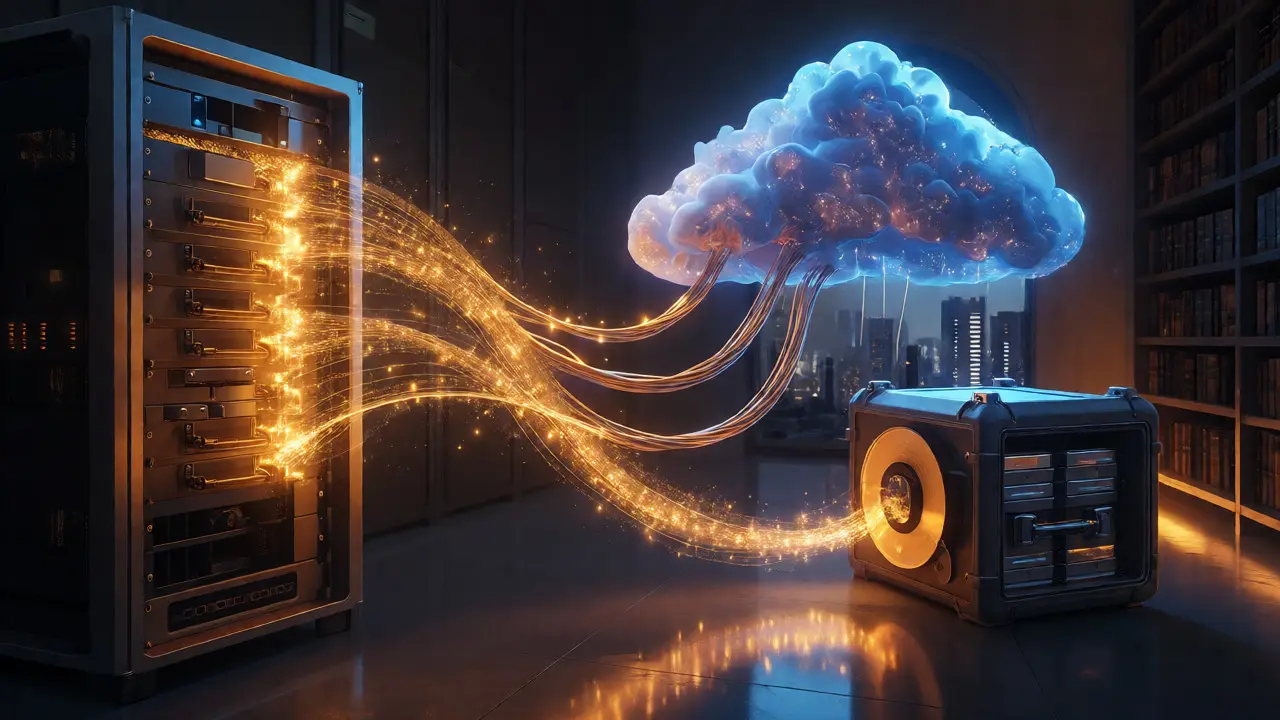
- Copy 3 (Offsite/Cloud): Store this in a reputable cloud provider (like AWS Glacier Deep Archive or Backblaze B2). This protects against regional disasters like earthquakes or hurricanes.
Why tape for Copy 2? Because tapes are offline. When they are sitting on a shelf, ransomware cannot encrypt them. Cloud storage is convenient, but it’s always connected, making it vulnerable to sync errors or malicious attacks if your account credentials are compromised.
File Formats: Choosing Containers That Won’t Die
Storing the bits is half the battle. Making sure those bits remain readable in 2076 is the other half. Proprietary codecs tied to specific software versions are dangerous. If the vendor goes bankrupt or stops supporting the codec, your video might become unplayable.
FFV1 (FFmpeg Video Codec 1) is widely regarded by archivists as the future-proof choice for lossless video. It is open-source, uncompressed, and has no patent restrictions. While the file sizes are massive compared to H.264, FFV1 ensures that the raw pixel data is preserved exactly as captured.
For audio, avoid proprietary session files alone. Always render stems (dialogue, music, effects) into broadcast WAV files. These are standardized, documented, and supported by every audio workstation ever made. Never rely solely on a project file from Adobe Premiere Pro or DaVinci Resolve to hold your audio mix; things change too fast.
Metadata matters more than you think. Embed sidecar XML files alongside your media. Document camera settings, lens choices, color space transforms, and checksums. Without this context, a future archivist might see a black-and-white image and assume it was shot that way, when in fact it was a log profile waiting for a specific LUT that no longer exists.
Data Integrity: The Silent Killer
Data corruption happens silently. A bit flips here, a sector fails there. You won’t notice until you try to play the file and get a glitched frame. To combat this, you need verification tools.
Use checksums. Tools like xxHash or MD5 generate a unique fingerprint for each file. When you write to tape or upload to the cloud, record these hashes. Periodically run a script to recalculate the hash of the stored file and compare it to the original. If they match, your data is intact. If they differ, you have corruption.
This process, known as data scrubbing, should happen annually. Many enterprise NAS systems automate this, checking parity blocks to repair minor errors automatically. If you’re using standalone drives, manual scripts are your best friend. Don’t skip this step. It’s the difference between a minor annoyance and losing a scene entirely.
The Cloud Trap: Recurring Costs and Vendor Lock-in
Cloud storage feels cheap upfront. Paying $5/month for 2TB sounds manageable. But scale that to 50TB of archival footage, and you’re looking at hundreds of dollars every month, forever. Over ten years, cloud storage often costs more than buying and maintaining a physical server room.
Worse, retrieval fees can be brutal. Some providers charge significant amounts to download your data (egress fees). If you need to pull a master for a remastering project five years from now, the bill could shock you. Read the fine print on tiered storage classes. "Deep Archive" tiers are cheap to store but expensive and slow to retrieve.
Consider hybrid models. Keep active projects on local fast storage. Move completed projects to low-cost cloud object storage. Keep the absolute final masters on LTO tape in a climate-controlled facility. This balances cost, speed, and security.
Practical Checklist for Your Next Project
Before you delete your scratch drives, run through this list:
- Consolidate: Merge scattered folders into a single directory structure per project.
- Transcode: Convert final masters to FFV1/MKV or ProRes 4444 XQ depending on your workflow needs.
- Render Audio: Export all audio stems as 24-bit/48kHz WAV files.
- Generate Checksums: Create a manifest file listing MD5/SHA256 hashes for every asset.
- Write to Tape: Use LTFS format for easy drag-and-drop compatibility on Mac/PC.
- Upload to Cloud: Push encrypted archives to a cold-storage cloud tier.
- Verify: Download a random sample from the cloud and verify its checksum against your local copy.
- Document: Save your LUTs, color spaces, and software versions used in the final export.
Frequently Asked Questions
Is cloud storage enough for long-term film archiving?
No, not on its own. While reliable, cloud services are subject to subscription lapses, company policy changes, or service outages. Best practice dictates using cloud storage as one leg of a multi-location backup strategy, never the sole repository for irreplaceable masters.
How often should I migrate my archived data?
For hard drives, every 3-5 years. For LTO tape, migration is typically driven by format obsolescence rather than degradation, occurring roughly every 10-15 years when newer tape generations offer better density and reliability. Always test read speeds and integrity during migration.
What is the best file format for archiving video?
FFV1 (in an MKV container) is highly recommended for lossless preservation due to its open-source nature and lack of patent issues. Apple ProRes 4444 XQ is also popular in professional workflows for its balance of quality and file size, though it relies on Apple's continued support.
Do I need special software to restore LTO tapes?
Yes, you need an LTO drive and compatible backup software. However, if you use LTFS (Linear Tape File System), the tape mounts like a USB drive on most modern operating systems, allowing you to browse and copy files without specialized backup applications.
How do I protect against ransomware in my archive?
Keep at least one copy of your data "air-gapped," meaning physically disconnected from the network. LTO tapes stored in a safe are ideal for this. Additionally, use immutable storage features in cloud providers, which prevent any user or admin from deleting or altering data for a set period.



Comments(7)