When you watch a movie on your 4K TV and the sunlight feels real enough to blind you, or the blackest shadow still holds texture - that’s HDR at work. But getting there isn’t just about having a fancy screen. It’s about how the film was mastered, graded, and delivered. Two standards dominate today: Dolby Vision and HDR10. They’re not interchangeable. They don’t even play by the same rules. And if you’re delivering a film, mixing them up could cost you viewers - or worse, your distributor’s trust.
What HDR Really Means for Films
High Dynamic Range (HDR) isn’t just "more color." It’s about expanding the range between the darkest blacks and brightest whites a display can show, while also expanding the color palette beyond what standard dynamic range (SDR) can handle. For films, this means scenes with fire, snow, neon signs, or deep space don’t turn into blown-out blobs or muddy gray sludge.
But HDR isn’t one thing. It’s a family of standards. HDR10 and Dolby Vision are the two that matter most for theatrical and streaming delivery. Other formats like HLG or HDR10+ exist, but they’re niche. If you’re delivering a film in 2026, you’re almost certainly choosing between these two.
Dolby Vision: The Intelligent Master
Dolby Vision is the more advanced, more complex option. It’s not just a static set of metadata - it’s dynamic. Every scene, every frame, can have its own brightness, contrast, and color settings. That means a dark interior scene with a single window letting in sunlight gets optimized differently than a bright outdoor chase scene. The display receives real-time instructions: "Here, make this shadow deeper," or "This highlight needs 1,200 nits of peak brightness."
This is why Dolby Vision looks so convincing on high-end TVs. It adapts. It responds. It’s like having a colorist sitting next to your TV, tweaking the image frame by frame.
But there’s a catch: Dolby Vision requires licensing. You need Dolby-certified mastering tools, a Dolby Vision mastering suite, and a license from Dolby Laboratories. The process isn’t plug-and-play. It’s a multi-step workflow that includes:
- Mastering in a Dolby Vision-certified grading suite (like DaVinci Resolve with Dolby Vision plugin)
- Generating a primary 10-bit HDR10 master
- Creating a separate dynamic metadata stream (in XML or JSON format) that accompanies the video
- Embedding both into a single file for delivery (usually as an HEVC-encoded .mp4 or .mxf)
Netflix, Apple TV+, and Amazon Prime Video all accept Dolby Vision - and many now require it for premium content. If your film is meant for those platforms, skipping Dolby Vision means you’re delivering a second-rate version.
HDR10: The Universal Baseline
HDR10 is the default. It’s free. It’s simple. And it’s everywhere.
Unlike Dolby Vision, HDR10 uses static metadata. That means one set of instructions tells the TV: "This entire movie should be displayed at 1,000 nits peak brightness with P3 color." No adjustments per scene. No frame-by-frame tweaks. It’s a one-size-fits-all approach.
That’s not always bad. On mid-range TVs, HDR10 often looks just fine. And because it’s open and unlicensed, it’s the standard for Blu-ray discs, broadcast UHD, and many indie films.
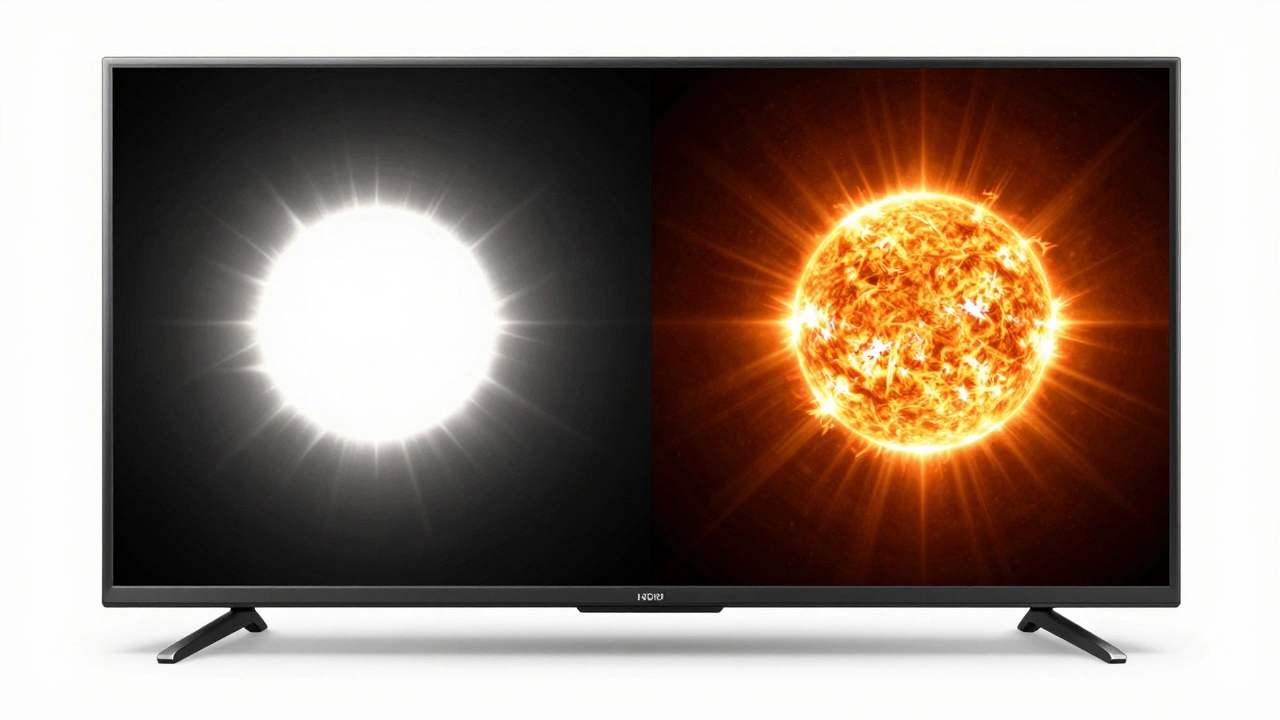
But here’s the problem: if your film has a scene that peaks at 2,500 nits - say, a solar flare in space - and your HDR10 master caps at 1,000 nits, the TV will clip it. It’ll crush the highlight. You lose detail. And viewers notice. They don’t know what HDR10 is, but they know when the sun looks like a white blob.
HDR10’s simplicity is its strength and its weakness. You don’t need special tools to create it. DaVinci Resolve, Adobe Premiere Pro, and even free tools like HandBrake can generate HDR10 masters. But that ease comes at the cost of precision.
Delivery Requirements: What Platforms Actually Want
Streaming platforms have clear, non-negotiable specs. Here’s what you’re up against in 2026:
| Platform | Required HDR Format | Peak Brightness | Color Gamut | Bit Depth | Codec |
|---|---|---|---|---|---|
| Netflix | Dolby Vision (primary) HDR10 (fallback) |
1,000-4,000 nits | P3 | 10-bit | HEVC |
| Apple TV+ | Dolby Vision only | 1,000-10,000 nits | P3 | 10-bit | HEVC |
| Amazon Prime Video | Dolby Vision or HDR10+ | 1,000-4,000 nits | P3 | 10-bit | HEVC |
| Hulu | HDR10 | 1,000 nits | P3 | 10-bit | HEVC |
| YouTube | HDR10 (recommended) | 1,000 nits | P3 | 10-bit | HEVC |
Notice something? Every major platform requires 10-bit color and P3 gamut. That’s non-negotiable. And every one except YouTube and Hulu strongly prefers or demands Dolby Vision. If you deliver only HDR10 to Apple TV+, your film won’t even be accepted. Period.
The Mastering Workflow: Step by Step
Here’s how a professional HDR delivery workflow looks in 2026:
- Start with a 12-bit log camera master (from ARRI, RED, or Sony Venice).
- Grade in a color-accurate, HDR-capable suite (like DaVinci Resolve Studio) using a calibrated Dolby Vision monitor.
- Set your mastering target: Rec.2020 color space, 1,000 nits minimum, 4,000 nits maximum.
- Generate the primary HDR10 master with static metadata (for fallback and Blu-ray).
- Create the Dolby Vision dynamic metadata stream using Dolby’s proprietary tools - this requires a license and a certified workflow.
- Package both masters into a single HEVC file with embedded audio and subtitles.
- Validate using Dolby’s Media Validator or a third-party checker like SGO Mistika.
- Deliver to platform specs - usually as a single .mp4 or .mxf file.
Skipping steps? You’ll get rejected. A common mistake is grading on an SDR monitor and then "converting" to HDR later. That doesn’t work. HDR isn’t a filter. It’s a different creative process. You’re not just making colors brighter - you’re rethinking contrast, shadow depth, and highlight detail from the ground up.
Common Mistakes and How to Avoid Them
Even experienced colorists mess this up. Here are the top three errors:
- Grading for SDR first: Many think, "I’ll make it look good on my TV, then convert." That’s like painting a mural on a wall and then trying to shrink it to fit a postcard. The result is flat, lifeless, and lacks punch. Always grade for HDR first.
- Using 8-bit files: HDR needs 10-bit or higher. 8-bit causes banding in gradients - skies turn into stripes. Always work in 10-bit or 12-bit internally.
- Ignoring metadata: If your Dolby Vision metadata is missing or corrupted, the TV falls back to HDR10 - and you lose all the dynamic adjustments. Always validate metadata separately before delivery.
What About HDR10+?
HDR10+ is Samsung’s answer to Dolby Vision. It adds dynamic metadata like Dolby Vision, but it’s open-source. It’s supported on Samsung TVs, some Amazon Fire devices, and a few streaming services. But it’s not widely adopted in professional film delivery. Most studios still go with Dolby Vision because of its ecosystem, certification, and industry trust. Unless you’re targeting Samsung’s ecosystem exclusively, HDR10+ is not a reliable primary format.
Final Checklist for Film Deliverables
Before you hit send on your HDR master, run this checklist:
- Is the master encoded in HEVC (H.265), not H.264?
- Is the bit depth 10-bit or higher?
- Is the color space Rec.2020 with P3 gamut mapping?
- Is Dolby Vision metadata embedded and validated?
- Is there a fallback HDR10 master included?
- Have you tested playback on at least two HDR-capable TVs?
- Did you get a signed delivery confirmation from your platform?
If you answered "yes" to all, you’re ready. If not, go back. There’s no second chance. Once a film is delivered, it’s locked in. Viewers won’t know the difference between a great HDR master and a poor one - but they’ll feel it. And they’ll remember it.
Can I deliver HDR10 instead of Dolby Vision?
You can deliver HDR10, but only if the platform accepts it. Apple TV+ and Netflix require Dolby Vision for premium content. If you deliver only HDR10 to those platforms, your film will be rejected. For YouTube and Hulu, HDR10 is acceptable - but you’re giving up the best possible image quality.
Do I need a Dolby Vision license to master my film?
Yes, if you want to create a Dolby Vision master. Dolby requires a paid license to access their mastering tools and generate valid dynamic metadata. Without it, you can’t legally produce a Dolby Vision file. Many post-production houses offer mastering as a service - you don’t need to buy the license yourself.
Is HDR10 still worth using in 2026?
Absolutely. HDR10 is the universal fallback. Even if you deliver Dolby Vision, you still need an HDR10 version for Blu-ray discs, older TVs, and platforms that don’t support dynamic metadata. It’s not the best - but it’s the most compatible. Every HDR master should include both.
What’s the difference between HDR10 and HDR10+?
HDR10+ adds dynamic metadata like Dolby Vision, but it’s open-source and backed mainly by Samsung. Dolby Vision has broader industry support, better tooling, and more reliable validation. HDR10+ is a good option for Samsung devices, but Dolby Vision remains the gold standard for film delivery.
Can I master HDR in DaVinci Resolve without Dolby Vision?
Yes, you can create an HDR10 master in DaVinci Resolve without a Dolby license. But if you want Dolby Vision, you need the Dolby Vision plugin, a certified monitor, and a license. Resolve can generate the base HDR10 file, but it can’t create valid Dolby Vision metadata without Dolby’s tools.