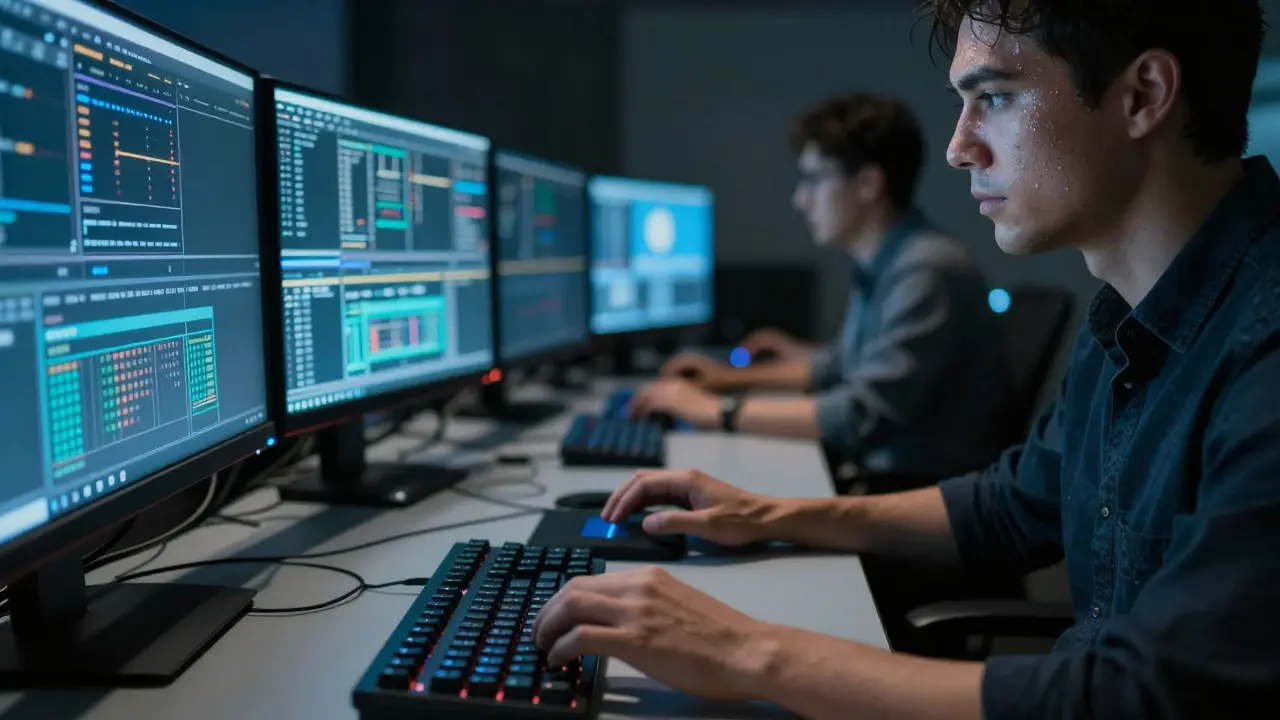
There is a specific kind of panic that sets in when the delivery date for a commercial spot moves up by two weeks. You have forty shots of background removal to do, and your team is already stretched thin. For years, the answer was simple: hire more artists or work longer hours. But now, there is a third option sitting on your desktop. AI-assisted VFX tools are software applications that use machine learning to automate complex visual effects tasks like rotoscoping, tracking, and color correction. These tools promise to cut production time in half, but at what cost? The core tension in modern post-production isn't just about technology; it's about whether speed compromises the artistic integrity of the final image.
You don't need a PhD in computer science to understand why this matters. If you are a post-supervisor, a lead compositor, or even a director who cares about how their movie looks, you are facing a choice. Do you trust an algorithm to clean up a shot, or do you keep a human hand on the wheel? The reality is that neither extreme is viable anymore. The industry has shifted toward a hybrid model where AI handles the heavy lifting, and humans handle the nuance. Let’s look at how this balance actually works in a real-world pipeline.
The Bottleneck: Why Traditional Workflows Struggle
To appreciate the value of automation, you have to understand the pain points of traditional methods. Visual effects are inherently manual. Rotoscoping, for example, involves tracing around objects frame-by-frame to create masks. In a standard 24fps sequence, a single minute of footage requires 1,440 individual frames. If a skilled artist takes 30 seconds per frame, that is over 12 hours of work for one minute of screen time. Multiply that by a feature film with hundreds of VFX shots, and the math becomes terrifying.
This labor-intensive process creates bottlenecks. When a client requests a change, the entire chain reaction starts again. Tracking markers might need re-alignment. Backgrounds might need to be repainted. Every manual adjustment consumes billable hours. This is where automated rotoscoping enters the conversation. By using deep learning models trained on millions of images, software can predict where edges should be across multiple frames. It doesn't just guess; it learns from context. If a character moves behind a tree, the AI predicts the occlusion based on motion vectors and previous frames. This isn't magic, but it feels close enough to save days of work.
Speed Metrics: What AI Actually Saves
Let's get concrete. How much time are we talking about? In recent case studies from mid-sized post houses, the integration of AI-driven tracking and masking tools reduced pre-compositing setup time by approximately 40% to 60%. For a project with 500 shots, that translates to saving several hundred artist-hours. But the savings aren't uniform across all tasks.
| VFX Task | Traditional Time (per minute of footage) | AI-Assisted Time (per minute of footage) | Estimated Efficiency Gain |
|---|---|---|---|
| Rotoscoping (Simple Shapes) | 8-12 hours | 1-2 hours (Review/Refine) | ~80% |
| Camera Tracking | 4-6 hours | 30 mins - 1 hour | ~75% |
| Background Cleanup | 10-15 hours | 3-5 hours | ~60% |
| Complex Hair/Fur Integration | 20+ hours | 15+ hours | ~25% |
Notice the trend. Simple, geometric tasks see massive gains. Complex, organic tasks see moderate gains. This distinction is crucial. If your project is full of hard-edged graphics, signs, or clean architecture, AI will fly. If your project features wind-blown hair, smoke, or liquid simulations, the AI helps, but the artist still does most of the work. Knowing which tasks to automate and which to keep manual is the first step in optimizing your pipeline.
The Quality Trap: Where Algorithms Fail
Here is the catch. Speed is easy to measure. Quality is subjective. An AI tool might generate a perfect mask for 99% of a shot, but miss the subtle interaction between a shadow and a fabric fold in the remaining 1%. To a casual viewer, it looks fine. To a cinematographer or a colorist, it looks broken. This is the "quality trap."
Generative AI, specifically, introduces new risks. Unlike traditional interpolation, which calculates missing data based on surrounding pixels, generative models often hallucinate details. They might invent a texture that wasn't there or smooth out grain that was intentional. In post-production color grading, for instance, AI-powered LUTs (Look-Up Tables) can quickly match scenes shot on different cameras. However, they sometimes struggle with skin tones in high-contrast lighting, resulting in a waxy or unnatural appearance. The algorithm optimizes for statistical probability, not aesthetic intent. It doesn't know that the director wanted the shadows to feel cold and harsh; it just knows that dark pixels usually go with blueish hues.
This disconnect leads to a phenomenon known as "the uncanny valley of efficiency." You save time, but you spend it fixing errors that are harder to spot because the overall image looks polished. The error isn't obvious; it's subtle. It's a flicker in a reflection. It's a slight mismatch in lens distortion. These issues require a trained eye to catch, which brings us back to the human element.
The Hybrid Workflow: Humans in the Loop
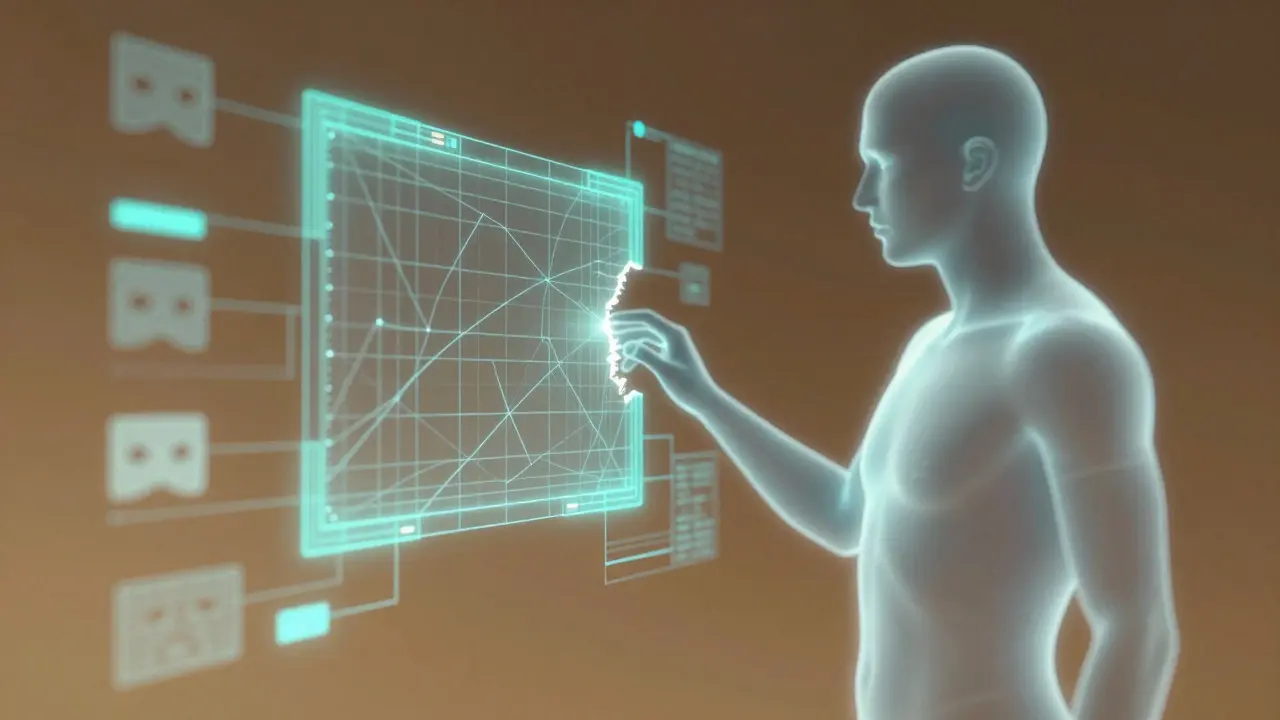
The solution isn't to choose between AI and humans. It's to define clear roles. The most successful post-production facilities today operate on a "Human-in-the-Loop" model. Here, AI acts as a junior assistant that does the first pass, and senior artists act as supervisors who refine the output.
- Ingestion and Analysis: Raw footage is fed into the system. AI analyzes motion vectors, identifies key objects, and suggests initial masks or tracks.
- Automated Execution: The software applies the suggested VFX. A background is removed, a logo is tracked, or a grade is applied.
- Human Review: Artists review the results. They don't start from scratch; they start from a 90% complete state. They fix the edges, adjust the lighting, and ensure continuity.
- Final Polish: The human artist adds the "soul"-subtle imperfections, intentional artifacts, or stylistic choices that make the shot feel authentic.
This workflow changes the skill set required for VFX artists. Instead of spending 80% of their day drawing masks, they spend 80% of their day evaluating AI outputs. They need to understand how the algorithm thinks. They need to know its biases. For example, if you know that a specific AI tracker struggles with fast camera pans, you can manually constrain the tracking area before running the job. This proactive management saves time rather than wasting it on cleanup.
Cost Implications and ROI
Does the speed justify the cost? AI tools come with licensing fees, training costs, and hardware upgrades. Most advanced AI VFX suites require powerful GPUs to run locally or rely on cloud rendering, which incurs usage-based costs. However, the Return on Investment (ROI) is generally positive for projects with tight deadlines or high shot counts.
Consider the opportunity cost. If you save 100 hours on a project, you can either deliver earlier or take on another project. In a competitive market, delivering early can win clients. Taking on more projects increases revenue without increasing headcount. The break-even point usually occurs within the first three to six months of consistent use. After that, the savings accumulate. For smaller studios, the cloud-based pricing models offer a lower barrier to entry, allowing them to access enterprise-level tools without buying expensive servers.
Future Trends: Beyond Automation
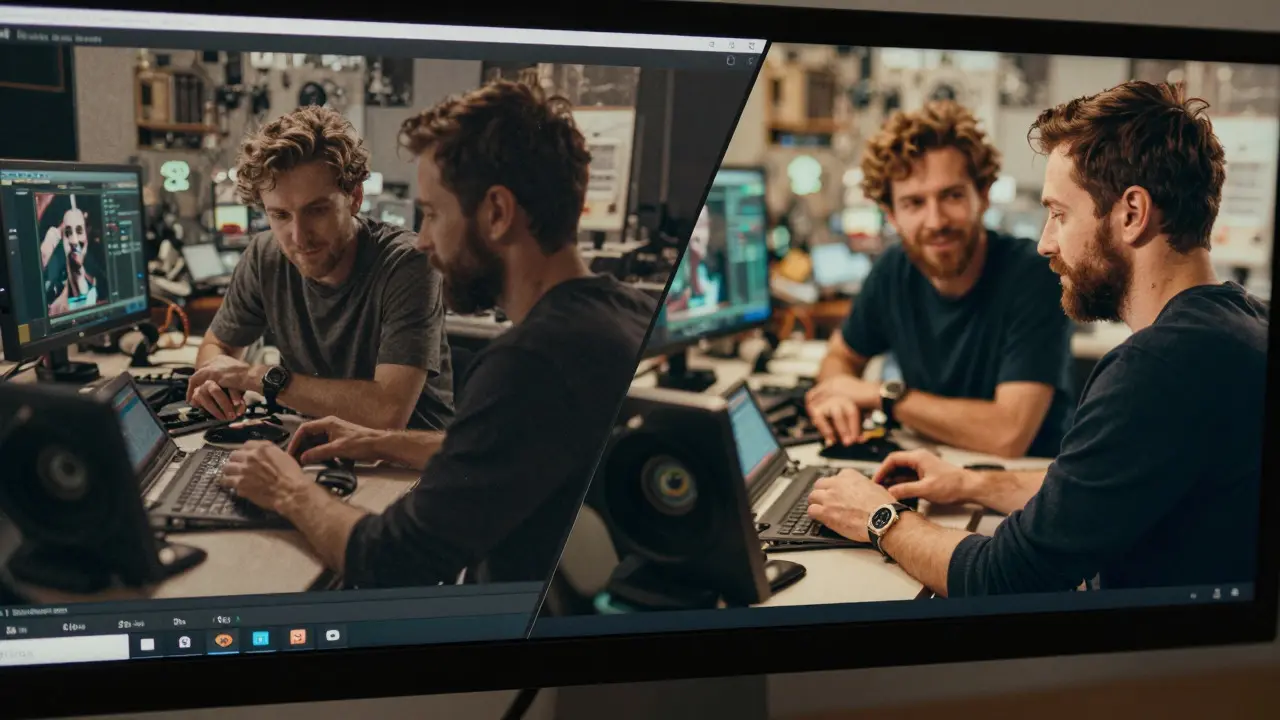
We are currently in the early stages of AI integration. The next few years will likely see a shift from task-specific tools to unified creative platforms. Imagine a system where you describe a scene in natural language, and the AI generates a preliminary composite, including lighting, color, and basic effects. While this sounds futuristic, the underlying technology is already advancing rapidly. Neural Rendering techniques are beginning to replace traditional ray tracing in some preview workflows, offering faster feedback loops for artists.
However, the fundamental dynamic will remain. As long as cinema is an art form, humans will need to make creative decisions. AI will continue to expand the toolkit, giving artists more options and less drudgery. The goal isn't to replace the artist, but to free them from the repetitive tasks so they can focus on storytelling. The best VFX are invisible. The best AI tools are also invisible-they work quietly in the background, enabling the human vision to shine through.
Frequently Asked Questions
Do AI VFX tools replace VFX artists?
No, they augment them. AI handles repetitive, data-heavy tasks like rotoscoping and tracking, allowing artists to focus on creative problem-solving, lighting, and final polish. The role shifts from execution to supervision and refinement.
What is the biggest quality risk with AI in post-production?
The biggest risk is subtle inconsistency. AI may produce statistically correct but aesthetically wrong results, such as unnatural skin tones or flickering reflections. These errors are hard to detect without a trained eye, leading to potential rework if not caught during review.
How much does AI-assisted VFX cost compared to manual work?
While there are upfront costs for software licenses and potentially higher-end hardware, the operational cost per shot decreases significantly. For high-volume projects, AI tools typically reduce total post-production costs by 20-40% due to reduced artist hours.
Which VFX tasks benefit most from AI automation?
Tasks with clear geometric boundaries or repetitive patterns benefit most. Rotoscoping of hard-edged objects, camera tracking, background cleanup, and basic color matching see the highest efficiency gains. Organic elements like hair, smoke, and liquids require more human intervention.
Is cloud-based AI VFX secure for confidential projects?
Security depends on the provider. Major platforms offer end-to-end encryption and compliance with industry standards like ISO 27001. However, some studios prefer local processing to maintain full control over data. It is essential to review the vendor's data retention policies and security certifications before uploading sensitive footage.


Comments(7)